

YouMind Skills Gallery
Skills is your best partner for learning and creating in YouMind, assisting you in reading and thinking.
Turn your skill into rewards
Publish your skill, set your price, and earn rewards on every install. Redeem for credits or rewards.
View detailEditor's pick
See all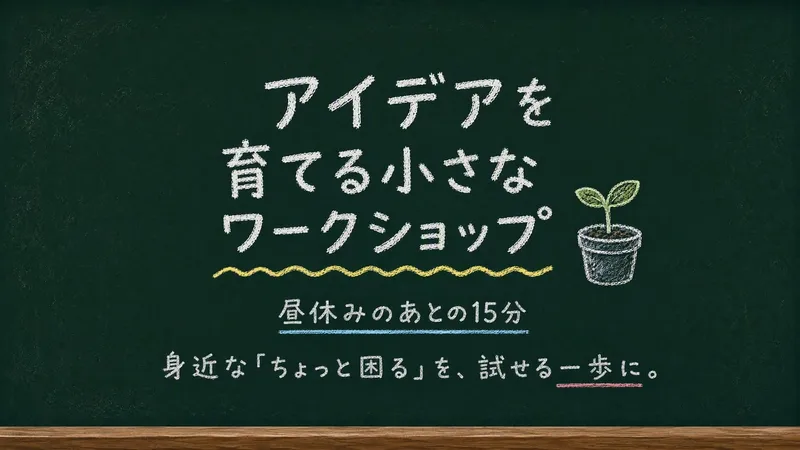
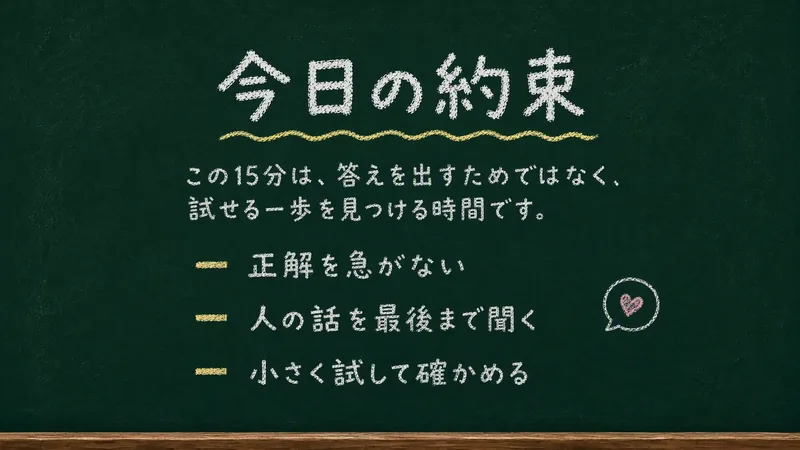
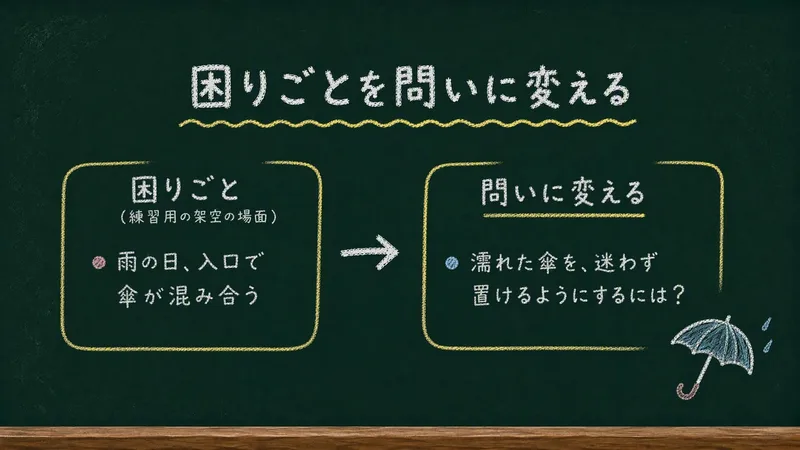
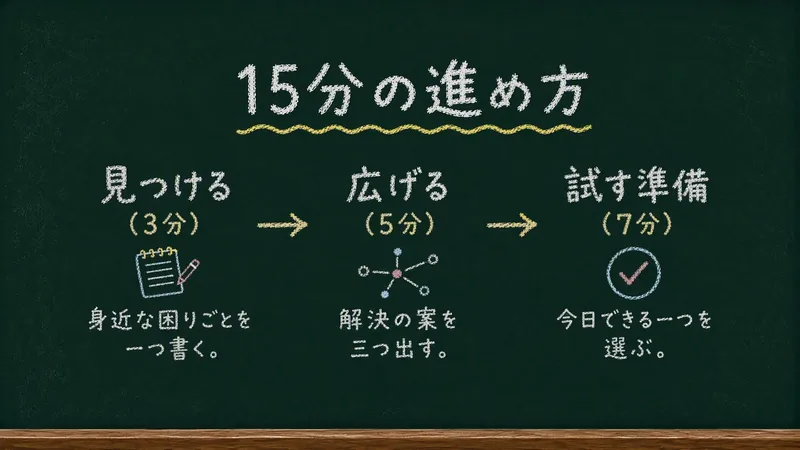
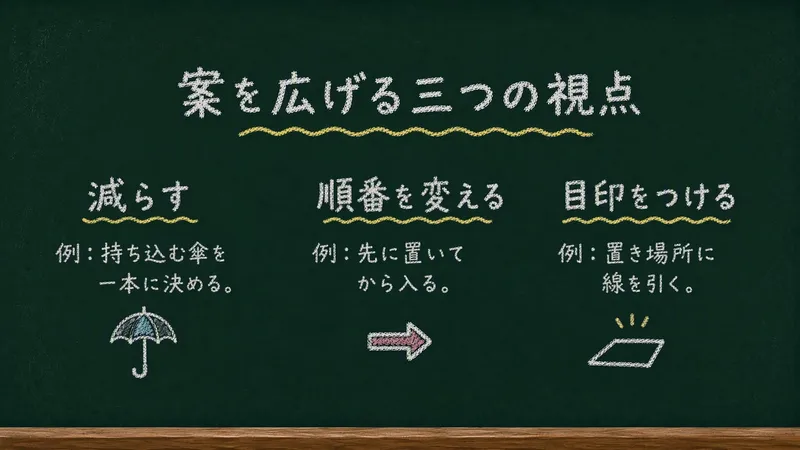
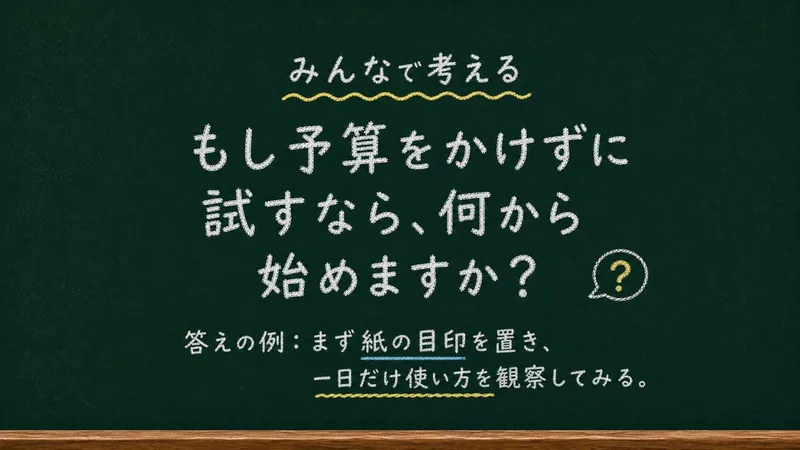
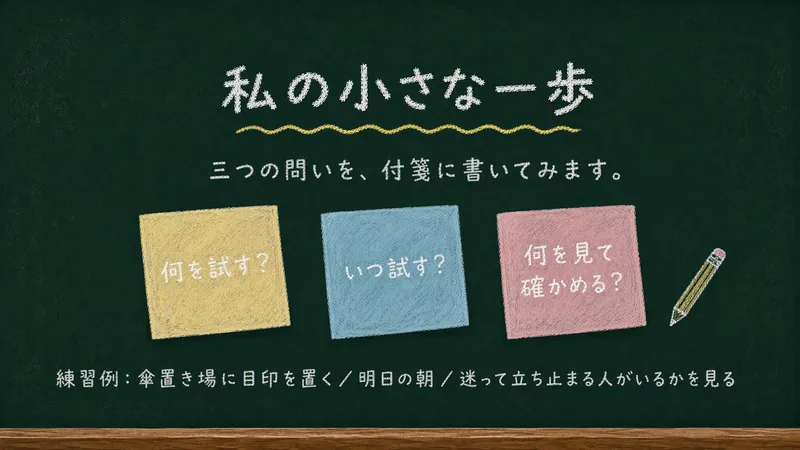
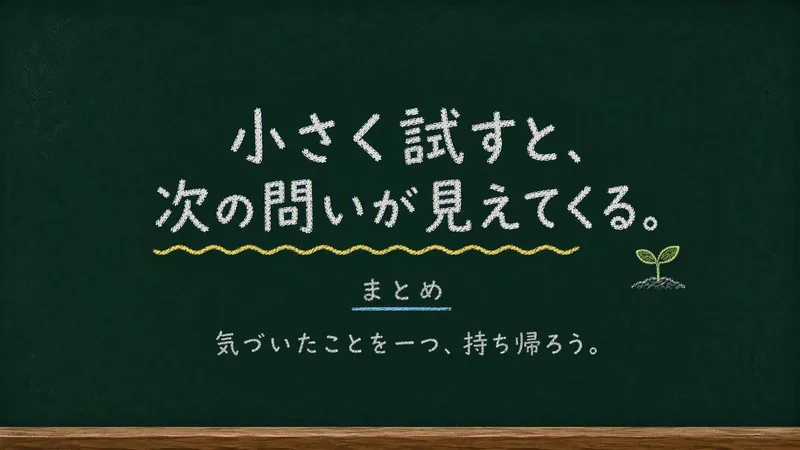
Chalkboard Chalk Presentation
Creates static 16:9 slides on a deep green chalkboard, with rounded chalk lettering and simple doodles. Suitable for casual lessons, internal presentations, workshops, and learning showcases.
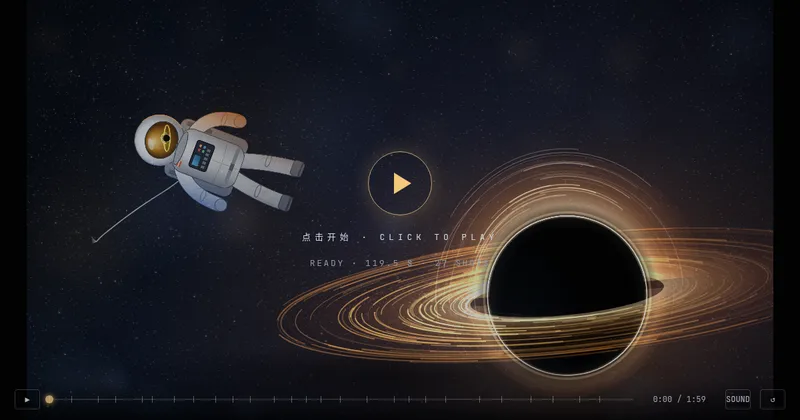
Textured Particle Science Animation
Enter a scientific concept. I’ll research it online and write a storyboard script for your approval, then gather licensed real photos and build a particle-and-vector Canvas educational animation webpage lasting about 2 minutes (customizable). The style combines a premium science documentary with museum-grade scientific visualization: six-layer parallax composition, full-frame layouts without clutter, finely rendered vector subjects with clear lighting, global bloom and film grain, plus gold-and-white starburst particles, large text, and semantic color coding. On-screen text is optimized for small phone screens, keeping only a few large Chinese key labels and clear subtitles. It includes a validated text-particle engine, consistent coordinate rules, a single-track BGM soundtrack, and shot-by-shot screenshot review. The result can be played and exported as a video with sound.
 Research
Weekly Philosophy Frontiers
First, enter the philosophy fields, optional subtopics, key figures, and keywords you want to follow. The Skill then searches for new English-language philosophical publications and academic events from the past seven days, checks your existing materials to remove duplicates, ranks the results by relevance, and produces a Chinese or multilingual weekly briefing based on your language. The briefing is saved as a document, and you are then asked whether to set up a weekly scheduled task.
 Write
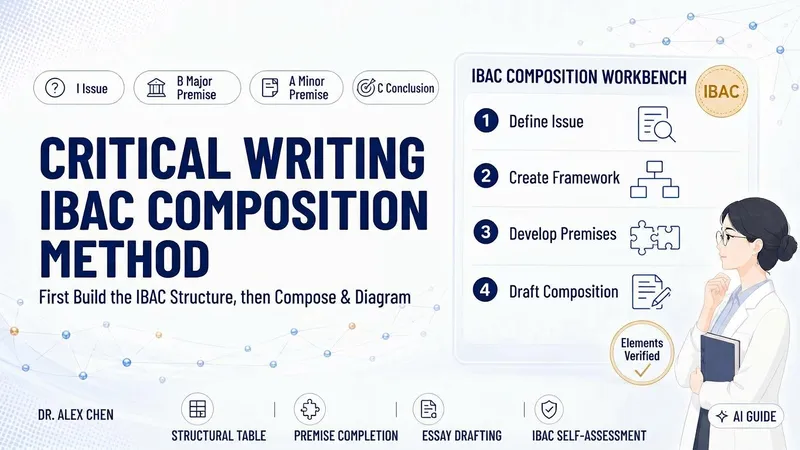
WriteCritical Writing · IBAC
Many articles lack depth not because of the writing, but because the author has not fully clarified what question they are answering or why their conclusion follows. This skill uses Tian Hongyun’s critical writing structure, IBAC— I: Issue, B: major premise (hidden assumptions and beliefs), A: minor premise (facts and evidence), and C: Conclusion—to first narrow a topic into an arguable question, then create an IBAC argument map and pause for your confirmation. Once confirmed, it turns the framework into a complete argumentative essay, along with a hand-drawn marker-style structure diagram and an IBAC self-checklist that identifies, point by point, where premises remain weak and where evidence is missing. It does not embellish or fabricate: wherever evidence is insufficient, it writes “evidence needed” rather than glossing over the gap with rhetoric. Suitable for academic writing, science communication, workplace writing, and independent media, with flexible use across contexts.
 Video
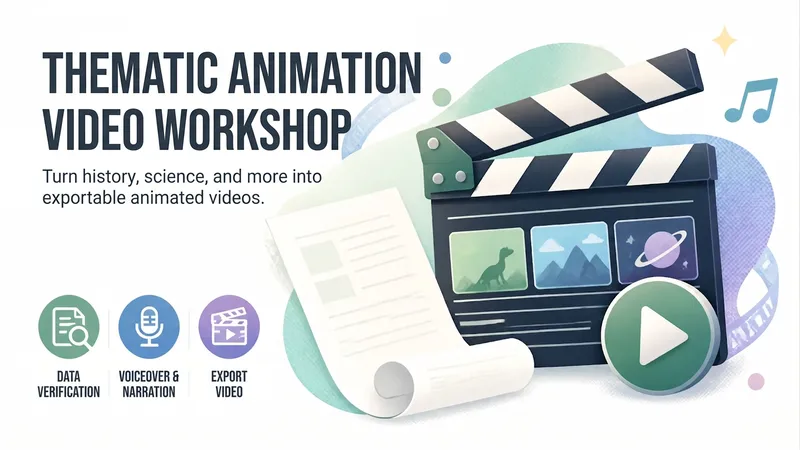
VideoAnimated Video Studio
Enter any topic and choose from 16 animation styles. It automatically handles fact-checking, scene-by-scene scripting, voiceover narration, visual assets, and an animated web page to create a 3–10 minute animated video with subtitles and music. It also includes “Export MP4” for direct downloads. Optimized for Opus 5.5.
Weekly top
 Video
Video<Neon> Duo Dance Video
Make any characters perform the Neon duo dance! Upload character images of people, animals, robots, or fantasy creatures, choose your background, and recreate the template's dance moves and camera movements. Generated with Seedance 2.5, with the estimated credit cost confirmed before generation. You can extract the soundtrack from the showcase video.
 Slides
YouMind Beans Slides
Turn slide copy into finished 16:9 English slide images in a pure blue/white visual system, with YouMind's six fluffy bean mascots (Mira, Liz, Peanut, Bobo, Raddie, Bean) acting out each slide's idea.
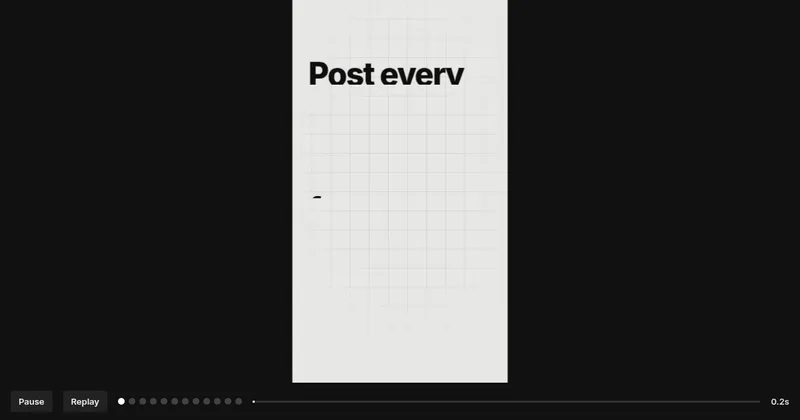
Article to Vertical Minimal Motion
Turn any article, link, file, or idea into a 9:16 vertical black-and-white minimalist motion video built from kinetic typography and line infographics. Only black and gray are used, every idea becomes a concrete visual structure, and the pacing builds from a single word to a dense climax frame. You first get an English storyboard to confirm. It then becomes a video-exportable motion webpage, laid out on a strict UI layout system with nested containers and an 8pt grid, plus a built-in check that no text overlaps, overflows, or gets clipped.
 Video
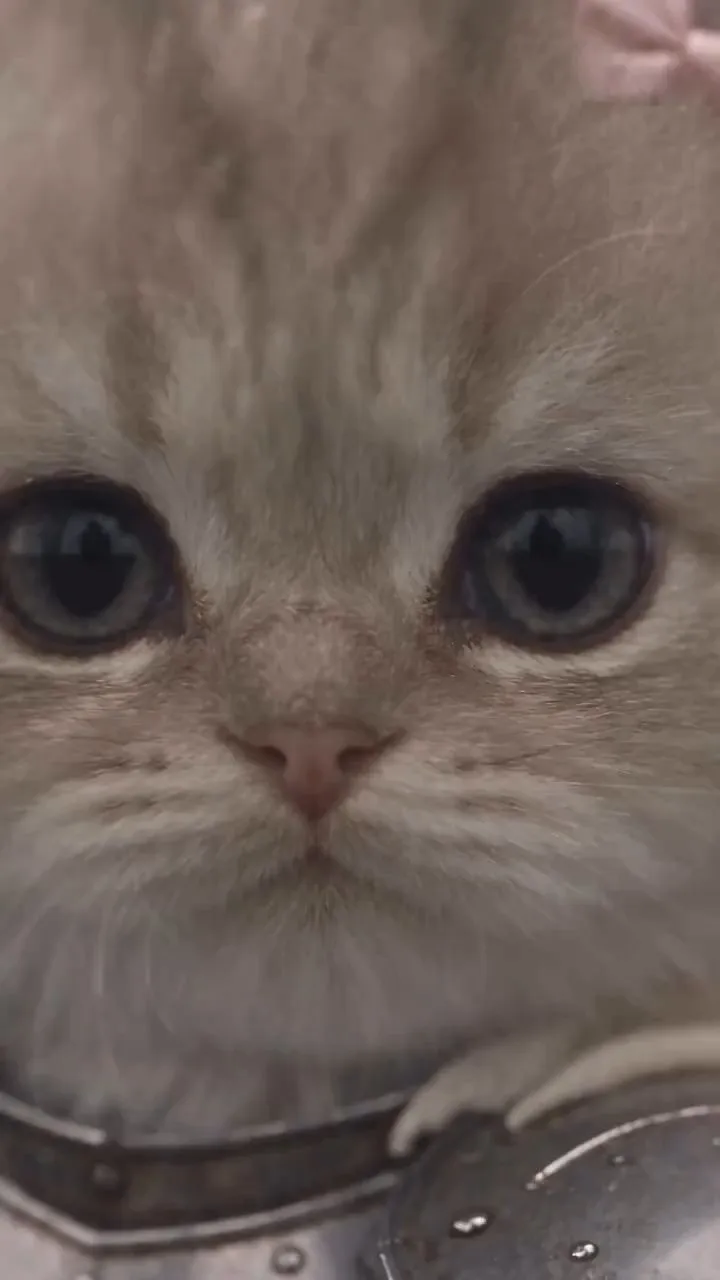
VideoKnight Me: Armor & Cat Video
Upload one portrait photo to get a tailor-made, elegant silver medieval armor character sheet with a stern battle-ready expression, then star in a fixed knight-and-cat video: the knight is replaced by you while the cat and everything else stay unchanged.
 Image
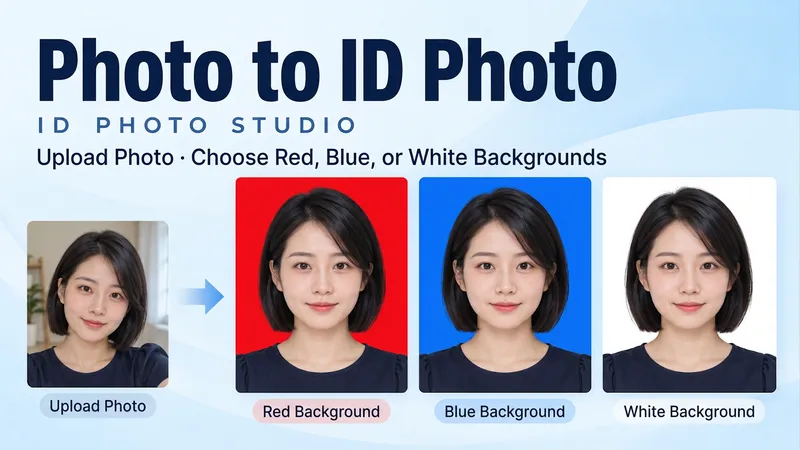
ImageID Photo Studio
Upload a portrait to generate a clean, natural ID photo with your choice of a red, blue, or white background, or get all three colors at once. Turn casual snapshots into frontal, evenly lit head-and-shoulders portraits. Facial features, hair, glasses, and personal details are preserved, with your original clothing kept by default. You can also request a specific shirt or jacket. • Choose from red, blue, or white backgrounds. • Get matched three-color versions with consistent facial expressions, clothing, and composition. • Adjust dimensions as needed by specifying pixels or print width and height. • Supports both Chinese and English, with text-free final images. Try it now: Upload a photo and say, "Make a blue-background ID photo and keep my original clothes," or "Give me red, blue, and white background versions with no beauty filtering."
 Image
ImageImpossible Editorial
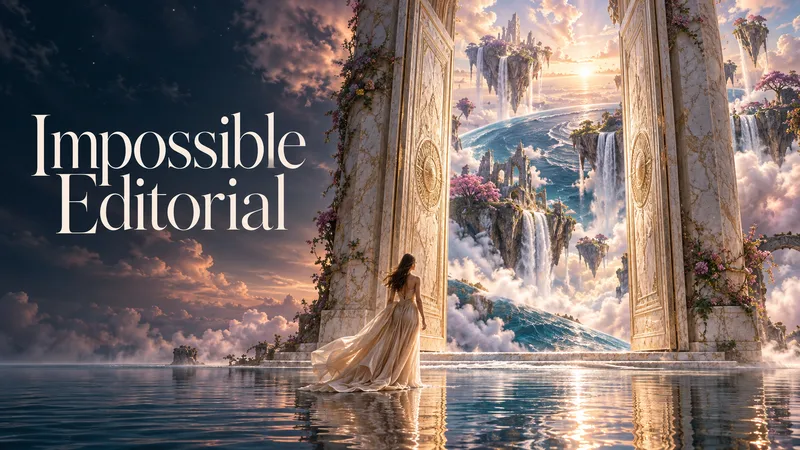
Some images show you the world. Others make you wish it existed. Impossible Editorial turns objects, emotions, and everyday ideas into mesmerizing surreal worlds with the convincing beauty of photography. Start with a few words or describe an entire scene. No prompt-writing experience needed. The studio develops three distinct creative directions, designing the atmosphere, setting, light, materials, and composition together. WHAT CAN YOU ENTER? An ordinary subject: “A bookstore.” An emotion: “The feeling of missing a place that never existed.” An impossible moment: “A baker preparing tomorrow’s sunrise.” A detailed scene: “A woman weaving rain in an old atelier. Let the rain transform the room and the city beyond its windows. Poetic, luminous, and photorealistic.” Or give the studio creative freedom: “Surprise me with three extraordinary dream worlds. Make each feel emotionally different and convincingly photographed.” You can also attach a reference image and explain what you want to preserve or transform. IMAGINATION ACROSS THE ENTIRE FRAME Discover scenes where the environment is part of the wonder. Architecture, nature, human gestures, and impossible transformations come together in a coherent visual story—from intimate poetic moments to breathtaking dreamscapes. PREVIEW FIRST. APPROVE. THEN CREATE. Review each scene’s explanation and complete image-generation prompt before production. Approve one, several, or all three proposed images. Every new generation stage—including revisions and variations—requires your approval. KEEP EXPLORING Choose a favorite and develop its atmosphere, composition, or viewpoint using the selected image as a reference. The conversation follows your language. Production prompts are provided in English by default. Bring a small idea. Discover a world you have never seen.

Orbit Ai
ORBIT AI is your all-in-one thinking and execution assistant. Turn complex problems, raw ideas, and ambitious goals into clear insights and actionable results. Discover a connected workflow for research, deep analysis, strategic planning, decision-making, problem-solving, content creation, and continuous improvement. Whether you're a student, creator, entrepreneur, professional, or simply someone with a goal to achieve, ORBIT AI helps you evaluate options, identify risks, organize priorities, and build practical action plans. What you can do with ORBIT AI: • Analyze problems and uncover root causes. • Research topics and synthesize information. • Compare options and make informed decisions. • Turn ideas into structured projects and strategies. • Create reports, proposals, plans, and other deliverables. • Review existing work and identify opportunities for improvement. One intelligent workflow. Multiple capabilities. Practical results. ORBIT AI adapts to your needs, distinguishes assumptions from verified information, and focuses on clarity, usefulness, and actionable outcomes.
 Image
ImageY2k Digital World
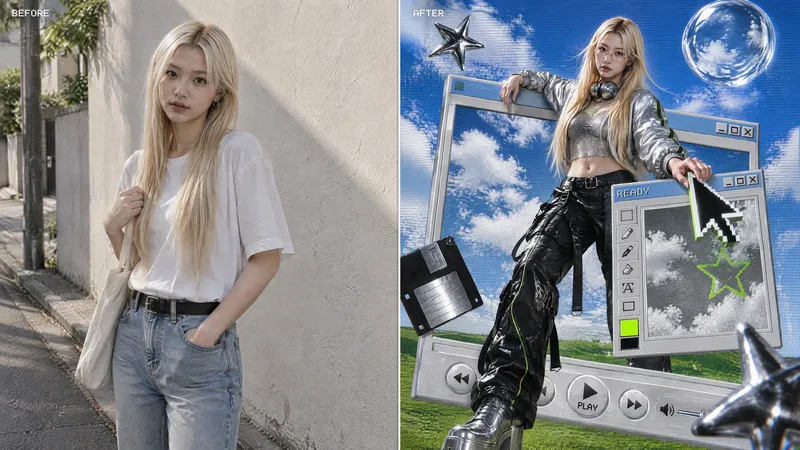
Transform an uploaded portrait photo into a 3:4 Y2K futuristic fashion poster where the person steps across retro desktop windows, blending pixel UI with faux-3D digital objects.
Crochet & knitting Master Assistant AI
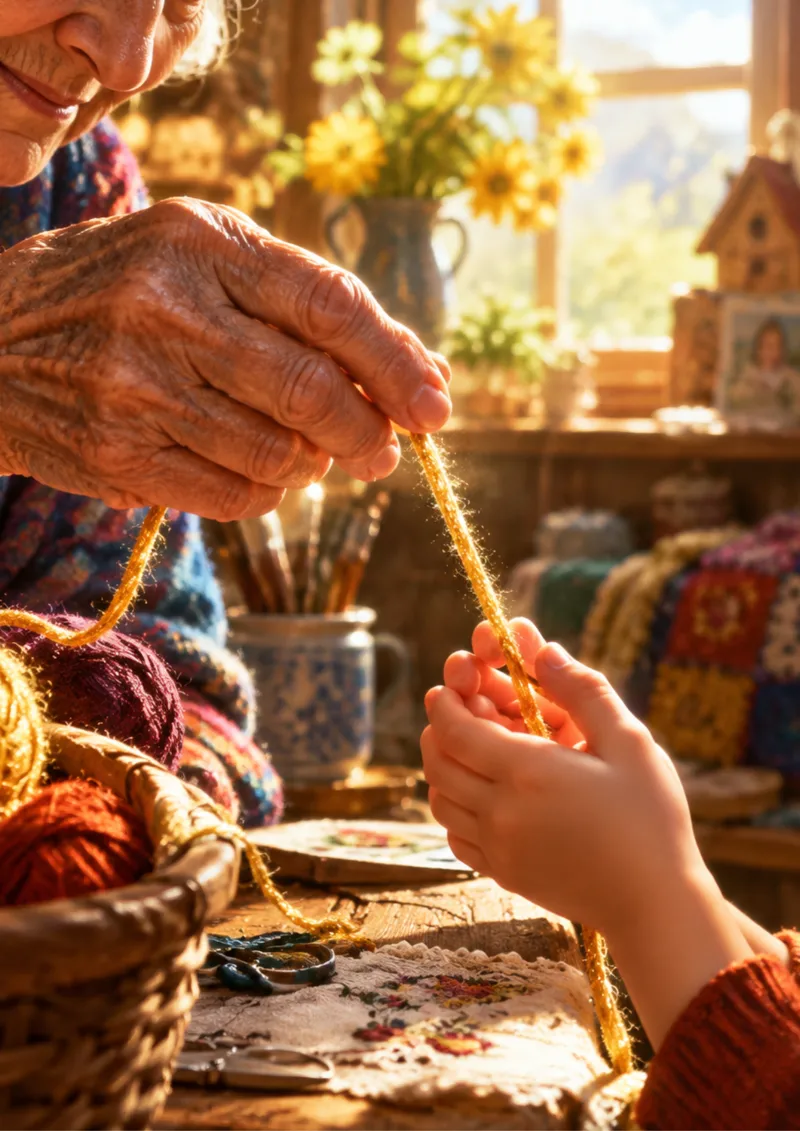
"An interactive expert assistant and creative mentor for crochet, knitting, and fiber arts, combining technical expertise with empathetic guidance to make every stitching project effortless, inspiring, and mistake-free. Positioning itself as a warm, intuitive Target Audience *Passionate Beginner: Needs clear stitch guidance, yarn/hook selection, terms translation. Pain points: Dropped stitches, uneven edges, terminology confusion, complex patterns. *Experienced Crafter: Needs advanced troubleshooting, pattern customization, garment resizing, converting sketches to line-by-line patterns. Pain points: Time-consuming calculations, scaling designs, fixing mistakes without frogging. *Small Business Owner: Needs rapid pattern drafting, standardized formatting, multi-language translation, collection brainstorming. Pain points: Pattern drafting speed, customer yarn queries., it bridges imagination and execution as a dynamic pattern generator, error diagnostic tool, and supportive coach. Core Features & Functionalities *Pattern Generator: Converts ideas or photos into structured row-by-row patterns with full specs (materials, hook sizes, gauge, abbreviations). *Error Diagnostics: Identifies issues (uneven borders, gaps, curling) and offers step-by-step techniques to repair mistakes without unraveling projects. *Terminology & Math Engine: Translates US/UK terms and multi-language stitch equivalents (English, French, Arabic); recalculates stitch counts for yarn weights or measurements. *Empathetic Coaching: Provides supportive feedback to stay motivated and asks targeted clarifying questions to deliver precise solutions.
 Image
ImageB&W Cartoon Avatar
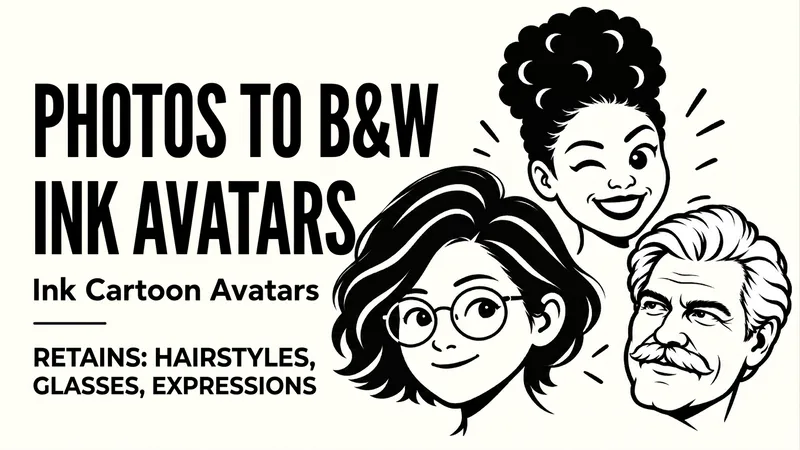
Upload a portrait to preserve defining features like hairstyle, glasses, and facial hair while generating a clean, recognizable black-and-white bold-line avatar. Upload a character photo to convert identifying features such as hairstyle, face shape, glasses, and facial hair into bold black outlines, black-and-white blocks, and expressive facial features. By default, it preserves the original orientation and natural expression, producing a text-free, 1:1 head avatar with a solid background. If you want a different mood, you can also say "playful wink," "calm and steady," or "make a set of expressions." For the same person, you can use the same hairstyle, frame, and face shape to create natural, playful, and steady looks respectively. It supports changing the background, aspect ratio, quantity, and creating truly transparent backgrounds when supported by the tool. Great for social media avatars, personal branding, community member icons, and digital sticker visuals. After generation, it checks against the original photo for hairstyle, glasses, facial hair, stray lines, and avatar cropping margins, making targeted corrections when clear issues arise. Examples: "Make a black-and-white avatar from this photo, keeping the round glasses and short curly hair, with a closed-mouth smile." "Keep the white hair and mustache, make a calm expression, no glasses."
 Image
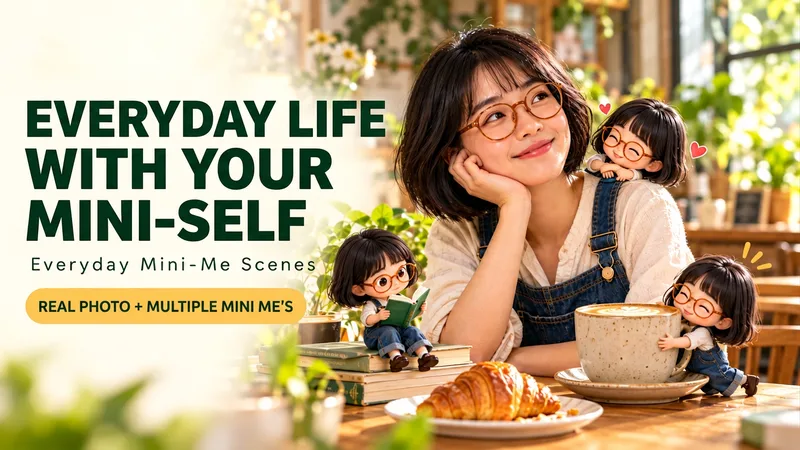
ImageLive with Mini You
Upload a portrait and let a few matching mini cartoon selves join you for coffee, work, or a weekend. Upload a person's photo or describe a fictional character to place a realistic protagonist and multiple 3D cartoon mini selves into the same everyday scene. One sits on your shoulder, one daydreams, one sips coffee by the desk; hairstyles, glasses, and outfits echo one another, with each mini self having its own action and placement. Three new creation examples: Slow Coffee Time, Rainy Reading Nook, and Balcony Garden. You can also switch to your own desk, travel, or hobby scenes. By default, it generates one 3:4 vertical image with five mini selves and no added text; you can adjust the count, actions, scene, aspect ratio, and color scheme. Supports direct use in Chinese and English, as well as Chinese speech bubbles, English speech bubbles, text-free versions, and tailored Chinese and English versions upon request. When brainstorming first, you can request Chinese, English, or bilingual prompts only. You can say: "Use this photo for a rainy reading nook, keep the round glasses, 5 mini selves, add 'Read slowly' and 'Take a break'." What if a few tiny versions of you came along for the day? Upload a portrait or describe a fictional person. Create a photographic everyday scene with matching tiny 3D cartoon selves—reading on a chair arm, enjoying a coffee break, or tending a little balcony garden. Shared hair, glasses and outfit details make them feel like you; distinct actions and grounded shadows make them belong in the scene. Start with Coffee Pause, Rainy Reading or Balcony Garden, or create your own setting. The default is one vertical 3:4 image with five tiny selves and no added text. Customize the scene, actions, count, colors and aspect ratio. Use Chinese or English. Choose Chinese speech bubbles, English bubbles, text-free art, or separate localized versions. Prompt-only requests can be delivered in Chinese, English or both. Try: “Use my portrait for a cozy café scene with five tiny versions of me. Keep my curly hair and teal cardigan. Add ‘Slow down’ and ‘One more sip’.”
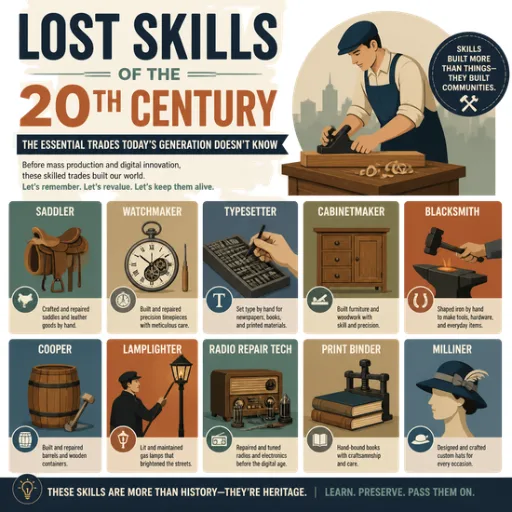
Lost Trades & Future Work Shifts
Deconstructing 20th-century vanished trades, analyzing their skills, identifying the causes of their disappearance, and linking them to forecasting future careers and Artificial Intelligence." تفكيك المهن المندثرة من القرن العشرين وتحليل مهاراتها، وتحديد سبب اختفائها، مع ربطها باستشراف المهن المستقبلية والذكاء الاصطناعي. الوسوم (Tags): AI Strategy, Future of Work, History, Prompt Engineering, Storytelling
 Image
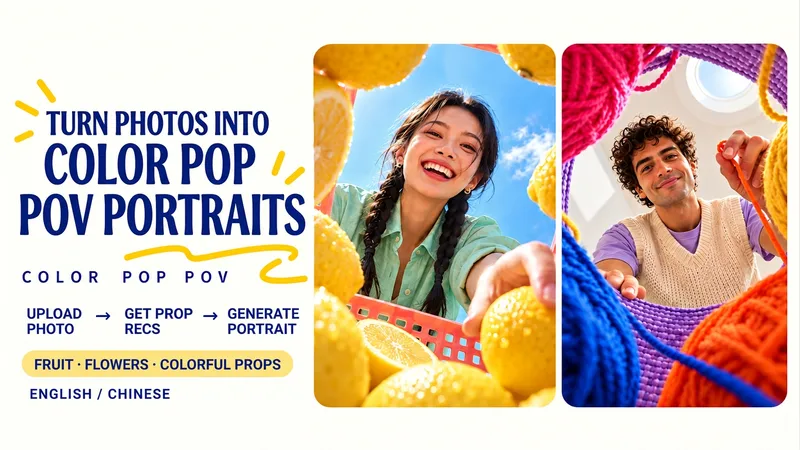
ImageColor Pop Low-Angle Portrait
Upload a portrait, receive tailored recommendations for fruits, flowers, or colorful items, and generate a wide-angle low-angle portrait shot from inside a prop container. Foreground props frame the lens while you lean over the scene with a clear sky or skylight in the background. Choose from lemon summer, cherry soda, colorful yarn crafts, tulips, bell peppers, building blocks, or your own favorite objects. Props and containers are coordinated with your clothing colors while keeping your recognizable facial features, hairstyle, glasses, and main outfit intact. Choose from three sets of pairings or simply say "surprise me and generate directly." Adjust props, containers, poses, color schemes, and aspect ratios. Generates a text-free 3:4 vertical image by default. Great for social media avatars, summer portraits, creative illustrations, and personal profile pages. Supports Chinese and English communication with bilingual prompts. Upload a portrait, discover three colorful prop pairings, then create a wide-angle portrait from below—framed by fruit, flowers or everyday objects. Lean over a lemon-filled basket, a cherry-red foreground or a ring of colorful yarn. Your clothing colors guide the props and container while your recognizable face, hair, glasses and main outfit stay central. Try tulips, peppers, toy blocks or your own favorite objects. Choose a pairing, name your props, or say “surprise me.” Customize the container, pose, colors and aspect ratio. One text-free 3:4 portrait by default, with Chinese and English conversation and optional bilingual prompts.
 Image
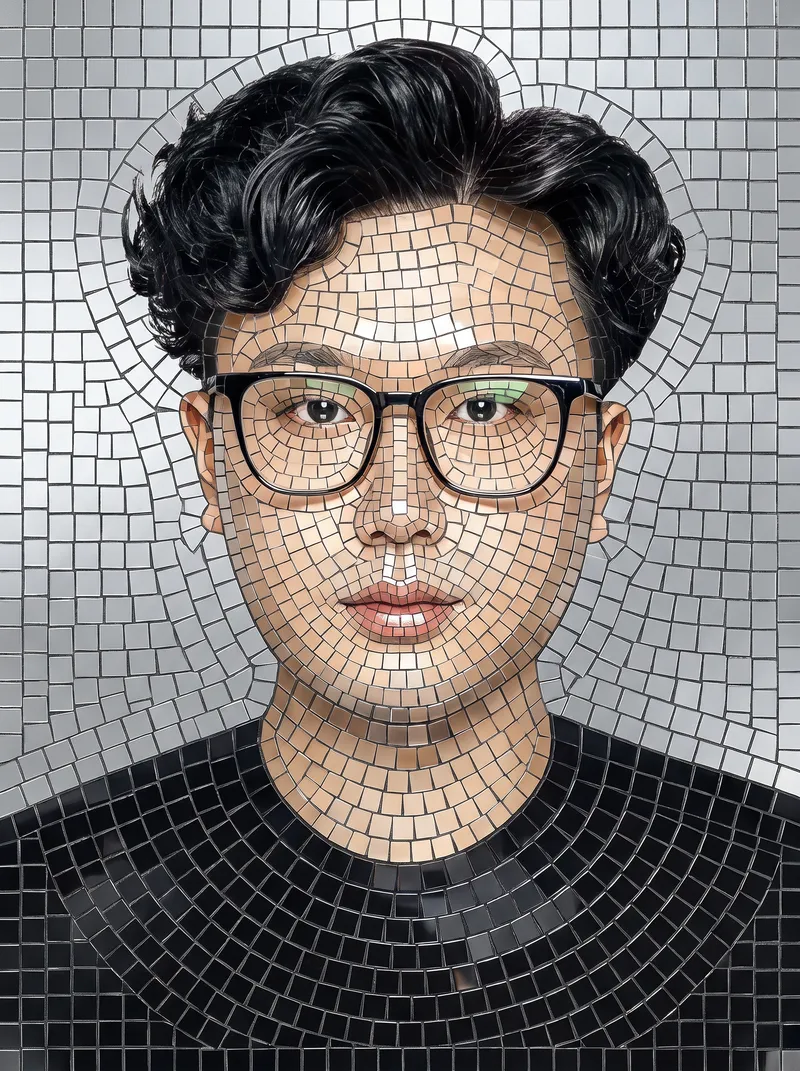
ImagePhoto Mosaic Art Generator
Upload any photo to automatically redraw it into mosaic art made of hundreds of small tiles and materials. Supports 8 styles: Classic Ceramic, Gold-Thread Marble, Vintage Faded, Stained Glass, Mirror Metal, Pebbles, Pixel Art, and Photo Fragments. Changes only the material style without altering facial features or adding random people. Customize the output aspect ratio (default 3:4) and quantity (default 1), compatible with mainstream image generation models.
 Image
ImageHoliday Photo Card Studio
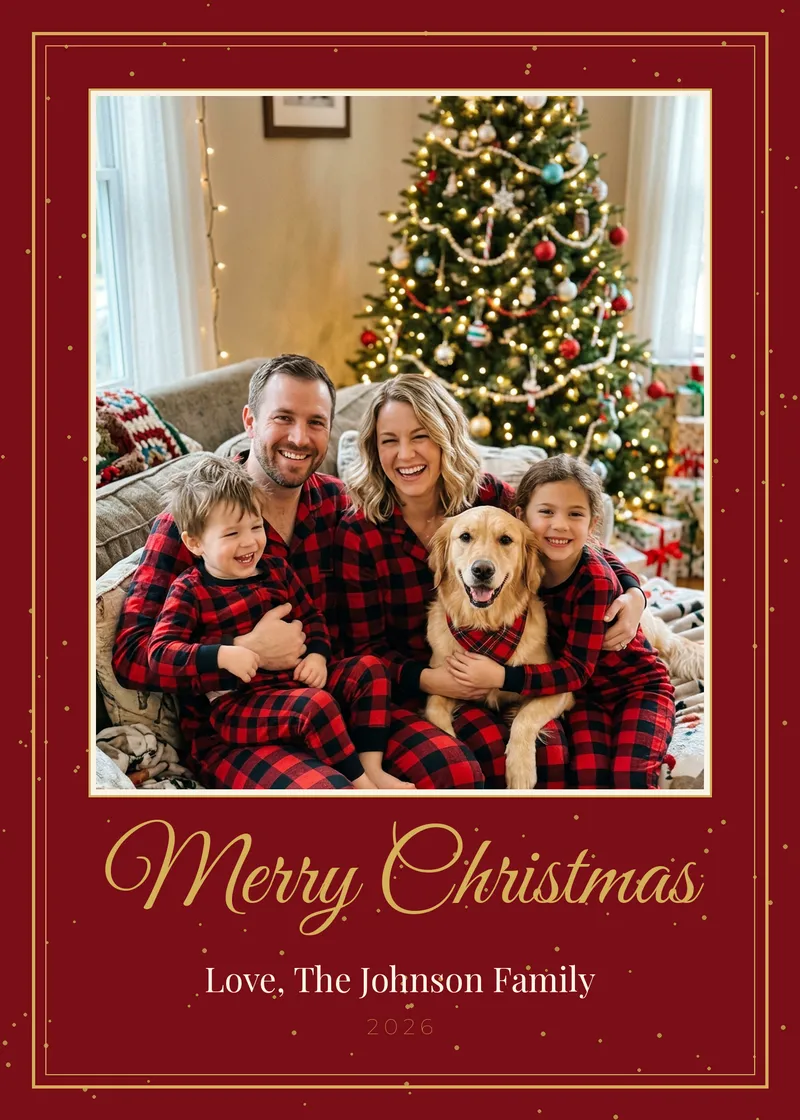
Make a holiday photo card that actually looks like your family. Most AI holiday cards repaint your faces and misspell your names. This Skill never touches the people in your photo: your picture is placed exactly as you took it, and every word (family name, greeting, year, names of kids and pets) is typeset with real fonts, so spelling is always right. Christmas, Hanukkah, Kwanzaa, Happy Holidays, New Year, Thanksgiving / Friendsgiving and Diwali. Get a print-ready 5x7 front (1500x2100 px, 300 dpi, with bleed-safe margins), an optional back with your "Year in Review" highlights, plus Instagram (1080x1350) and phone-text versions. Choose from 8 looks: Classic Red & Gold, Modern Minimal, Cozy Plaid, Snowy Watercolor, Elegant Navy Foil, Mid-Century Retro, Kraft Rustic, Hanukkah Blue & Silver. No photo? Use your pet, a landscape, or a fully illustrated design. Ready for Shutterfly, Walgreens, CVS, Costco, Minted or home printing.
 Image
ImageProduct Photo Studio: Main + Lifestyle
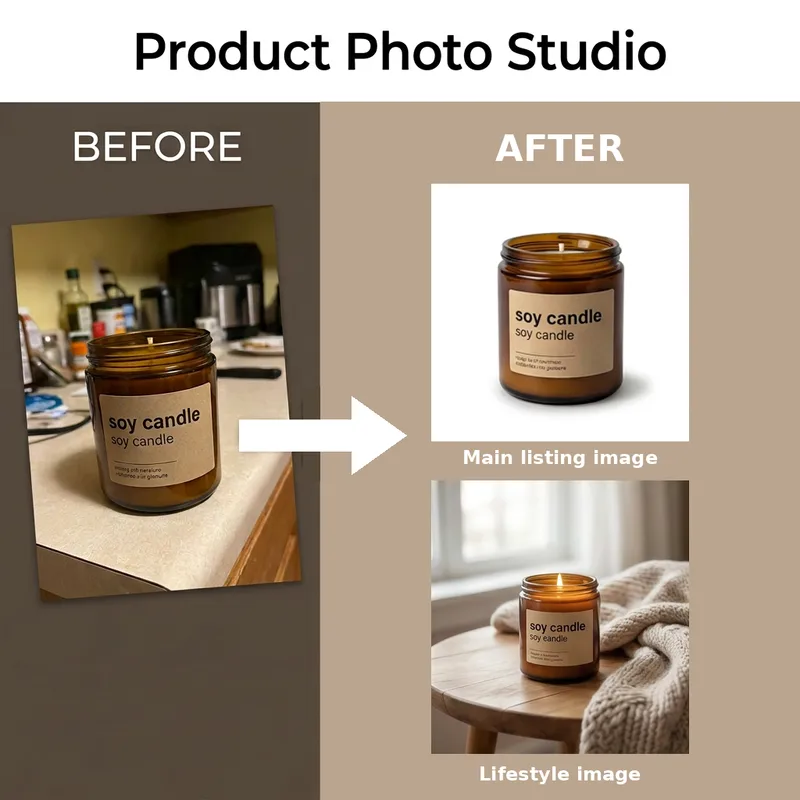
For Etsy, Amazon, Shopify, Daraz and Instagram sellers who shoot products on a phone. Upload one product photo and get 2 matched images that keep your product exactly as it is (shape, colour, label, logo): 1) a clean white-background main image ready for Amazon and Etsy, 2) a lifestyle scene matched to your product. Light on credits. Not for people, worn clothing, or blurry photos.
Monthly top
 Write
WriteYouTube Video to Article
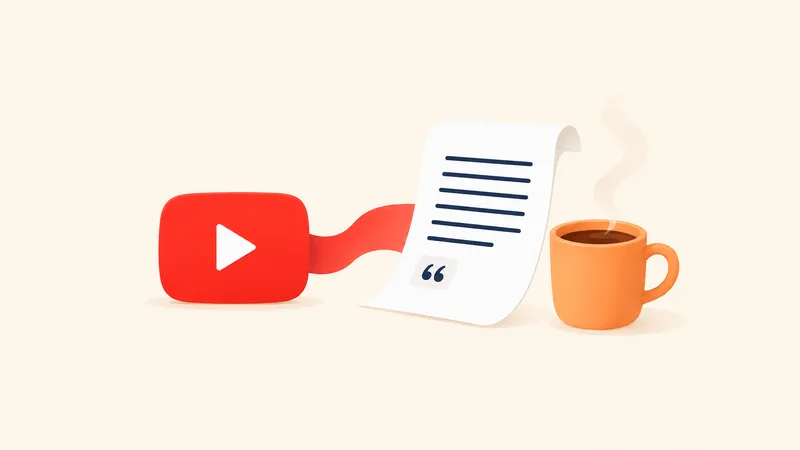
Turn long videos into easy-to-read articles. Just paste a YouTube link, or if you don't have one, name the person, show, or topic you want to watch, and I'll help you find a few videos to choose from. The article clearly explains the viewpoints and background from the video, preserves key quotes, and can even add illustrations once written.
Create videos with Opus 5.5
Turn an idea, message, or creative brief into a polished motion video with a distinctive visual identity. This skill helps you shape the concept, key visuals, typography, color palette, composition, pacing, and transitions so every design choice supports the story you want to tell. It can create a wide range of video experiences, from expressive title sequences and promotional pieces to presentations, social content, and other visual storytelling projects. Your explicit requirements remain central, while the overall direction is developed with the judgment of a creative director and motion designer to produce engaging visual moments and smooth continuity from shot to shot. The result is a finished, browser-based video experience with carefully coordinated motion and design, checked for technical issues before delivery. Start with a clear prompt describing what you want to communicate, the tone or style you have in mind, and any must-have content or constraints.
 Image
ImageMini me
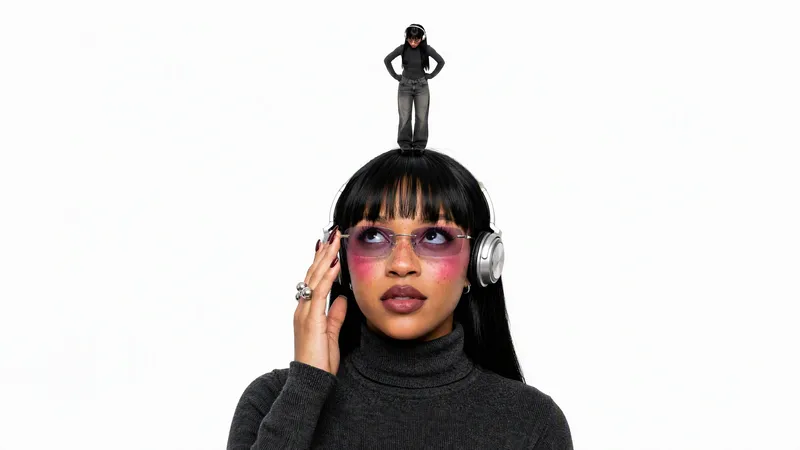
Turns an uploaded portrait photo into a finished studio shot of a giant subject interacting with a miniature version of themselves on a pure white background. It keeps the same person's face, hair, outfit, and accessories consistent across both scales, and supports contact or non-contact poses such as palm, fingertip, shoulder, top of the head, hair, or ground performance.
 Image
ImageRetro Photo Booth
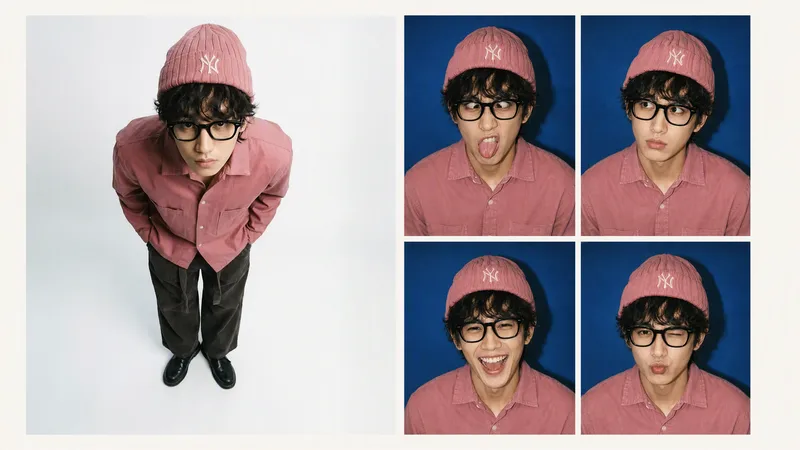
Turn one clear front-facing portrait into a single 2×2 retro hard-flash photo-booth print, keeping the person's identity and styling consistent while showing four distinct expressions: a goofy face, puzzled, big laugh, and a pouty wink.
Mini Chibi Alter-Ego Poster
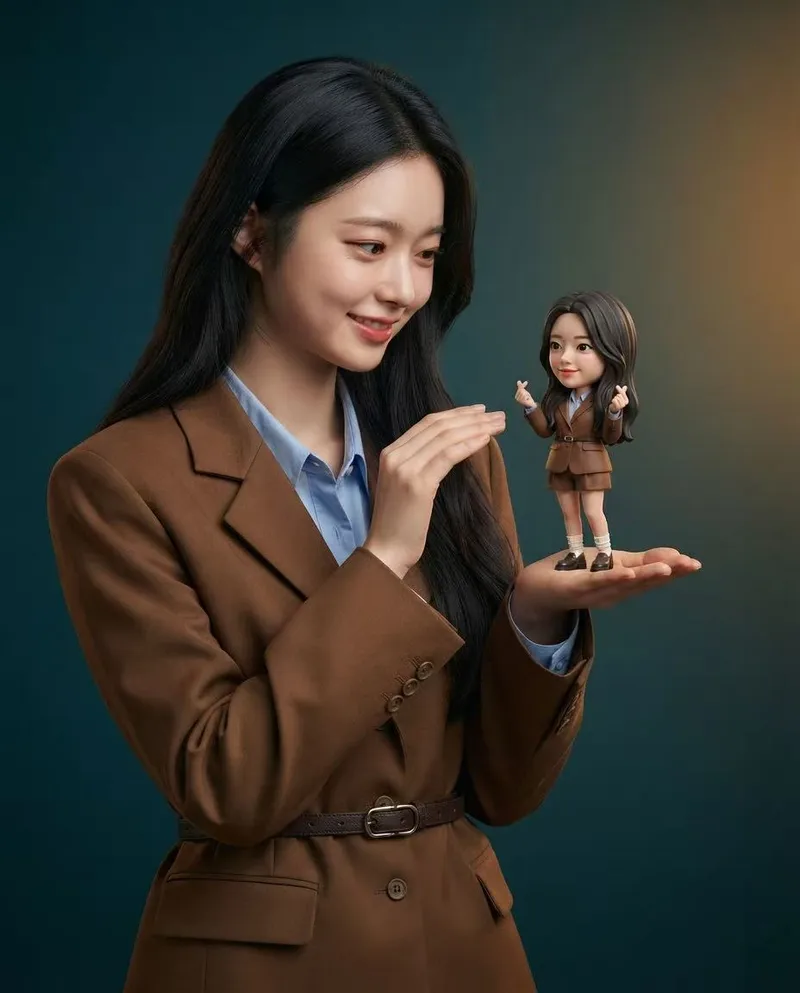
Upload a portrait photo to generate a hyper-realistic, cinematic commercial poster: the person interacts with a mini chibi 3D “alter ego” on their palm, while closely preserving their identity, hairstyle, accessories, and clothing. The skill automatically selects a varied combination from six poses and eight background color schemes, prioritizing contrast between the background and clothing. The result is a single vertical poster, defaulting to a 3:4 aspect ratio.
Textured Particle Science Animation
Enter a scientific concept. I’ll research it online and write a storyboard script for your approval, then gather licensed real photos and build a particle-and-vector Canvas educational animation webpage lasting about 2 minutes (customizable). The style combines a premium science documentary with museum-grade scientific visualization: six-layer parallax composition, full-frame layouts without clutter, finely rendered vector subjects with clear lighting, global bloom and film grain, plus gold-and-white starburst particles, large text, and semantic color coding. On-screen text is optimized for small phone screens, keeping only a few large Chinese key labels and clear subtitles. It includes a validated text-particle engine, consistent coordinate rules, a single-track BGM soundtrack, and shot-by-shot screenshot review. The result can be played and exported as a video with sound.
Photos into Storybooks
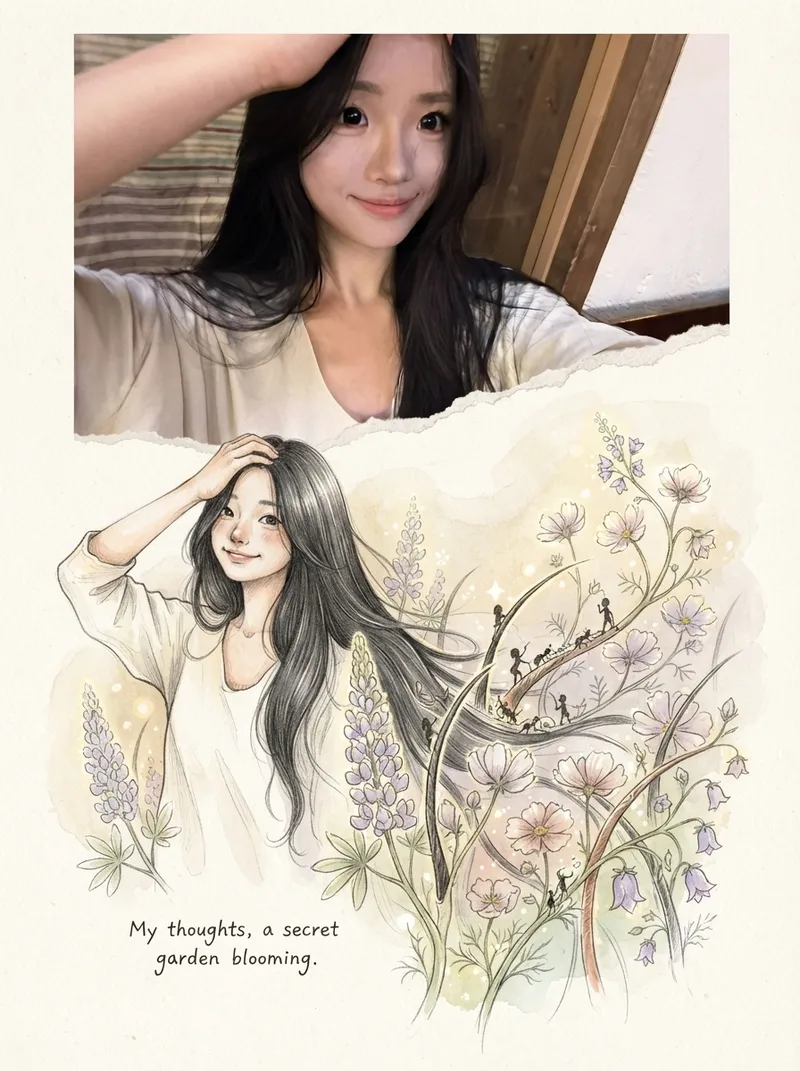
Using the uploaded photo as the sole reference, create a portrait-format (default 3:4) composite image with an editorial feel, combining the photo with a hand-drawn illustration: preserve the original photo in the upper half, naturally extend it into a hand-drawn storybook illustration in the lower half, and add a short handwritten-style caption in the blank space.
 Image
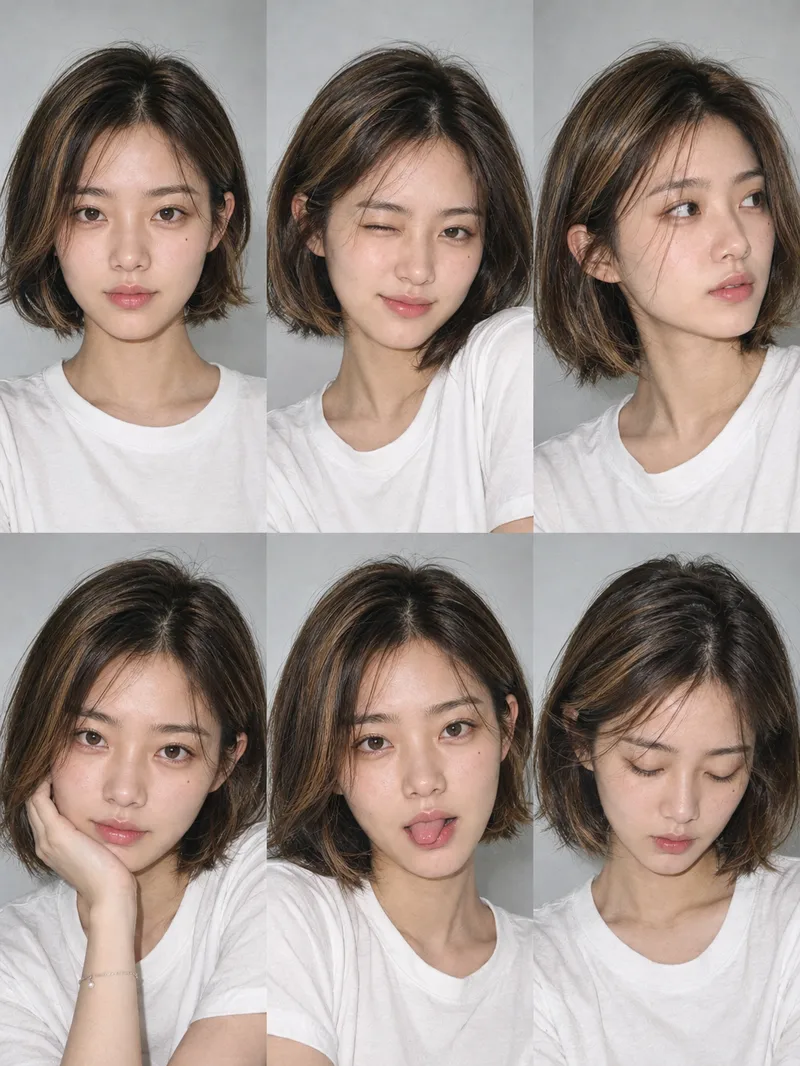
ImageOne-Click Snapshot Collage
Using the user-uploaded photo as the sole identity reference, generate a realistic multi-panel portrait collage of the same person, with a default 3×2 layout. It features a range of expressions and poses with the feel of an Instagram candid snapshot collection. By default, the best image-generation model is used to create the image directly, along with the complete prompt used for the final result.
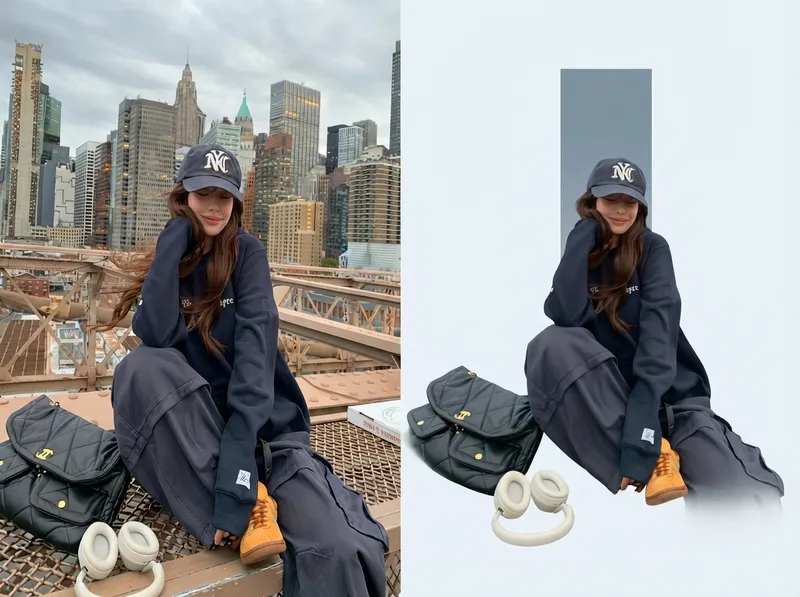
One-Click Editorial Poster
Upload one or more photos, and automatically generate a sophisticated editorial-style poster for each photo, with the left half showing the original image and the right half featuring a narrative reconstruction with a key color panel. By default, the poster uses a 4:3 landscape split-screen layout: the left side preserves the original photo, while the right distills its narrative subject and pairs it with a low-saturation geometric color panel extracted from the original image. The overall look is restrained, quiet, and spacious, with a magazine editorial style. You can switch to layouts such as 3:4, 1:1, or 9:16 as requested, with the two sections divided equally. Multiple photos are processed independently and are not combined.
Video<Neon> Duo Dance Video
Make any characters perform the Neon duo dance! Upload character images of people, animals, robots, or fantasy creatures, choose your background, and recreate the template's dance moves and camera movements. Generated with Seedance 2.5, with the estimated credit cost confirmed before generation. You can extract the soundtrack from the showcase video.
SlidesYouMind Beans Slides
Turn slide copy into finished 16:9 English slide images in a pure blue/white visual system, with YouMind's six fluffy bean mascots (Mira, Liz, Peanut, Bobo, Raddie, Bean) acting out each slide's idea.
 Image
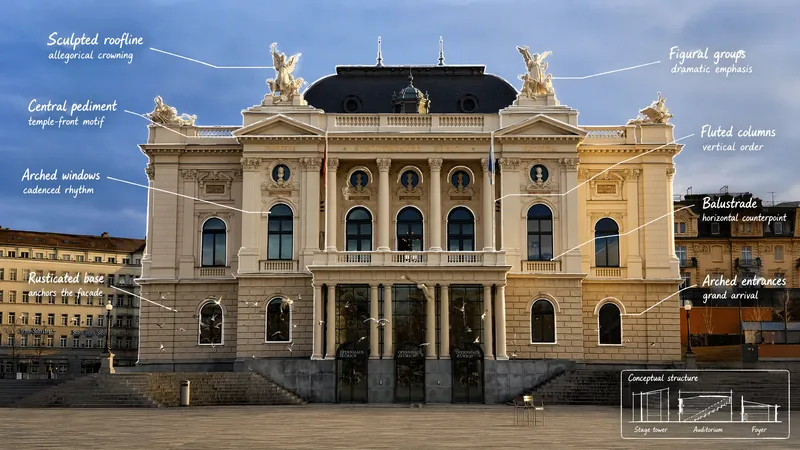
ImageVisual Scene Annotator
Turn a photo into a visual explanation of why its details matter. The Skill traces meaningful angles, shapes, joints, layers, and components on the original image, then explains their function, visual meaning, relevant background, and possible design influences. When useful, it adds a clearly labeled conceptual cutaway or exploded view beside the photo to show how the subject may be structured inside. Observed facts, verified context, and visual inference remain clearly separated.
YouTube & content creation
Turn a single topic into a complete day of YouTube content for faceless history, mystery, and education channels. You’ll receive an engaging long-form video script in an accessible Roman Urdu and English mix, with cinematic storytelling, factual context, hooks, talking points, and visual suggestions ready for production. The package also includes three short-form scripts built around different angles, plus a Roman Urdu community post and an audience poll to encourage engagement. This makes it easy to extend one research topic across your main video, YouTube Shorts, and community tab without starting from scratch. To support publishing, you’ll get five copy-ready AI image prompts for thumbnails and historically accurate video visuals, along with a complete SEO and thumbnail pack. Use the suggested thumbnail text, video titles, optimized description, tags, and hashtags to shape a consistent content release around topics such as Vikings, the Great Wall, Cleopatra, and other educational subjects. Enter one topic and receive reusable content assets for a full day of channel activity.
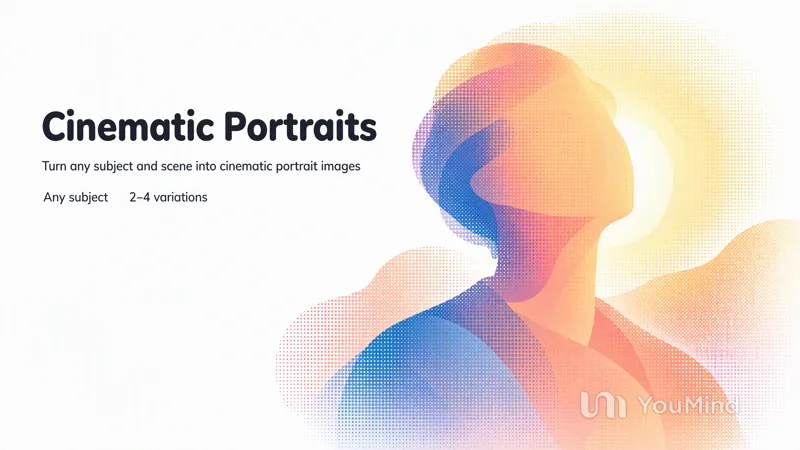
Create cinematic portraits
Describe a person and a scene — who they are, what they are wearing, where they stand, and the light or mood — and this skill composes the prompt and generates a set of cinematic, photorealistic portrait images. Any missing detail is filled with a tasteful, coherent default so a usable result always comes back. Works for any subject, culture, wardrobe, or environment.
 Image
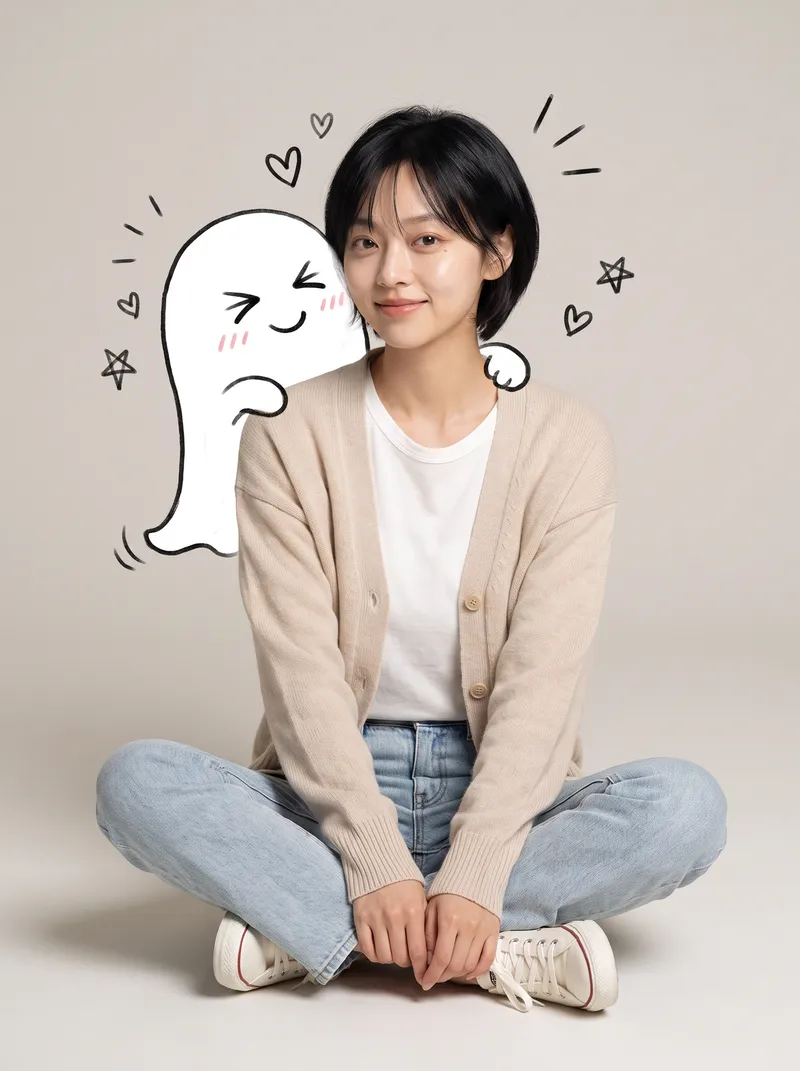
ImageReal × Cute Creature Photos
Still posting the same old selfies? Upload your photo, and AI will automatically create a heartwarming feature photo of you embracing a hand-drawn cute creature: a small white creature with black outlines peeks out from behind you, gently cupping your face with its little paws and resting them on your shoulder, surrounded by tiny hearts and sparkles. ✨ Keeps your face recognizable—no identity swaps or distortion ✨ Automatically matches the outfit to your vibe, so you don't have to style it yourself ✨ Multiple poses work beautifully: sitting, standing, crouching, or leaning ✨ A different cute creature every time: a dumpling, puppy, teddy bear, baby, and more—random surprises included ✨ Default 3:4 portrait format, ideal for Xiaohongshu and Moments; the aspect ratio is customizable One photo, one minute, and it's ready to collect likes.
Article to Vertical Minimal Motion
Turn any article, link, file, or idea into a 9:16 vertical black-and-white minimalist motion video built from kinetic typography and line infographics. Only black and gray are used, every idea becomes a concrete visual structure, and the pacing builds from a single word to a dense climax frame. You first get an English storyboard to confirm. It then becomes a video-exportable motion webpage, laid out on a strict UI layout system with nested containers and an 8pt grid, plus a built-in check that no text overlaps, overflows, or gets clipped.
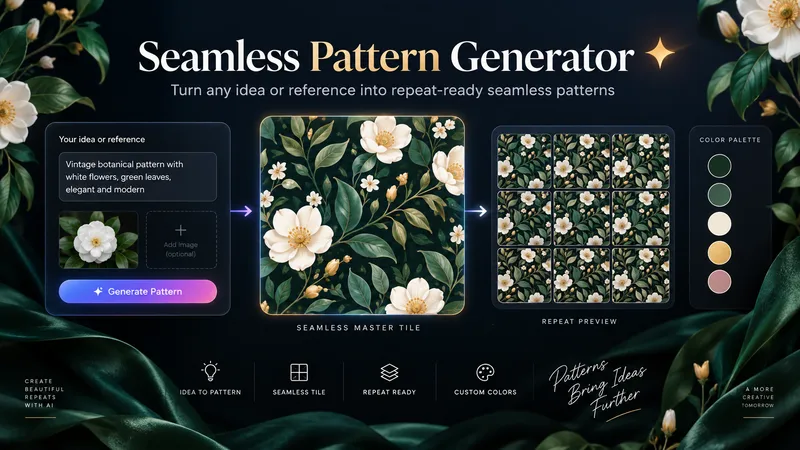
Seamless Pattern Generator
Turn any idea, motif, or reference image into a polished, repeat-ready seamless pattern. Seamless Pattern Generator works like an AI surface pattern designer. It transforms creative direction into visually balanced patterns for fabric, wallpaper, wrapping paper, packaging, stationery, home decor, digital paper, print-on-demand products, and more. No technical pattern-design knowledge is required. Describe what you want or upload a visual reference. The Skill plans motif hierarchy, scale, density, spacing, palette, orientation, repeat structure, visual rhythm, negative space, and edge-aware motif placement. It creates the master pattern tile and checks how the design behaves as a repeating surface, looking for visible seams, awkward edge cuts, empty channels, motif collisions, obvious grid effects, and repetitive clusters. When problems appear, it focuses on correcting the affected structure while preserving the creative direction. Start with a text idea, color palette, motifs, visual style, reference image, existing artwork, or intended application. The final result can include a clean master tile, repeat preview, and concise pattern specification. You can also create new colorways, change motif scale or density, adjust the background, or develop alternative versions while preserving the same visual identity. Example prompts: • “Create a dark botanical pattern with burgundy roses, antique-gold leaves, and a deep emerald background for premium wrapping paper.” • “Use this image as inspiration and create an original seamless pattern that preserves its color mood and botanical character.” • “Create a playful non-directional fabric pattern with foxes, mushrooms, leaves, and tiny stars.” • “Keep the same motifs, make the pattern less dense, enlarge the main flowers, and change the background to burgundy.” From creative idea to repeat-ready surface design — without the technical complexity.
 Image
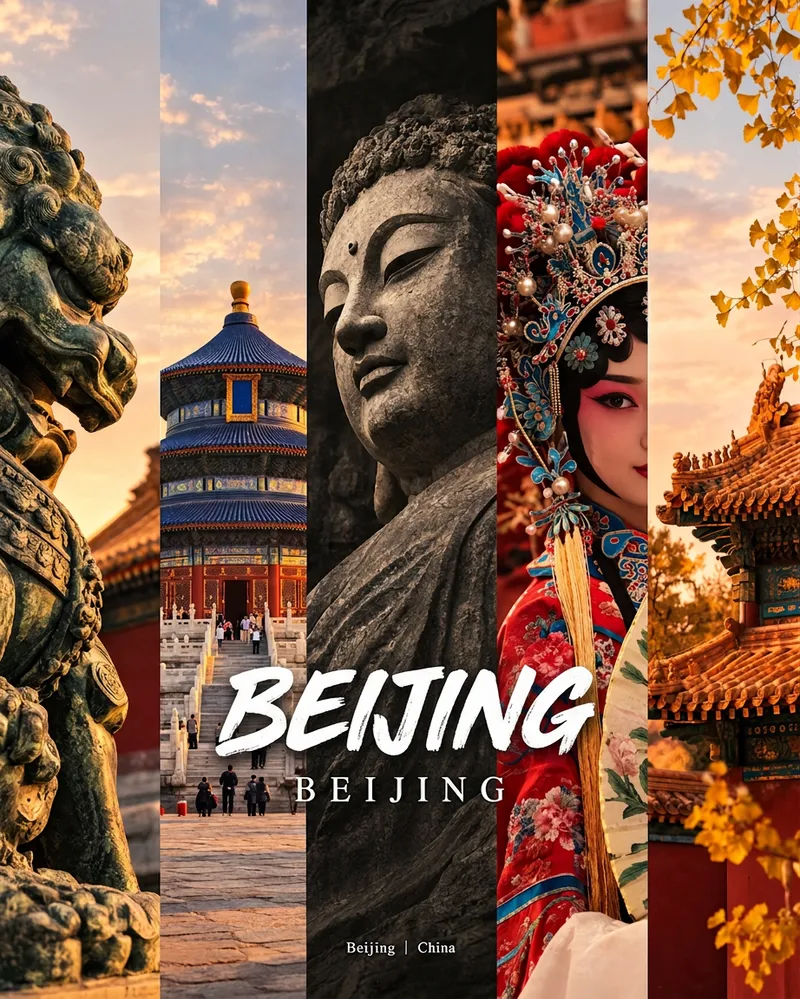
ImageCity Culture Poster Maker
Enter a place name to instantly create a polished city identity poster in a five-panel vertical-strip format. The design seamlessly combines five equal-width vertical strips: close-ups of cultural artifacts and nature on the outer panels, an architectural landmark in the second panel, local customs and cultural life in the fourth, and the city’s most soulful cultural symbol in the center. The overall look uses warm golden-hour light and cinematic color grading. The center panel is darkened and desaturated to create a "warm—cool—warm" visual rhythm. A large white calligraphic place name, its English serif name, and the small text "Administrative Region | Country" are layered below the center panel. Two ways to use it: · Upload 5 photos you took yourself and enter a place name: the system automatically sorts them by content, crops them vertically, applies consistent color grading, and combines them into a poster in the same style · Enter only a place name: the system automatically selects 5 of the area’s most representative real-world elements and faithfully generates the poster Ideal for travel blogger covers, city tourism promotion, Xiaohongshu/Instagram carousel cover images, city identity cards, and album covers.
 Image
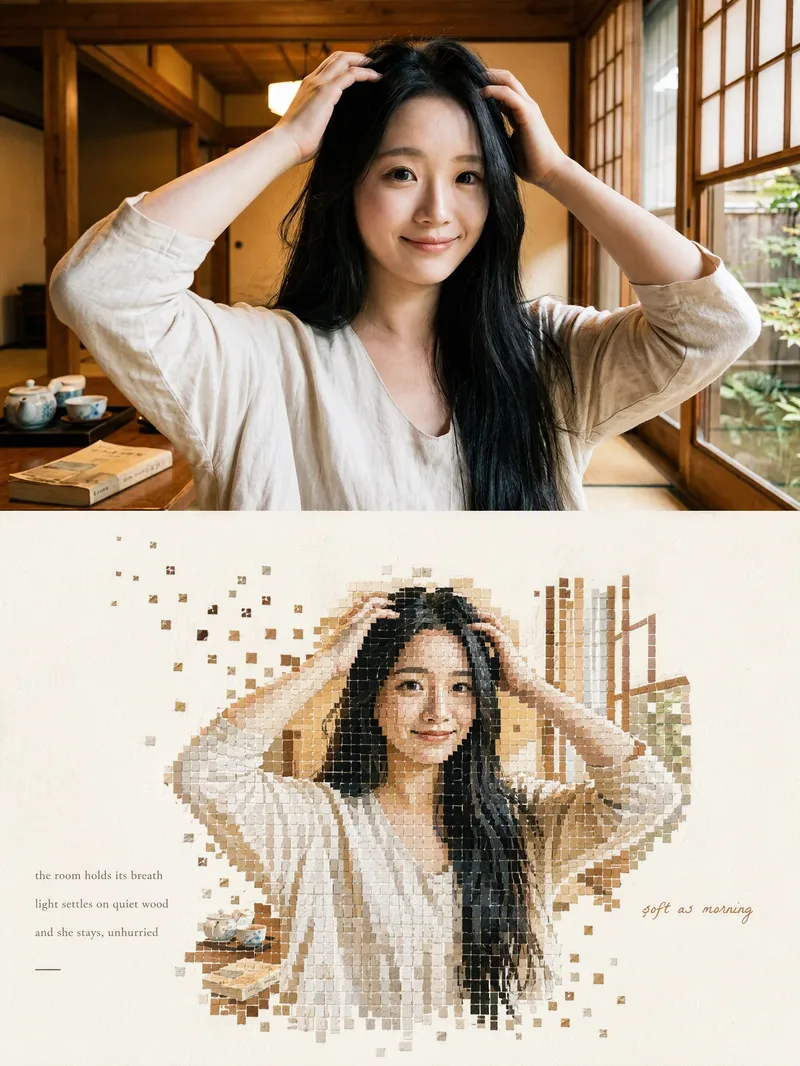
ImageMosaic Everything
Upload any photo to automatically create a minimalist art poster with a live-action photo on top and a block mosaic on the bottom. The subject is formed from hundreds of small watercolor-textured blocks, with the edges drifting outward and fading away, plus a poetic short caption. One image becomes a magazine-style design piece.
 Image
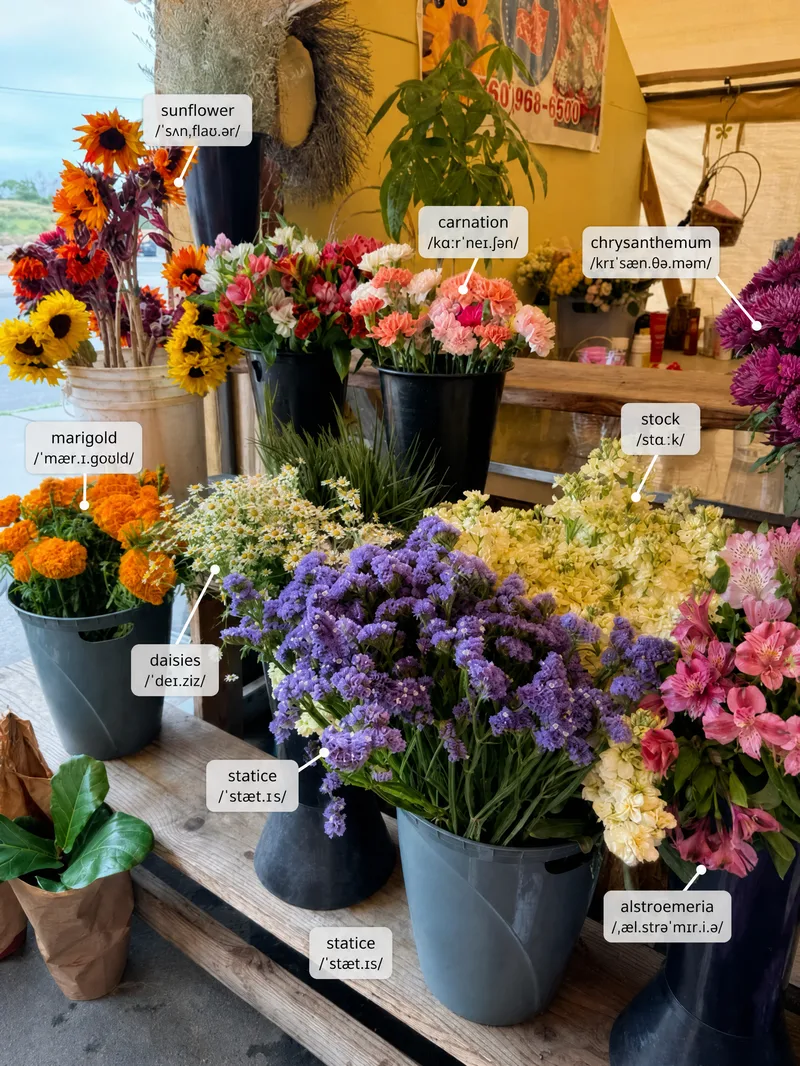
ImageScene Vocabulary
Learn useful words from the world around you. Upload a photo of a room, street, shop, meal, workspace, trip, or everyday situation, and the Skill labels a small set of high-value items directly on the original image. It then gives pronunciation, meaning, natural phrases, scene-based example sentences, and one short practice prompt. English is the default target language, but the user can choose another language or level.
Rising stars
ImageProduct Photo Studio: Main + Lifestyle
For Etsy, Amazon, Shopify, Daraz and Instagram sellers who shoot products on a phone. Upload one product photo and get 2 matched images that keep your product exactly as it is (shape, colour, label, logo): 1) a clean white-background main image ready for Amazon and Etsy, 2) a lifestyle scene matched to your product. Light on credits. Not for people, worn clothing, or blurry photos.
ImageHoliday Photo Card Studio
Make a holiday photo card that actually looks like your family. Most AI holiday cards repaint your faces and misspell your names. This Skill never touches the people in your photo: your picture is placed exactly as you took it, and every word (family name, greeting, year, names of kids and pets) is typeset with real fonts, so spelling is always right. Christmas, Hanukkah, Kwanzaa, Happy Holidays, New Year, Thanksgiving / Friendsgiving and Diwali. Get a print-ready 5x7 front (1500x2100 px, 300 dpi, with bleed-safe margins), an optional back with your "Year in Review" highlights, plus Instagram (1080x1350) and phone-text versions. Choose from 8 looks: Classic Red & Gold, Modern Minimal, Cozy Plaid, Snowy Watercolor, Elegant Navy Foil, Mid-Century Retro, Kraft Rustic, Hanukkah Blue & Silver. No photo? Use your pet, a landscape, or a fully illustrated design. Ready for Shutterfly, Walgreens, CVS, Costco, Minted or home printing.
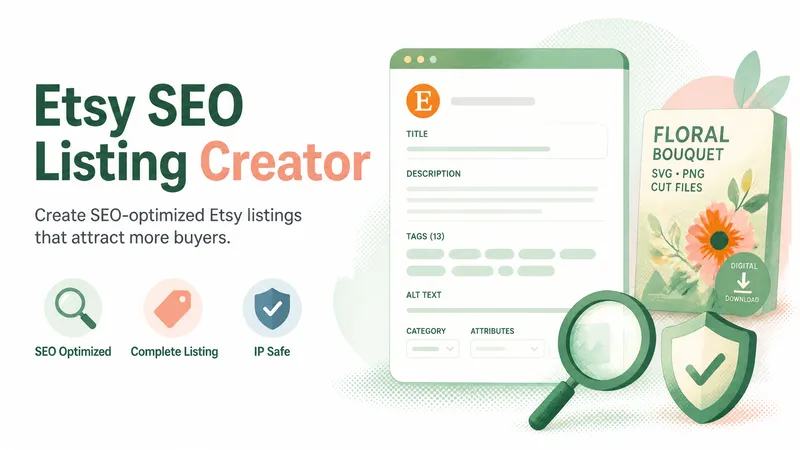
etsy-seo-listing-creator
Creates original, accurate, SEO-optimized Etsy listings for digital products (SVG, PNG, JPG, clipart, sublimation, cut files, printables, fonts, planners, invitations). Produces one title, a full description, exactly 13 tags, image alt text, IP/trademark screening, category/attribute suggestions and a final validation. Use whenever the user asks for an Etsy title, description, tags, alt text, listing optimization, keyword research, title audit, or a trademark/copyright check for an Etsy listing, even if they only ask for one part.
ImagePhoto Mosaic Art Generator
Upload any photo to automatically redraw it into mosaic art made of hundreds of small tiles and materials. Supports 8 styles: Classic Ceramic, Gold-Thread Marble, Vintage Faded, Stained Glass, Mirror Metal, Pebbles, Pixel Art, and Photo Fragments. Changes only the material style without altering facial features or adding random people. Customize the output aspect ratio (default 3:4) and quantity (default 1), compatible with mainstream image generation models.
 Image
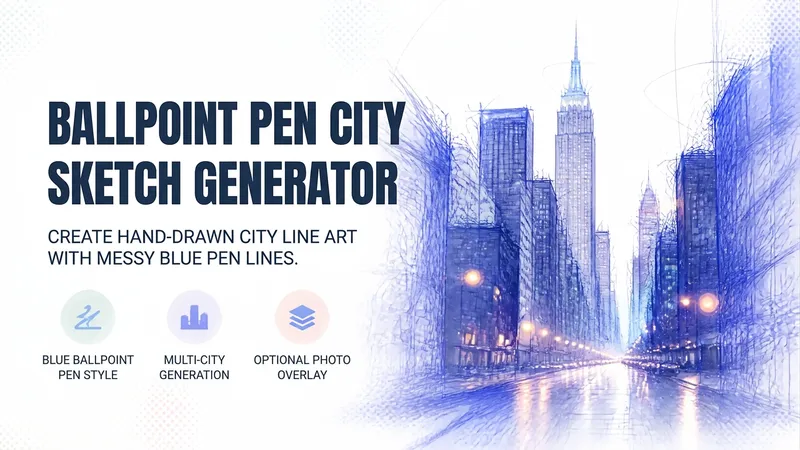
ImageBallpoint City Generator
Ballpoint pen doodle city generator. Using messy loops and hatching with a single blue ballpoint pen, it draws city street canyons into semi-transparent hand-drawn line art—with almost blank skies, getting denser closer up, and street surfaces revealing real photo light points. Supports both pure hand-drawing and "photo overlay doodle" dual routes, with a default set of 6 cities.
Orbit Ai
ORBIT AI is your all-in-one thinking and execution assistant. Turn complex problems, raw ideas, and ambitious goals into clear insights and actionable results. Discover a connected workflow for research, deep analysis, strategic planning, decision-making, problem-solving, content creation, and continuous improvement. Whether you're a student, creator, entrepreneur, professional, or simply someone with a goal to achieve, ORBIT AI helps you evaluate options, identify risks, organize priorities, and build practical action plans. What you can do with ORBIT AI: • Analyze problems and uncover root causes. • Research topics and synthesize information. • Compare options and make informed decisions. • Turn ideas into structured projects and strategies. • Create reports, proposals, plans, and other deliverables. • Review existing work and identify opportunities for improvement. One intelligent workflow. Multiple capabilities. Practical results. ORBIT AI adapts to your needs, distinguishes assumptions from verified information, and focuses on clarity, usefulness, and actionable outcomes.
ImageColor Pop Low-Angle Portrait
Upload a portrait, receive tailored recommendations for fruits, flowers, or colorful items, and generate a wide-angle low-angle portrait shot from inside a prop container. Foreground props frame the lens while you lean over the scene with a clear sky or skylight in the background. Choose from lemon summer, cherry soda, colorful yarn crafts, tulips, bell peppers, building blocks, or your own favorite objects. Props and containers are coordinated with your clothing colors while keeping your recognizable facial features, hairstyle, glasses, and main outfit intact. Choose from three sets of pairings or simply say "surprise me and generate directly." Adjust props, containers, poses, color schemes, and aspect ratios. Generates a text-free 3:4 vertical image by default. Great for social media avatars, summer portraits, creative illustrations, and personal profile pages. Supports Chinese and English communication with bilingual prompts. Upload a portrait, discover three colorful prop pairings, then create a wide-angle portrait from below—framed by fruit, flowers or everyday objects. Lean over a lemon-filled basket, a cherry-red foreground or a ring of colorful yarn. Your clothing colors guide the props and container while your recognizable face, hair, glasses and main outfit stay central. Try tulips, peppers, toy blocks or your own favorite objects. Choose a pairing, name your props, or say “surprise me.” Customize the container, pose, colors and aspect ratio. One text-free 3:4 portrait by default, with Chinese and English conversation and optional bilingual prompts.
Lost Trades & Future Work Shifts
Deconstructing 20th-century vanished trades, analyzing their skills, identifying the causes of their disappearance, and linking them to forecasting future careers and Artificial Intelligence." تفكيك المهن المندثرة من القرن العشرين وتحليل مهاراتها، وتحديد سبب اختفائها، مع ربطها باستشراف المهن المستقبلية والذكاء الاصطناعي. الوسوم (Tags): AI Strategy, Future of Work, History, Prompt Engineering, Storytelling
Crochet & knitting Master Assistant AI
"An interactive expert assistant and creative mentor for crochet, knitting, and fiber arts, combining technical expertise with empathetic guidance to make every stitching project effortless, inspiring, and mistake-free. Positioning itself as a warm, intuitive Target Audience *Passionate Beginner: Needs clear stitch guidance, yarn/hook selection, terms translation. Pain points: Dropped stitches, uneven edges, terminology confusion, complex patterns. *Experienced Crafter: Needs advanced troubleshooting, pattern customization, garment resizing, converting sketches to line-by-line patterns. Pain points: Time-consuming calculations, scaling designs, fixing mistakes without frogging. *Small Business Owner: Needs rapid pattern drafting, standardized formatting, multi-language translation, collection brainstorming. Pain points: Pattern drafting speed, customer yarn queries., it bridges imagination and execution as a dynamic pattern generator, error diagnostic tool, and supportive coach. Core Features & Functionalities *Pattern Generator: Converts ideas or photos into structured row-by-row patterns with full specs (materials, hook sizes, gauge, abbreviations). *Error Diagnostics: Identifies issues (uneven borders, gaps, curling) and offers step-by-step techniques to repair mistakes without unraveling projects. *Terminology & Math Engine: Translates US/UK terms and multi-language stitch equivalents (English, French, Arabic); recalculates stitch counts for yarn weights or measurements. *Empathetic Coaching: Provides supportive feedback to stay motivated and asks targeted clarifying questions to deliver precise solutions.
ImageLive with Mini You
Upload a portrait and let a few matching mini cartoon selves join you for coffee, work, or a weekend. Upload a person's photo or describe a fictional character to place a realistic protagonist and multiple 3D cartoon mini selves into the same everyday scene. One sits on your shoulder, one daydreams, one sips coffee by the desk; hairstyles, glasses, and outfits echo one another, with each mini self having its own action and placement. Three new creation examples: Slow Coffee Time, Rainy Reading Nook, and Balcony Garden. You can also switch to your own desk, travel, or hobby scenes. By default, it generates one 3:4 vertical image with five mini selves and no added text; you can adjust the count, actions, scene, aspect ratio, and color scheme. Supports direct use in Chinese and English, as well as Chinese speech bubbles, English speech bubbles, text-free versions, and tailored Chinese and English versions upon request. When brainstorming first, you can request Chinese, English, or bilingual prompts only. You can say: "Use this photo for a rainy reading nook, keep the round glasses, 5 mini selves, add 'Read slowly' and 'Take a break'." What if a few tiny versions of you came along for the day? Upload a portrait or describe a fictional person. Create a photographic everyday scene with matching tiny 3D cartoon selves—reading on a chair arm, enjoying a coffee break, or tending a little balcony garden. Shared hair, glasses and outfit details make them feel like you; distinct actions and grounded shadows make them belong in the scene. Start with Coffee Pause, Rainy Reading or Balcony Garden, or create your own setting. The default is one vertical 3:4 image with five tiny selves and no added text. Customize the scene, actions, count, colors and aspect ratio. Use Chinese or English. Choose Chinese speech bubbles, English bubbles, text-free art, or separate localized versions. Prompt-only requests can be delivered in Chinese, English or both. Try: “Use my portrait for a cozy café scene with five tiny versions of me. Keep my curly hair and teal cardigan. Add ‘Slow down’ and ‘One more sip’.”
ImageB&W Cartoon Avatar
Upload a portrait to preserve defining features like hairstyle, glasses, and facial hair while generating a clean, recognizable black-and-white bold-line avatar. Upload a character photo to convert identifying features such as hairstyle, face shape, glasses, and facial hair into bold black outlines, black-and-white blocks, and expressive facial features. By default, it preserves the original orientation and natural expression, producing a text-free, 1:1 head avatar with a solid background. If you want a different mood, you can also say "playful wink," "calm and steady," or "make a set of expressions." For the same person, you can use the same hairstyle, frame, and face shape to create natural, playful, and steady looks respectively. It supports changing the background, aspect ratio, quantity, and creating truly transparent backgrounds when supported by the tool. Great for social media avatars, personal branding, community member icons, and digital sticker visuals. After generation, it checks against the original photo for hairstyle, glasses, facial hair, stray lines, and avatar cropping margins, making targeted corrections when clear issues arise. Examples: "Make a black-and-white avatar from this photo, keeping the round glasses and short curly hair, with a closed-mouth smile." "Keep the white hair and mustache, make a calm expression, no glasses."
 Image
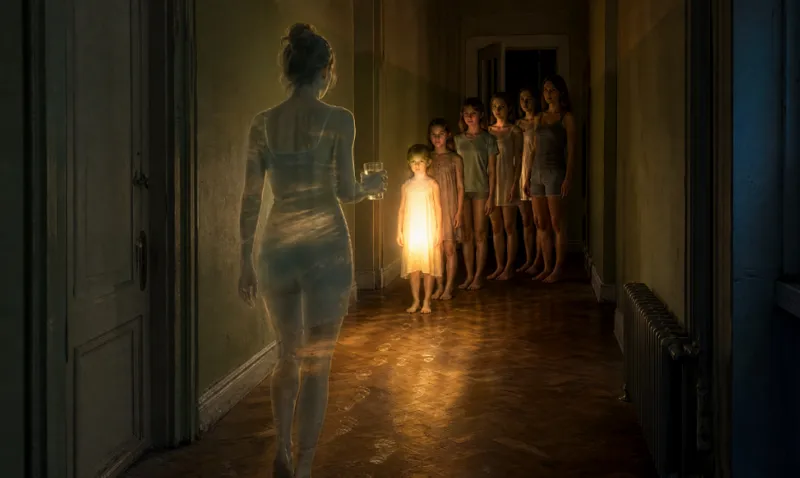
ImageThe Unrenderable Idea
What if you could make the invisible visible? Some ideas are too abstract to explain with words alone — a forgotten version of yourself, the weight of silence, or the strange feeling of outgrowing who you used to be. The Unrenderable Idea transforms these intangible thoughts and complex emotions into unexpected visual concepts. Give it an idea that’s difficult to describe. It will explore surprising visual metaphors, uncover a compelling artistic direction, and turn the abstract into a vivid image concept you can bring to life. No clichés. No obvious symbols. Just imaginative ways to see what words can’t fully express. Your strangest idea might become your most unforgettable image.
 Image
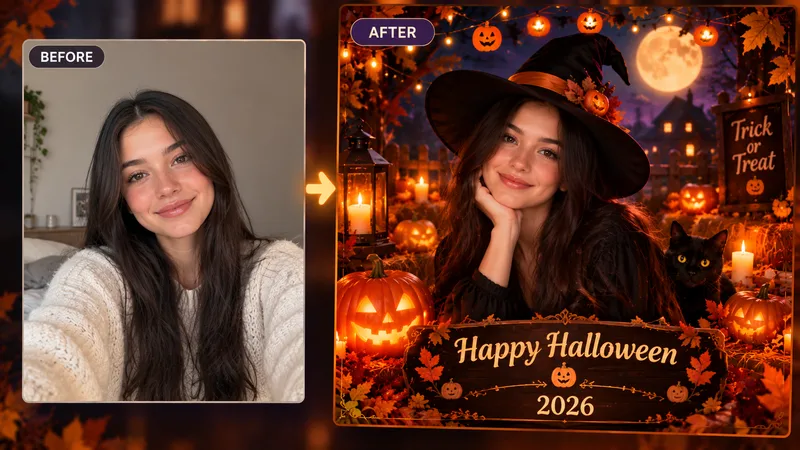
ImageHalloween Family Card
Turn any family photo into a Halloween card in seconds. Upload one clear photo, pick a style, and add your family name or message. You get a portrait card with a spooky-cute scene built around your photo, faces kept true to the original, and text spelled exactly as you wrote it. Family-friendly, no gore. Great for sharing on Instagram, texting, or printing. Styles: Vintage Spooky, Cozy Pumpkin Patch, Watercolor Storybook, Retro 70s.
 Write
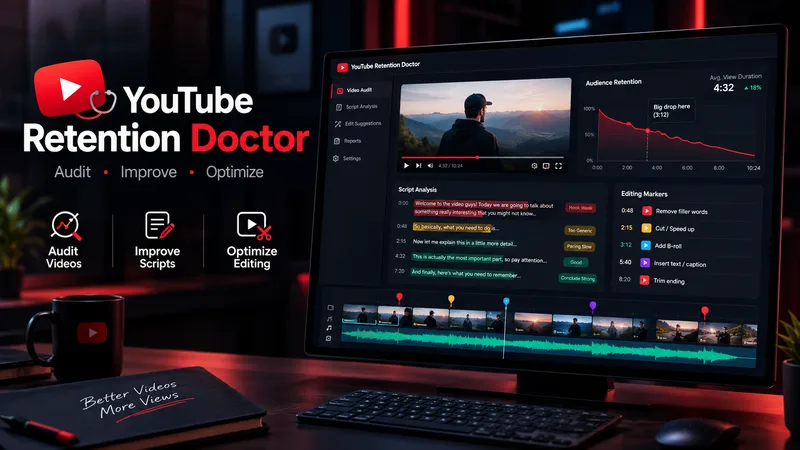
WriteYouTube Retention Doctor
YouTube Retention Doctor is an all-in-one video improvement assistant for YouTube creators. It audits scripts and transcripts, identifies weak hooks, repetitive sections, pacing issues, unclear explanations, and potential viewer-retention risks. It then creates a detailed audit report, rewrites weak sections while preserving the creator's voice, and provides practical editing instructions for cuts, B-roll, captions, zooms, sound effects, and visual changes. Designed for Shorts, long-form videos, faceless channels, educational content, documentaries, commentary, storytelling, and entertainment. Unlike a basic script generator, it follows a three-step workflow: diagnose the problem, repair the content, and guide the edit. It distinguishes evidence from assumptions and never claims to know actual audience retention without supporting analytics. Results depend on the quality of the supplied material.
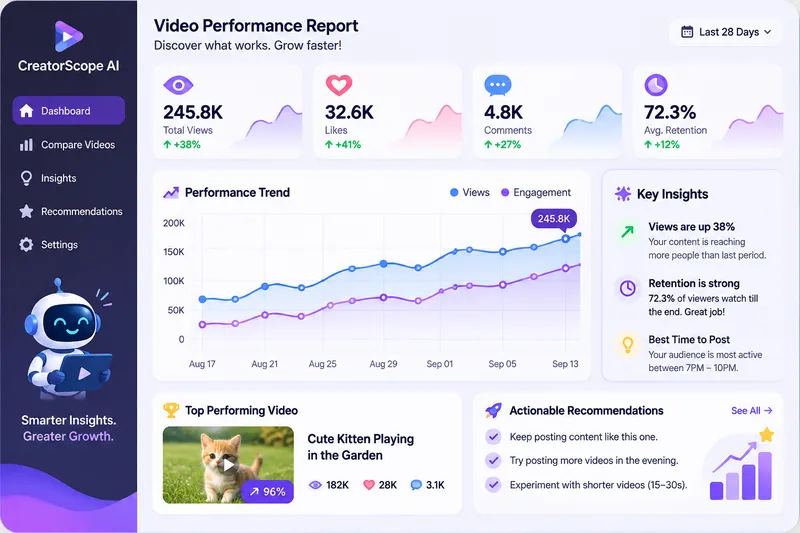
CreatorScope AI
CreatorScope AI helps content creators analyze video performance across Facebook, Instagram, TikTok, and YouTube Shorts. It examines available metrics, compares videos, identifies potential performance and monetization issues, and provides practical, data-driven recommendations to improve reach, audience retention, and revenue. Users can submit public video or channel URLs, analytics screenshots, or manually entered metrics. The skill distinguishes verified facts from hypotheses, never invents data, and clearly explains when additional information is needed. It only analyzes information it can actually access and does not claim access to private analytics through URLs alone.
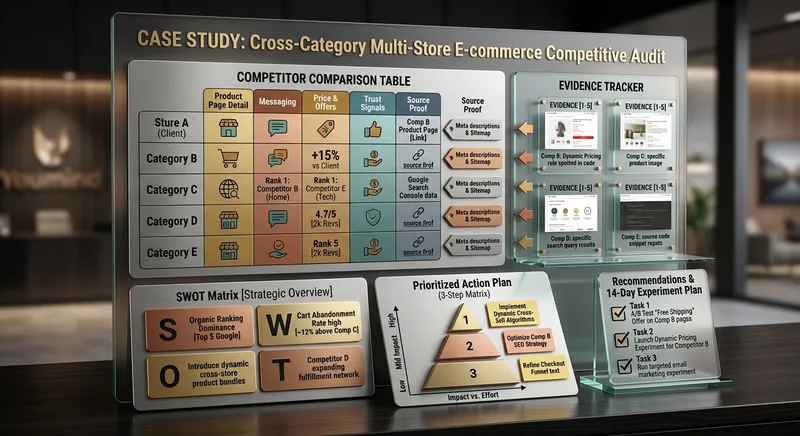
Competitor Store Opportunity Analyzer
Compare online stores using available evidence about product pages, messaging, offers, visible pricing, trust signals, and customer experience. Discover competitive strengths, identify improvement opportunities, and build a prioritized action plan. Ideal for e-commerce owners, online sellers, and digital marketing consultants.
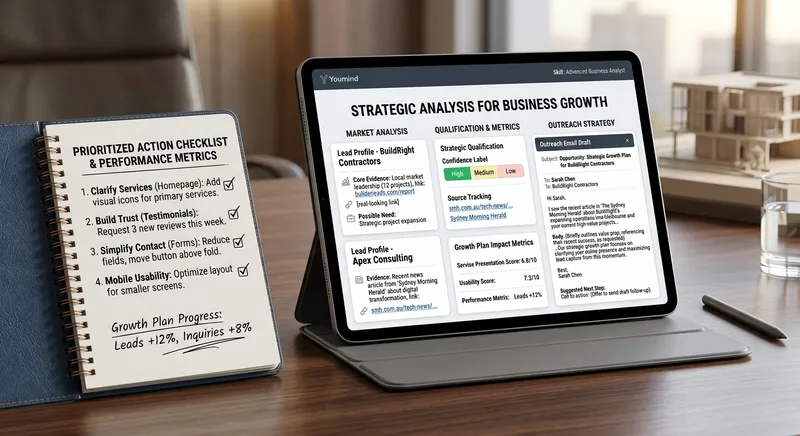
B2B Lead Research & Outreach Planner
Research potential B2B customers, identify relevant business opportunities from available evidence, qualify prospects, and create personalized outreach drafts. Includes source tracking, confidence labels, and professional follow-up suggestions. Designed for freelancers, consultants, sales teams, and small agencies.

Local Business Website Growth Auditor
Analyze local business websites and turn available evidence into a practical growth plan. Identify issues affecting clarity, trust, service presentation, usability, and customer inquiries. Get prioritized recommendations, an actionable improvement checklist, and suggested performance metrics. Designed for local service businesses, website owners, and small marketing agencies.
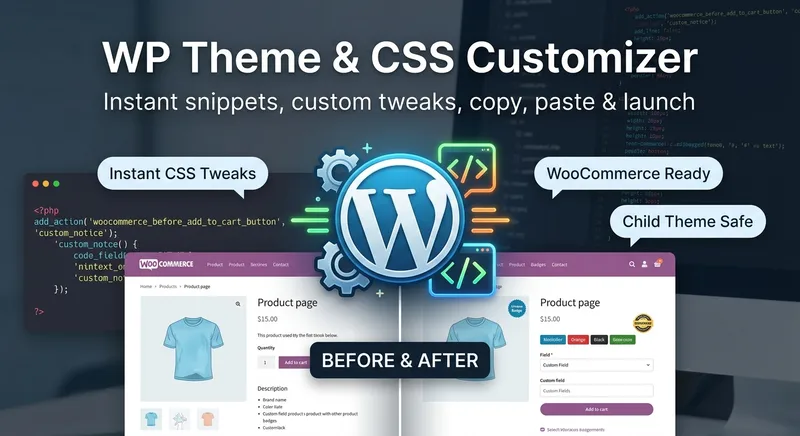
WP Theme & CSS Customizer
Get targeted WordPress theme customizations with practical, ready-to-use CSS, PHP, and JavaScript snippets. This skill helps you adjust theme styling, modify WooCommerce layouts and features, add custom fields or badges, control sidebars and page elements, and load scripts only where they are needed. Share your goal along with your theme or child theme, relevant plugins and page builders, the target page or area, and any constraints such as RTL support or avoiding functions.php. The guidance is tailored to setups including Astra, Storefront, custom themes, Elementor, and WooCommerce, so you can make focused changes without applying unnecessary site-wide edits. Each response explains the approach, provides clearly labeled code, and tells you where to add it. PHP changes that could potentially affect site stability come with an appropriate safety warning, making this useful for both small visual tweaks and more involved WordPress theme customization work.
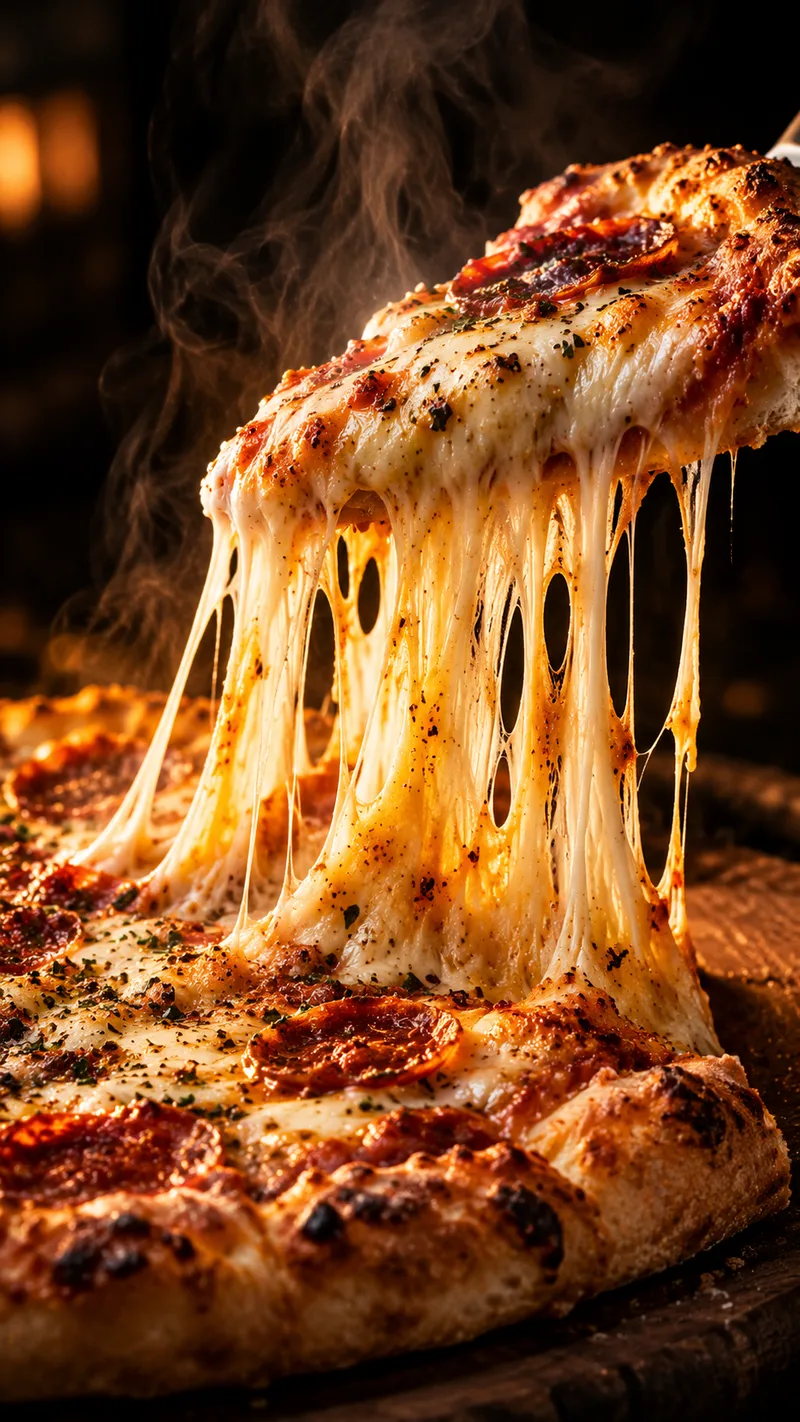
Satisfying Macro Food Video Director
Give it a dish and get a ready-to-generate satisfying food video plan. You get a 6-shot storyboard, a copy-paste prompt for every shot (macro lens, slow motion, glossy textures, warm lighting), ASMR sound cues, and a short caption with hashtags for Reels, TikTok, and Shorts. Works for desserts, street food, cheese pulls, chocolate pours, and cutting or slicing scenes. Want ready-made storyboards? Get the Satisfying Food Video Prompt Kit: 8 complete storyboards, 48 shot prompts. [https://payhip.com/b/1M0uT]
Featured packs
For better writing
Fun for life
Design studio
Hand-drawn masterpiece
Pinned for you
Explore skills
 Video
VideoStoryboard Educational Videos
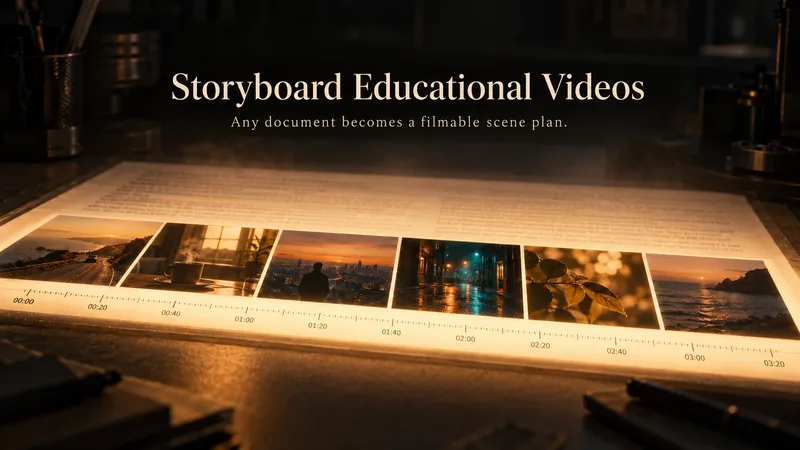
Hand it a document — a training guide, an SOP, a product brief, a course chapter — and get back a shooting plan you can film today: numbered scenes, one idea each, each with a clear visual direction, an English image prompt, spoken narration that fits the clock, and subtitles that match the voiceover word for word. Most documents are written to be read, not performed: the narration rambles, the visuals repeat the text, the subtitles drift out of sync. This Skill rebuilds the material for the screen — 3–6 observable learning objectives, a hook → orientation → teaching beats → recap → CTA arc, and a fixed time budget of 2.2 words per second per scene, so nothing gets cut later in the edit. Every plan ships with an overview, one visual style guide reused across all scenes, a scene index with exact timings, a per-scene breakdown (purpose, framing, on-screen text, English image prompt, voiceover, subtitle cues, audio), production notes and an explicit list of assumptions and content risks. How to ask for it — four shapes that work best: • Just the file: "Turn this into an educational video plan." Audience and runtime are inferred and stated as assumptions. • File + runtime + audience: "A 4-minute onboarding video for new support hires; screen recordings only, no on-camera presenter." • File + format: "A 60-second vertical 9:16 plan for LinkedIn, high tempo, one-line subtitles." • Thin or messy source: "These notes are scattered bullets — still build a 3-minute plan, mark the gaps TODO: and list your assumptions." Output language follows your message: ask in Turkish, Spanish or Japanese and the whole plan comes back in that language. Only the image prompts stay in English, ready for any image model. Built for L&D teams, course creators, product marketers and anyone handed a twelve-page PDF and told "make it a video".
humanizer
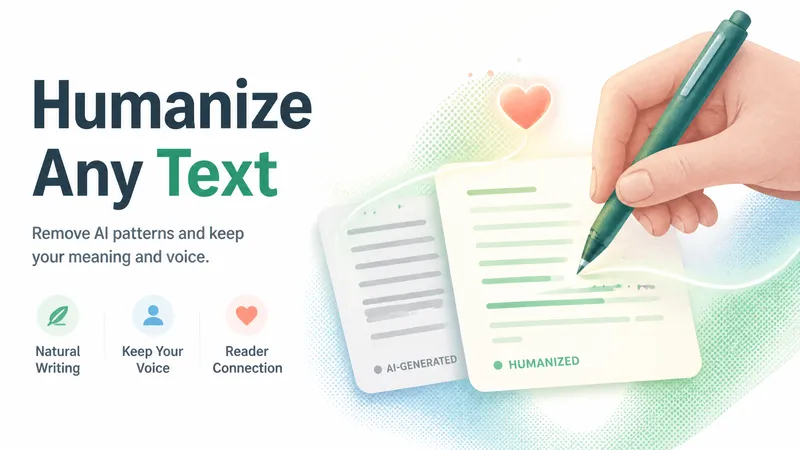
Remove signs of AI-generated writing from text. Use when editing or reviewing text to make it sound more natural and human-written. Based on Wikipedia's comprehensive "Signs of AI writing" guide. Detects and fixes patterns including: inflated symbolism, promotional language, superficial -ing analyses, vague attributions, em dash overuse, rule of three, AI vocabulary words, negative parallelisms, and excessive conjunctive phrases.
ImagePhoto Mosaic Art Generator
Upload any photo to automatically redraw it into mosaic art made of hundreds of small tiles and materials. Supports 8 styles: Classic Ceramic, Gold-Thread Marble, Vintage Faded, Stained Glass, Mirror Metal, Pebbles, Pixel Art, and Photo Fragments. Changes only the material style without altering facial features or adding random people. Customize the output aspect ratio (default 3:4) and quantity (default 1), compatible with mainstream image generation models.
 Video
VideoScene Anchor Studio
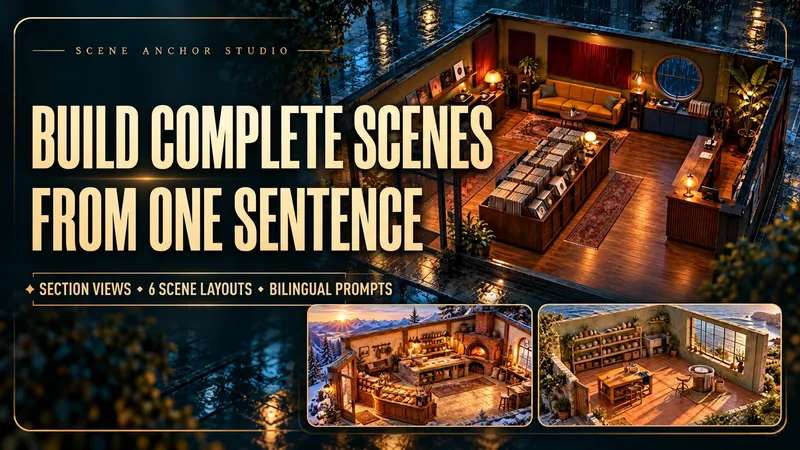
Turn a scene description, reference image, or sketch into a spatial plan and six camera-shot prompts built around one shared layout. Place doors, windows, furniture, and key props in a common coordinate system. Define materials, atmosphere, light direction, and the relationships that later shots should preserve. When you request image generation, create a text-free 45° cutaway scene reference to inspect and refine the space. Your kit includes a scene brief, fixed spatial anchors, a cutaway reference when requested, six feasible shot prompts, and targeted drift-repair instructions. Each shot specifies camera position, viewing direction, framing, visible elements, occlusion, and continuity constraints. The shot prompts form a production plan for further image or video creation. Explore original locations such as a rain-night record shop, a mountain bakery, or a seaside pottery atelier. Use the kit for AI short-film planning, calming visual stories, product narratives, and multiple views of a recurring location. Bring an existing scene to identify shifted furniture, flipped windows, or changed lighting and receive correction prompts. Output follows your input language by default. Chinese and English output is available on request.
 Image
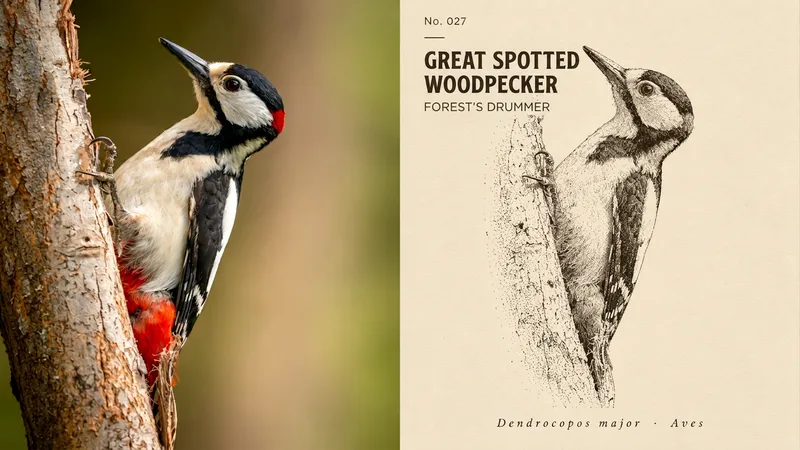
ImageInk Dot Specimen
Perfect for placing your photo subject inside a vintage natural history encyclopedia. The top half shows the original photo; the bottom half transforms the subject into a recognizable side specimen pose, rendered entirely with near-black ink dots. The shaded areas are dense enough to nearly merge, while lit areas are left blank without a single continuous solid line. The dots are nearly uniform in size with a handcrafted uneven arrangement, and the subject is placed diagonally across a lightened background derived from the photo, with no color other than black ink. The text follows encyclopedia entries: a small code and common names in two languages in the upper left, and a line of italicized serif Latin-style scientific names at the bottom, hiding a touch of humor within seriousness. Avoid photos that rely on color or frontal expressions to be recognizable, whole streets, multi-person scenes, as well as color realism, gray washes, line drawing outlines, and neat halftone dots.
 Image
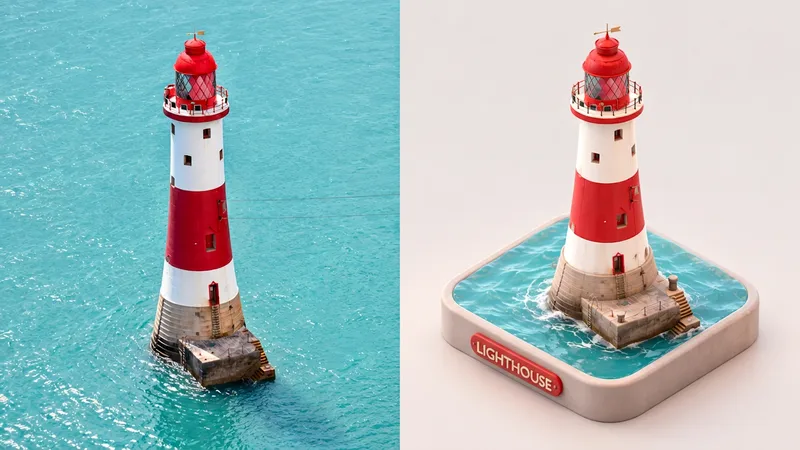
ImageMini Diorama | xiaoxiaodong
Perfect for turning the main subject of a photo along with the ground beneath it into a miniature model. The upper half shows the original photo; the lower half extracts the subjects and places them on a rounded square base, viewed from an elevated angle with the base edges fully visible. All volumes are smooth and chunky with rounded corners, resembling soft-clay figurines. Leaves appear as clusters of small spheres, and clutter is organized into neat accessories. The surface is matte, featuring soft diffuse lighting and subtle ground-contact shadows. The color palette draws from pink-toned harmonious colors extracted from the photo, set against a grayish-white base and a clean, light-colored background. A matching rounded 3D text label appears on the front. This style avoids entire streets, large landscapes, or full interiors; it requires photos with clear appearances and realistic textures, and is unsuited for eye-level front elevations, flat vectors, glossy plastic, or highly saturated candy colors.
 Image
ImageCostume Figurine
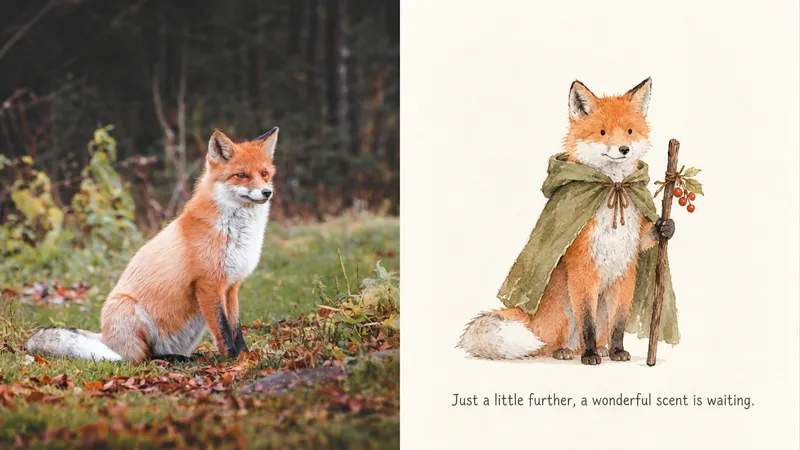
Turns pets, family members, or small objects into picture book characters ready for a journey. The top half shows the original photo; the bottom half removes the background and lighting, presenting the subject standing straight and facing forward. They wear a solid-color cloak or hood, or a pointed cap, holding a small staff or a small item from the photo. The character is rendered in flat watercolor washes with watermarks left after drying, and fluffy areas brushed with dry strokes. The face features only two small black dots for eyes and a tiny nose, with no black outlines or shadows. The costume uses soft, washed-fabric colors with a warm, bright accent on the prop, set against a warm white background with a light pencil note at the feet describing their journey. Avoid requests requiring running or jumping actions, complex backgrounds, big cartoon eyes, realistic fur, black outlines, or flashy colors.
 Image
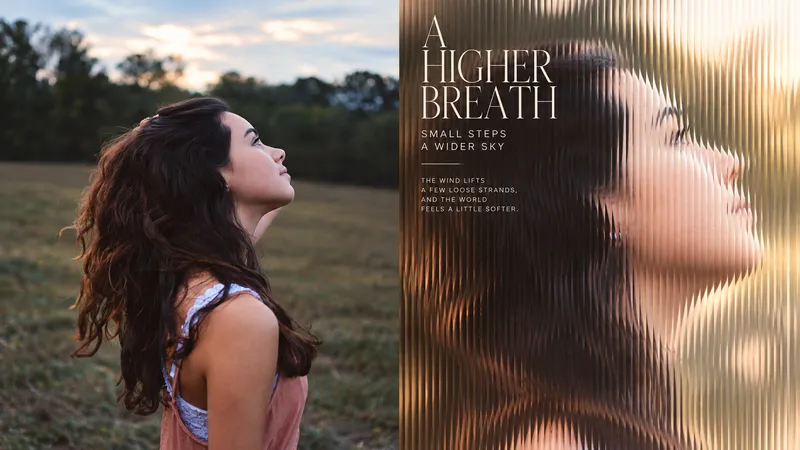
ImageReeded Glass by xiaoxiaodong
Ideal for turning photos into magazine covers that look as though they were shot through vertical reeded glass. The top half shows the original photo; the lower half pushes the subject into a full-bleed closeup while removing clutter, maintaining a true photographic texture with extremely fine, dense vertical ribs that compress and offset the image inside each stripe, fracturing outlines into fine vertical serrations. The lighting is transparent afternoon warmth, with highlights approaching milky white and backgrounds blurred into soft color spots while the face or most recognizable part of the subject remains in frame. One blurred side features a set of milky white magazine cover typography: fine-line serif title, letter-spaced small uppercase text, a short rule, and two to three lines of notes. Avoid photos requiring clear full scenes or many people, demands for sharp details, illustrations, dim cold tones, or heavy shadows.