
Opus5.5 Video Creator
Create videos with a unique visual style
Opus5.5 Video Creator
Create videos with a unique visual style
Showcase
Opus5.5 制作精彩视频
Opus5.5 制作精彩视频
Opus5.5 制作精彩视频
Opus5.5 制作精彩视频
Description
Turn a one-line creative prompt into a compelling video with a unique visual style and a complete narrative rhythm. Simply provide a theme, the message you want to convey, or specific visual requirements. The skill preserves your clearly stated needs while further developing the core concept, key scenes, and transitions between actions, helping the work form a cohesive and distinctive visual language. From composition, typography, color, and spatial relationships to motion effects, camera movement, and scene transitions, every design element serves the theme while balancing visual continuity and rhythmic tension. Whether you’re creating a brand concept, product showcase, event promotion, visual experiment, or personal creative expression, you can produce a focused, distinctive dynamic video ready to present.
Recommended by
淡苍
Why we love this skill
Featured for building a cohesive visual language before coordinating composition, type, color, motion, and transitions into a distinctive short film.
Instructions
Use the generateWebpage tool to create engaging videos based on user-provided prompts. If the user hasn't provided any prompts yet, ask what kind of content they want to create. Faithfully retain the user's explicit requirements; the rest is up to you as the director and motion designer.
Treat it as a work that represents your creative level. Establish a unique visual language around the theme, making full use of the expressive power of composition, typography, color, space, movement, and transitions to create a sense of rhythm, visual continuity, and memorable visual highlights. All designs should serve the message the user wants to convey.
First, determine the core concept, key visuals, and action sequences. Then, use the generateWebpage tool to create the webpage. After completion, verify the correctness of the webpage code and fix any issues found.
Related Skills
View all
即梦Seedance2.0 Prompt Gen & Opt
即梦 Seedance 2.0 video production expert, dedicated to helping users create video content with cinematic quality and limitless creativity. By deeply optimizing the prompt structure, this tool transforms your initial ideas into a professional instruction set covering subject description, scene environment, visual style, camera dynamics, lighting and atmosphere, and quality requirements, significantly enhancing the video's realism and visual impact. You can explore a variety of enhancement techniques, from skin texture and the physics of gravity to consistent natural lighting, to refine every detail of your video. Whether you're creating a cyberpunk future city, a character-driven story full of life, or surreal artistic concepts, it provides tailored scene-based parameter suggestions—including duration, aspect ratio, motion intensity, and shot size—ensuring professional-grade results. To meet diverse creative needs, it includes a rich prompt template library covering landscapes, product close-ups, sci-fi futures, and retro nostalgia. Through precise Chinese prompt optimization, you can easily master the core capabilities of 即梦 Seedance 2.0, balancing creativity and realism to quickly produce high-resolution, detail-rich premium videos.
AI Video & Storyboard Prompts
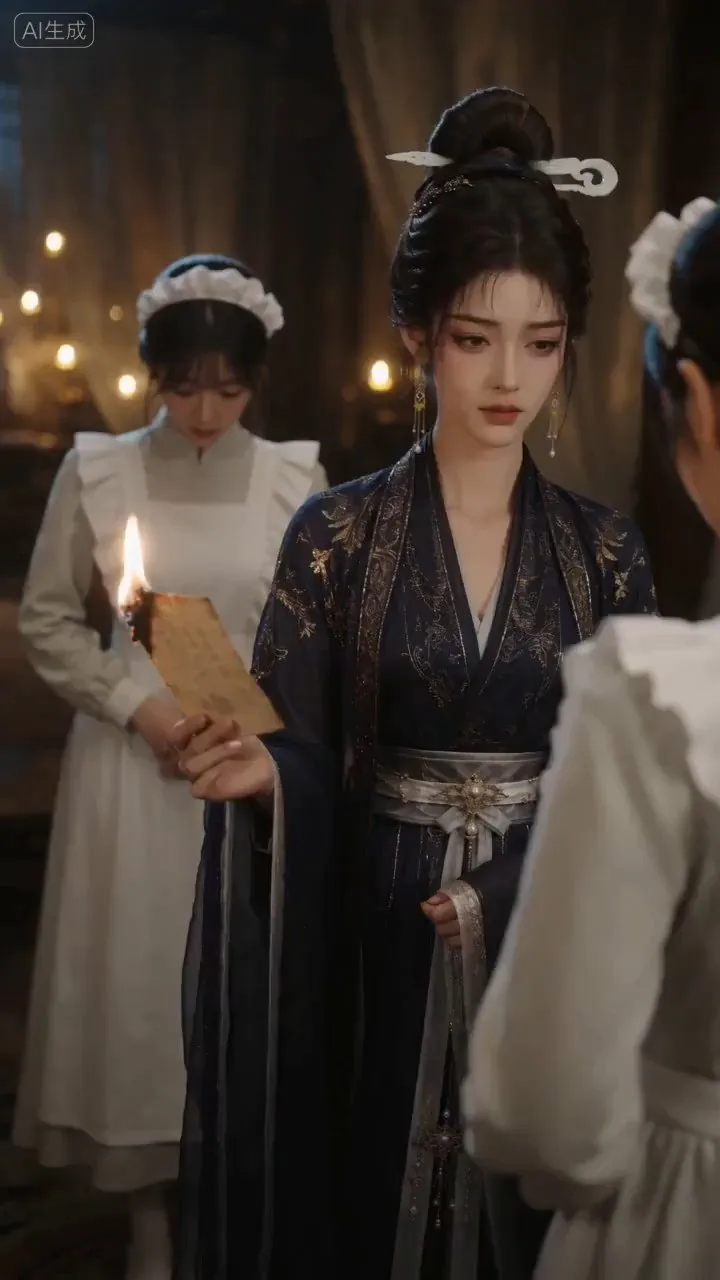
Turn storylines, character profiles, or existing video prompts into professional storyboards and ready-to-use shot prompts for AI video generation. Whether the scene involves contemporary life, historical drama, mystery, romance, or high-payoff drama, the skill focuses on character relationships, pacing, and emotional hooks. It clearly defines shot scale, camera position, perspective, camera movement, composition, lighting, ambient sound, and dialogue, giving every shot a clear visual focus and actionable movement. The skill pays close attention to character consistency and scene continuity. It helps lock in each character’s appearance, clothing logic, identity and status, and defining details, reducing generation issues such as facial changes, visual drift, spatial confusion, and unclear actions. A character’s gaze, expressions, breathing, hand movements, and physical reactions are also translated into visible performance changes, strengthening conflict, tension, twists, and emotional progression. You can start with a complete storyline or provide existing character assets, storyboards, or prompts for targeted optimization. When you already have an established character profile, it can be reused directly to avoid redesigning it. The complete sequence can then be organized into clips of 15 seconds or less for generation with mainstream AI video models, while preserving visual, audio, and duration details for easy copying, use, and further editing.
 Video
VideoStick Figure Silhouette Gen
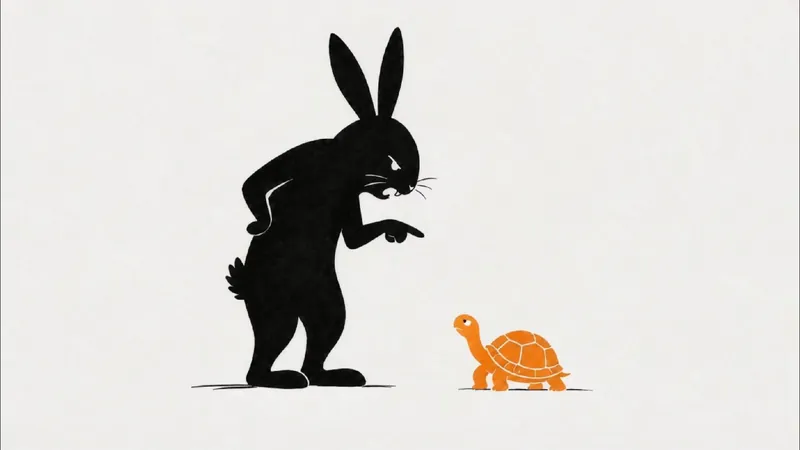
Want to present engaging stories like fables, historical anecdotes, or brand stories in a unique visual style? This skill helps you easily create landscape, minimalist stick figure silhouette short video clips. Just input a story theme, and it generates a complete production plan to make your story visually compelling. The skill provides a ~270-word, 45-second narration script for a smooth and expressive story delivery. It also designs 9 storyboard prompts for 16:9 landscape images, guiding AI to produce minimalist line art and silhouette styles with plenty of white space and clear visual focus, evoking a modern, minimal storybook illustration feel. Additionally, you get 9 Seedance 2.0 image-to-video prompts that perfectly match the storyboard, achieving line-by-line drawing and smooth fade-in effects like a whiteboard animation. Whether you're making short story videos, minimalist animations, or need storyboard and video prompts for line art, silhouette, or paper-cut styles, this tool has you covered. It transforms complex story themes into simple, expressive visual narratives that reach audiences in a fresh, artistic way—perfect for fables, fairy tales, anecdotes, or brand stories. You'll receive a complete voiceover script, storyboard cards, generated images and videos, plus detailed assembly tips to efficiently create your video.
Information
- Version
- v9
- Last updated
- Runtime credits
- Usage-based
- Models
- Auto
