YouMind
Sign in

Turn your sources into social media posts worth sharing

Bring in webpages, videos, PDFs, notes, or a rough idea. YouMind helps you find the angle, shape the draft, create a matching visual, and keep important claims connected to their sources.

A social post and matching visual created from saved notes in YouMind

From scattered sources to a post ready to use

Start with one thought or a whole Board. YouMind keeps the draft connected to the material that inspired it.

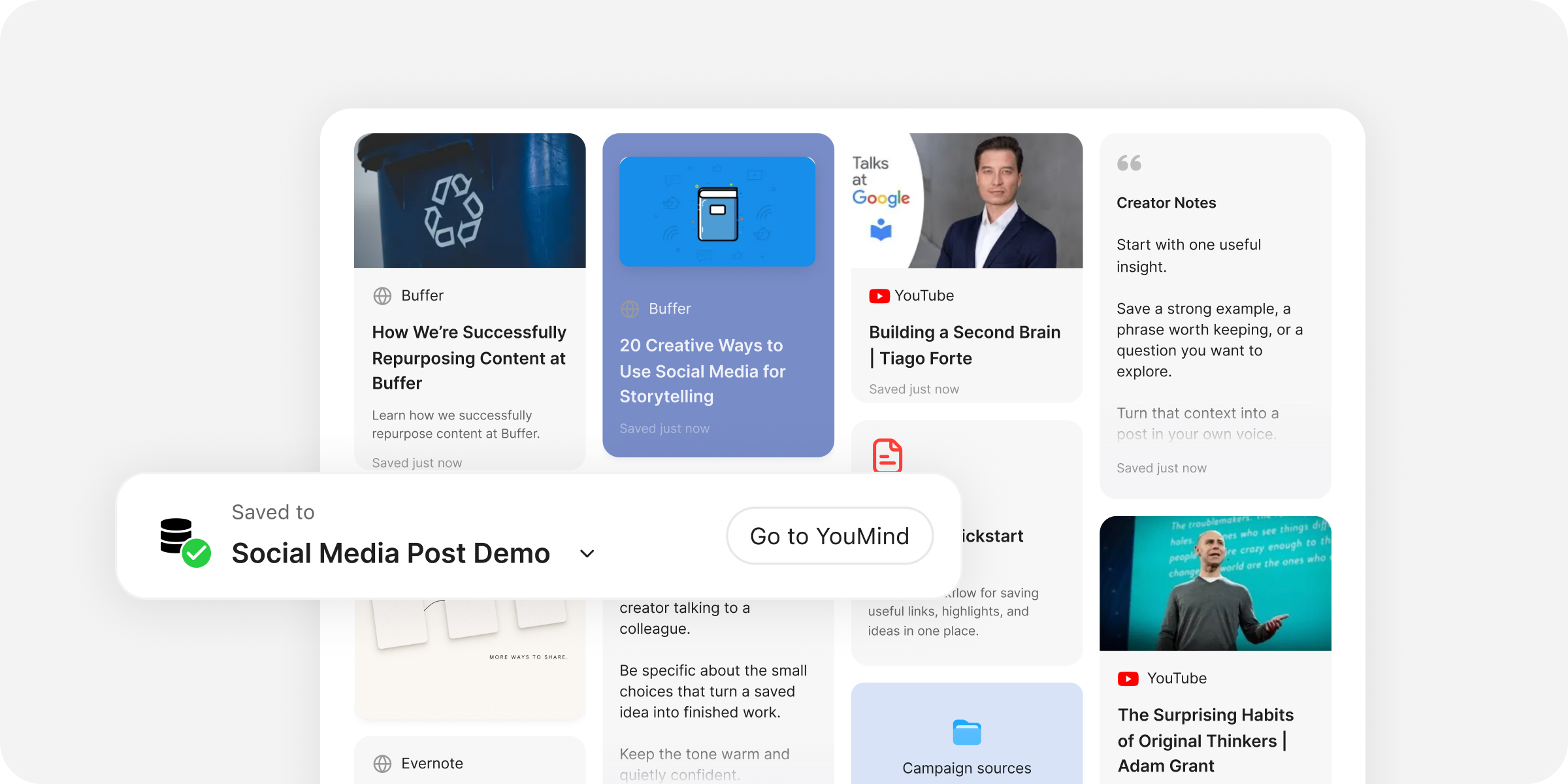
Collect: Add webpages, videos, PDFs, Notes, Picks, or a whole Board.

Write the post. Create the visual.

Turn saved sources into a polished post, then shape the copy and visual for where it will appear.

Draft from saved sources

Turn Files, Picks, Notes, and saved research into an editable first draft.
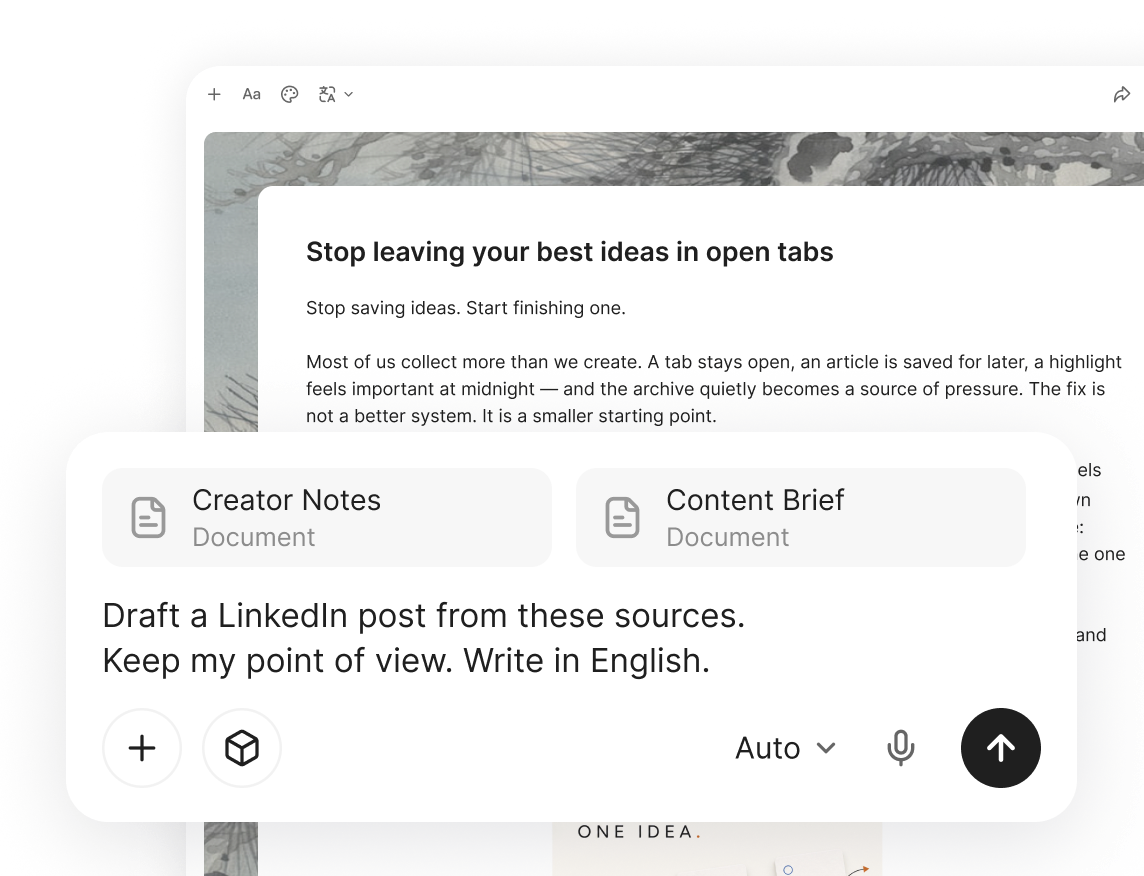
Draft from saved sources

Rewrite the hook and tone

Select any passage and make it sharper, shorter, or better suited to your audience.
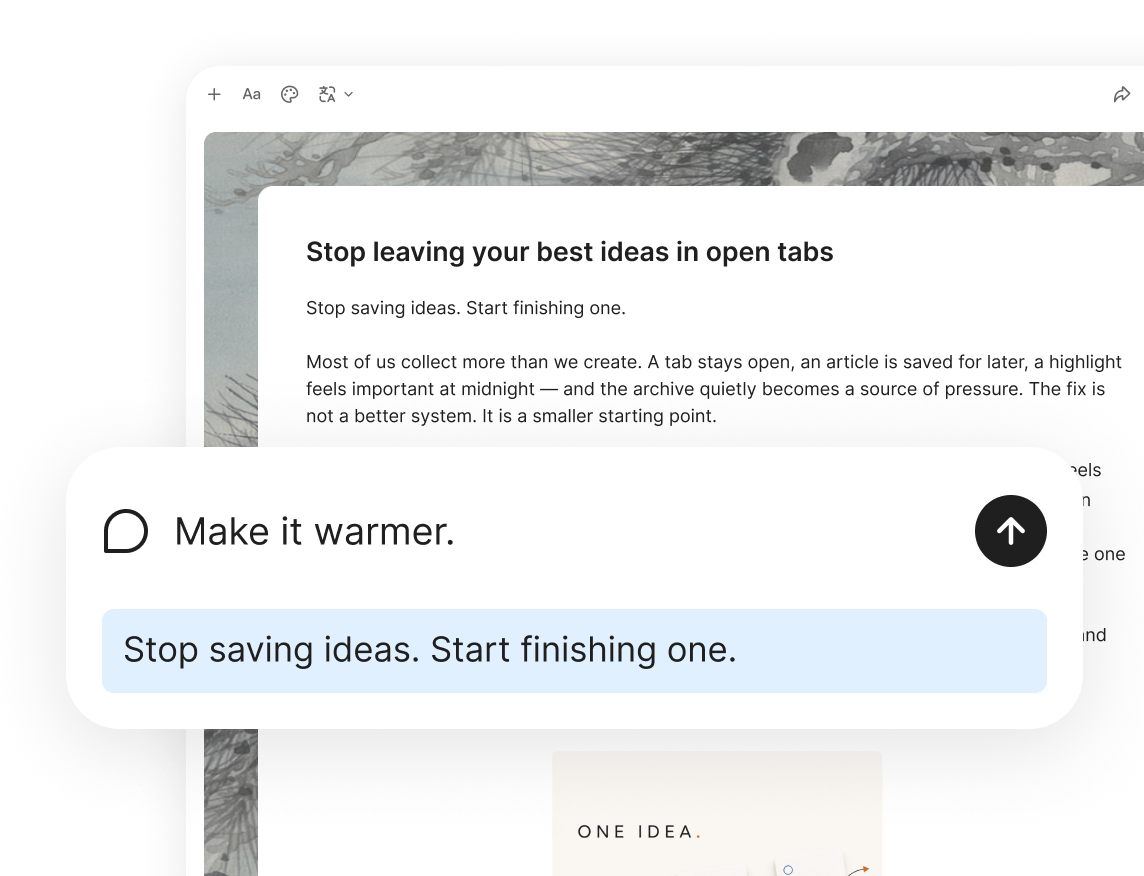
Rewrite the hook and tone

Keep claims traceable

Open the source behind an important fact or quotation without leaving the post.
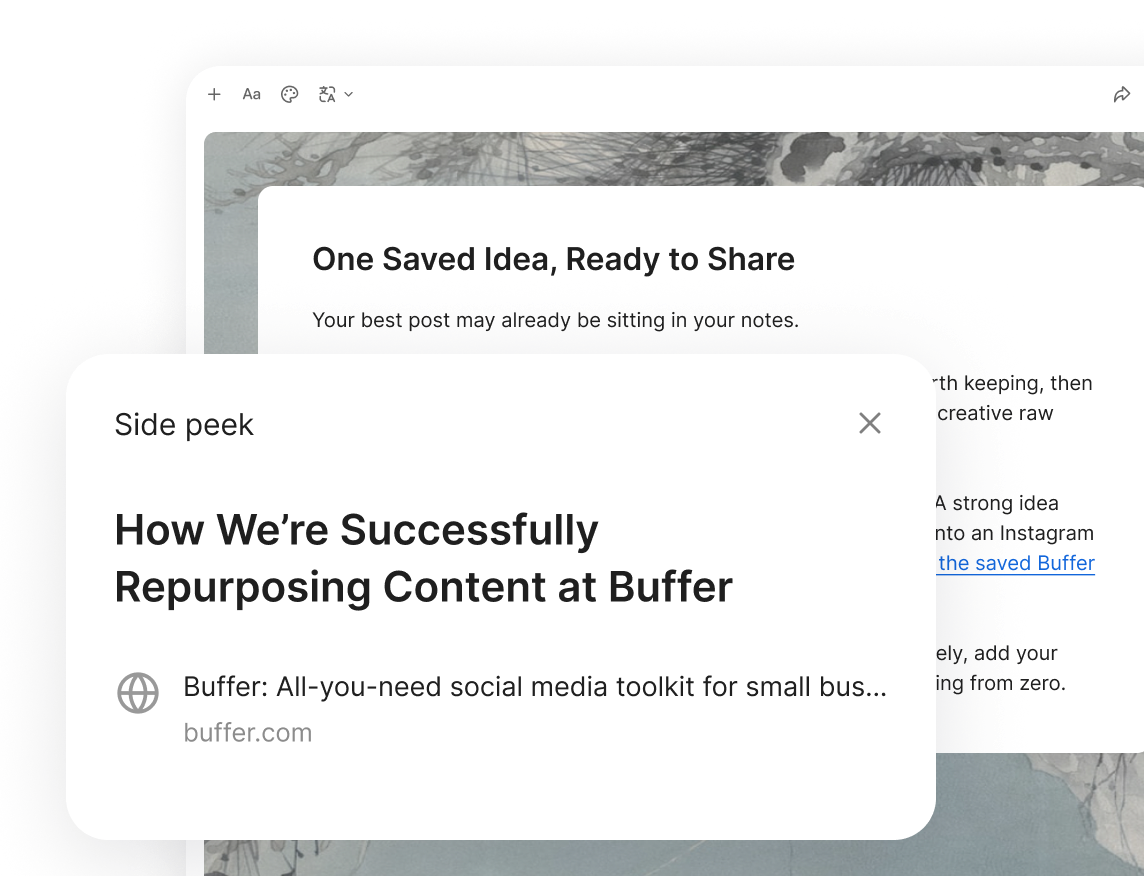
Keep claims traceable

Generate a matching visual

Create an image from natural language and choose a style that fits the post.

Generate a matching visual

Match the visual to the channel

Choose a square, portrait, or landscape ratio to suit your platform.
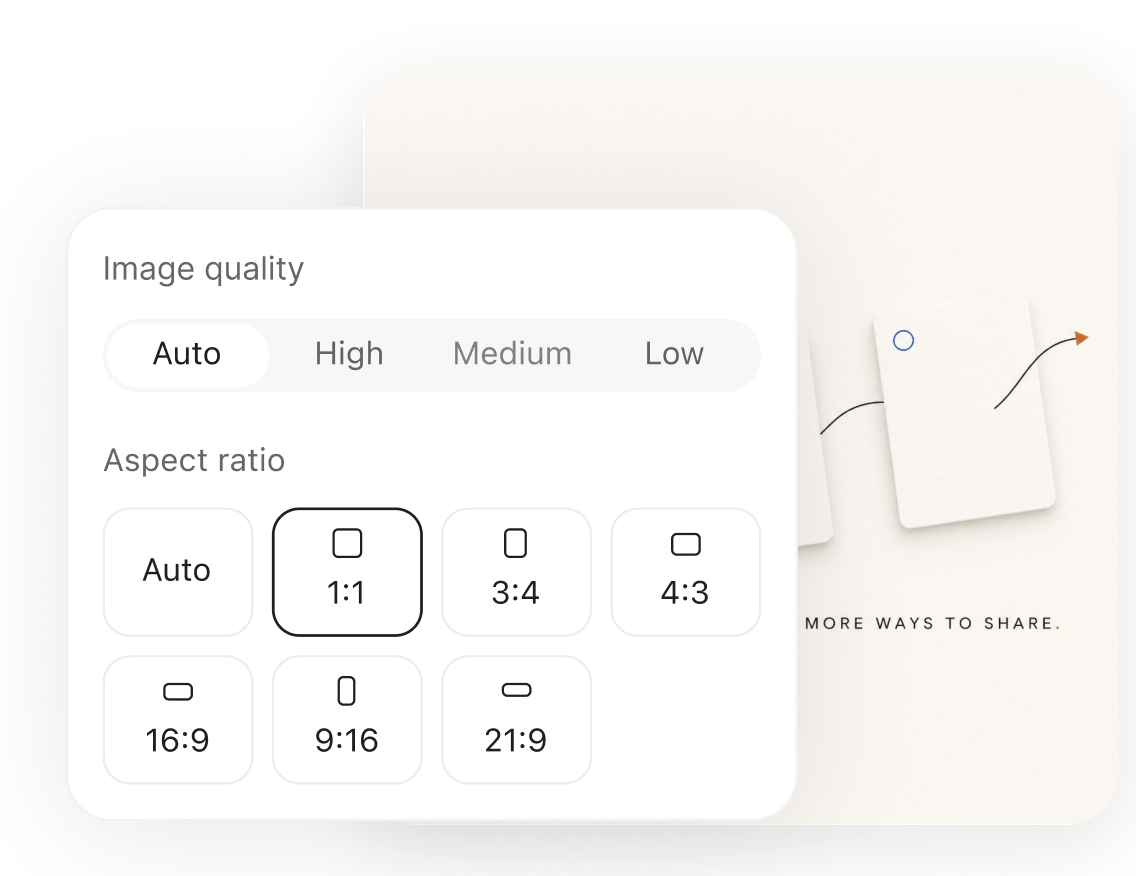
Match the visual to the channel

Edit the visual in place

Crop, remove objects, edit text, or keep refining the image through conversation.

Edit the visual in place

Start with something ready-made.

Choose a Skill that fits your task and turn existing sources into content to share.

Social media skills

See more

One idea can travel much further.

Explore another writing format—or turn this post into something new.

Frequently asked questions

What sources can I use to create a social media post?
Use webpages, PDFs, videos, social posts, Files, Picks, Notes, a whole Board, or simply a rough idea.
Can YouMind tailor the draft to a specific platform or audience?
Describe the audience, platform, length, or tone. Then select any passage to shorten, rewrite, or continue it.
How are facts and quotations connected to their sources?
YouMind keeps claims linked to citations, so you can open the original File, Pick, Note, or researched source.
Can I revise the post after the first draft?
Yes. Edit directly, or select a passage to rewrite, continue, split, or reorganize without starting over.
Can I create and edit the post image in the same workflow?
Yes. Generate an image from a description, choose a style or size, then refine it with the built-in editor.
How can I use or share the finished post?
Copy the text and export the image, then publish them on your chosen platform. You can also publish the Document in YouMind and share its link.

Learn deeper. Create bolder.