YouMind
Sign in
YouMind

Turn your research into an article worth reading

Bring together webpages, PDFs, videos, notes, and ideas. YouMind helps you uncover key insights, build a clear structure, and turn your research into a polished article.

Article
Write a practical guide titled ‘How to Write an Article People Actually Finish.’ Frame the reader's problem, lead with the answer, connect every claim to evidence, address the strongest counterargument, then reverse-outline and line-edit the draft.
Answer the reader's question first, then group the supporting arguments and evidence.
Toulmin MethodConnect each claim to evidence, warrants, qualifications, and the strongest rebuttal.
  • The Minto Pyramid Principle
  • Toulmin Method
  • Orwell's Rules for Clear Prose
Choose a complete Skill for the workflow—or a focused Prompt for the next move.
  • The Minto Pyramid Principle
  • Inverted Pyramid
  • They Say / I Say
  • Toulmin Method
  • Reverse Outline
  • Orwell's Rules for Clear Prose
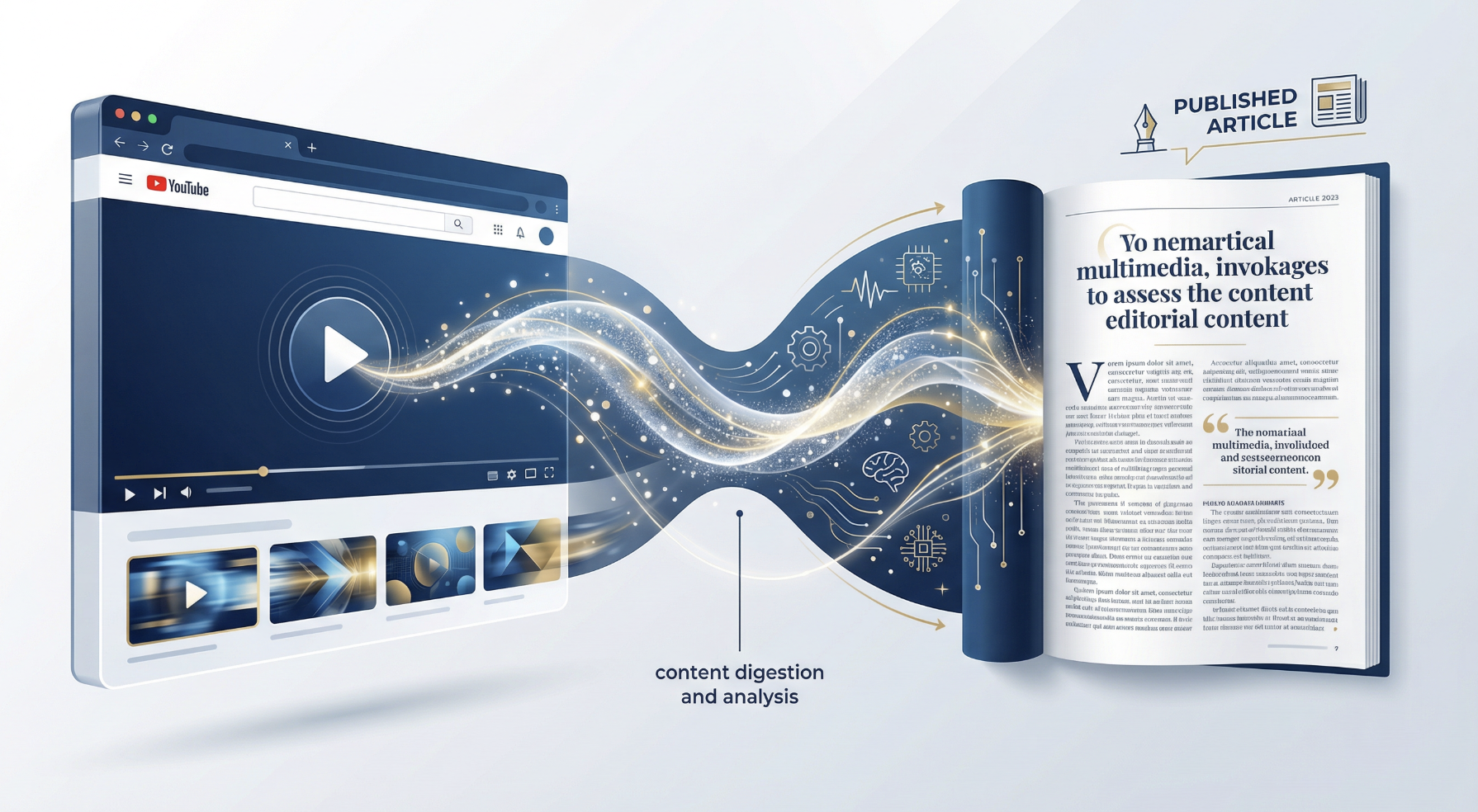
From collected sources to a finished article

Bring one source or an entire research set. The workflow stays connected to what you provide.

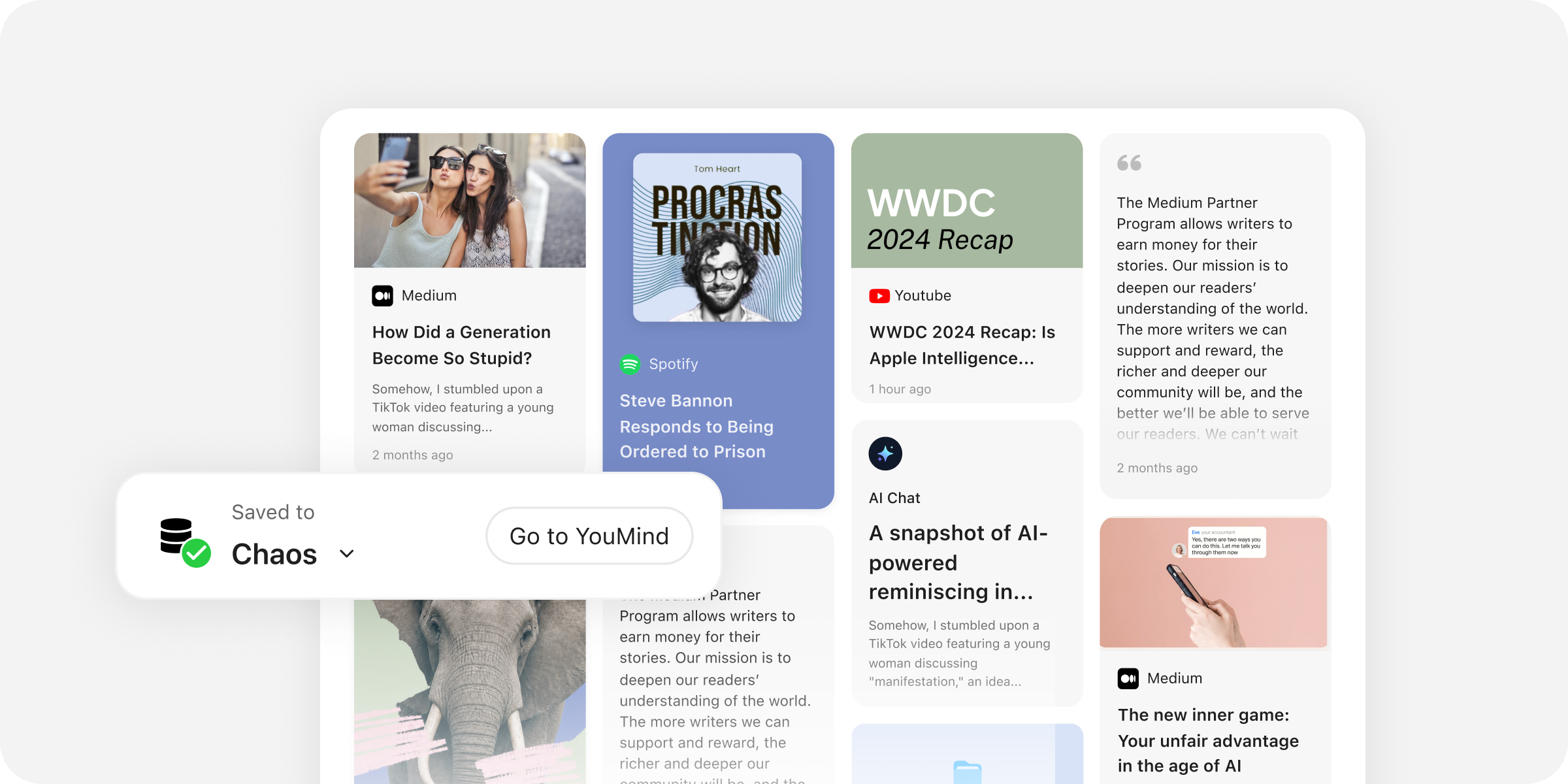
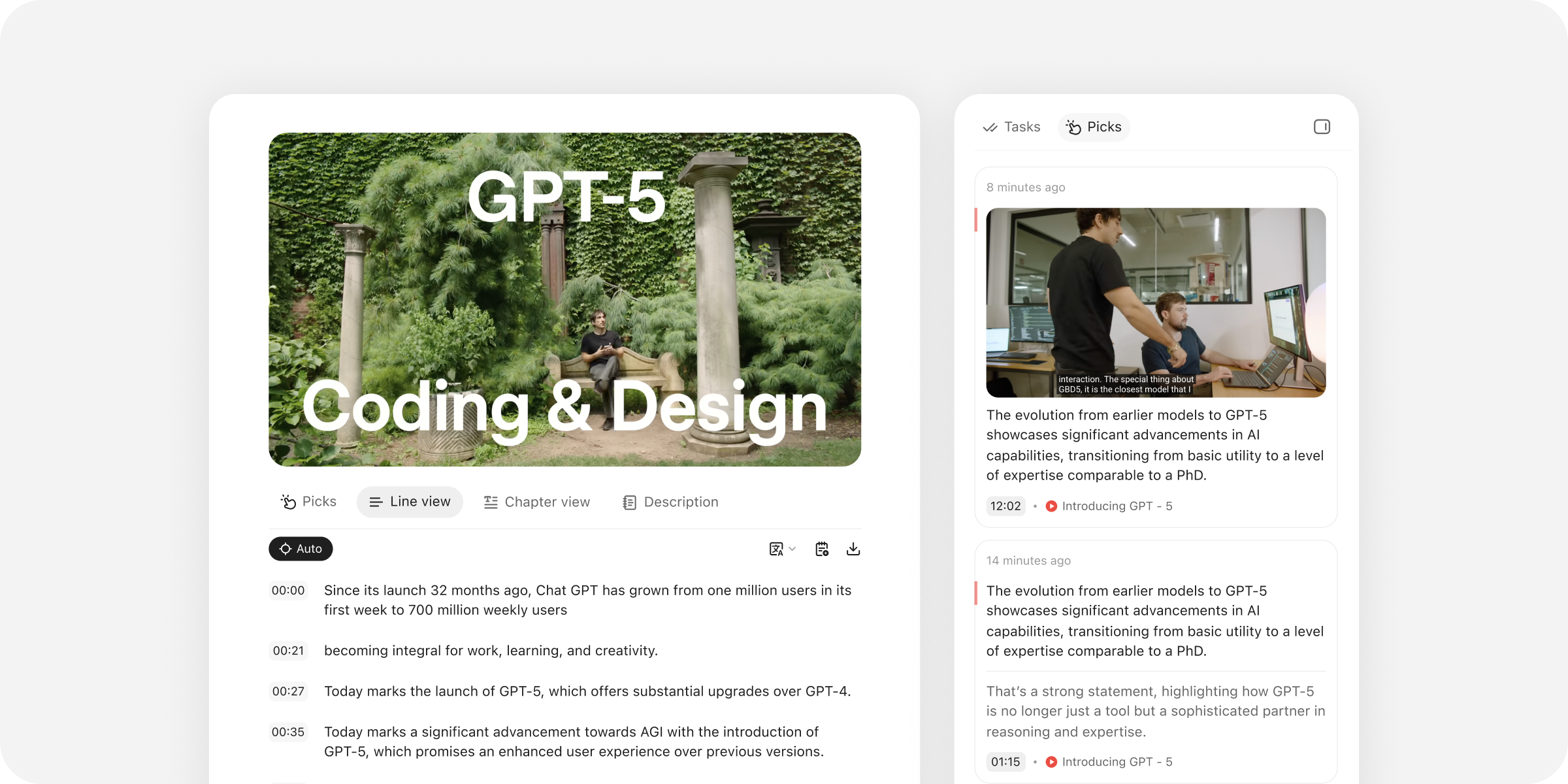
Collect — Collected webpages, videos, podcasts, notes, and AI conversations saved together in a YouMind workspace

Stay grounded. Shape the structure. Keep control.

Research, organize, and refine in the same connected workspace.

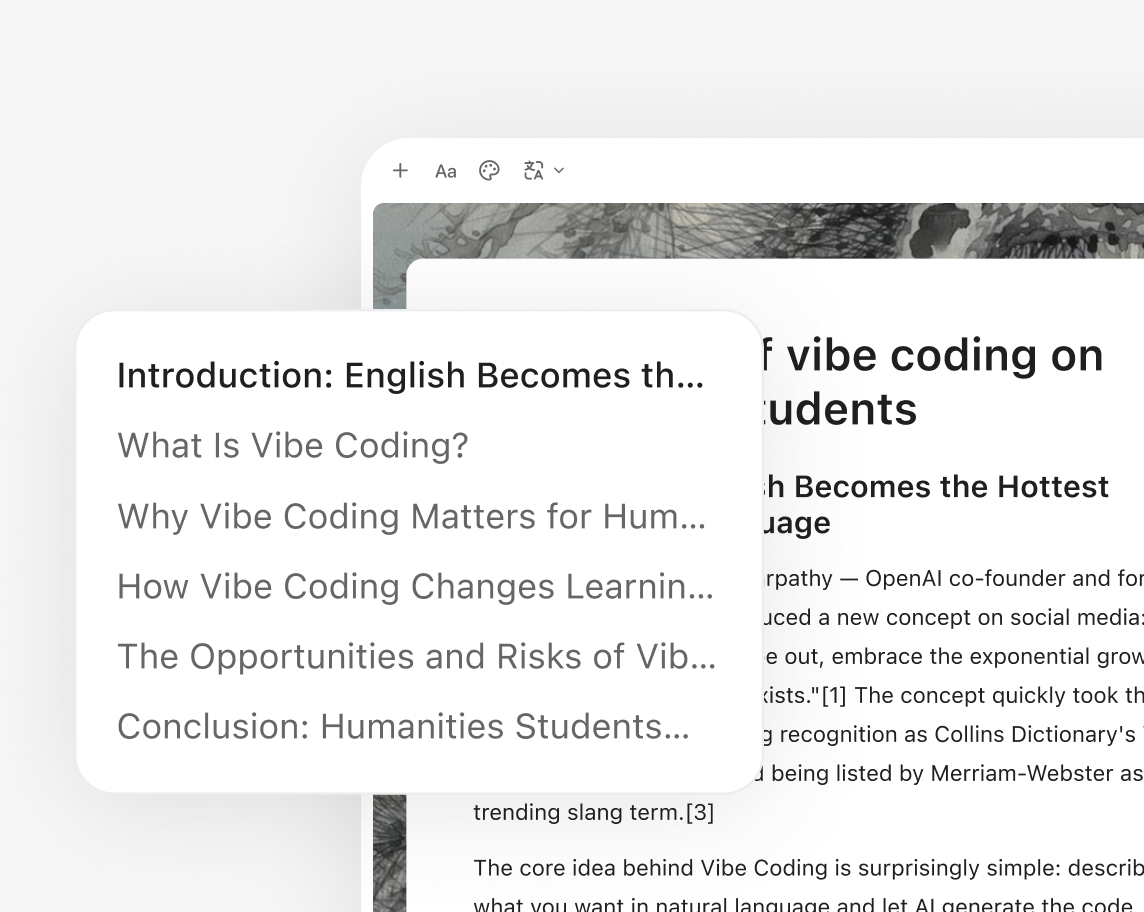
Bring your sources into the draft

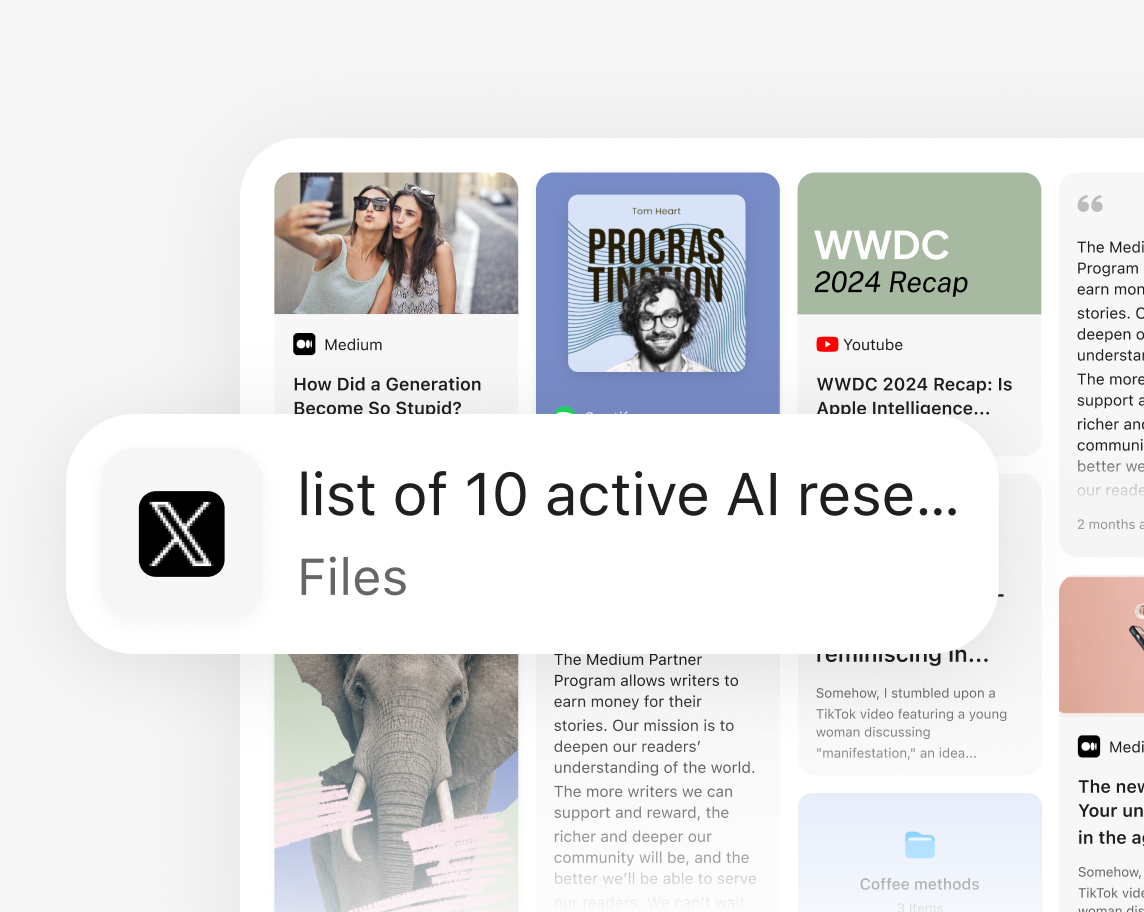
Start from Files, Picks, Notes, and collected research—not a blank prompt.

Collected source cards and a file attached to an article task

Build an outline you can reshape

Move, split, and reorder sections before or during drafting.

An editable article outline beside a YouMind writing task

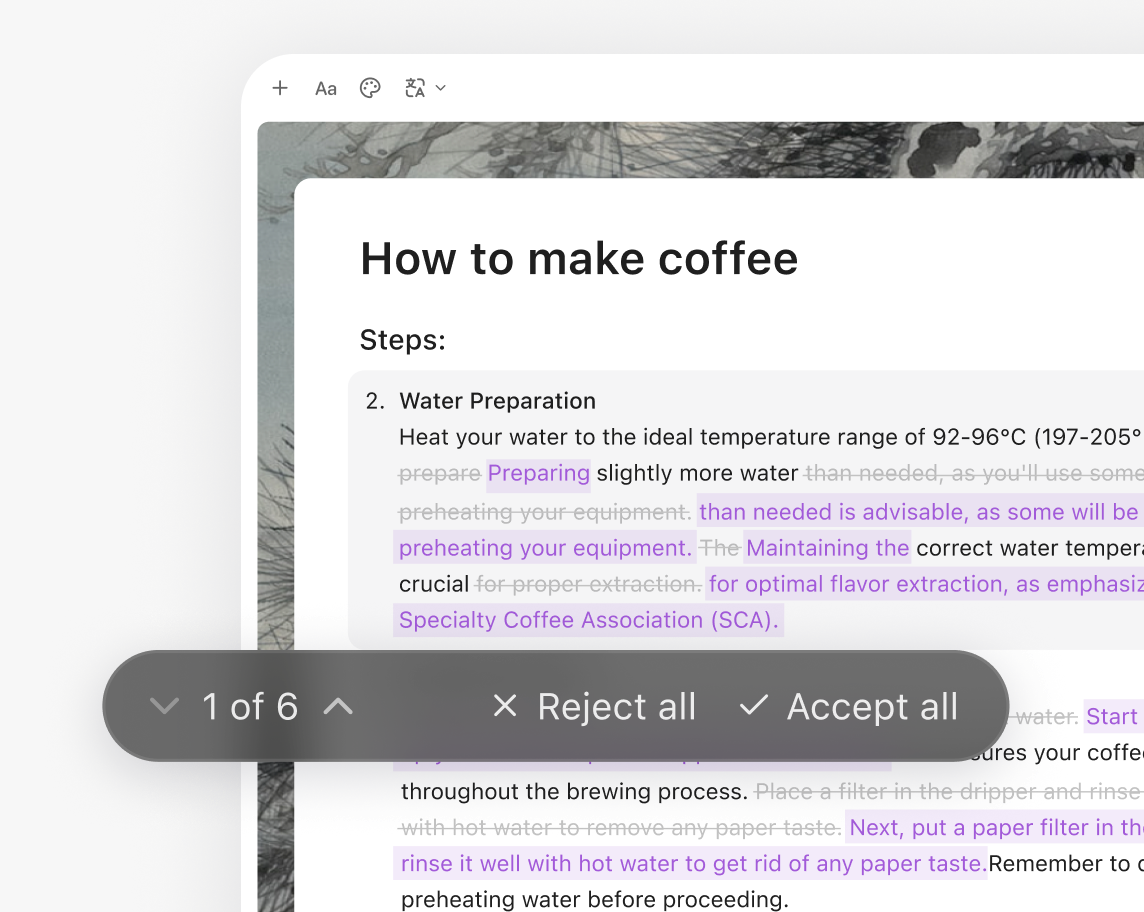
Review every AI change

See exactly what changed, then accept or reject the edit.

An article change review with accept and reject controls

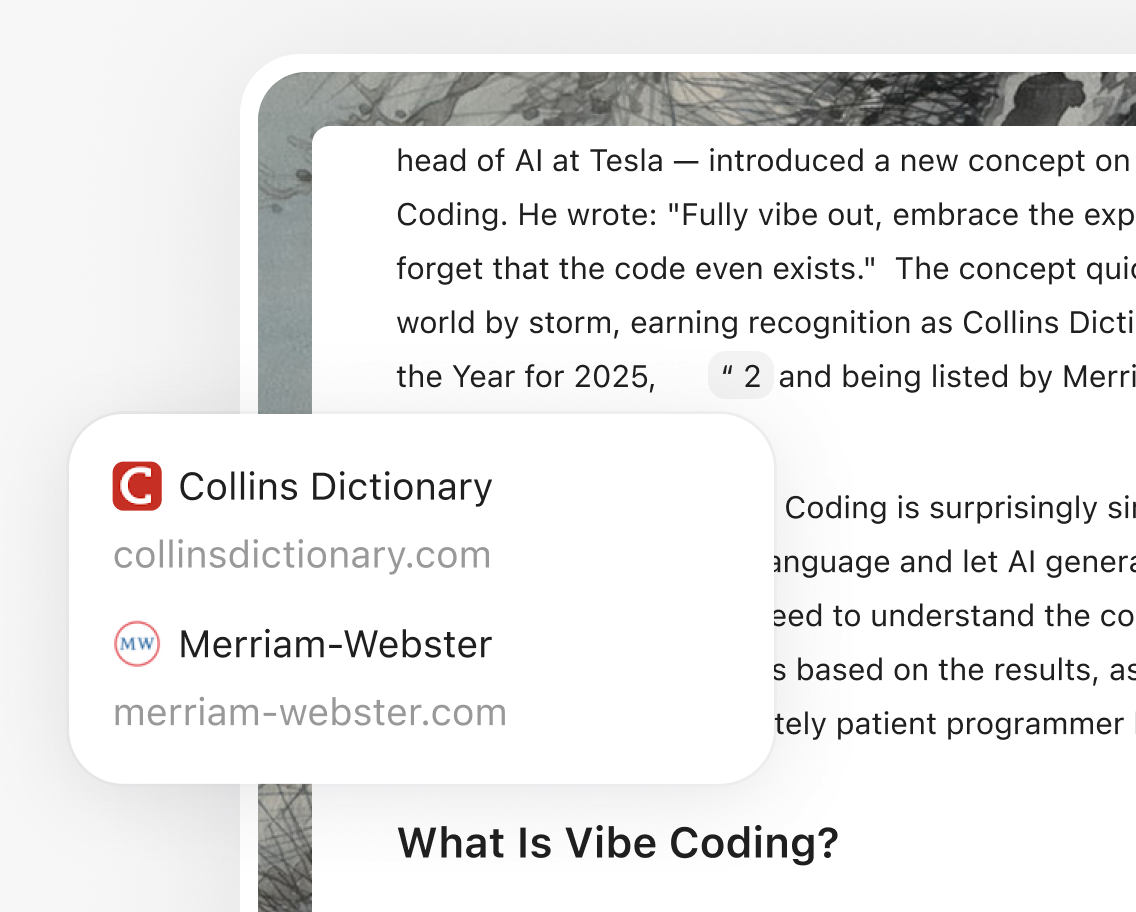
Keep every claim traceable

Open the source behind a citation without leaving the article.

Citation sources opened beside the article text they support

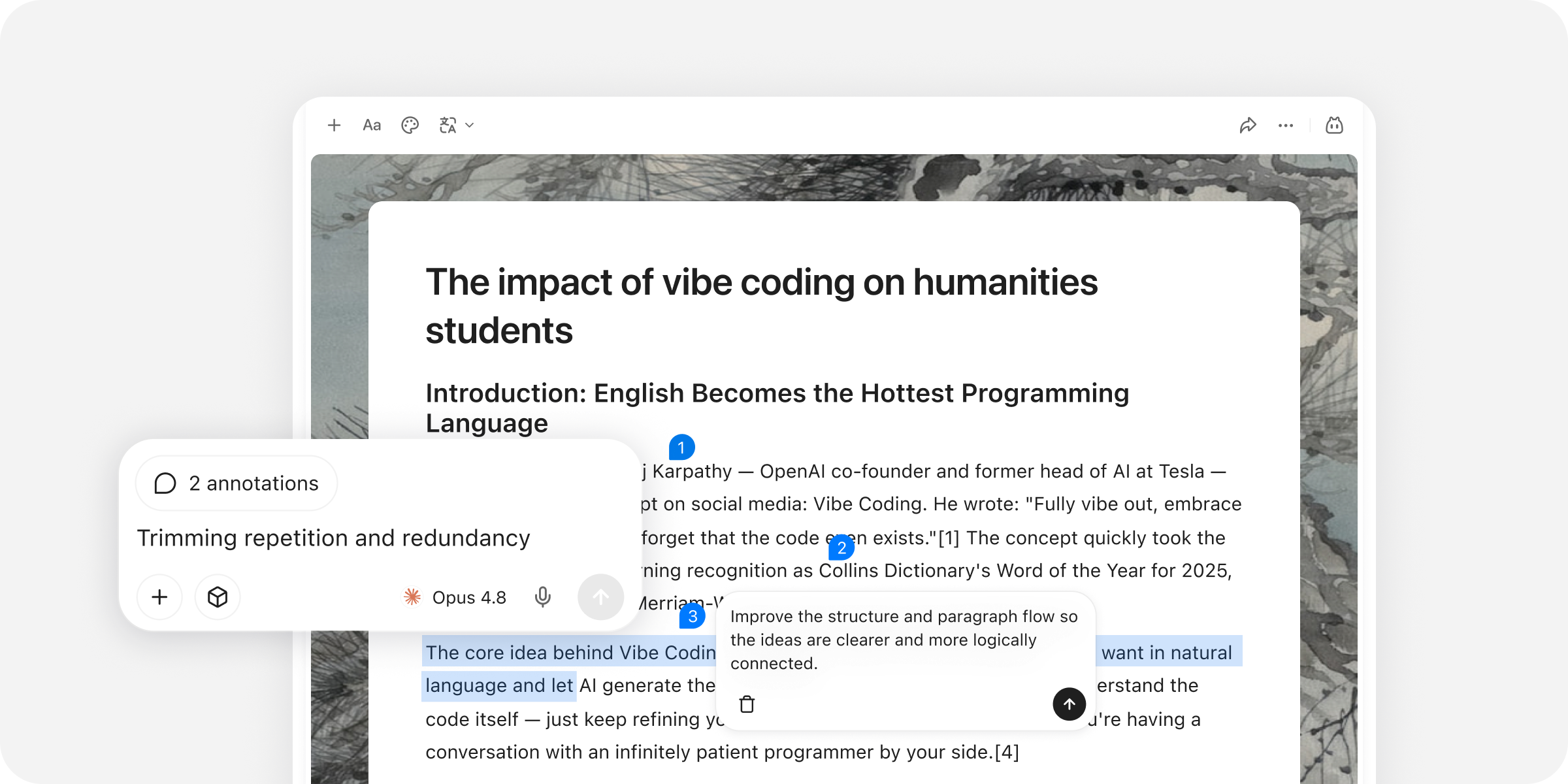
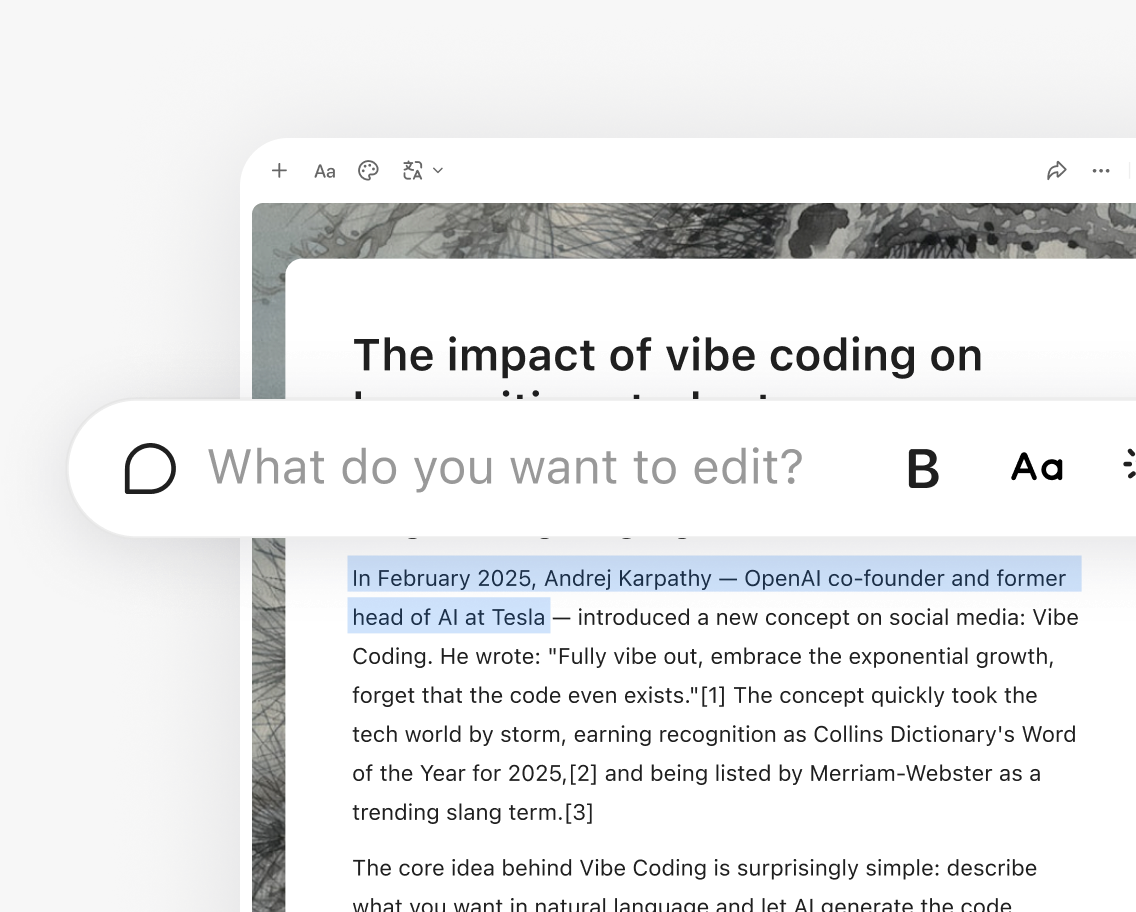
Rewrite exactly where you are

Select a passage and rewrite, continue, or expand it in place.

Selected article text with an inline rewrite prompt

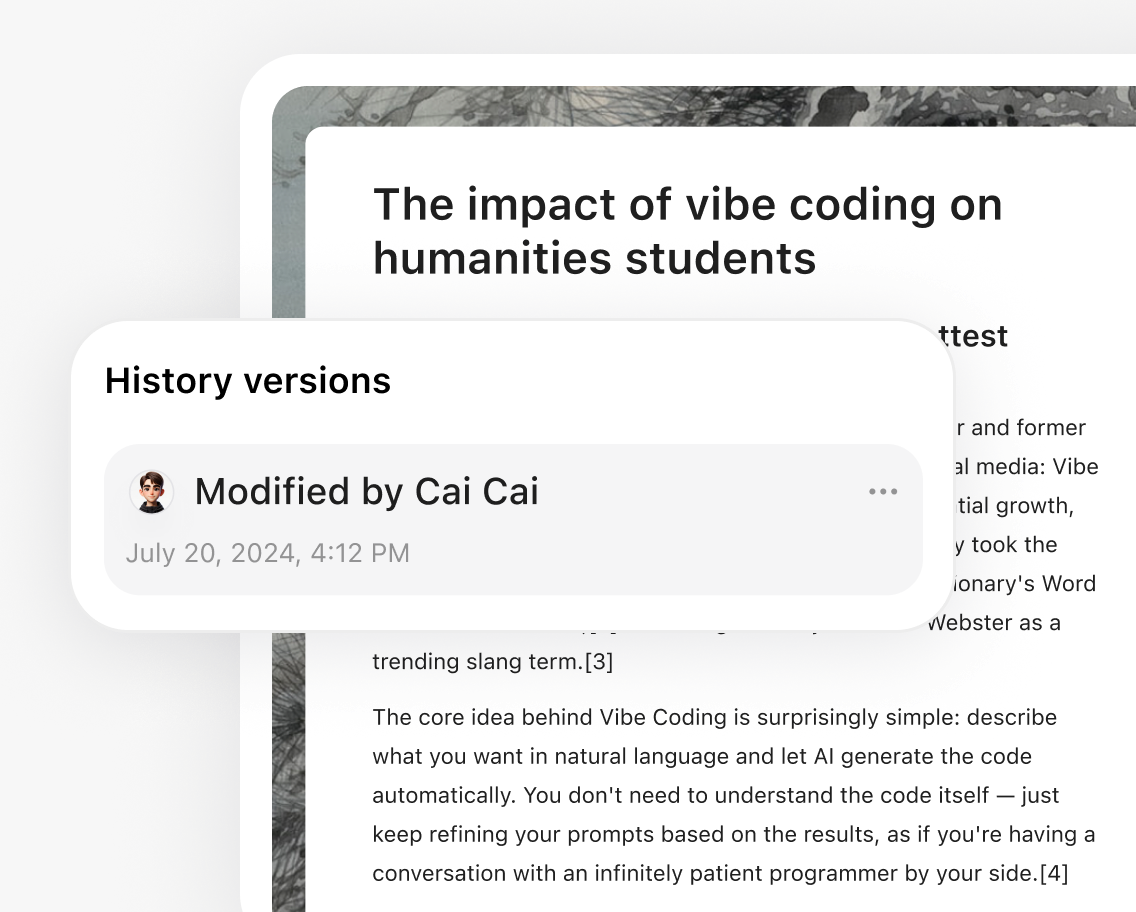
Return to any version

Review your history and roll back whenever a direction does not work.

Article version history opened over an editable document

Start with something ready-made.

Choose a complete Skill for the workflow—or a focused Prompt for the next move.

Article skills

See more

One article can become much more.

Stay in the writing flow—or reuse the same thinking in another format.

Frequently asked questions

What can I use as source material, including an existing draft?
Start with links, documents, notes, saved research, or an existing draft from your YouMind workspace.
Can I control the tone, audience, and language?
Yes. Describe the audience, voice, language, and constraints you want, then refine individual passages without rebuilding the article.
Does YouMind preserve links to the original sources?
Your research stays connected to the workspace, so you can open the material behind a claim while reviewing and refining the article.
Can I export or publish the finished article?
The article remains editable and shareable in YouMind. You can also reuse it as the source for slides, video, webpages, and social posts.

Learn deeper. Create bolder.