Pamelaaaaa
 Image
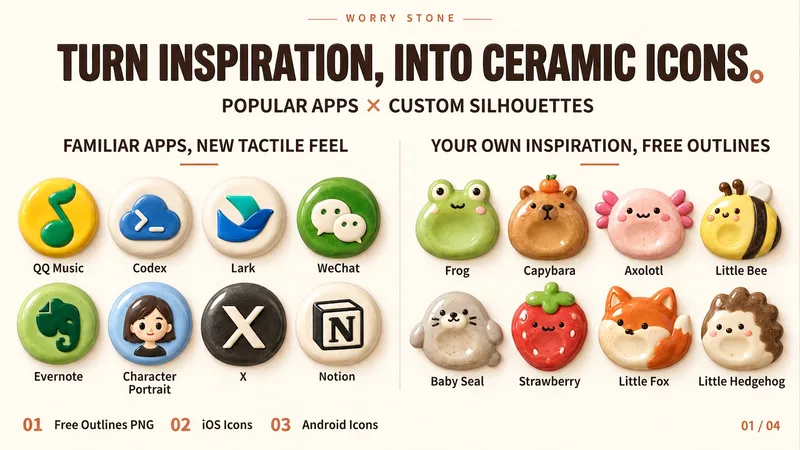
ImageWorry Stone App Icons
Turn any subject into a rounded, chubby Worry Stone ceramic icon with a hand-pinched, glazed texture. Ideal for indie developers, designers, and creators making Skills, Agents, avatars, or personal projects. Just provide a subject, and optionally specify a mode, color palette, or reference image. The Skill extracts the subject’s most recognizable features and expresses them through a compact ceramic form, natural raised details, and restrained facial features. Three output modes: 1. Freeform transparent PNG: An original visual asset that can take on round, egg-shaped, bean-shaped, or other forms. Cat ears, combs, mushroom caps, and short tails can naturally protrude while remaining fully preserved on a transparent canvas. 2. iOS App Icon: Adapts the same visual language into a full, square icon design, with the system’s rounded-corner effect shown in the preview. 3. Android Adaptive-style design: Keeps the subject full and the key identifying features centered, while accounting for different system masks. Mode 1 is the original visual asset; modes 2 and 3 are platform adaptations. Mode 1 can be orderly or have a distinctive irregular silhouette. All modes share a rounded, compact, chubby form with a handcrafted warmth.
 Image
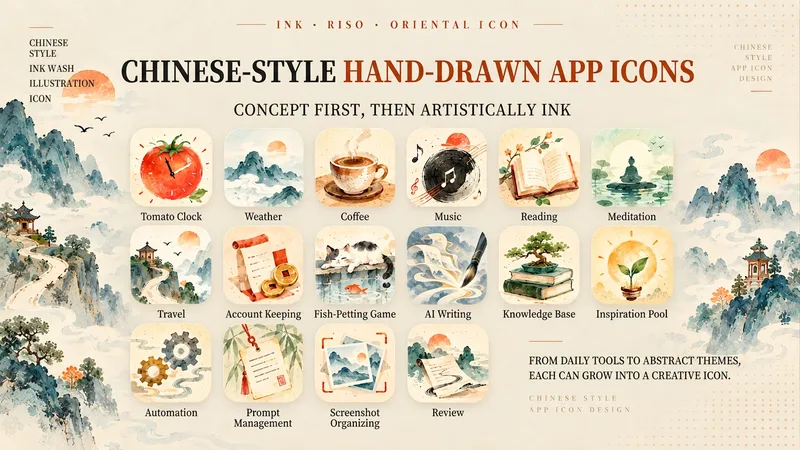
ImageChinese-Style Hand-Painted Icons
This is not an icon-making Skill that simply applies a Chinese-style filter to a theme. It first understands the true function, action, and state an app, Skill, mini program, or game needs to express. It avoids obvious first-reaction answers such as “writing = calligraphy brush” or “music = instrument,” first distilling the concept, merging its structure, and turning it into an icon design. It then renders the result with expressive Eastern watercolor, xuan paper texture, and Riso halftone. By default, it outputs one strongest solution. The focus is not on piling on traditional Chinese elements, but on giving every icon an accurate, clear, and memorable design idea. Suitable for app icons, Skill icons, mini programs, games, and all kinds of digital products.
 Image
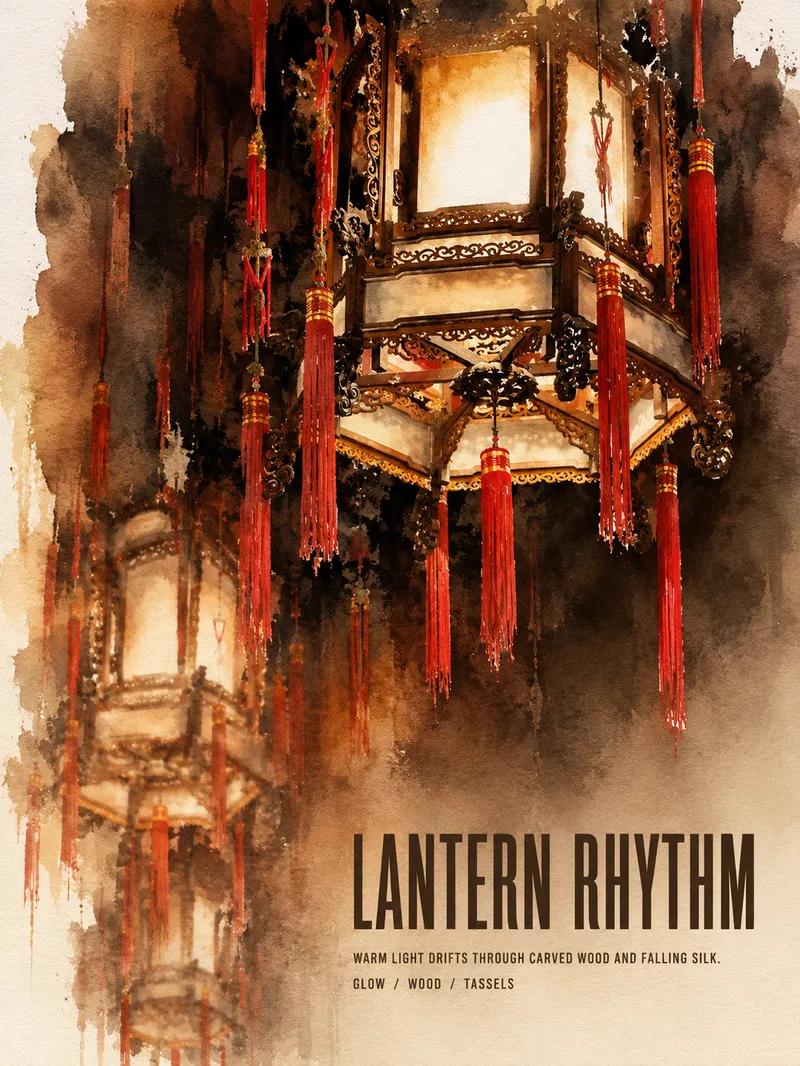
ImageTurn Photos into Art Posters
Upload a photo of a person, pet, building, travel scene, street view, vehicle, product, still life, or everyday moment. The Skill first identifies the details that matter most to preserve, then automatically selects an artistic approach—such as translucent watercolor, coarse screen printing, knife-mark rubbing, impasto, or conceptual collage—based on the composition, colors, lighting, and mood. It rearranges the subject’s scale, negative space, material field, and English headline so text and imagery weave together naturally, generating a 3:4 vertical art poster with a clear visual focal point and collectible appeal. You can also specify the artistic material, an English or Chinese title, aspect ratio, color direction, mood, intended use, or a text-free mode. If you don’t specify, the Skill will decide automatically and generate the poster directly.
 Slides
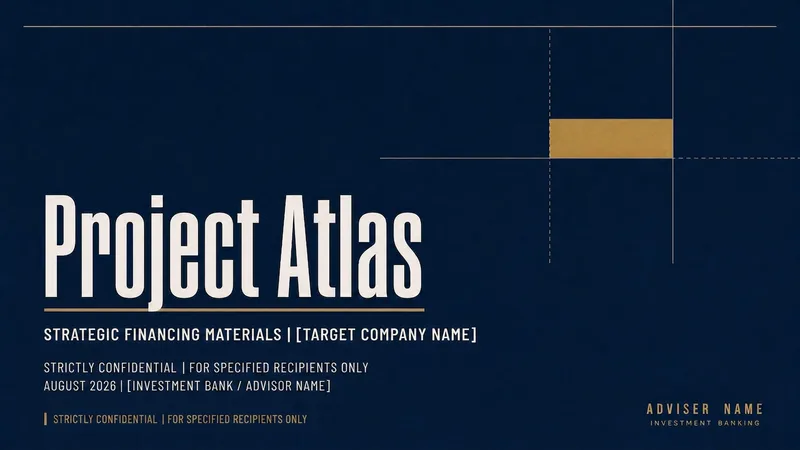
Create Investment Banking Slides
Turn general business topics, project materials, and data into Chinese Slides with a structured, data-focused investment banking visual style. Supports follow-up questions to address gaps, research as needed, and separate outline and visual confirmation.
 Image
ImagePhoto to Journal Stickers
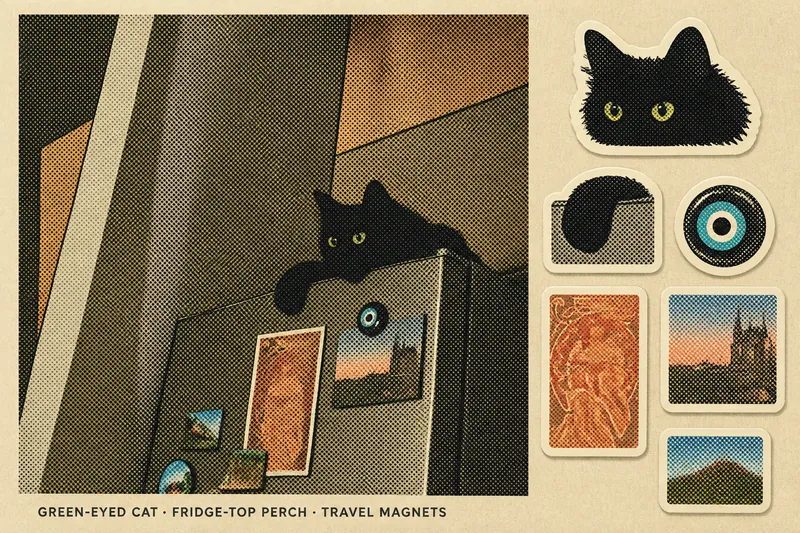
Upload a travel or everyday photo and turn it into a collectible journal sticker set. The Skill preserves the subject, composition, pose, and signature colors of the original photo, then extracts six representative elements to create as die-cut stickers on the right. It uses a colorful, coarse halftone style with a vintage print texture by default. You can also switch to a classic pixel style or a matte gouache paper-cut collage style. Suitable for travel memories, city scenes, portraits, pets, food, and everyday life photos.
 Image
ImagePremium Large Text Poster
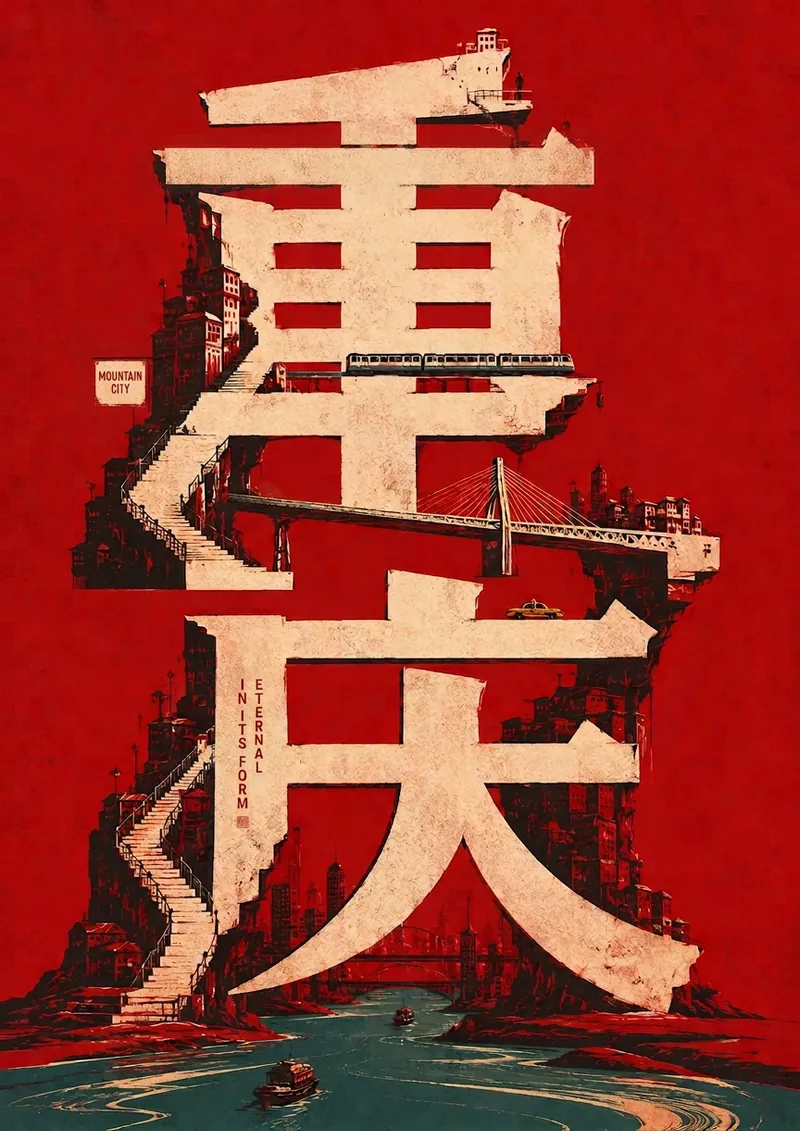
Enter a word, and transform its meaning, emotion, cultural context, and metaphors into a high-impact premium large-text poster. The core text becomes a background wall, building, barrier, or spatial skeleton, with the word's meaning acted out through interactions between people and objects. Ideal for concept posters, cultural expression, quote visuals, course covers, event graphics, and social media content.
Cornell Notes Infographic
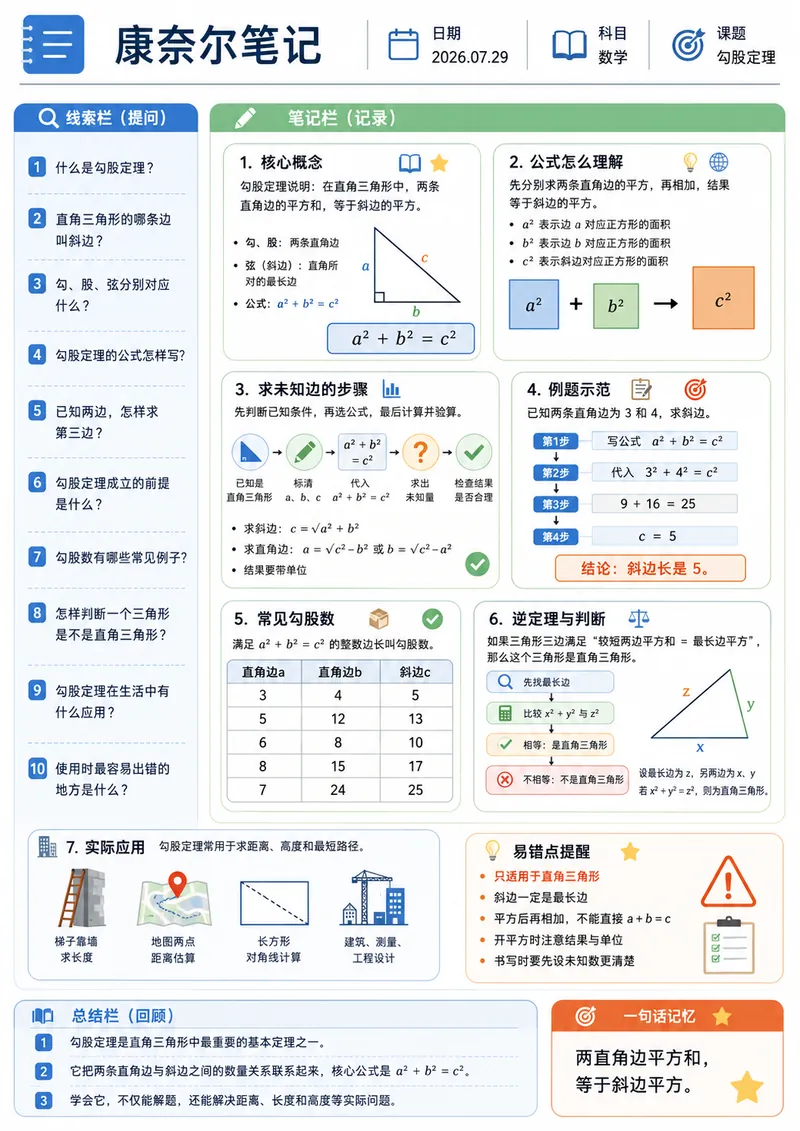
Enter a study topic, and the content will be organized into a Cornell note-style infographic. The layout uses A4 portrait orientation and includes a cue question column, modular note column, summary column, and a one-sentence memory aid, combined with flowcharts, tables, diagrams, and unified-style icons. Suitable for course preview, knowledge review, exam preparation, printed study, and digital note-taking.
 Image
ImageWatercolor Engineering Sketch
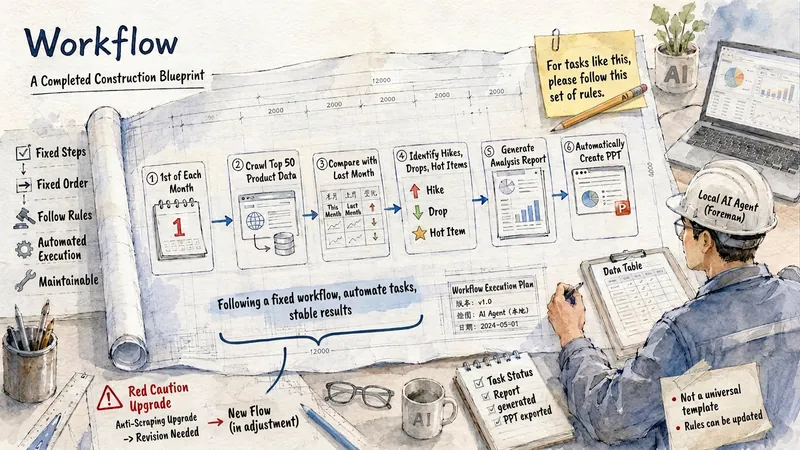
Quickly convert text content into watercolor engineering sketch illustrations with a paper texture. Users simply input the content they wish to express, and the Skill generates images featuring light watercolor, engineering sketches, and fine-line annotation styles, adding short, readable titles or keywords based on the content. Supports Chinese, English, and mixed Chinese-English content. Default output is landscape 4:3 images; you can also freely specify aspect ratios such as 3:4, 1:1, and 16:9. Suitable for illustrations in knowledge notes, WeChat Official Account articles, social media, course content, concept explanations, and work reports.