YouMind
Sign in

Grok 4.7

Review code, explain a screenshot or work through a technical decision with Grok 4.7. Bring the relevant requirements and source material together, then turn the discussion into tests, a migration plan or a concise recommendation.

Grok 4.7
Research
Webpage
Slides
Image
Video

What Grok 4.7 does best

  • 500K context for connected technical material

    Grok 4.7 has a 500,000-token model context window. It offers room to consider requirements, code excerpts and project notes together when tracing how a proposed change affects the wider design.

  • Text and image input for screenshot analysis

    Grok 4.7 accepts text and images and responds in text. Use an error screenshot, architecture diagram or chart alongside your question to discuss details that are difficult to describe in words.

  • Reasoning and structured answers

    Grok 4.7 supports reasoning and structured output. Ask for a review organized by issue, impact and suggested test, or turn supplied notes into a table or JSON draft you can use in the next step.

Use Grok 4.7 to review code, compare designs and prepare technical briefs

Code review and debugging

Give Grok 4.7 the code change, observed error and expected behavior. Ask it to trace the relevant branches, explain a likely failure case and propose a focused test rather than rewrite everything at once.
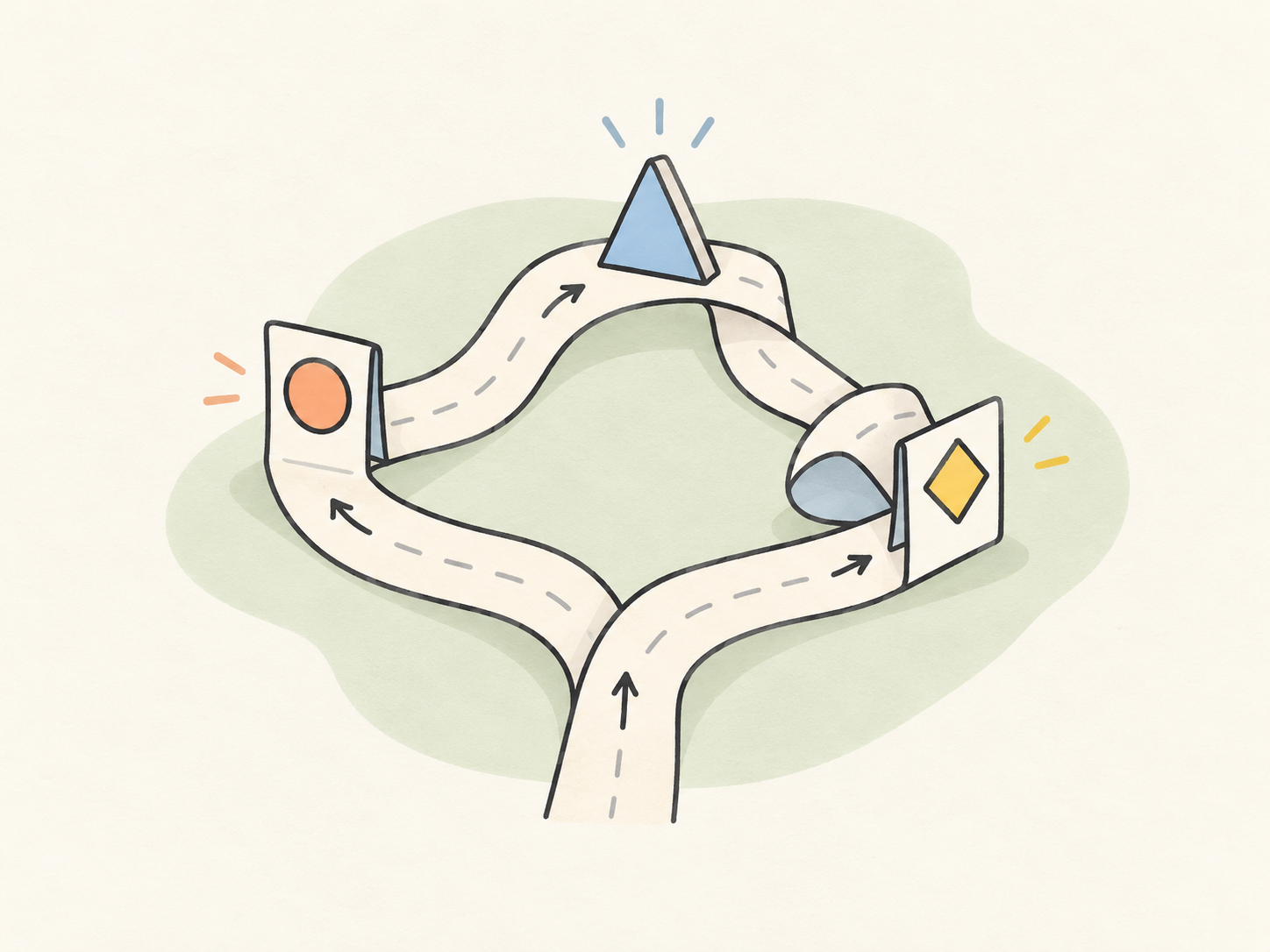
A small branching code path on a paper ribbon reaches three inspection stations, each highlighting a different edge case.

Architecture and migration decisions

Compare two designs against the same constraints: data consistency, dependencies, rollout and rollback. Grok can turn a long technical discussion into an options table and a list of decisions that still need an owner.
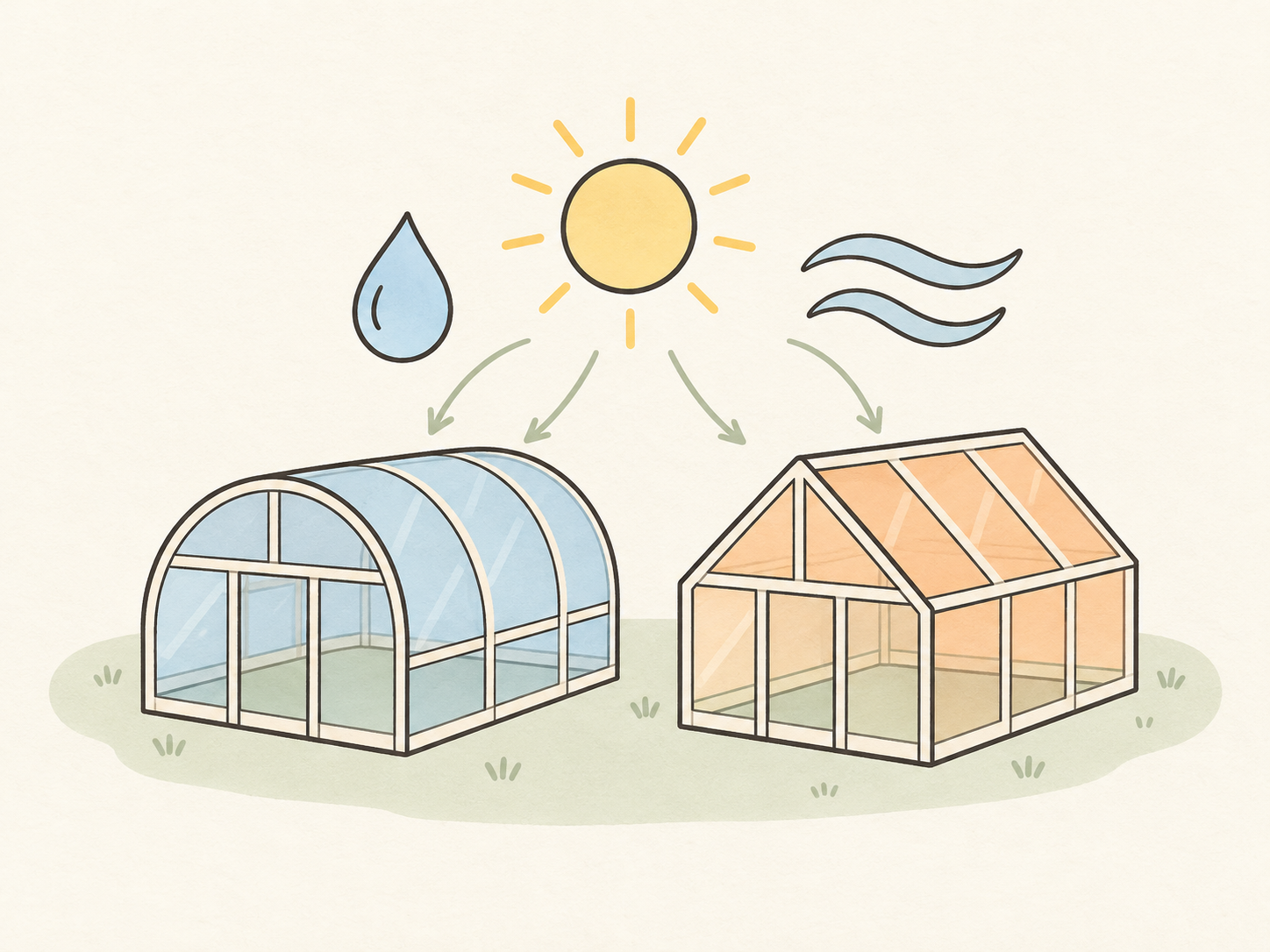
Illustration of two greenhouse prototypes compared under shared sunlight, water and airflow requirements.

Evidence-based decision briefs

Bring release notes, experiment results or source excerpts together. Ask Grok 4.7 to organize the findings, connect recommendations to the supplied material and finish with the next action for the team.

Illustration of interlocking source pieces matched to a recommendation booklet, with one unmatched piece kept separate.

Start with the decision you need to make

  1. Supply the change and the constraints

    Paste the relevant code or proposal and describe the behavior you need to preserve. Include reference images only when a visual detail matters.

  2. Continue in YouMind

    Choose Try in YouMind to open chat with Grok 4.7. Your prompt and attached reference images carry over. The response is created in chat, not on this page.

  3. Challenge the recommendation

    Check cited passages and run the proposed tests. Change a key assumption and ask which conclusions still hold before using the draft.

Grok 4.7 and Grok 4.6: inputs, context and practical uses

Both models work with text and images. Compare the material they can consider, the answers they produce and the kind of technical work you want to move forward.

Grok 4.7 and Grok 4.6: inputs, context and practical uses
CompareGrok 4.7Grok 4.6
Model focus
Grok 4.7 is built for coding, agentic tasks and knowledge work, including demanding technical analysis.
Grok 4.6 is also built for coding, agentic tasks and knowledge work, including multi-step technical tasks.
Model inputs
Grok 4.7 accepts text and images, so a code question can include an error screenshot or diagram.
Grok 4.6 accepts text and images, combining written context with visual references.
Context length
Grok 4.7 has a 500,000-token context window for the material and conversation involved in a task.
Grok 4.6 also has a 500,000-token context window for longer source material and discussion.
Reasoning
Grok 4.7 supports low, medium, high and extra-high reasoning effort for tasks with different analytical demands.
Grok 4.6 supports the same four reasoning levels: low, medium, high and extra high.
Output and formats
Grok 4.7 produces text and supports structured output, such as an organized review or a JSON result.
Grok 4.6 also produces text and supports structured output, including tables and structured records.

Scroll horizontally to compare all models

What our users say

  • I use Grok 4.7 to review small code changes. A concrete example of what might break is much more useful to me than a page of general advice.

    Backend developer
  • That error screenshot finally had some context. Grok helped me connect the message to the branch I needed to inspect.

    Technical lead
  • For our migration draft, I asked for rollback questions first. Having those next to the rollout steps made the gaps much easier to spot.

    Release coordinator
  • Grok 4.7 is a useful sounding board for edge cases. I start with one failing input and ask what else belongs in the test set.

    QA engineer
  • I use it to turn scattered service notes into a handover draft. The next person should not have to guess why an awkward-looking constraint exists.

    Technical writer
  • My experiment notes were a mess. Separating observations from possible explanations gave me a much clearer starting point for the write-up.

    Research engineer
  • Grok 4.7 helped me put two architecture options into the same table. Seeing the trade-offs side by side made the discussion less circular.

    Product manager
  • A SQL query looked fine until I asked Grok about nulls and duplicate rows. Now those examples go straight into my review checklist.

    Data engineer
  • When an API guide feels obvious to me, I ask it where a first-time reader could get stuck. That is usually where the missing example belongs.

    Documentation editor
  • I like asking Grok for a tiny example before the full explanation. Once I can follow that, the larger design makes more sense.

    Workshop facilitator
  • Grok 4.7 helps me organize symptoms, recent changes and checks already tried. Much easier to hand over than a long chat transcript.

    Support specialist
  • For refactoring, I ask for small steps that preserve the current behavior. It gives me something I can review one change at a time.

    Independent developer

Questions about Grok 4.7

How do I use Grok 4.7 for code review?
Provide the relevant diff, language and dependency versions, plus the behavior that must remain unchanged. Ask for issues ordered by impact, with an example and a suggested test for each.
What should I include when asking for a technical decision brief?
State the decision, the intended reader and the constraints. Supply the available evidence, then request options, trade-offs, unanswered questions and a clear next action.
Can Grok 4.7 explain an error screenshot?
Yes. It accepts image input and can discuss the visible error message or interface. Include what you were doing, what you expected and any relevant code or logs.
How can I get help debugging a problem I cannot reproduce?
Share the symptoms, timing, recent changes and checks already attempted. Ask for a short list of possible causes and the observation that would help distinguish each one.
How do I ask Grok to analyze a chart?
Provide a readable chart and identify the metric or trend you want explained. Include axis definitions and the time range, and ask it to separate visible changes from possible causes.
Can Grok turn notes into a table or JSON?
Yes. Specify the columns or keys, give a small example and say how missing information should be represented. Check the resulting values and format before using them elsewhere.
Does a code explanation mean the code has been tested?
No. Ask for test cases and expected results, then run them in the relevant project environment. Share any failures to continue the debugging discussion.

More models

Learn deeper. Create bolder.
