YouMind
Sign in

GPT-6.1 Sol

Turn a feature brief, code change or interface screenshot into a concrete next step with GPT-6.1 Sol. Connect the requirements, explain the tricky parts and draft implementation plans, tests or technical documents.

GPT-6.1 Sol
Research
Webpage
Slides
Image
Video

What GPT-6.1 Sol does best

  • 1.05M context for substantial project material

    GPT-6.1 Sol has a 1,050,000-token model context window. It provides room to consider requirements, code excerpts and supporting notes together, helping you discuss a change without reducing the task to an isolated snippet.

  • Up to 128K output for detailed work

    GPT-6.1 Sol supports a maximum output budget of 128,000 tokens. This capacity suits expanded code explanations, implementation drafts and long technical documents; organize a large task into sections you can review.

  • Image understanding for screenshots and diagrams

    GPT-6.1 Sol accepts text and images and produces text. Use an interface screenshot or flow diagram to explain what needs attention, then ask for a diagnosis, design discussion or implementation checklist.

Use GPT-6.1 Sol for feature planning, code review and technical writing

Feature briefs into implementation plans

Give GPT-6.1 Sol the user problem, expected behavior and constraints. Turn them into a proposed data flow, dependencies and acceptance tests, with open product questions separated from implementation steps.
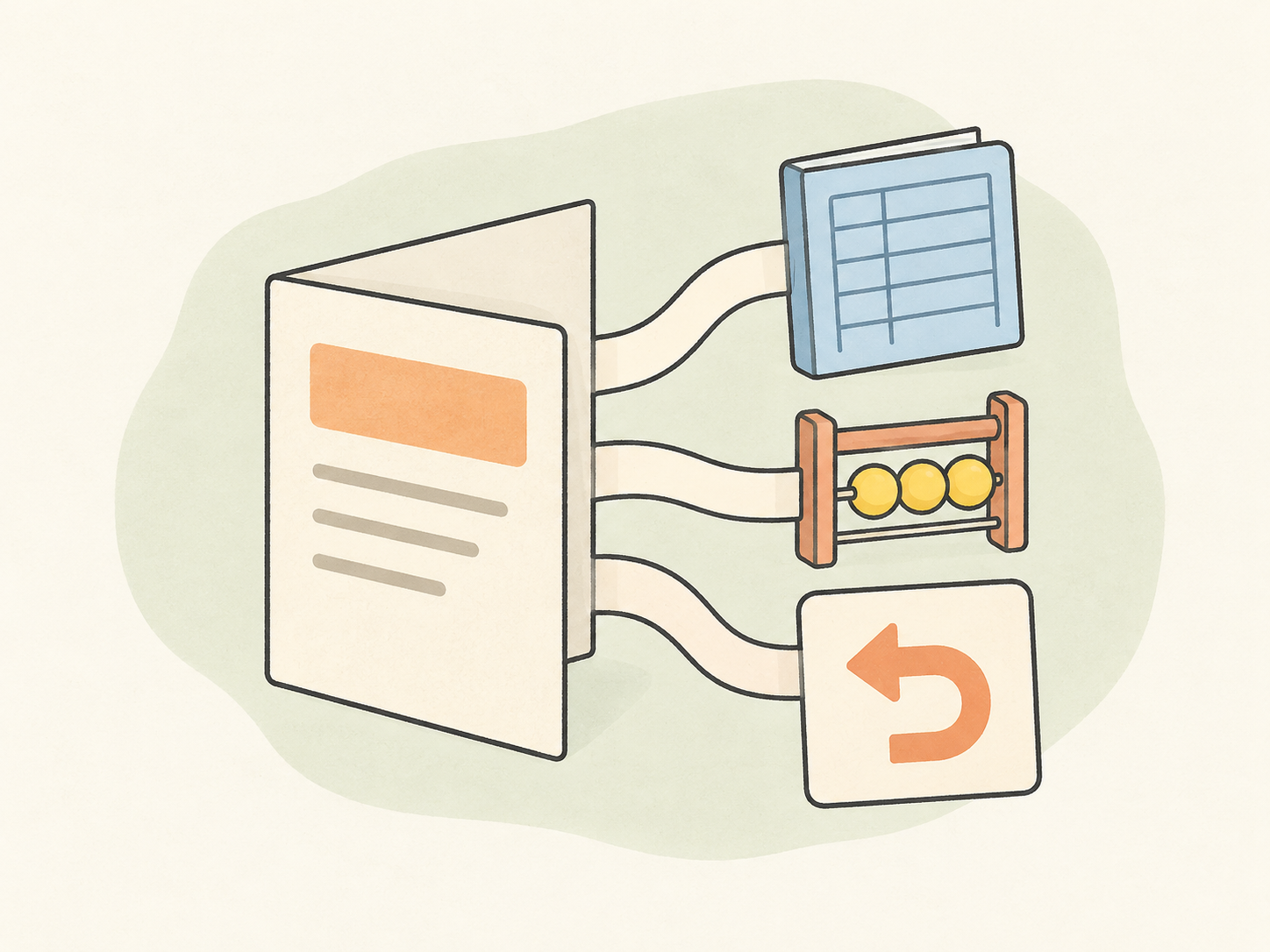
Illustration of a folded feature brief connected by paper tabs to a ledger, a capacity counter and a return card.

Code review with concrete test cases

Bring a function or patch and explain what it should do. Ask Sol to trace failure cases such as missing values, duplicate records or repeated requests, then draft tests around the behavior you need to preserve.
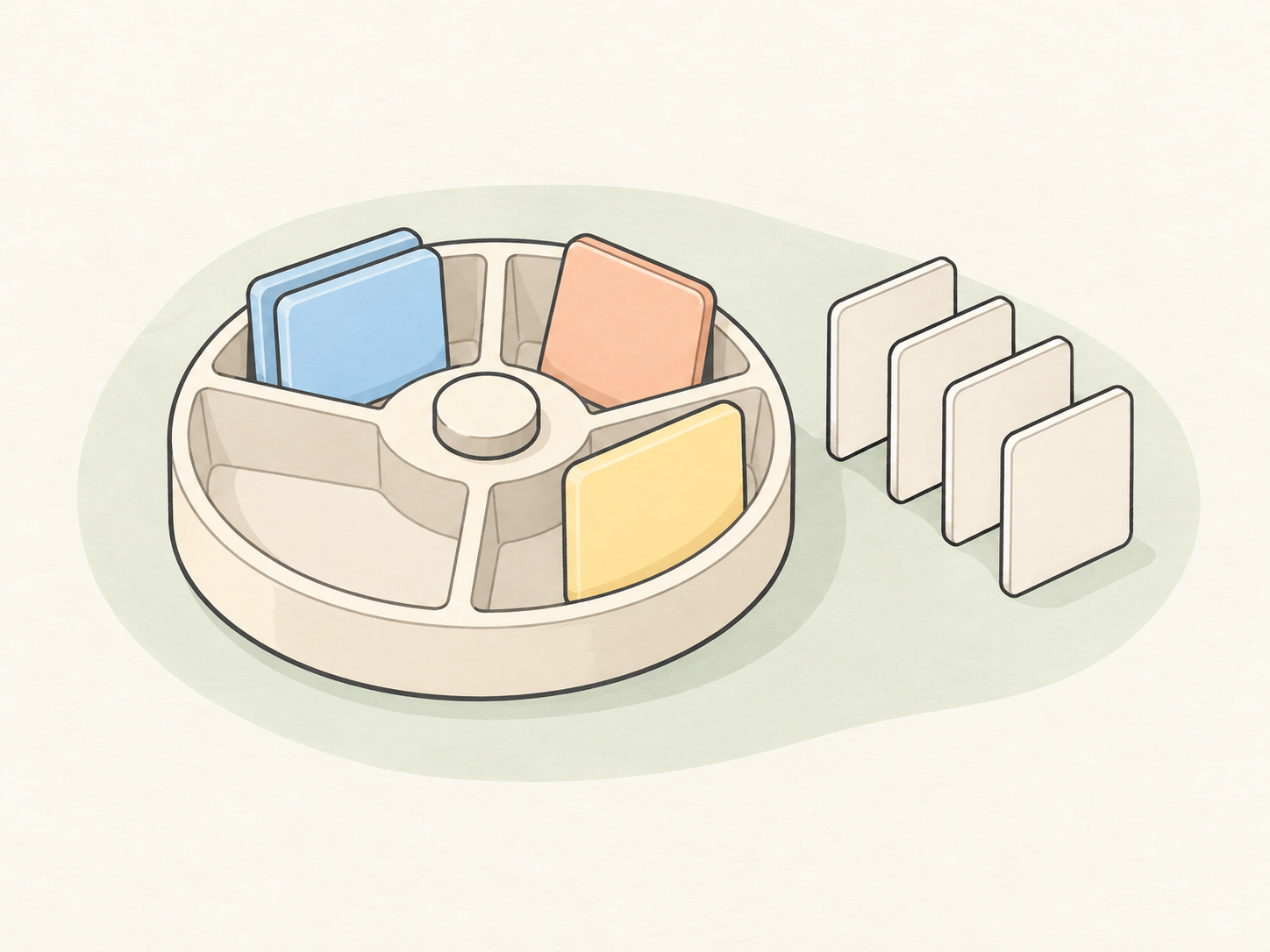
Illustration of a record-sorting carousel with an empty compartment and duplicate tokens beside a row of record cards.

Technical documents from scattered notes

Combine project notes, interview excerpts or design decisions into a coherent draft. GPT-6.1 Sol can help organize the argument, explain unfamiliar terms and keep unresolved questions visible for the next reviewer.

Illustration of blue and orange paper strips woven into a document, with a separate strip and yellow token beside it.

Start with the work in front of you

  1. Describe the result you need

    Enter the task, audience and required output. Add the relevant requirements or code excerpt so the first draft has something concrete to work from.

  2. Add a visual reference when it helps

    Use the image attachment control for screenshots or diagrams. The landing page accepts up to five JPEG, PNG or WebP images, each no larger than 20 MiB.

  3. Continue in chat with your model selected

    Choose Try in YouMind to carry the prompt and references into chat with GPT-6.1 Sol. The model page itself does not run an inline generation.

  4. Review a concrete revision

    Check the first result against the original brief. Ask for a specific correction, then test code and verify factual claims before using the work.

GPT-6.1 Sol, GPT-6 Astra and GPT-6 Sol compared

All three models accept text and images. Compare their context, output capacity and reasoning options alongside the kind of work you need to complete.

GPT-6.1 Sol, GPT-6 Astra and GPT-6 Sol compared
CompareGPT-6.1 SolGPT-6 AstraGPT-6 Sol
Model focus
GPT-6.1 Sol is designed for complex coding and professional work, from implementation plans to detailed working documents.
GPT-6 Astra is designed for demanding reasoning, coding and research, including work with several connected questions.
GPT-6 Sol is designed for complex coding and agentic workflows, including multi-step software tasks.
Reasoning
GPT-6.1 Sol supports low, medium, high, extra-high and maximum reasoning effort.
GPT-6 Astra supports low, medium, high, extra-high and maximum reasoning effort.
GPT-6 Sol supports no-reasoning mode as well as low, medium, high, extra-high and maximum reasoning effort.
Context length
GPT-6.1 Sol has a 1,050,000-token context window for larger collections of project material.
GPT-6 Astra also has a 1,050,000-token context window for extended research and technical context.
GPT-6 Sol has the same 1,050,000-token context window for longer coding and planning tasks.
Model inputs
GPT-6.1 Sol accepts text and images, including screenshots and diagrams you want to discuss.
GPT-6 Astra accepts text and images for questions combining written and visual material.
GPT-6 Sol accepts text and images for code, design and visual-reference discussions.
Output capacity
GPT-6.1 Sol produces text with a maximum output of 128,000 tokens, including code and detailed documents.
GPT-6 Astra produces text with a maximum output of 128,000 tokens for extended explanations and documents.
GPT-6 Sol produces text with a maximum output of 128,000 tokens for code and other written deliverables.

Scroll horizontally to compare all models

Different jobs and different priorities

  • I use GPT-6.1 Sol to turn a rough feature request into a plan. Having the unanswered product questions separate from the coding steps makes the next conversation much easier.

    Feature planning
  • Pagination bugs are easy to miss in a quick review. Sol helps me think through duplicate and missing records before I write the tests.

    Code review
  • My technical notes usually start as fragments. GPT-6.1 Sol helps me shape them into a guide someone else can actually follow.

    Technical writing
  • Two interview notes told different stories. I liked having the disagreement kept in the summary instead of edited into a neat conclusion.

    Research synthesis
  • A screenshot and one sentence about what feels wrong are a much better start than me trying to describe every spacing issue.

    Design review
  • I ask GPT-6.1 Sol what happens if someone submits twice or cancels halfway through. Those little scenarios are useful additions to my test plan.

    Project coordination
  • When a function looks intimidating, I ask Sol to walk through one input. Following the values makes the logic much less mysterious.

    Test planning
  • I use it to turn engineering notes into a short project update. The team needs to know what changed and what is blocked, not read the whole investigation.

    Editorial planning
  • GPT-6.1 Sol helps me spot where a requirement leaves room for two interpretations. Better to have that discussion before implementation.

    Operations analysis
  • A small worked example does more for my docs than another paragraph of explanation. I often ask for the example first.

    Developer education
  • Sol gives me a second way to look at a refactoring plan. I still choose the changes, but it helps to see what depends on what.

    Documentation review
  • For a technical proposal, I ask it to tighten the wording without dropping the constraints. The draft sounds less tangled and still says what it needs to say.

    Decision preparation

Questions about GPT-6.1 Sol

How do I turn a feature idea into a plan with GPT-6.1 Sol?
Describe the user problem, expected behavior and constraints. Request a first version with dependencies, acceptance tests and unresolved questions, then refine the part you want to implement first.
Can GPT-6.1 Sol review a code snippet?
Yes. Supply the code, its environment and expected behavior. Include the related types or dependencies needed to understand it, and ask for specific issues rather than a general verdict.
Can GPT-6.1 Sol analyze screenshots and diagrams?
Yes. It accepts image input and can discuss visible layout, labels and relationships. Identify the area that matters, describe the expected behavior and ask a specific question, such as which step in the flow is unclear.
How do I get a useful explanation of unfamiliar code?
Ask for the purpose of the function, the role of each input and a walkthrough using one concrete example. Follow up on the branch or expression you still do not understand.
Can Sol help write test cases?
Provide the expected behavior and the cases already covered. Ask for missing boundary conditions, failure paths and expected results, then run the tests in the project.
How should I organize a long technical document?
Start with the audience and the question the document should answer. Ask for an outline, assign the relevant source material to each section and draft the sections in an order you can review.
How do I keep a rewritten proposal faithful to the original?
List the facts, numbers, terms and constraints that must stay. Specify the desired tone and length, and ask for a short summary of meaningful changes alongside the revision.

More models

Learn deeper. Create bolder.
