Give scattered notes a useful structure
Bring the points you need to cover and tell Terra who will read the result. Ask for an outline that groups related ideas, separates facts from assumptions and gives each section a clear purpose.
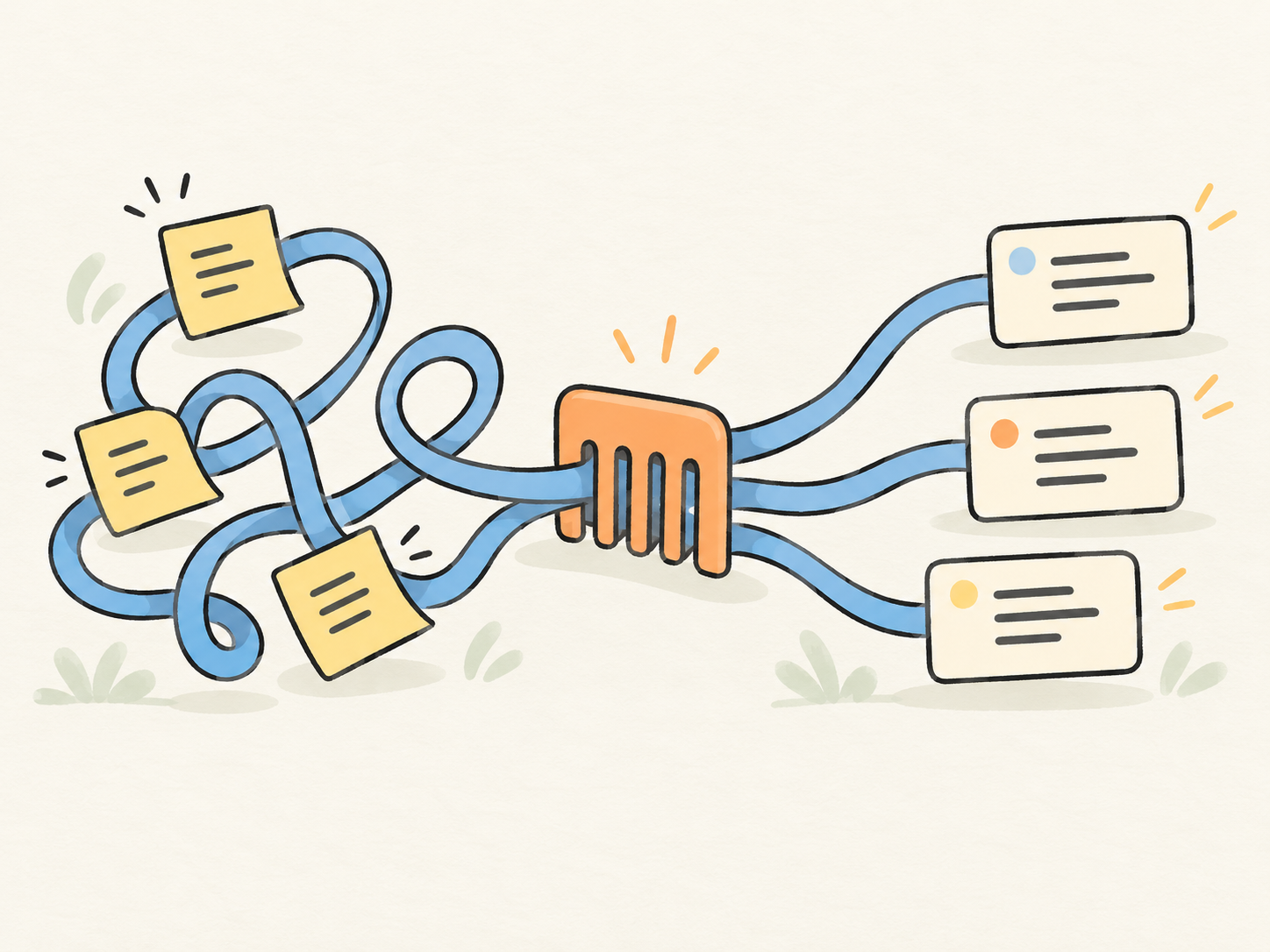
Bring an image, a set of notes or an unfinished draft. Use GPT-6.1 Terra to explain the details that matter, organize your material and shape it into clear writing for the reader you have in mind.
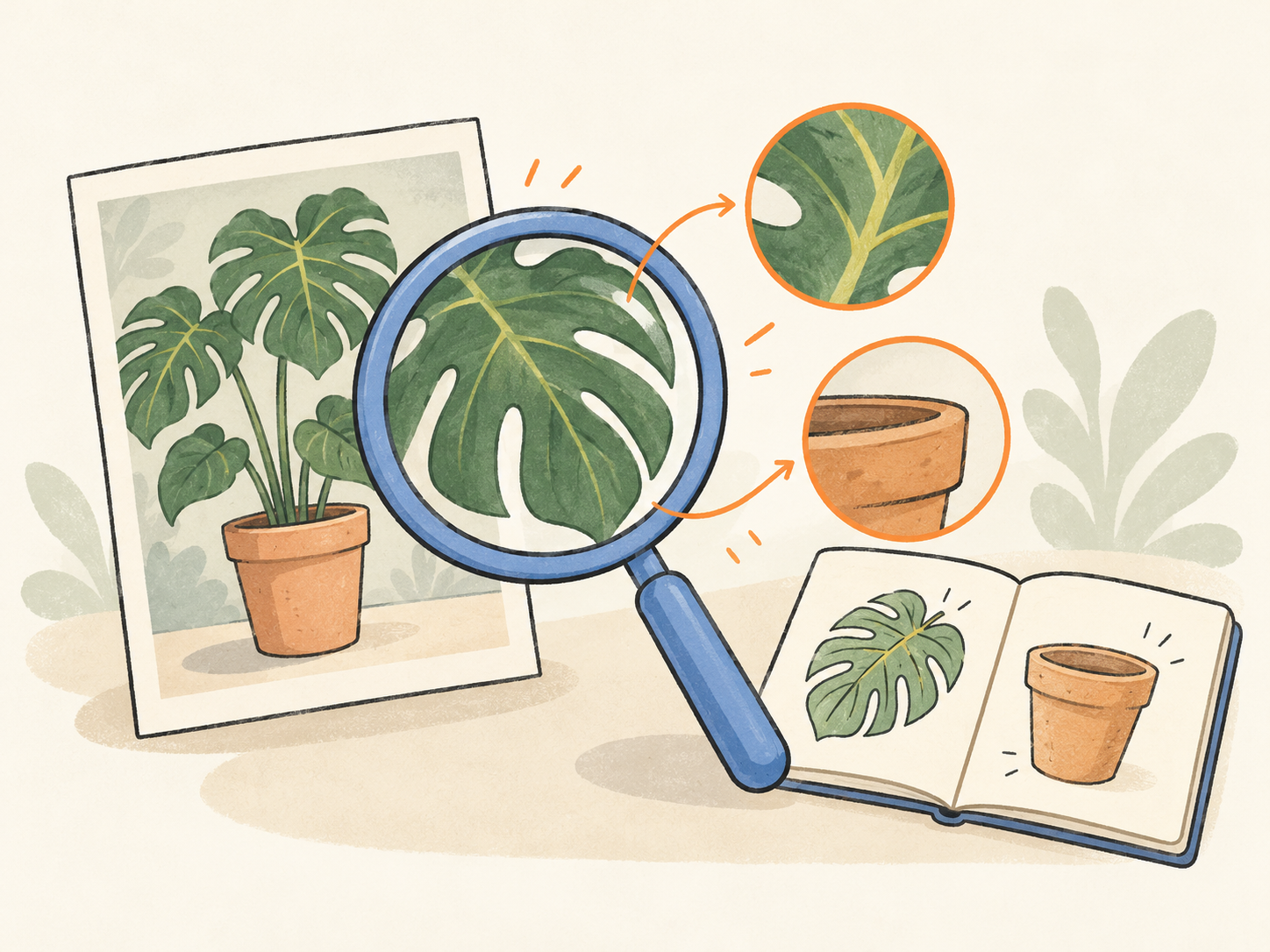
GPT-6.1 Terra accepts text and images and produces text. Discuss a screenshot, diagram or visual reference, then ask for a description, an explanation or a brief based on the details you provide.
OpenAI positions Terra for visual understanding and clear writing. In YouMind, give it your notes, intended reader and required format to develop an outline, a concise draft or a focused rewrite.
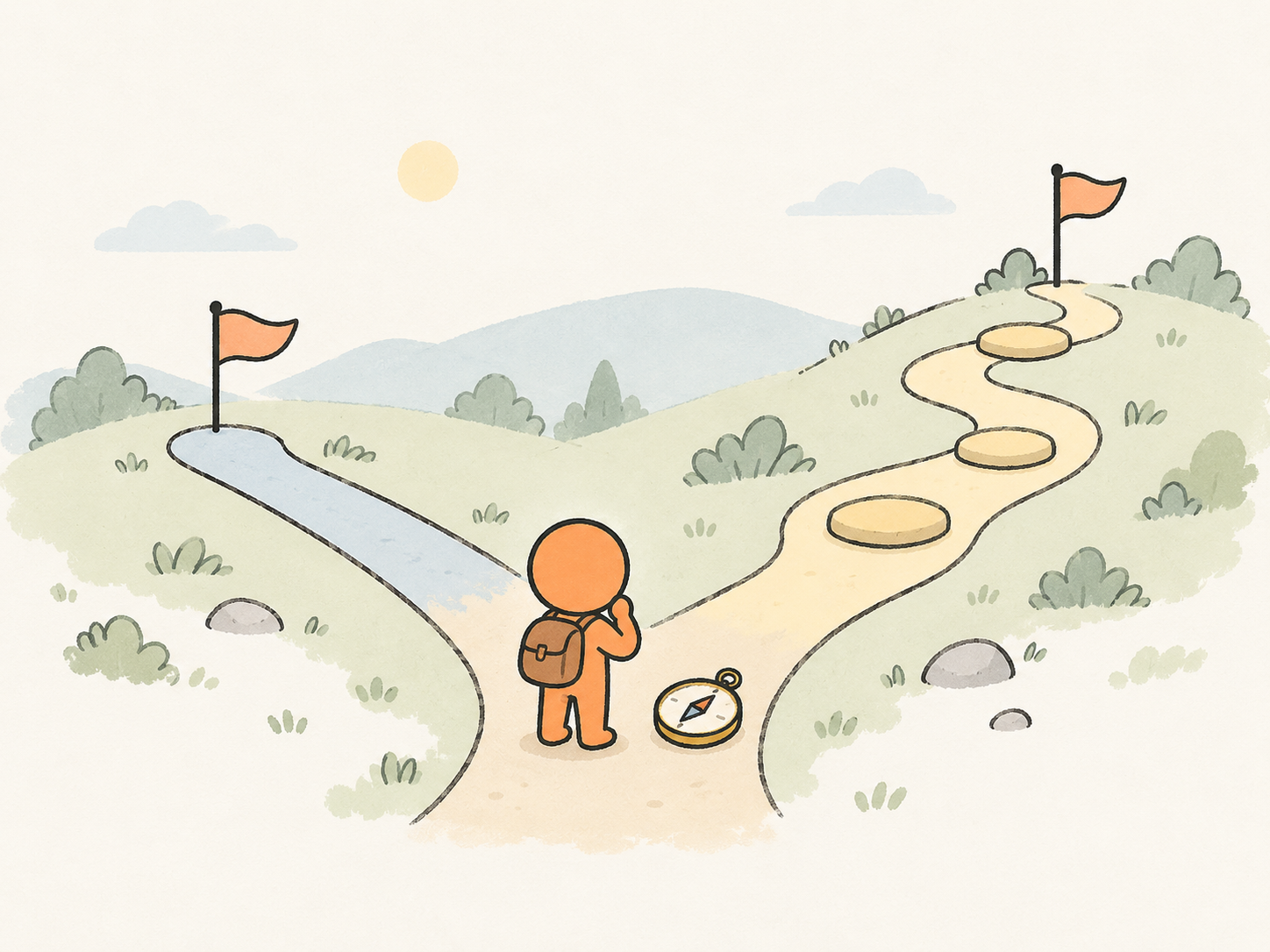
Continue in chat to choose the thinking effort for your task. YouMind currently offers Off, Low, Medium, High, Extra high and Max for Terra, with Medium selected by default.
Bring the points you need to cover and tell Terra who will read the result. Ask for an outline that groups related ideas, separates facts from assumptions and gives each section a clear purpose.
Attach a screenshot, diagram or photograph and point to what you want to understand. Use the visible details to develop a caption, a design discussion or a creative brief, and check uncertain observations against the original.
A short rewrite and a question with several constraints need different approaches. In chat, choose Terra’s thinking effort and describe what a useful answer should include. Adjust the request after reviewing the first result.
Describe the task and intended reader. Paste the relevant notes, or attach a screenshot, diagram or photo, and say what the response should help you do.
Choose Try in YouMind to carry your prompt and attached images into chat with GPT-6.1 Terra. Set the thinking effort there if the task needs a different approach.
Check the answer against your source material. Ask for one specific change, such as a clearer opening or a shorter explanation, while naming the facts and wording that should stay.
Start with Terra for visual questions and clear writing, or Sol for complex coding and professional tasks. Both read images and return text; Terra also lets you turn thinking off.
Scroll horizontally to compare all models

