Develop an action across a longer clip
Seedance 2.5 supports clips up to 30 seconds. Use that space to stage an action with a beginning, development and finish. The creation workflow determines the duration you can select.
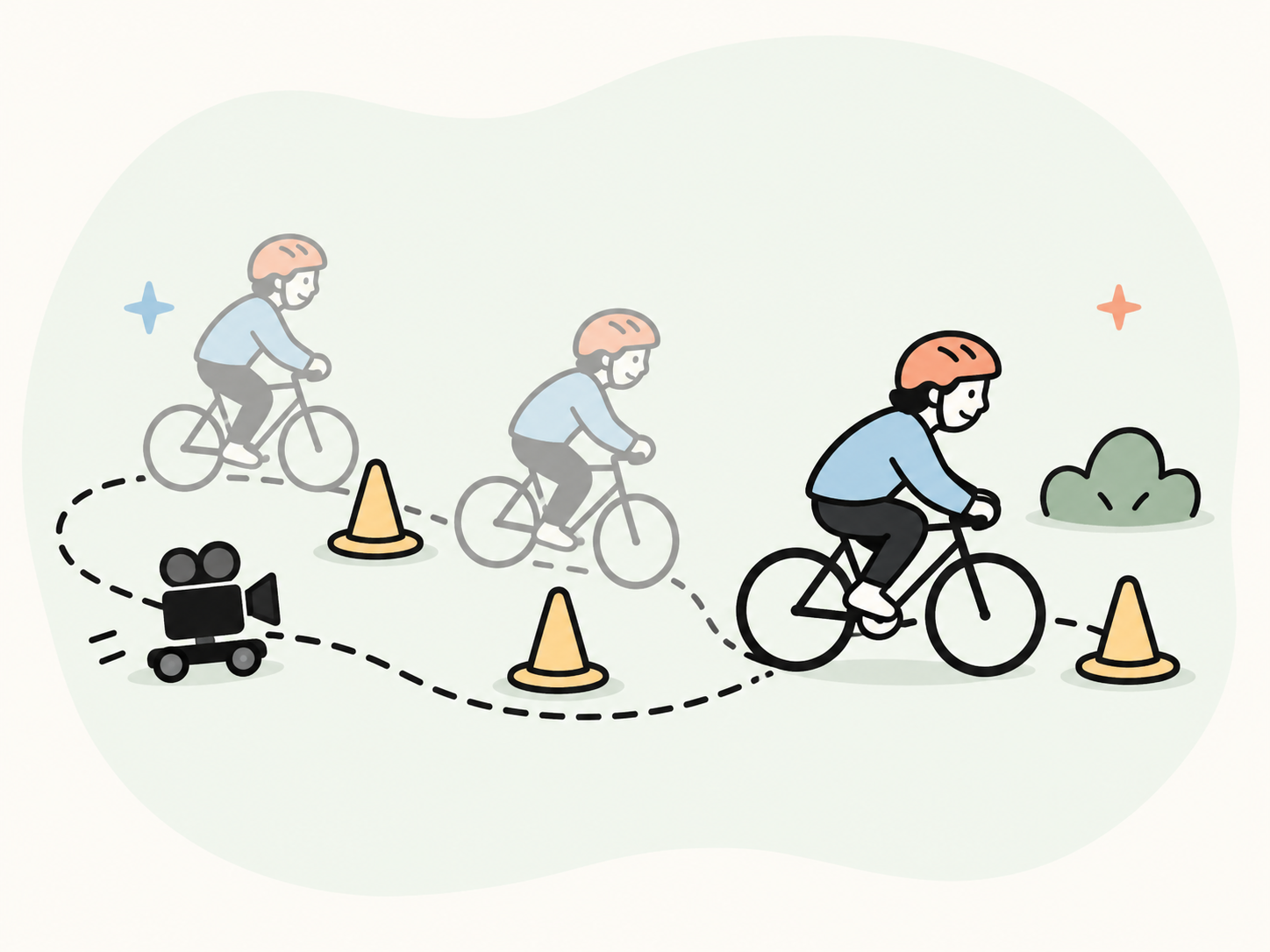
Create video scenes from a written brief or a reference image. Shape the action, camera movement and visual style, then refine each clip for the story you want to tell.
Define the action, framing and visual direction before adding more complexity.
Seedance 2.5 supports clips up to 30 seconds. Use that space to stage an action with a beginning, development and finish. The creation workflow determines the duration you can select.
A city tour changes when the camera observes a street, follows a subject or moves toward a landmark. Choose a viewpoint that supports the scene instead of adding motion for its own sake.
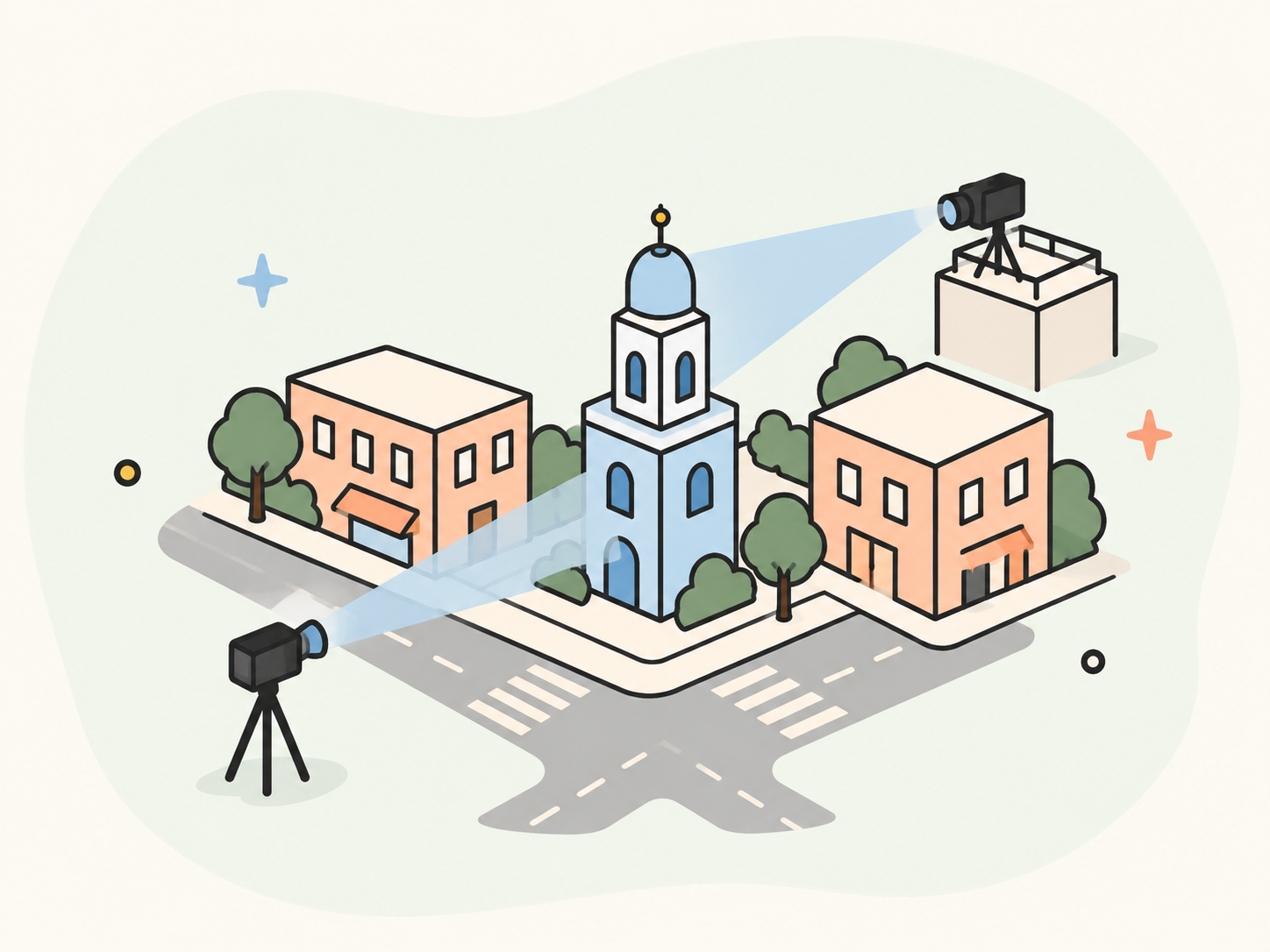
A travel scene works best when the subject, location, light and pacing feel connected. Keep those decisions stable and adjust one element at a time as you develop the clip.
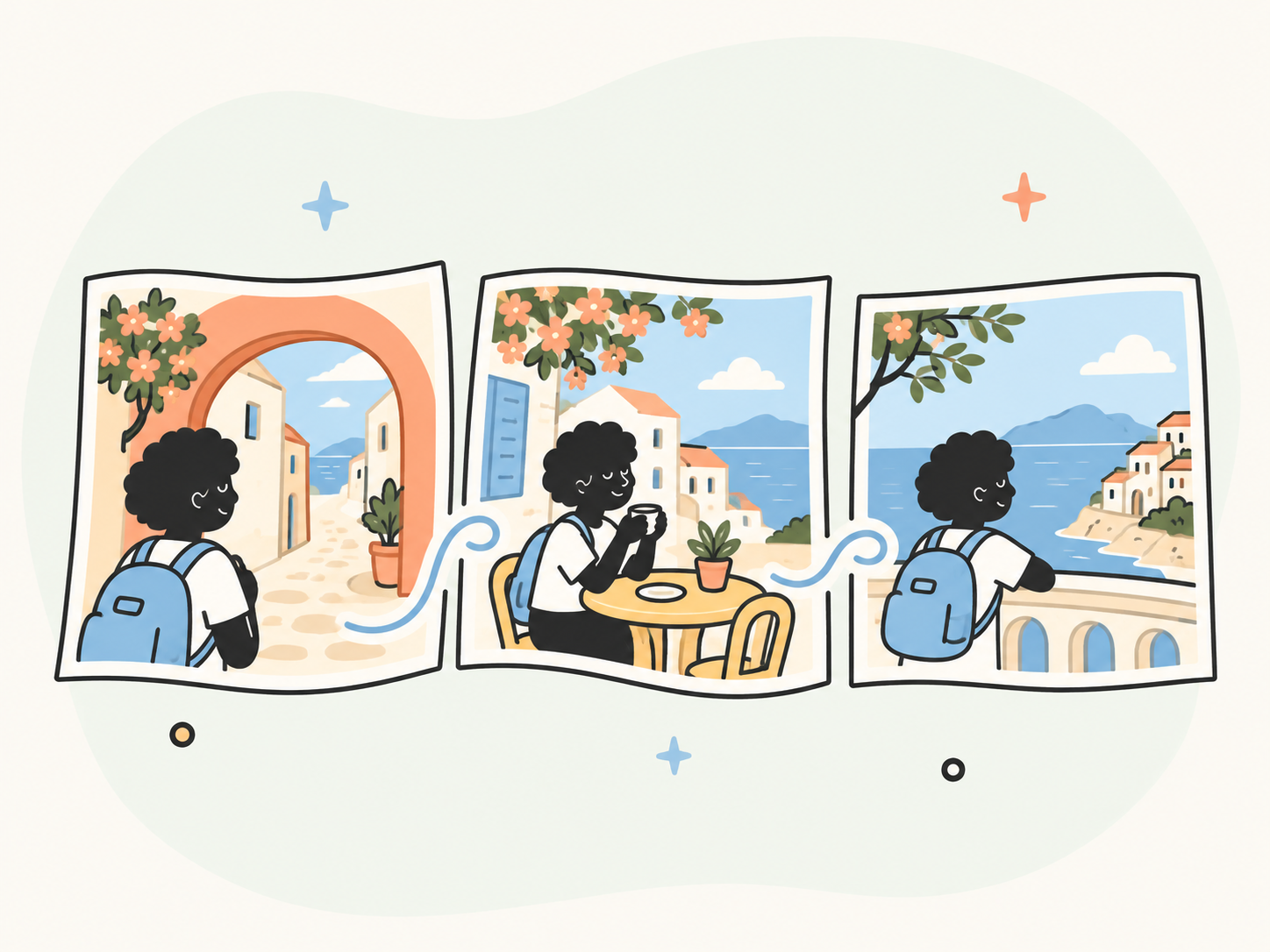
Start with the subject, setting and one main action. Add a reference image when you need a visual starting point.
Keep the order of events in your brief when you choose Try in YouMind. Your prompt and reference images continue into the task with this model; the creation workflow determines the available controls.
Watch the full clip with attention to movement, continuity and sound where selected. Refine a specific detail, such as the pace or framing, instead of changing the whole brief at once.
Explore related workflows for video ideas, storyboards and animation.
Seedance 2.5 publishes longer clip and reference limits. The table compares model capabilities; this page starts with text and image references.
Scroll horizontally to compare all models

