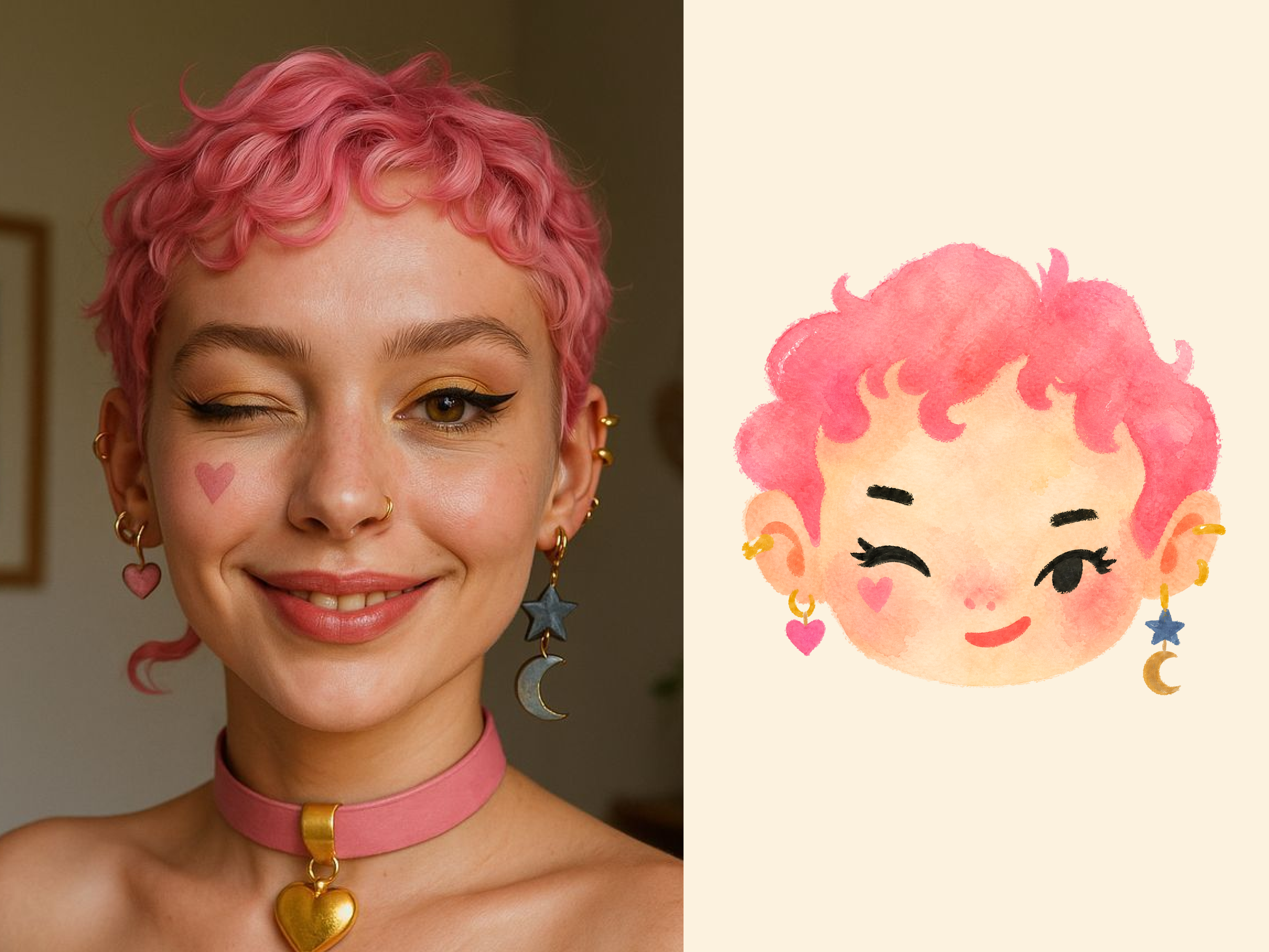
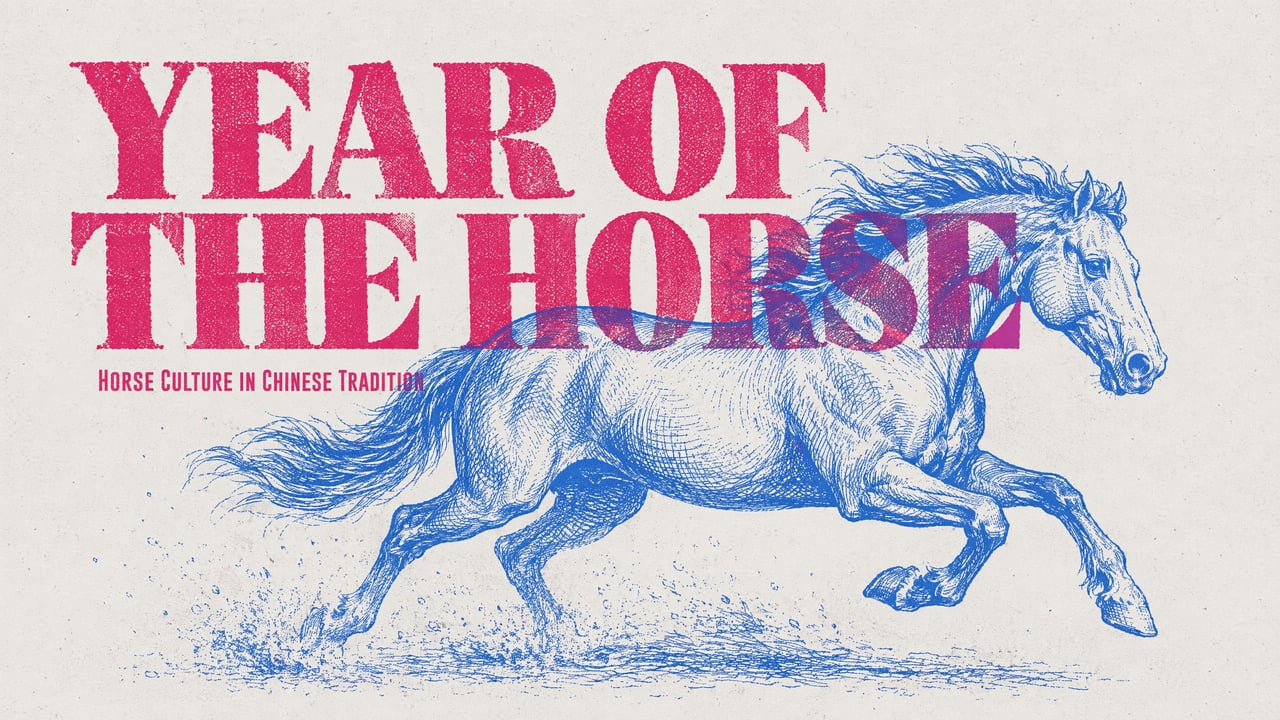
Describe the details that define the image
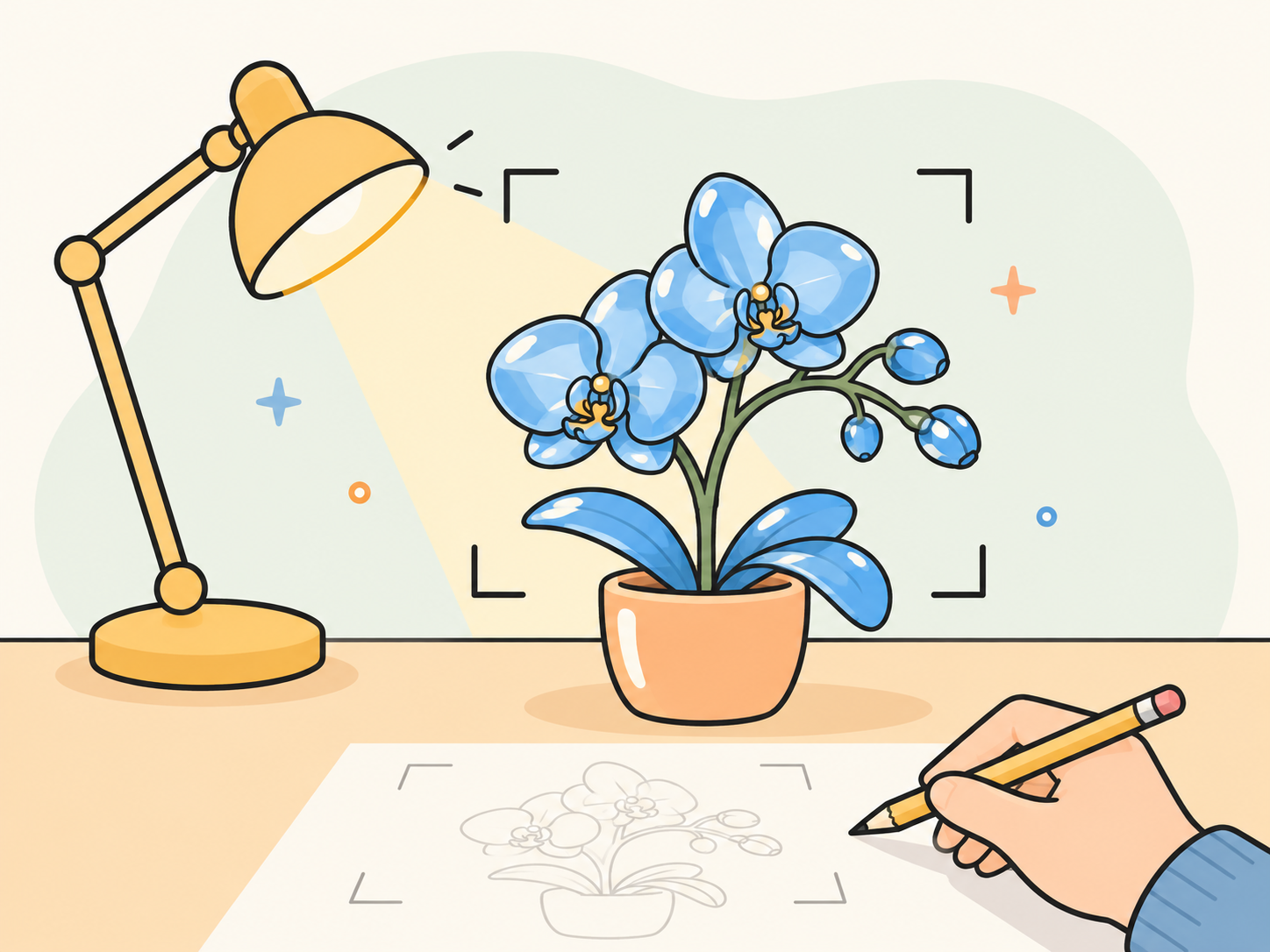
Generate a new image from text, or add a reference when an existing object should guide the result. Describe material, lighting and composition to turn a visual idea into a concrete image brief.
Create product images, posters, portraits and illustrations from a written brief or a reference image. Set the subject, style and composition, then refine the details that matter.
Give the model useful direction and make each revision purposeful.
Generate a new image from text, or add a reference when an existing object should guide the result. Describe material, lighting and composition to turn a visual idea into a concrete image brief.
Upload a reference image and say what should stay and what should change. Ask for a different setting or lighting while keeping attention on the product, then inspect shape, proportions and fine details in the result.
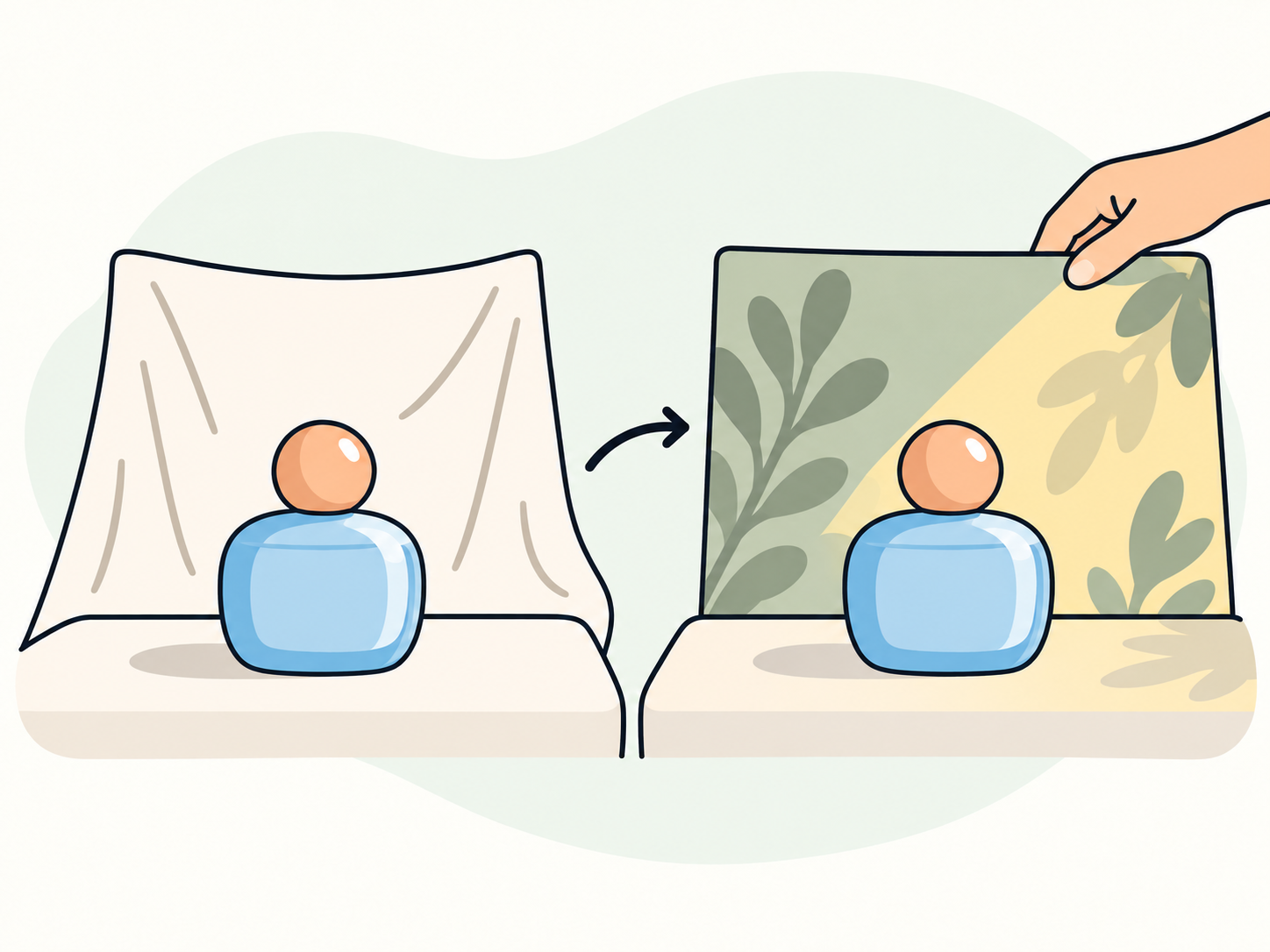
A stronger image does not always need a new idea. Adjust the spacing around a headline, simplify the background or change the light. Keep the useful parts of your brief and make the next request specific.
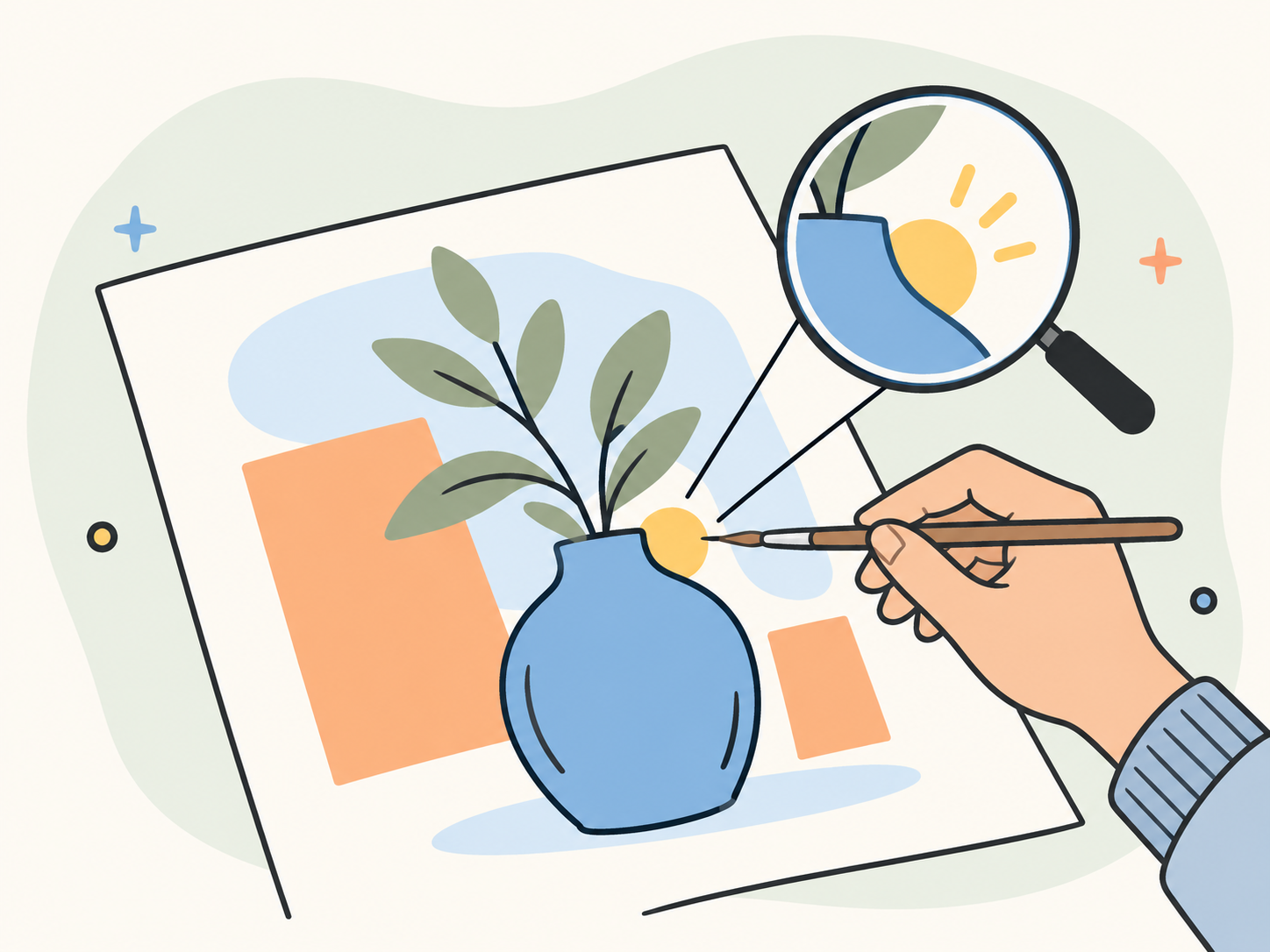
Describe a new image or upload a reference. Include the subject, intended use and any details that need to stay consistent.
Choose Try in YouMind to continue with this model, your brief and any reference images. Sign in if prompted; the task workflow determines the generation options available to you.
Inspect the image at a useful size. Check words, product details and faces, then request a focused change before you use the result.
Explore related workflows for illustrations, picture books and presentation visuals.
Both create and edit images from text and references. The table compares published model capabilities; available settings depend on the task.
Scroll horizontally to compare all models