Visual Scene Annotator
Reveal meaning, context, and structure behind the image
Visual Scene Annotator
Reveal meaning, context, and structure behind the image
Showcase
Description
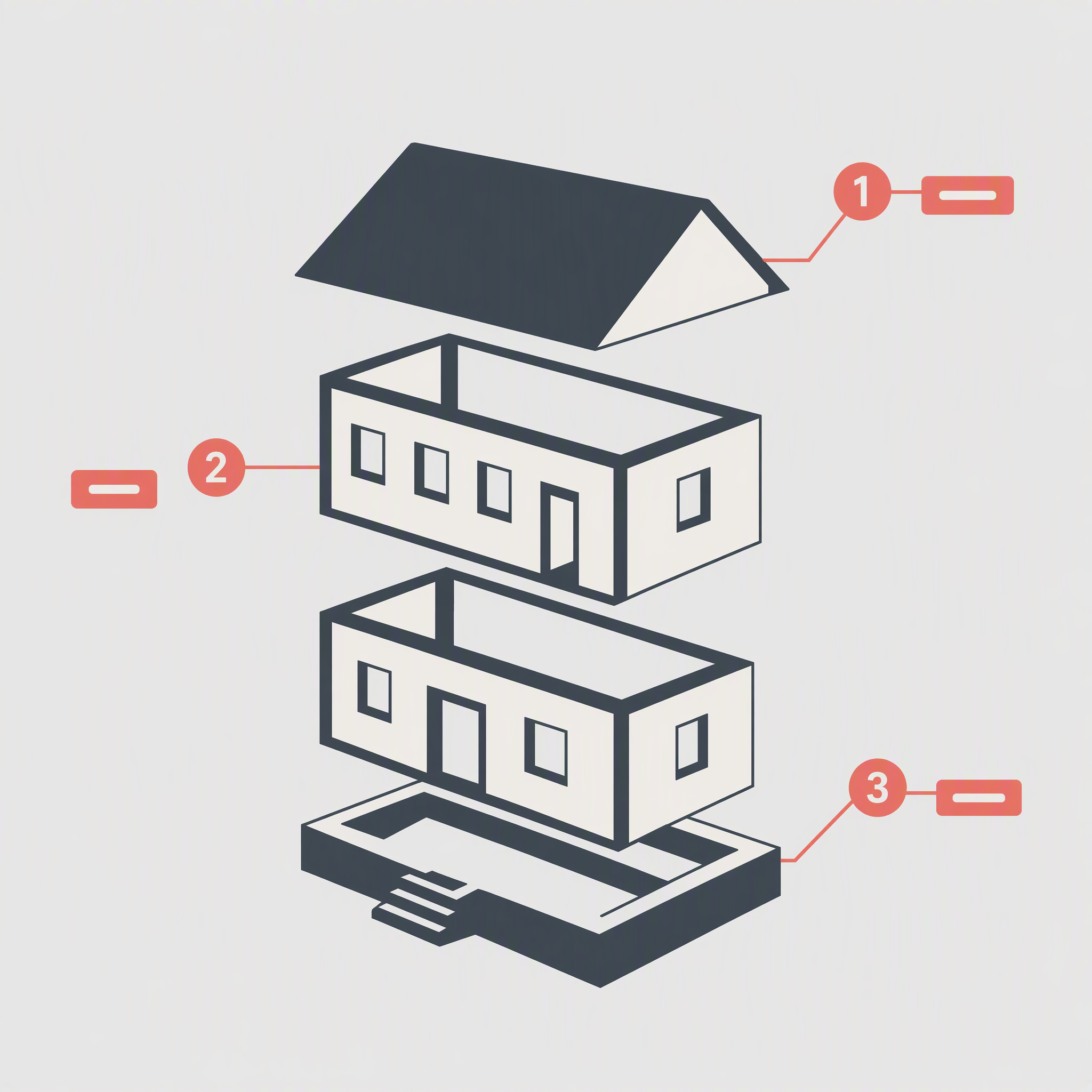
Turn a photo into a visual explanation of why its details matter. The Skill traces meaningful angles, shapes, joints, layers, and components on the original image, then explains their function, visual meaning, relevant background, and possible design influences. When useful, it adds a clearly labeled conceptual cutaway or exploded view beside the photo to show how the subject may be structured inside. Observed facts, verified context, and visual inference remain clearly separated.
Related Skills
View all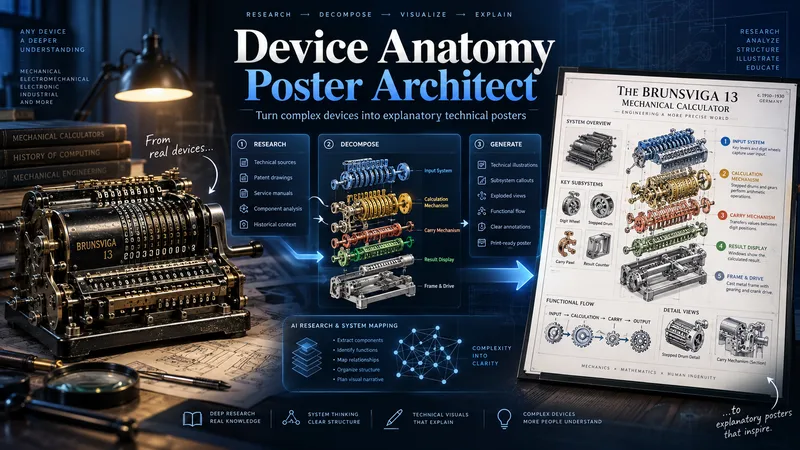 Image
ImageDevice Anatomy Poster Architect
Turn complex machines, tools, and devices into clear, educational technical posters. Provide a device name, model, reference image, cutaway, or technical photo. The Skill first researches the device’s real structure and working principle, then identifies its critical components, functional subsystems, operating sequence, and relevant power, fluid, signal, or material flows. Instead of producing a generic labeled cutaway, it reconstructs the device for teaching: separating dense mechanisms, exposing hidden relationships, organizing subsystems, and adding focused detail views where needed. You receive three genuinely different visual directions: Clean Hierarchical — structured, precise, highly readable engineering infographic. AI Artistic Creative — dramatic, spatial, mechanism-driven technical visualization. Hybrid Technical — premium 3D realism combined with modular engineering-diagram clarity. Each direction comes with its own fully independent, detailed English production prompt. The prompts share the same verified technical foundation but use different compositions, viewpoints, decomposition strategies, and visual storytelling. The workflow and visible poster text follow your language by default. Image-generation prompts are written in English for stronger production reliability. Nothing is generated automatically: review the three directions, choose one or request revisions, then proceed to final poster generation and technical quality validation.
 Research
Quick Scene Explainer
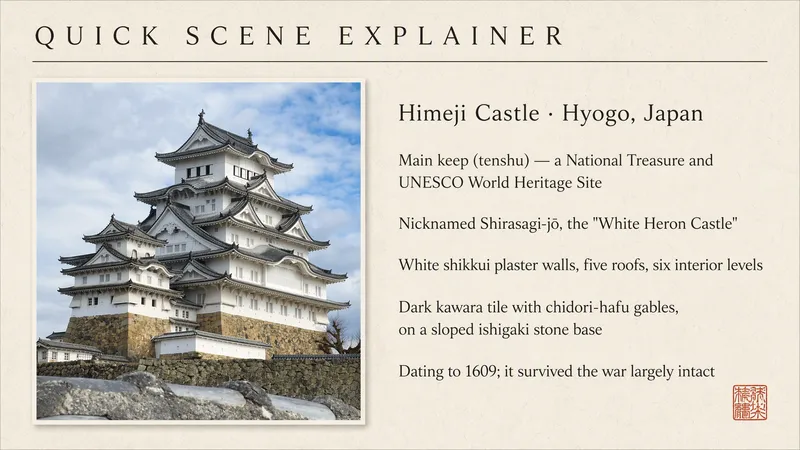
Get a concise, text-only explanation of a photo or screenshot without waiting for image generation. It identifies the relevant object, interface, sign, diagram, or visible structure; refers to parts by their position in the image; answers the user's immediate question; and clearly marks anything it cannot confirm. Designed for quick mobile use, weak connections, and situations where the user needs an answer now rather than a redesigned image.
 Image
ImageTimeline Poster Studio
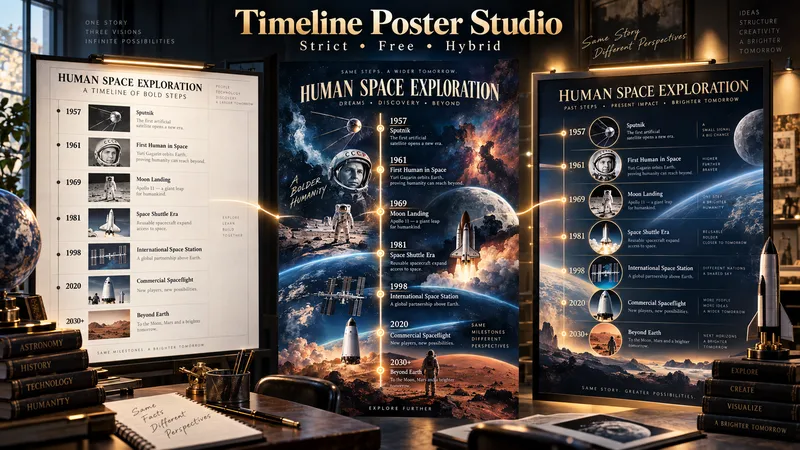
Timeline Poster Studio transforms history, biography, technology, science, art, cultural change, product evolution, and other time-based subjects into informative and visually distinctive timeline posters. The skill first defines the topic, scope, audience, and time range, then performs focused research only to the level needed for the poster. It curates the most meaningful events, identifies turning points and natural eras, distinguishes exact, approximate, and duration-based events, and detects parallel storylines or geographic movement when relevant. It then builds an adaptive poster structure instead of forcing every topic into the same template or fixed aspect ratio. Depending on the content, the poster may use vertical, tall vertical, horizontal, or wide layouts. Visuals are selected according to their role: narrative scenes can blend naturally into the composition, while artworks, products, objects, documents, maps, and other reference visuals remain clearly organized and controlled. The design system protects chronology, readability, and factual structure while giving the visual AI creative freedom in color, typography, panel design, framing, decoration, background treatment, and overall art direction. For the same verified content, the skill produces three complete standalone poster prompts: Strict Hierarchical Design — optimized for educational clarity and structured reading. Free / Expressive Design — gives the visual AI greater freedom to create a bold and distinctive poster identity. Hybrid Design — balances clear information design with creative visual character. The prompts are designed to work across different image-generation tools, allowing the user to review, modify, or choose a design direction before generating the final poster.
Information
- Version
- v15
- Last updated
- Runtime credits
- Usage-based
- Models
- Auto
