三七
 Image
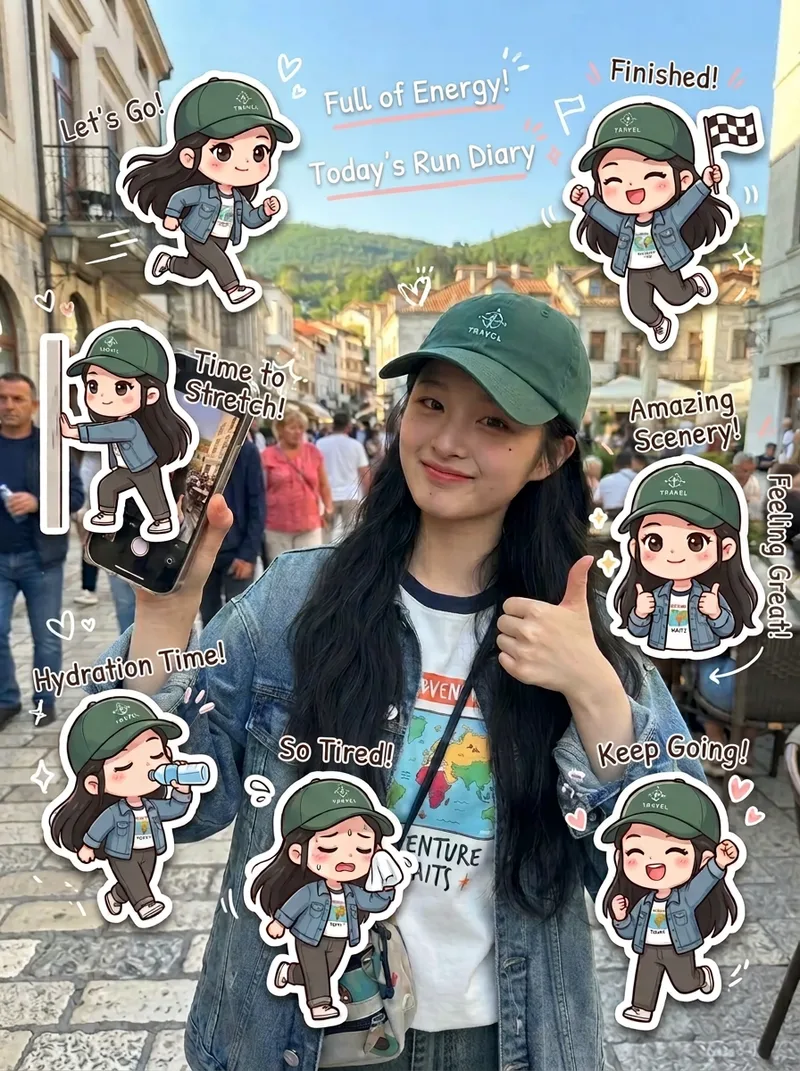
ImageIG-Style Workout Diary
Based on real-life photos, it intelligently identifies fitness and running scenes, then automatically creates multiple matching chibi avatar stickers arranged around the subject. Each chibi has its own pose and emotion—jogging, stretching, catching their breath, celebrating, taking a selfie, and more—along with hand-drawn doodles and uplifting handwritten phrases. With one click, create polished workout lifestyle diary images ready to share on Xiaohongshu, Douyin, or WeChat Moments. Ideal for fitness creators’ daily check-ins, running logs, training camp wrap-ups, and similar content.
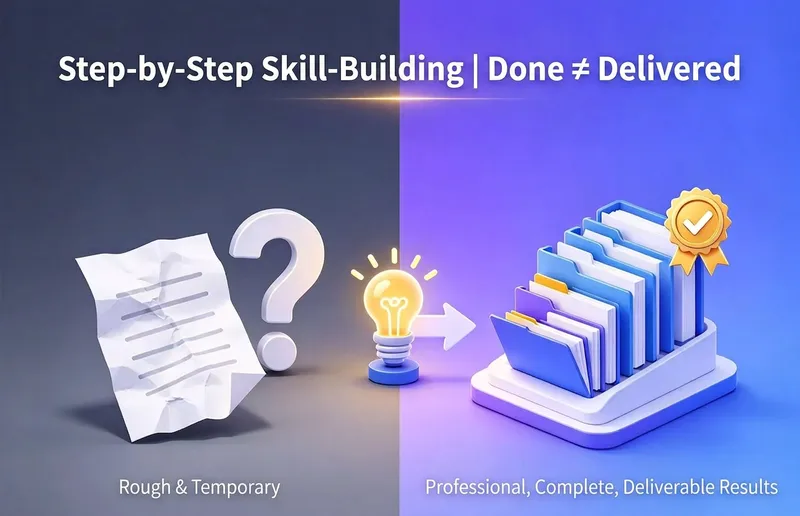
Learn to Build a Pro Skill
Are you completely new to making Skills? This Skill acts like a teacher who stays with you through the entire process, guiding you to create a professional Skill on YouMind that you can truly be proud of: First, uncover your real use case and identify potential pitfalls; Three confirmation checkpoints ensure nothing is written or taken off track without your approval; Generate it using YouMind’s professional methodology, with the structure, trigger terms, and sections all meeting the requirements; Run a quality check, revise anything that falls short, and deliver only when it passes; Best for: complete beginners who have never made a Skill. Its core value is not simply “helping you chat a Skill into existence,” but guiding you to create a finished product with a complete structure, accurate triggering, and quality checks—one that is genuinely ready to use.
 Image
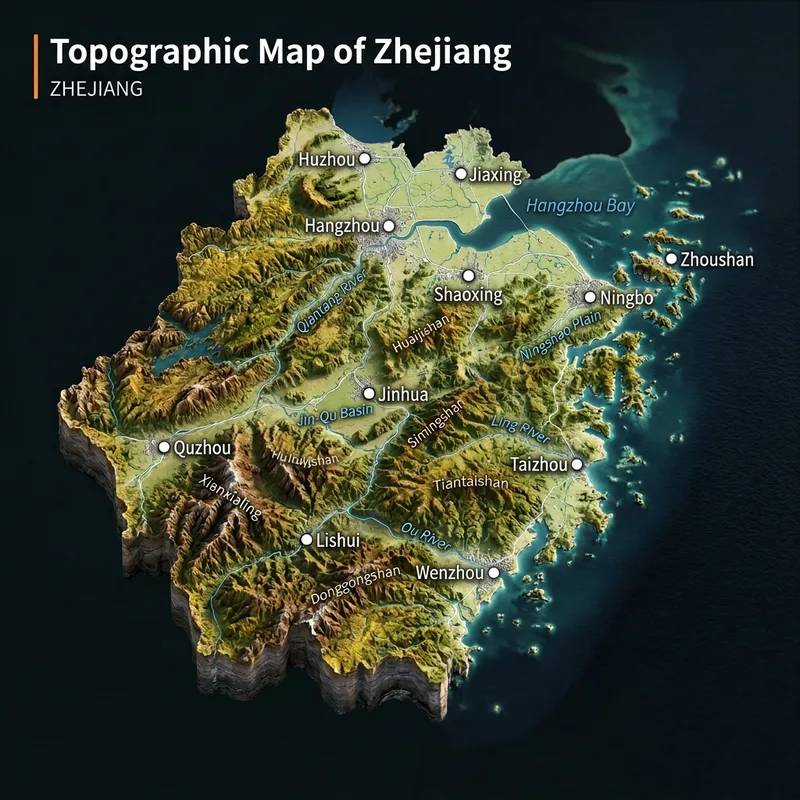
ImageViral 3D Terrain Map Maker
Real Terrain Map Generator. Ideal for growing a new account, with high engagement. Enter any place name to instantly generate a realistic 3D terrain diorama. Provinces, cities, counties, townships, and villages are all supported, as long as they can be found on a map. The map is cropped to actual administrative boundaries, with mountains, plains, rivers, and coastlines based strictly on real geography. Real place names are labeled, with no made-up details.
 Image
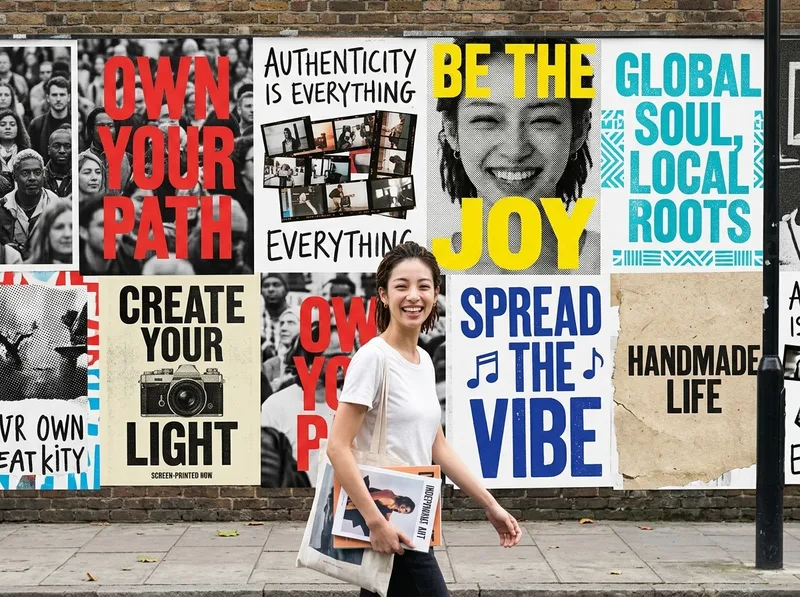
ImageOne-Click Street Ad Wall
Helps users transform an uploaded photo of a person or brand into a polished vertical advertising visual. The Skill first extracts the person’s or brand’s personality and tone from the photo, automatically selects the most fitting visual style and color direction, then depicts the person as a passerby walking through the street with an entire city ad wall covered in a series of posters behind them. It ultimately generates a single finished advertising image.
 Video
VideoViral SketchAlive Revival
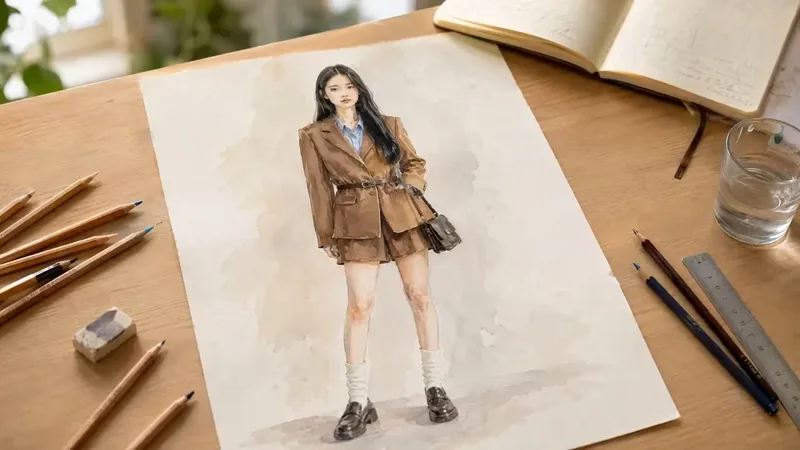
Upload a portrait to first create a “desktop hand-drawn sketch portrait,” with freely interchangeable styles such as watercolor, pencil, pen line art, ink wash, and impasto. Then bring the sketch to life as a photorealistic live-action video, as if the person in the drawing were stepping off the page. Core goal: change the art style freely while keeping the revived person highly consistent with the uploaded photo, without distorted faces or loss of likeness.
 Video
VideoTwo-Generation Memory Videos
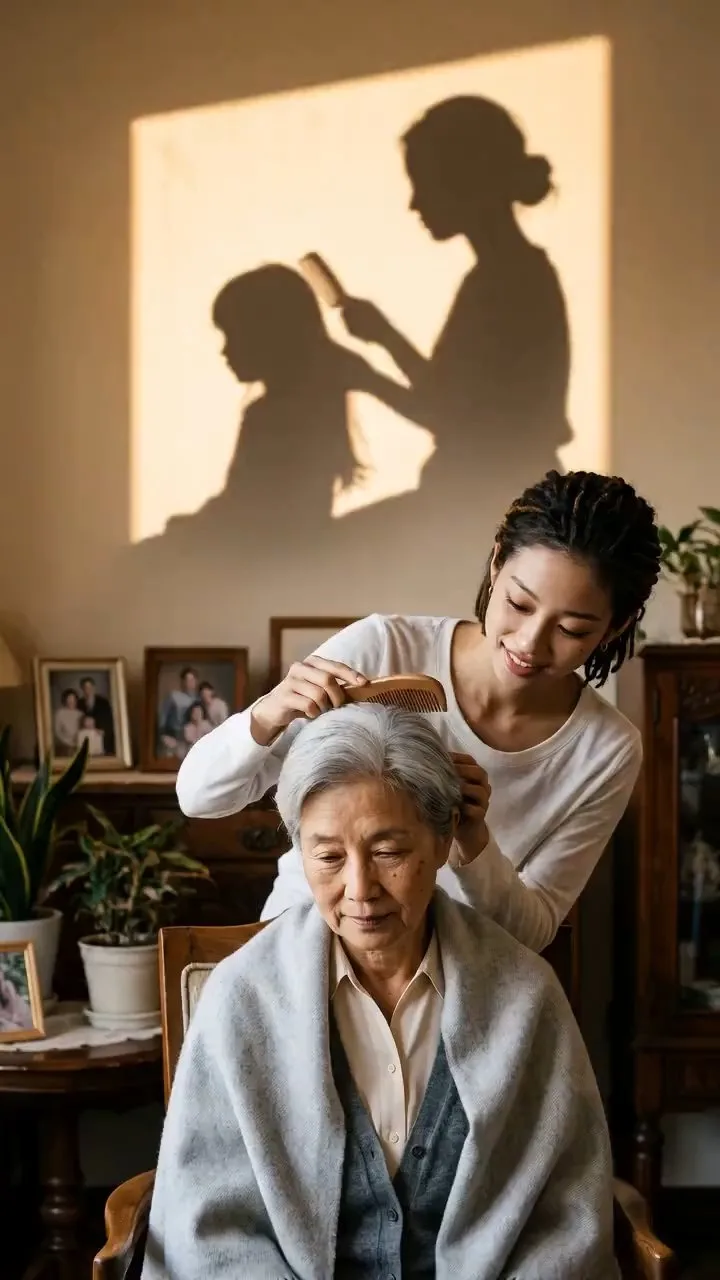
A skill for generating realistic, finished family shorts about “the bond between two generations.” Upload photos of an older and younger family member (or a reference video or your own footage), describe the interaction, and identify who is older and who is younger to automatically generate a realistic video you can watch and download. Ideal for nostalgic, moving short films built around “a caregiving action in the present + an echo of memories projected in shadow + an emotional ending,” such as feeding, holding hands, brushing hair, or birthday moments between two generations.
 Image
ImageBlack Capsule-Eye Avatar
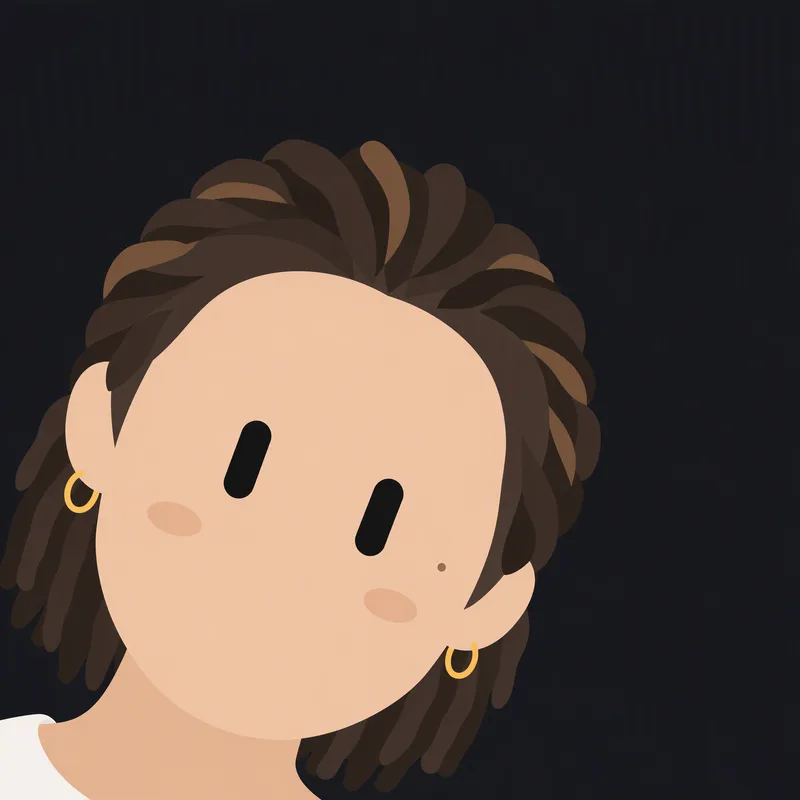
Redraws a person or character from an uploaded image as a minimalist 2D robot icon, featuring signature black capsule-shaped eyes in the style of a Grok robot icon, while preserving the original image’s basic colors and key recognizable features.
 Image
ImagePhoto to Embroidered Patches
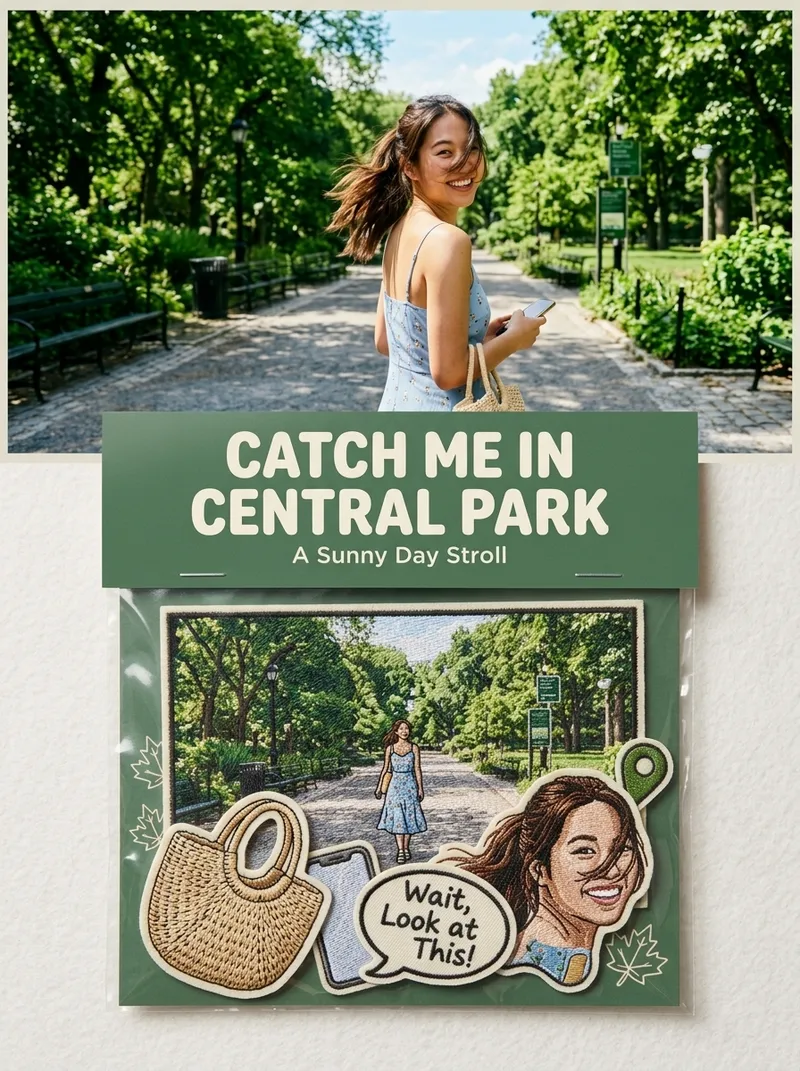
Suitable for: growing a Xiaohongshu account, taking custom merchandise orders, and selling customized digital materials. Upload one or more photos to independently generate a 3:4 product photography-style image for each one: the original photo in the upper half, and a custom embroidered patch set based on the photo in the lower half (transparent plastic bag + header card + 5–7 embroidered patches), with realistic embroidery texture and a cultural-creative e-commerce product detail image style.
 Video
VideoGame Streamer Live Video
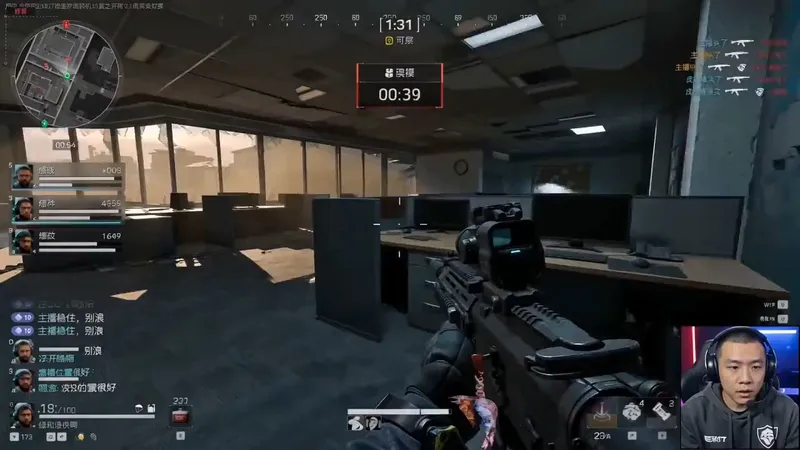
A highly monetizable skill for generating AI videos in the “game streamer livestream” format with one click. Use it when users want to create immersive livestream screen recordings featuring a fictional game streamer or gaming creator, including the streamer camera feed, livestream HUD, chat overlay, storyboards, dialogue, and voice style. Even if users do not provide every detail—such as the character appearance, game type, dialogue language, or duration—proactively fill in the gaps with default options, assemble a complete prompt, and immediately start generation. Deliver the video directly to the user, generating a character look reference image first when necessary, rather than simply handing over the prompt for the user to operate themselves. Trigger keywords include but are not limited to: “game streamer livestream,” “livestream gameplay,” “gaming creator video,” “streamer camera + gameplay,” “immersive game commentary video,” and “help me create a game streamer video.” Best for people building a consistent “virtual game streamer” persona account, growing followers through serialized content and a consistent identity, then monetizing through sponsored campaigns, affiliate commerce, or platform traffic revenue sharing.
 Video
VideoCredit-Saving AI Vlog Maker
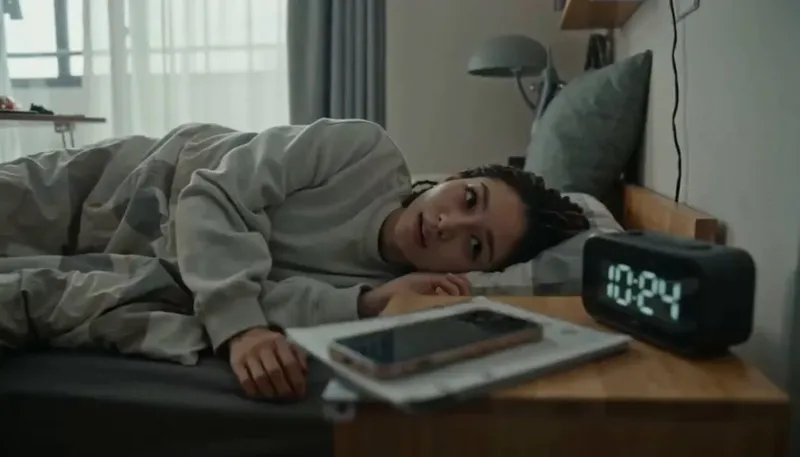
The monetization potential is clear—but still struggling with AI character videos? This Skill isn't a made-up template. It reverse-engineers the production patterns behind dozens of tested, high-performing Seedance videos, including retro DV diaries, sports event documentaries, action effects, exotic lifestyle journeys, and workplace burnout days. Just provide a character profile and a topic, and everything else is handled automatically: ✅ Character anchor image and a complete set of storyboard prompts in one go, keeping the character consistent throughout ✅ Covers all 19 YouMind image and video models and automatically recommends which one to use ✅ Includes an AI visual-error blacklist to tackle face swaps, extra fingers, sliding steps, and invisible teleportation ✅ Works across any genre—daily life, fitness, fantasy journeys, action, retro nostalgia, and more—with one logic that applies across the board ✅ Writes the title hook for your publishing caption at the same time No prompt engineering required—if you can type, you can use it.
 Image
Image(Trending) Anything as an Infographic
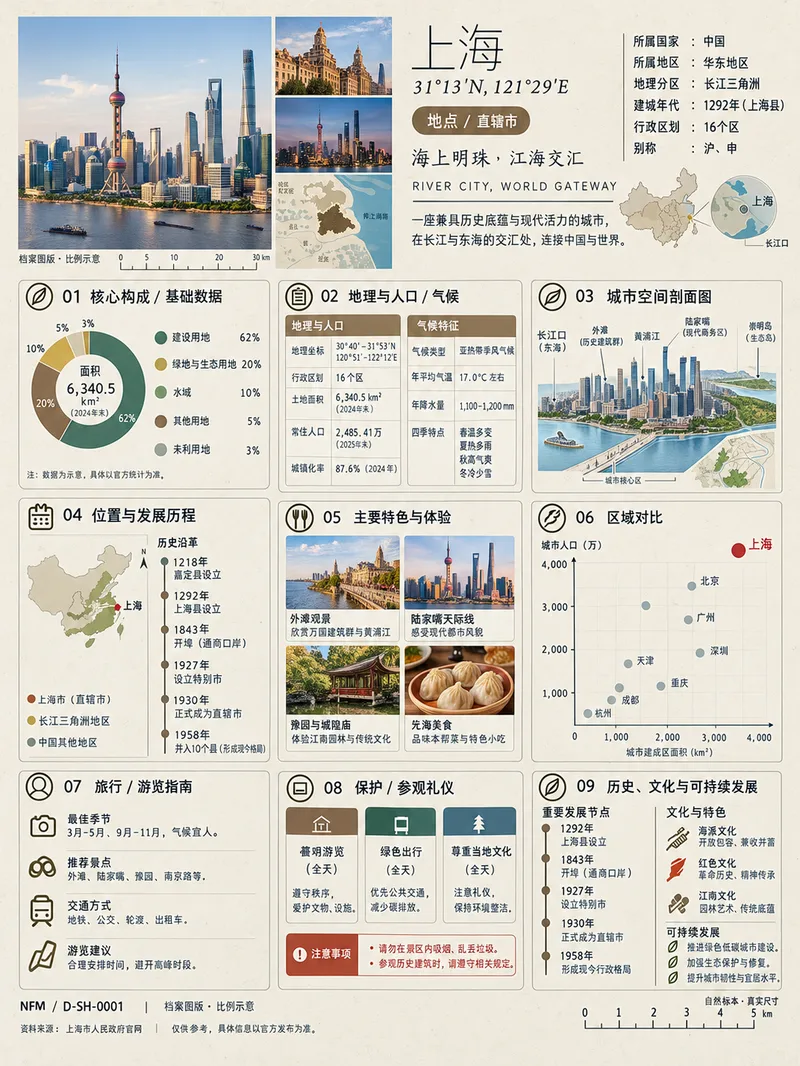
A trending infographic generator. Enter the name of any subject, and it automatically identifies the type—such as a living thing, mineral or material, man-made object, place or building, cultural concept, or historical figure—then creates a dense 3:4 portrait infographic poster using a fixed “natural specimen archive × modern museum guide plaque” layout system. It includes a header identification area, specimen-style image area, a central 3×3 grid with a core data radial chart, detailed key metrics, structural cross-section, spatial and temporal distribution, applications and user experience, side-by-side comparison, identification guide, preservation and maintenance, and historical lineage, plus a collection number and reference information area at the bottom. The layout, grid, typography, and color systems are consistent, making the posters easy to collect as a series. GPT Image 2 is used by default as the best-fit image generation model. Best for: building an account from scratch and taking commissioned work.
 Image
ImageRealistic Studio Portraits
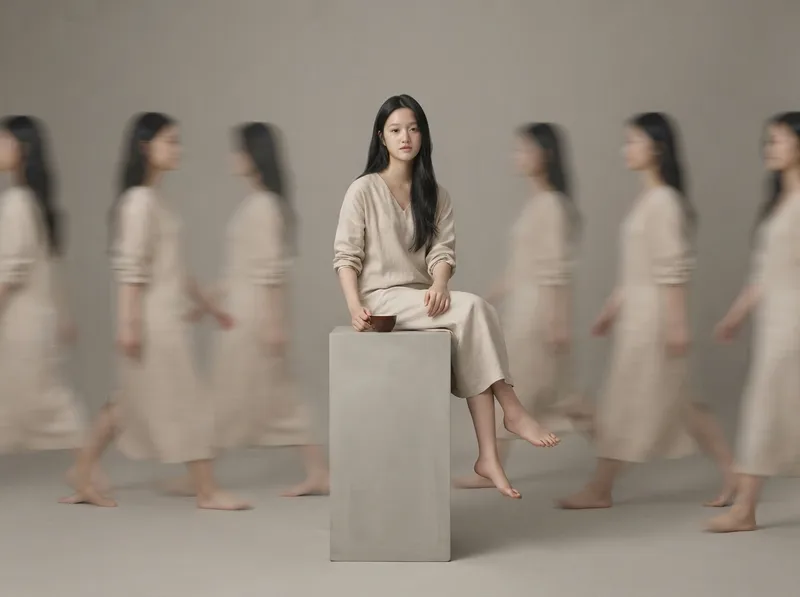
Based on uploaded photos of people or pets, this Skill generates ultra-realistic, minimalist full-body studio portraits. It supports styles such as long-exposure ghosting, clean solo full-body portraits, and cloned mirror images; faithfully recreates the subject’s appearance and directly uses the most suitable image-generation model to create the images.
 Video
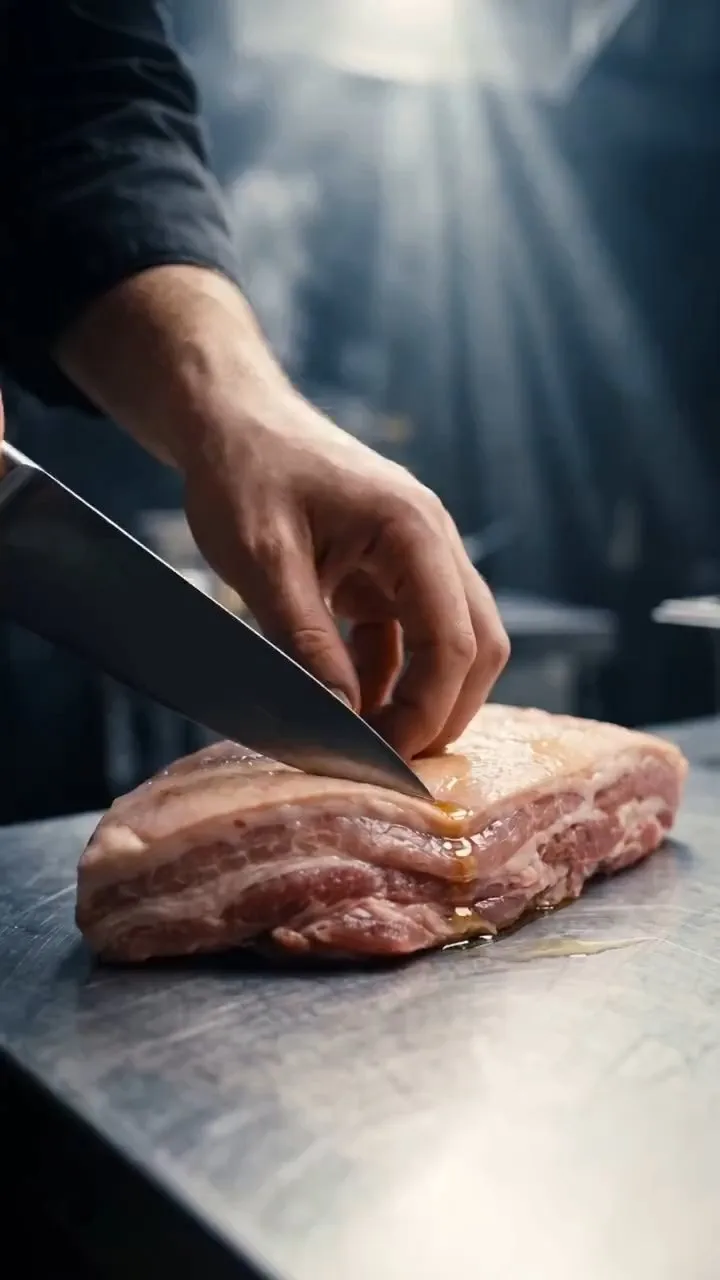
VideoOne-Line Food Video Maker
Enter the name of a dish to automatically generate an approximately 20-second, vertical 9:16 cinematic food-preparation short, covering ingredient prep → cooking → the finished dish in 19 shots. Designed for food creators, restaurant brands, and short-form video operators creating promotional shorts for products and dishes. This Skill is triggered by requests such as "make a cooking video for XX dish," "generate a food short," or "make a recipe video." Monetization options: brand ad placements, e-commerce product links and affiliate sales, paid recipes or content, platform incentive programs, and custom B2B services. Additional monetization: use food videos to grow your audience, direct viewers to owned channels (WeChat official accounts, WeChat groups, or Knowledge Planet), and then sell other products or services.
 Image
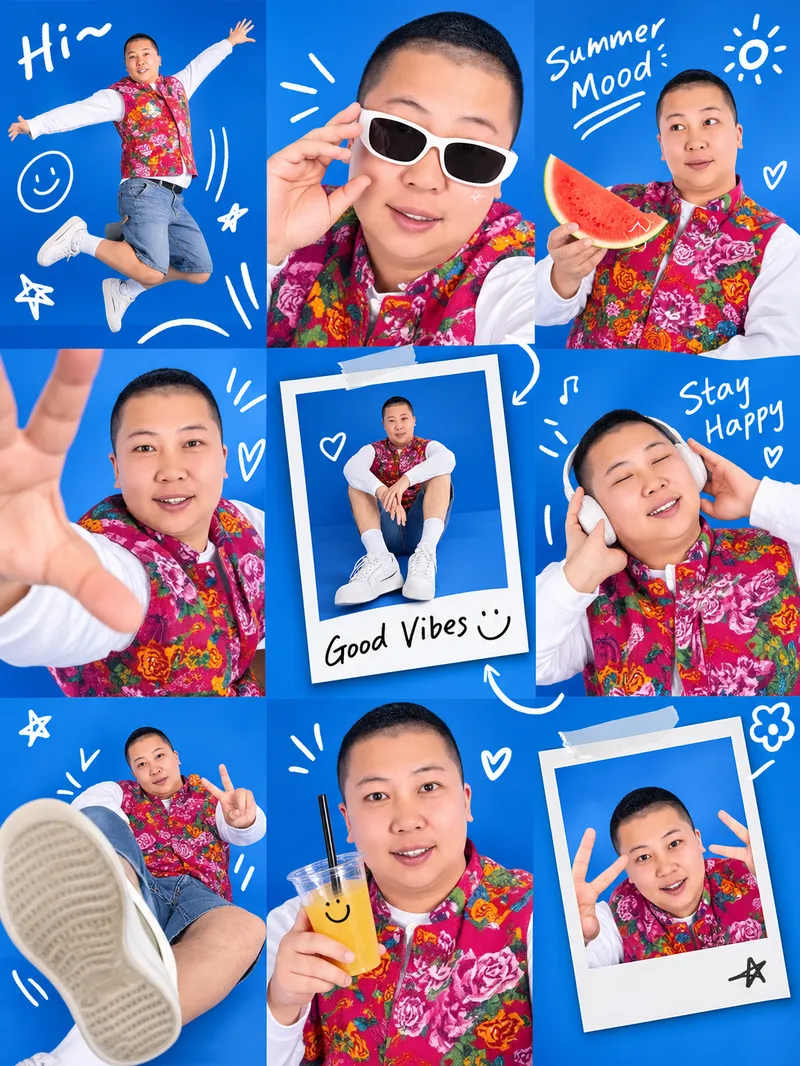
ImageViral Photo Collage Maker
Upload a photo of a real person or pet to generate a trendy Gen Z lifestyle-moment 3×3 collage: a studio backdrop, playful wide-angle poses, hand-drawn doodle connections, and Polaroid frames. The seasonal mood, primary background color, doodle text, and poses in each panel can all be customized. Best for: People who want to take commissions and monetize them
 Image
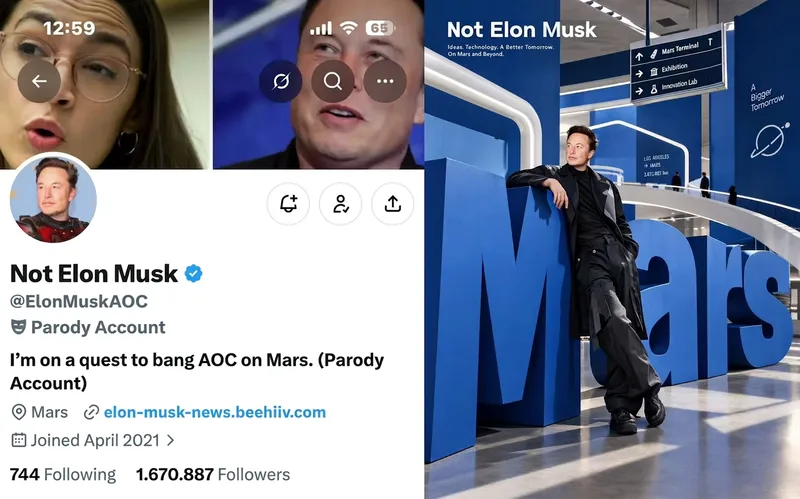
ImageScreenshot to Giant-Type Ad
Using a social media screenshot (or brand materials) as the sole source of information, distill the subject’s or brand’s personality into a 3:4 vertical fashion advertising visual: translate its values, tone, and worldview into a spatial composition featuring giant, dimensional letter installations, wayfinding signage, and fashion styling. Best for: commissioned projects
 Image
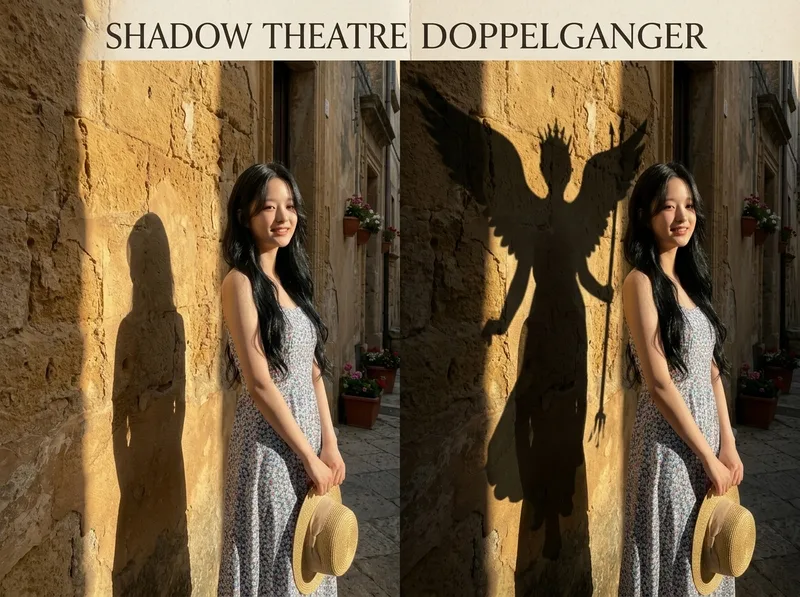
ImageShadow Identity Poster Maker
Upload a portrait to generate a concept poster split into two equal 1:1 halves: the left half fully preserves the original image with only subtle color grading; on the right, the person’s identity, face, hairstyle, clothing, action, pose, subject position, setting, and camera angle remain exactly unchanged. Only the lighting is redesigned, casting a giant hard-edged shadow of an “alternate identity” such as an animal, mythical character, building, plant, profession, or product structure. The shadow naturally grows from the feet or points of contact, follows the light direction and perspective, and has a crisp outline, realistic contact with the ground or wall, and natural tonal falloff. The poster contains no text.
 Image
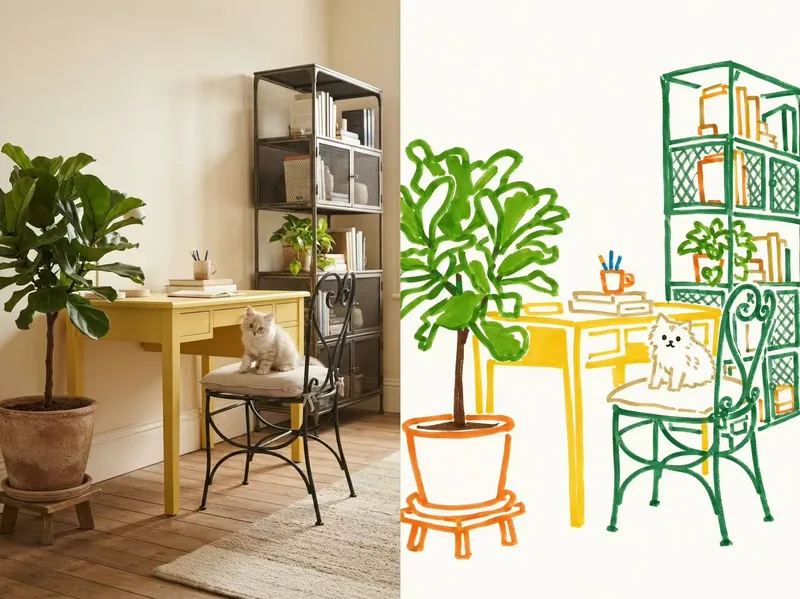
ImageMarker Photo Redraw
Using a single user-provided photo as the only source, this Skill calls a GPT image model for image-to-image generation, redrawing it in an “innocent outsider / childlike broad-marker editorial doodle” style while strictly preserving the original image’s identity, pose, composition, and main color relationships. A source image is required; generation without an image is not supported. Suitable for Xiaohongshu, Xiaolvshu, image-and-text posts, and image-and-text videos.
 Image
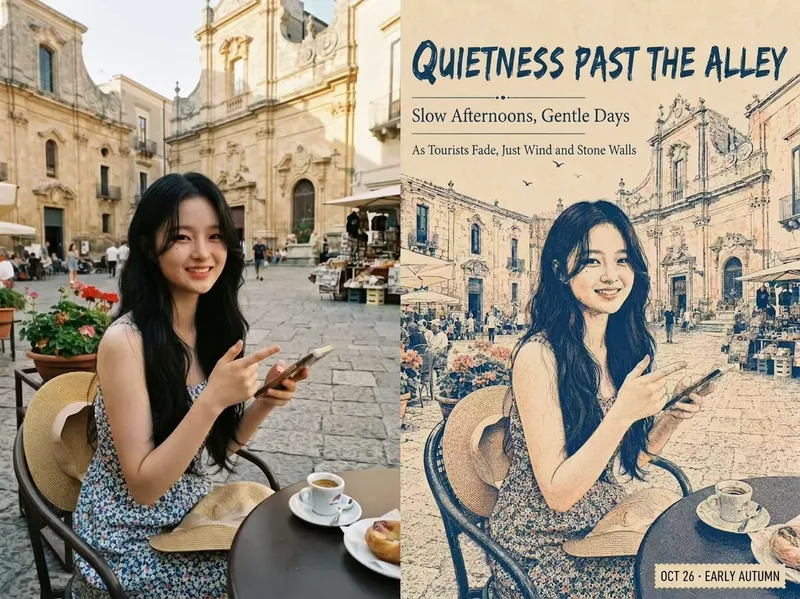
ImagePhoto to Vintage Travel Poster
Turn an uploaded photo and a short Chinese theme into a vintage stencil-printed travel diary poster. The generator automatically creates and lays out a Simplified Chinese title, subtitle, date, and caption. The style consistently uses a stencil or screen-print texture, while the visual content and copy adapt to each input.
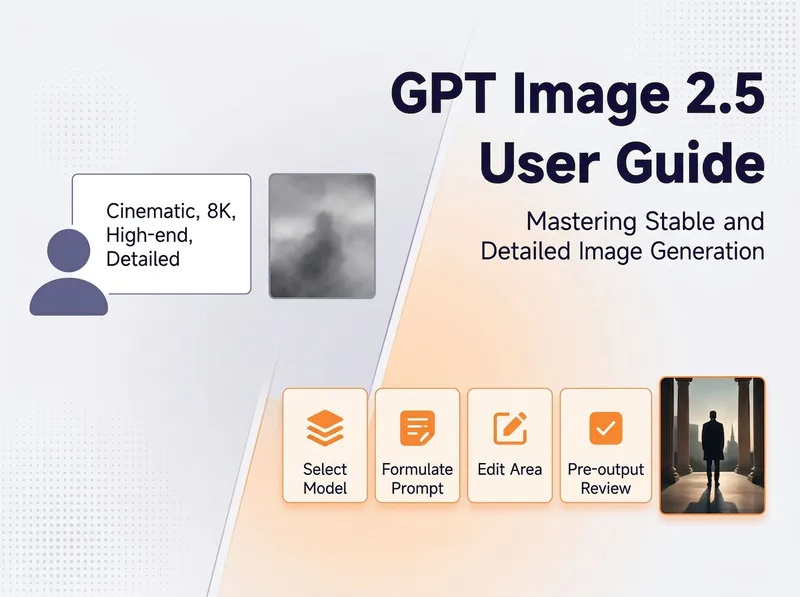
GPT Image 2.5 Practical Guide
For beginners who struggle to create good images with GPT Image 2.5, this guide organizes its key capabilities into a consistent workflow: choose between Flare and Sunburst, write controllable prompts with a nine-part formula, assign roles to reference images, change one thing at a time while preserving everything else, maintain character and product consistency, create a truly transparent background, avoid common pitfalls, and review the result before delivery. Use this Skill when users ask how to write prompts for GPT Image 2.5, edit an image without changing anything else, choose between Flare and Sunburst, create a transparent background, fix incorrect text in images, or use GPT Image 2.5 for client work or e-commerce images. Outputs only methodology, workflows, and reusable prompt templates. It does not call image generation tools.
 Image
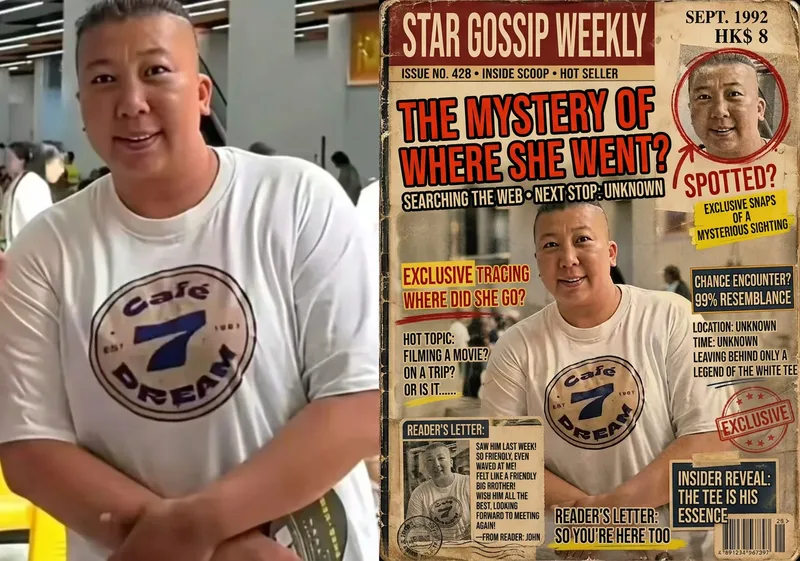
ImageGossip Magazine Cover Maker
Upload one or more images, optionally with additional text, and this Skill will arrange them into an aged, outdated, well-thumbed entertainment gossip magazine cover: an exaggerated, eye-catching scoop headline, blurry paparazzi-style stills, red-circle and arrow annotations, reader letters, and fragmented comments. The layout is information-dense and realistic, becoming more convincing the longer you look. The final output is a 3:4 portrait cover image, with the cover’s featured subjects and topics dynamically determined by the uploaded images.
 Image
ImagePhotorealistic Head, Drawn Body
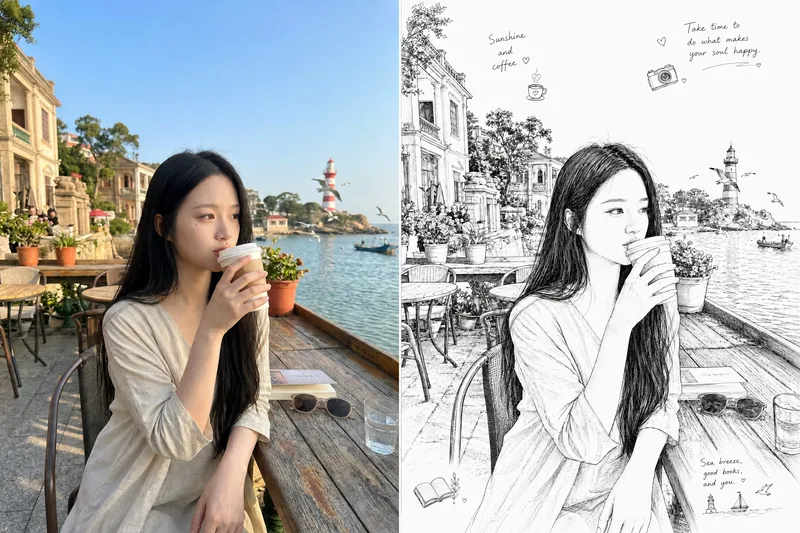
Upload a real photo—no target image needed—to automatically create a finished mixed-style image with a photorealistic head and black-and-white hand-drawn illustration. The head retains photo-realistic texture and recognizable facial features (facial features stay the same, while the expression may be subtly adjusted). Everything else—including the hair and hairstyle, body and build, clothing, pose, background, and decorative elements such as hearts, stars, sparkles, and motion lines—is transformed into a black-and-white hand-drawn illustration. The body keeps realistic proportions, while the original hairstyle and pose are preserved. Ideal for turning a single photo of a person or pet into a creative image featuring a photorealistic head and hand-drawn elements in the same frame.
 Image
ImageSplit-Screen Photo Art
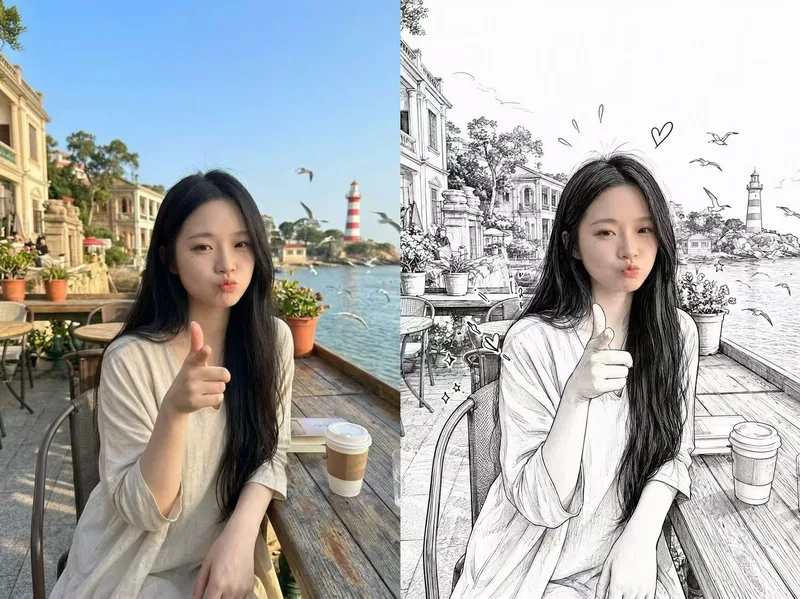
Upload a real photo to automatically create a finished split-screen image: the original photo remains on the left, while the right side shows a detailed black-and-white line illustration of the same subject in the same scene, creating a “reality vs. hand-drawn” contrast.
 Image
ImageVirtual Outfit Try-On
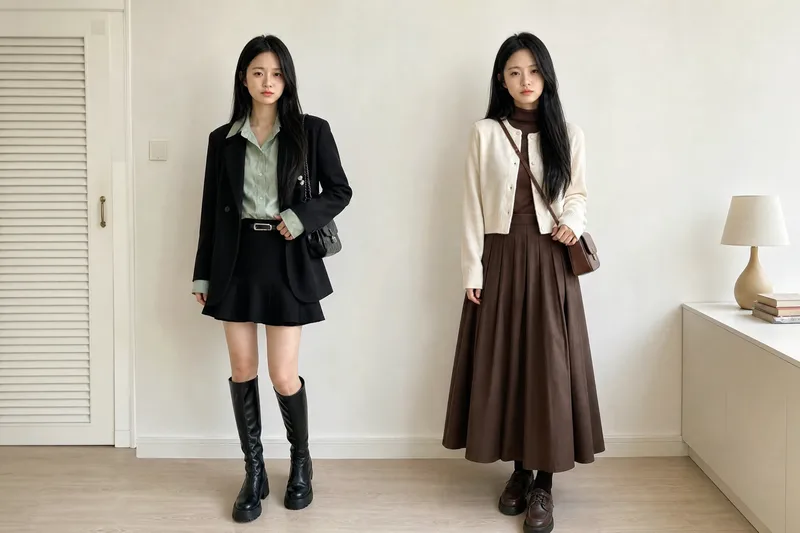
Uses the user-uploaded person photo as the sole source for the person, generating photorealistic images of that person wearing multiple different outfits. It strictly preserves real identity features—no face swapping or facial feature changes. The GPT image model is used by default, and the number of outfits is confirmed with the user before generation. Best for: fashion e-commerce owners, brick-and-mortar clothing store owners, and fashion influencers who sell through livestreams
 Image
ImageCreate Parent-Child Posters
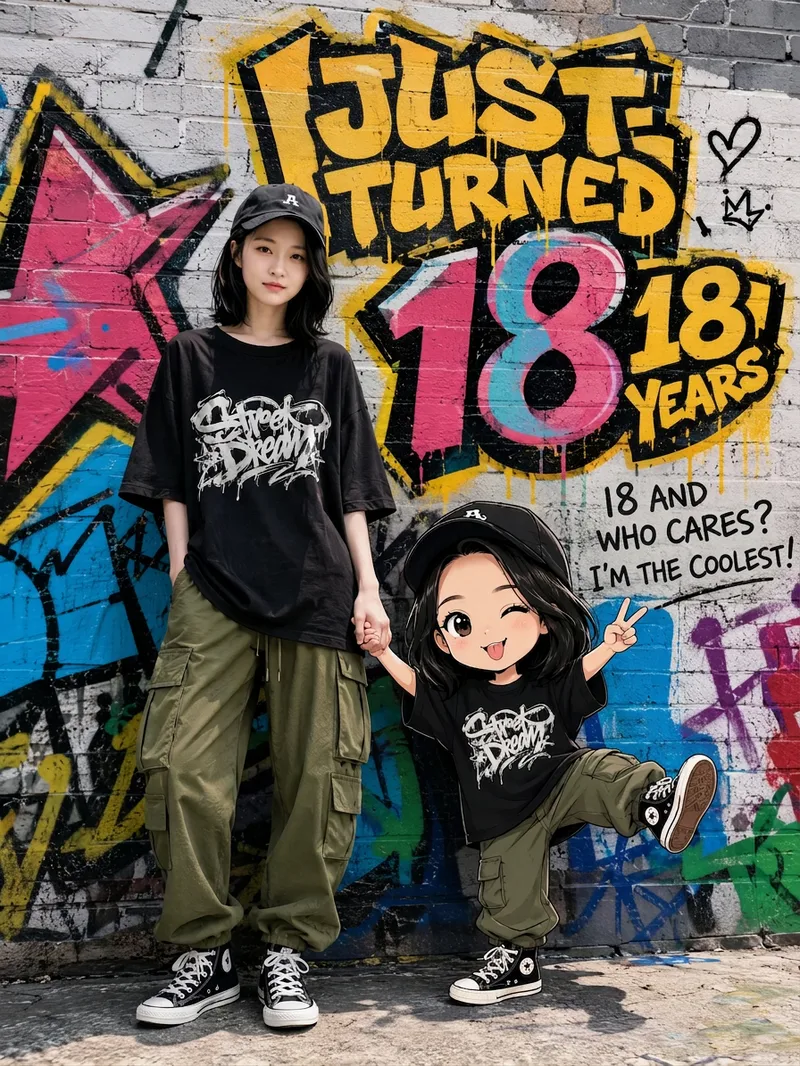
Upload a photo of a person to automatically recreate their real appearance in a street-graffiti-style portrait poster featuring the person and a Q-version cartoon child. Parent-child roles (father or mother), clothing style, and background wall are automatically adapted, with fresh variations generated each time.
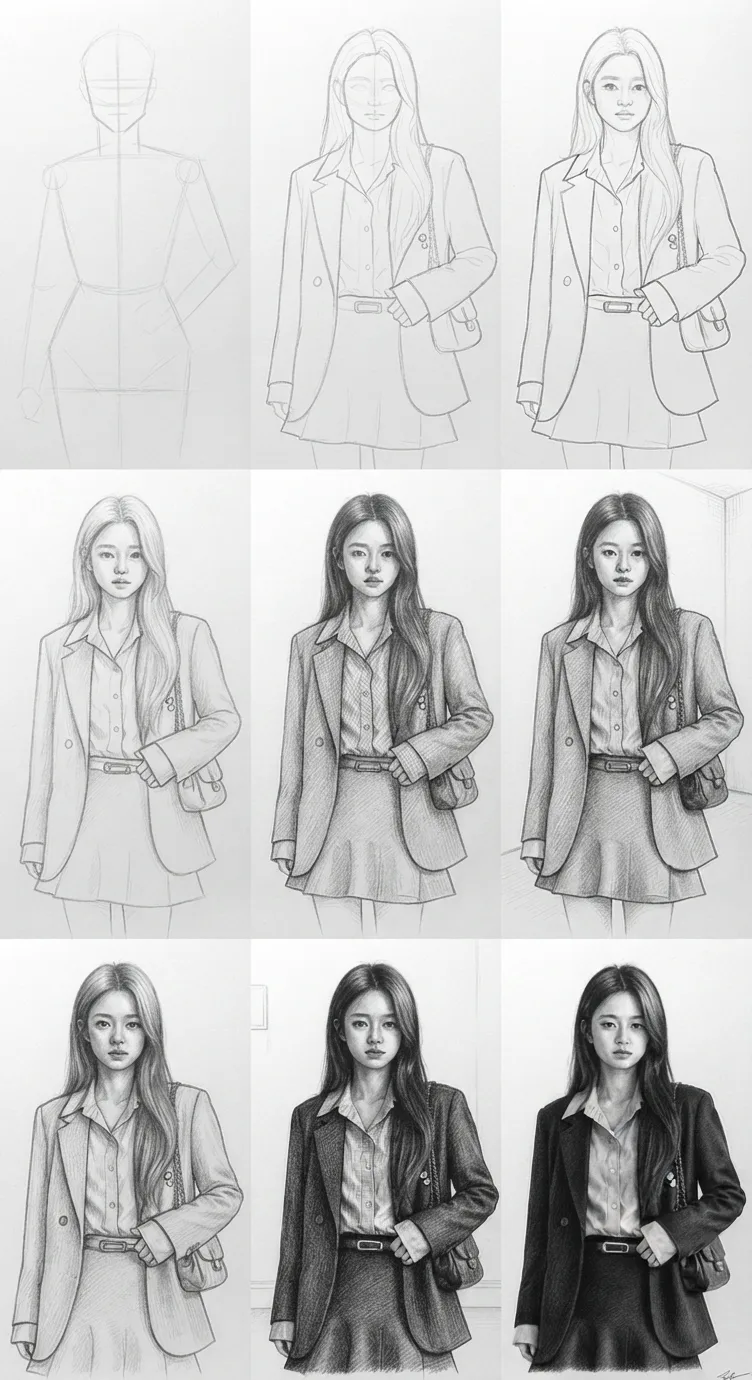 Image
ImagePhoto to Pencil Sketch
Using the photo you upload as a reference, recreate it 1:1 as an extremely realistic traditional graphite pencil sketch, presented as a 3×3 “drawing process breakdown” grid—from the initial composition lines to a fully realistic final pencil portrait. Ideal for turning a real person’s photo into a museum-quality hand-drawn pencil sketch while showing the complete evolution of the drawing.
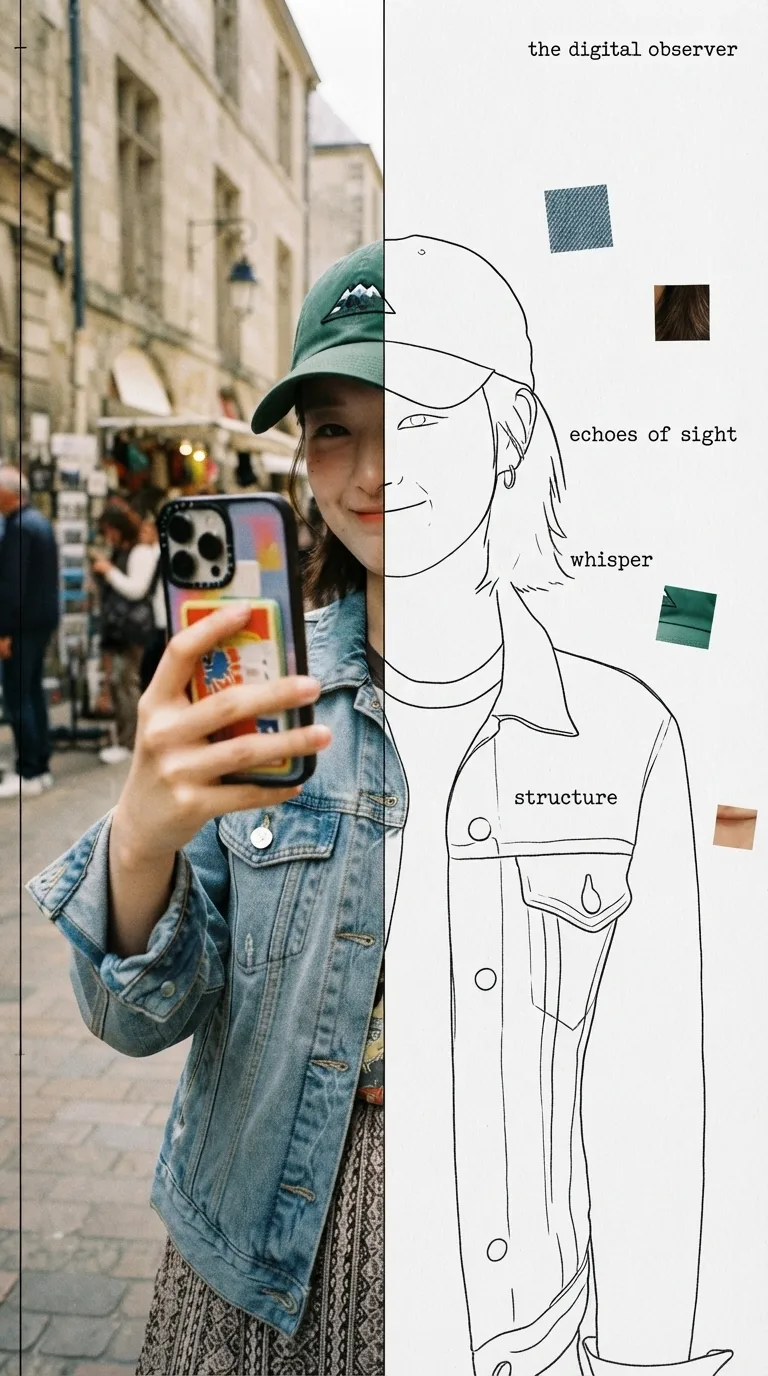 Image
ImageHalf Real, Half Outline
Upload a photo to automatically identify the subject and composition, then generate an experimental, specimen-style editorial poster with half a real color photo and half a hand-drawn outline on white paper: the photo area retains its true colors with reduced saturation and a film-grain feel; the white-paper mask area continues the shape of the obscured section with fine, hand-drawn black outline lines, along with 2–4 sensory or evocative keywords, 3–5 colored texture-fragment squares, a vertical binding line on the left, and a small poetic subtitle in the corner. Suitable for portraits, still lifes, animals, plants, and many other types of photos. By default, it follows the original image proportions without changing the aspect ratio, cropping, converting to black and white, or creating an infographic.
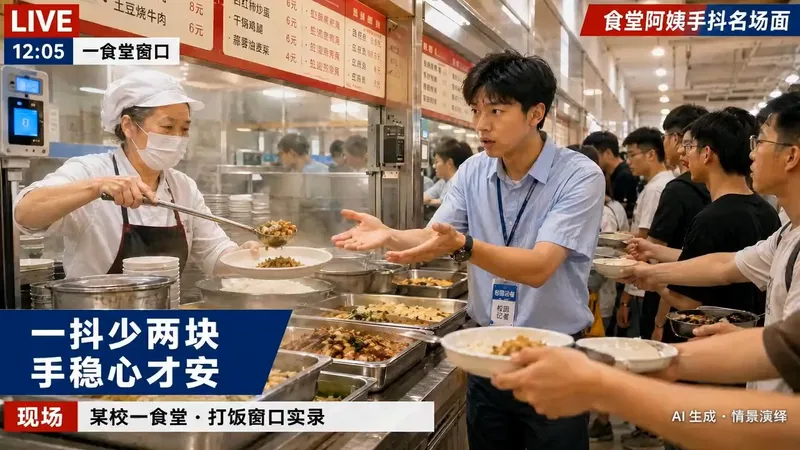 Video
VideoOn-Scene News Live Photo
Based on a person’s photo and an event description, generate a dynamic television field-reporter-style live image (Live Photo). Coordinate the subject’s lighting, pose, clothing condition, background, and news captions according to the weather, time of day, and location, then add environment motion consistent with the scene using image-to-video generation. By default, it directly creates downloadable, social-media-ready live visuals, including a Xiaohongshu Live Photo pair and a universal MP4 fallback. It outputs prompts only when explicitly requested.
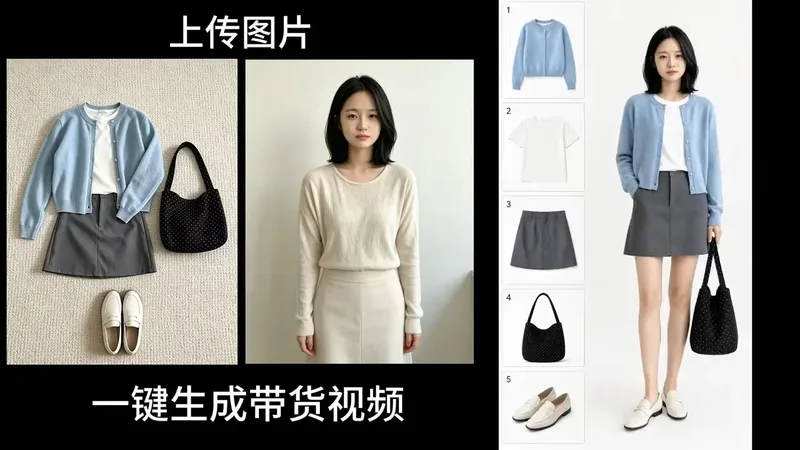
360° Product Showcase Video
Upload an apparel item (with an optional person photo). The Skill first generates a vertical 9:16 minimalist fashion infographic with a white background, featuring a model on the right and numbered product boxes on the left. After you confirm the image, it generates a 7-second 4K/60fps 360° synchronized-rotation product showcase video for shoppable fashion content on mobile platforms such as Xiaohongshu, Douyin, and Reels. Best for: product promotion, fashion sales, commissioned shoppable video production, and launch videos for growing a new account.
 Image
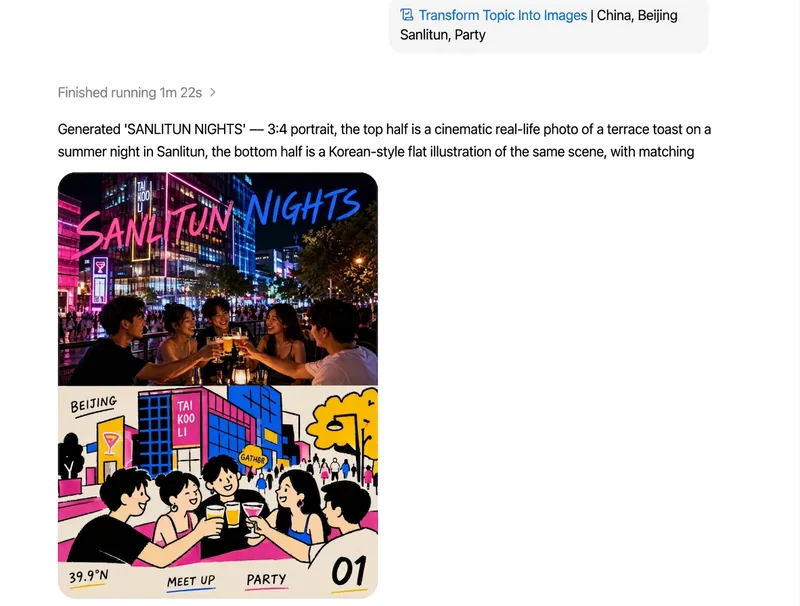
ImageTurn Your Theme into Art
Input a country, location, or theme to automatically create a sophisticated 3:4 portrait artwork with an exact 50/50 top-and-bottom split: the upper half is a highly realistic, cinematic photographic scene, while the lower half is a playful Korean-style flat editorial illustration of the same theme, featuring rounded geometry, solid color blocks, hand-drawn wobbly black outlines, and English typography integrated into the composition. The theme name is the only input required. Creation is fully automatic, with no additional visual assets needed.
 Image
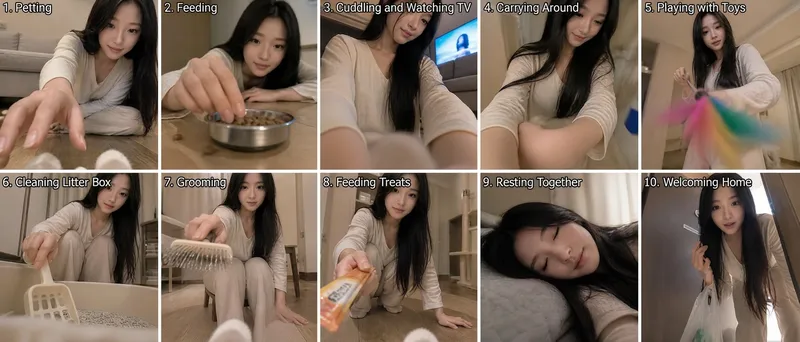
ImageCat's-Eye Interaction Photos
Using the uploaded reference photo, the tool uses the cat's eye level as the camera position to automatically combine ten different everyday human-cat interaction scenes while avoiding repetitive compositions, creating a set of human-cat interaction photos from a cat's perspective. By default, it outputs a composite image with two rows and five columns for a total of ten panels. You can also request a nine-panel grid or a single image.
 Image
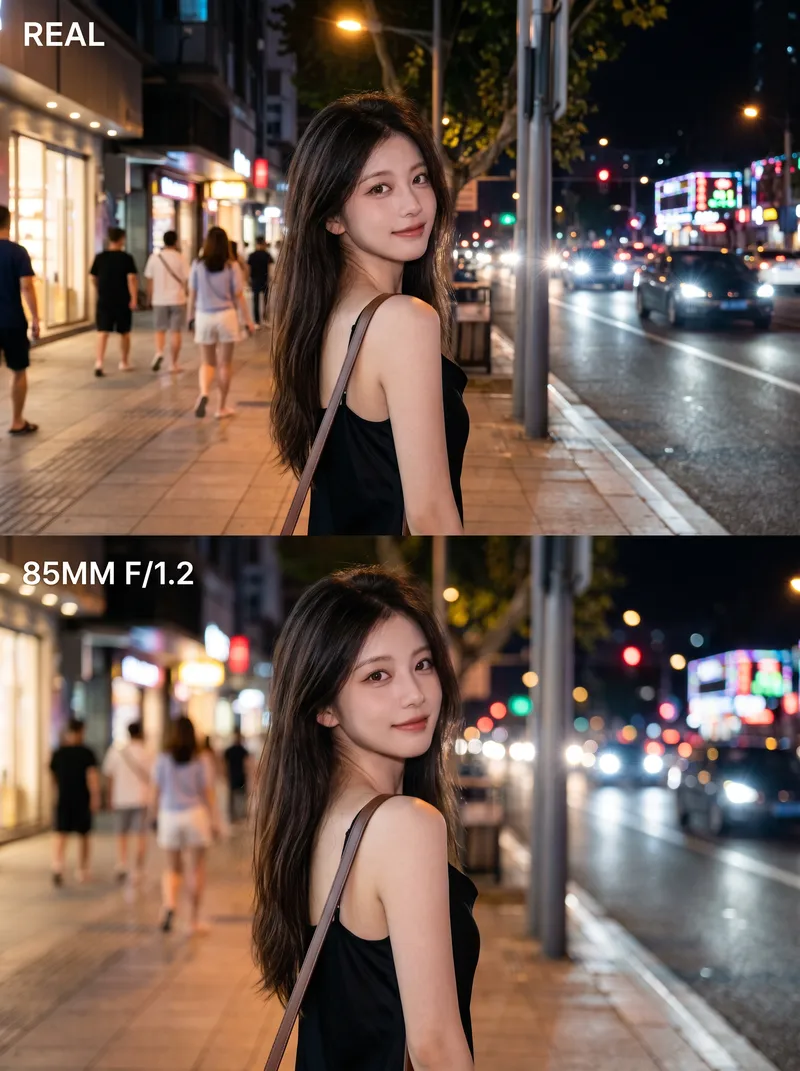
ImagePro Lens Portrait Maker
Turn an ordinary photo into a 3:4 vertical poster with a polished, high-end look. The top half fully preserves the photo’s original, authentic appearance. In the bottom half, create the feel of a professional portrait photo using the same face, pose, and setting—with the subject sharply defined, the background softly blurred, and the lighting transformed into gentle circles of bokeh. No face swapping, pose changes, or cutouts—the result feels like the photo was retaken with a better lens. Ideal for portrait photography, social media covers, and before-and-after comparisons.
 Image
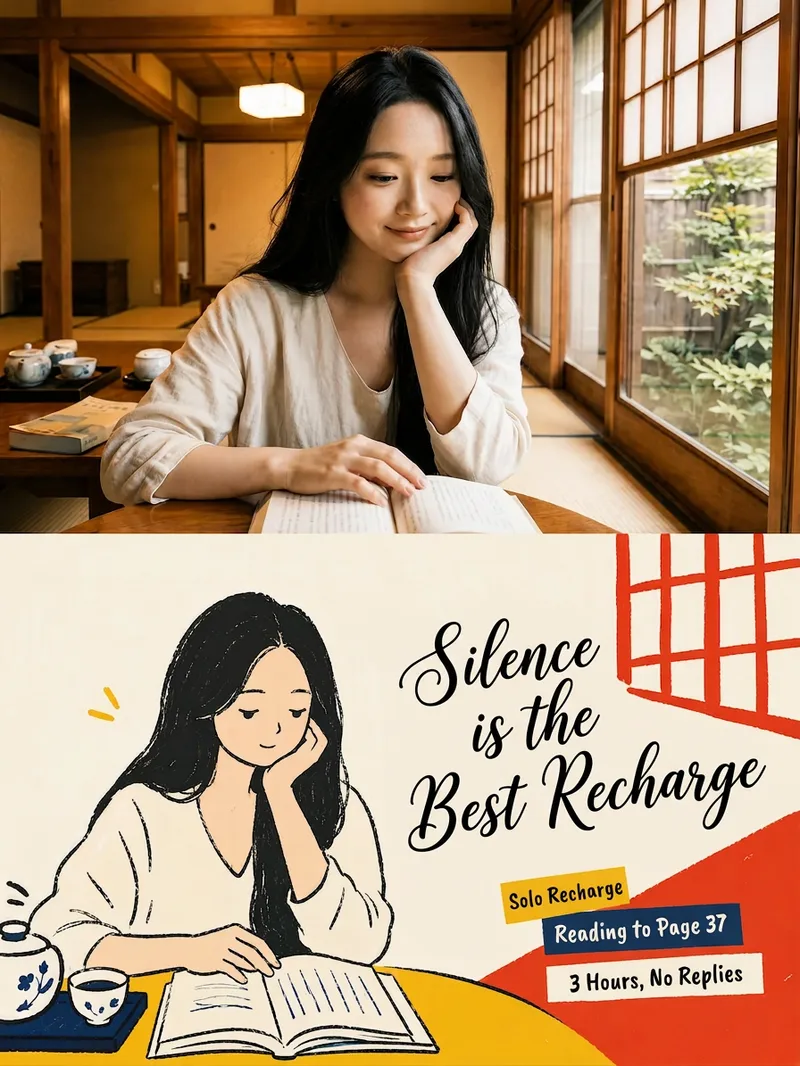
ImageXiaohongshu Korean Posters
Turn one or more uploaded photos into premium 3:4 design posters, one photo at a time: preserve realistic photographic texture in the upper half, translate the lower half into a Korean-style editorial flat illustration, and add Chinese, English, or bilingual editorial typography.
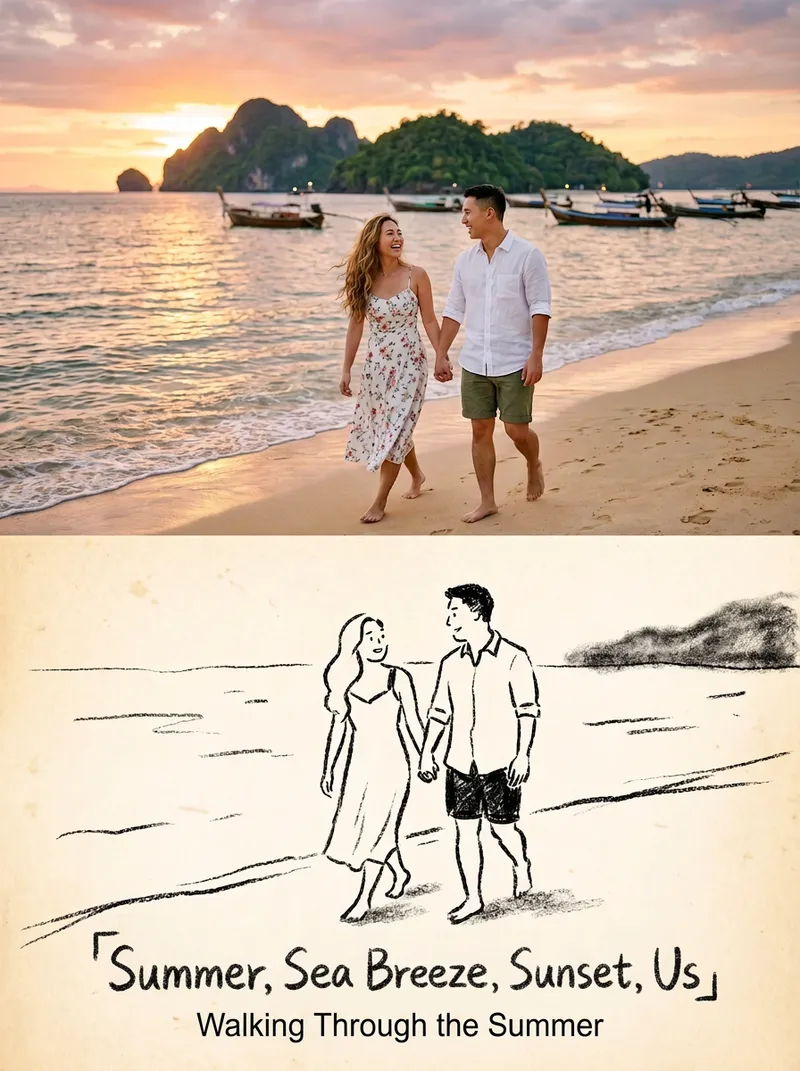 Image
ImageStoryful Sketch Photo
Turn one or more photos into 3:4 editorial posters with a premium design: the upper half preserves the original photography, while the lower half becomes a black-and-white crayon sketch illustration. Each poster includes a restrained title and short line of text, with the language following your input. Ideal for turning everyday photos into magazine-style or vintage picture-book-inspired cover images. Each photo becomes its own poster; multiple photos are never combined into one scene.
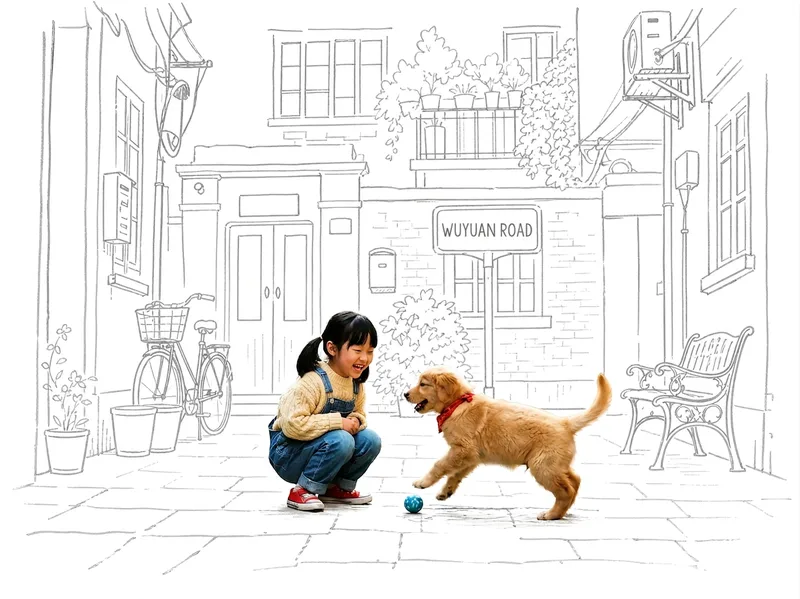 Image
ImagePhoto Meets Hand-Drawn
Turn any photo into a contrast-style poster featuring a photo-realistic subject set against a monochrome, hand-drawn line-art environment: people or other subjects are preserved 100% from the original image—no redrawing, outfit changes, or pose changes—while the surrounding scene and background are translated into casual sketch lines on warm white paper in a single ink color. The default output is a 3:4 portrait layout, with other aspect ratios available on request. Supports single-person photos, group shots, pets, still life, and other non-human subjects, as well as pure landscapes with automatic fallback processing. You can also fine-tune the line-art color, paper background color, amount of whitespace, and line weight while preserving the core structure.
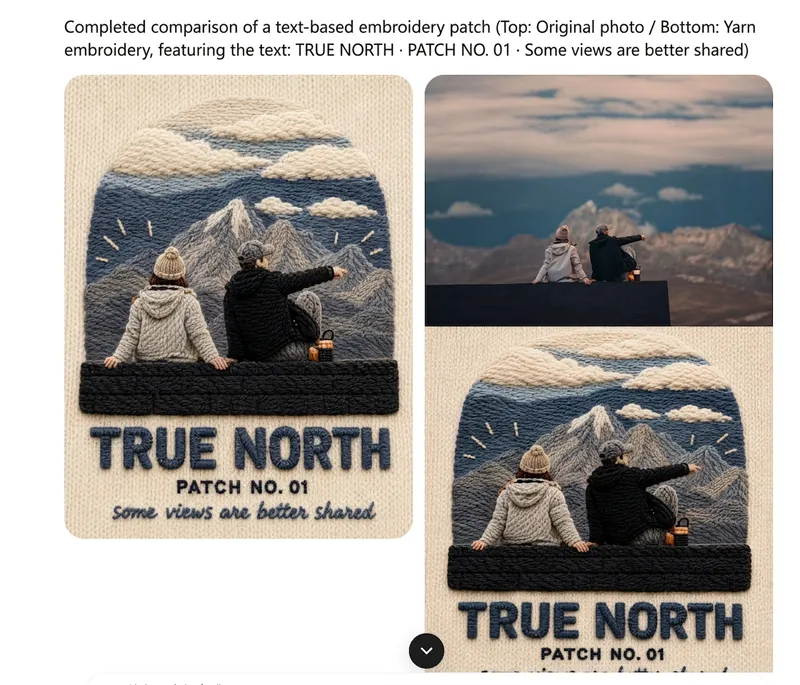 Image
ImageOne-Click Yarn Embroidery
Turn a single photo into a vertical, top-and-bottom comparison image: the top half is a pixel-level reproduction of the original, while the bottom half is a three-dimensional embroidered recreation made from physical yarn. The two sections are equal in width and height and joined seamlessly. Supports two modes: embroidery with three lines of text, or pure embroidery without text. You can also override the craft, material, and visual style as needed. (If you need to fit the Skill field length limit, you can use this existing sentence: Upload one image to generate a vertical, seamless comparison image with an exact recreation of the original on top and a three-dimensional yarn-embroidery recreation below; supports embroidery with three lines of text or pure embroidery without text, and allows the craft, material, and visual style to be overridden as needed.) Suitable for launching a Xiaohongshu account with visual posts, sharing images on WeChat Moments, and adding images to WeChat Official Account posts.
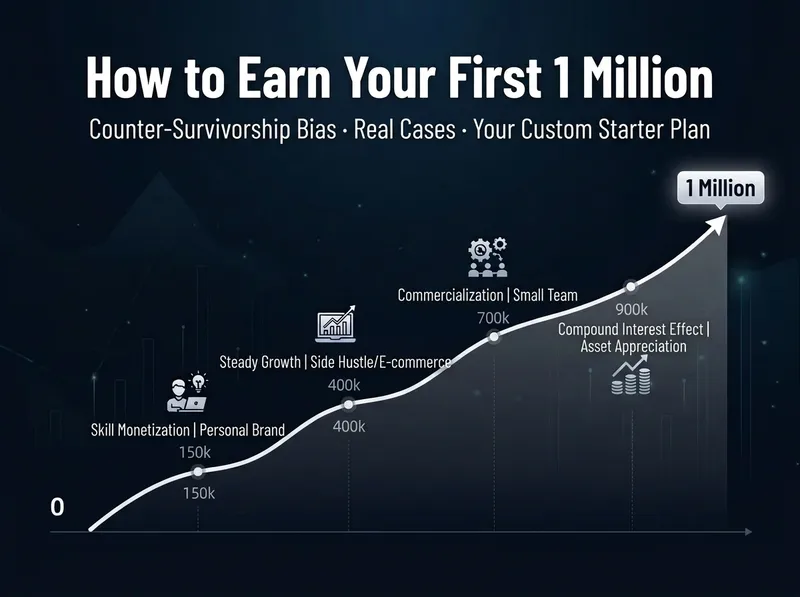
Your First Million Roadmap
Enter your real starting point—available funds, monthly cash flow, time you can invest, skills, and risk tolerance—and this Skill will create a practical path to earning your first million. It includes a primary method, a contrarian path to help you avoid pitfalls, milestones by stage, and real-world cases. Every case includes the actual starting baseline, what failure looked like, and a specific edge. No stock picks, income guarantees, or get-rich-quick hype. Especially useful for people who want to create content but are starting with zero followers, employees who want a side hustle but lack direction, and moms raising children who want to supplement their household income. It also clearly tells you which pitfalls to avoid—for example, don’t quit your job without a backup to gamble on content creation.
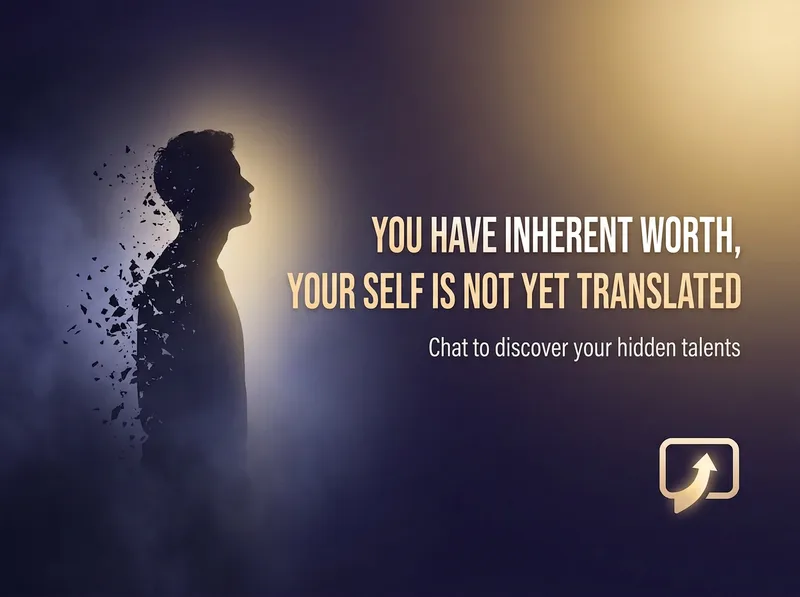
Uncover Your Hidden Strengths
Through conversational guidance—not a questionnaire—help users with low self-esteem, who feel they are good at nothing, or who are going through a low point in life uncover overlooked strengths, areas they excel in, or directions that may suit them. It then offers one small action they can take right away to test the possibilities. Use proactively when users say they don’t know what they’re good at, can’t find direction, feel useless, want to change careers or switch paths but don’t know what might suit them—even if they don’t explicitly ask for a test or talent analysis.
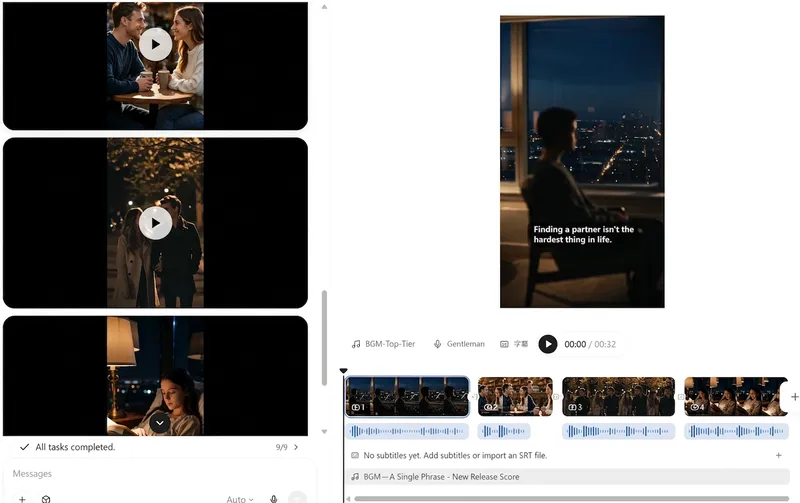
Book Promo Video Factory
A book promotion video takes off, and you're still stuck writing the script? Install this Skill and drop in a reference video you like—it runs the entire process for you: Transcribe the original script → identify the book title → rewrite it in your tone as a fresh voiceover script → add a warm voice → generate visuals → create a vertical video with captions → and provide a posting title and hashtags. Ideal for book promotion accounts, book list creators, knowledge creators, and anyone looking to quickly launch a side project.
 Image
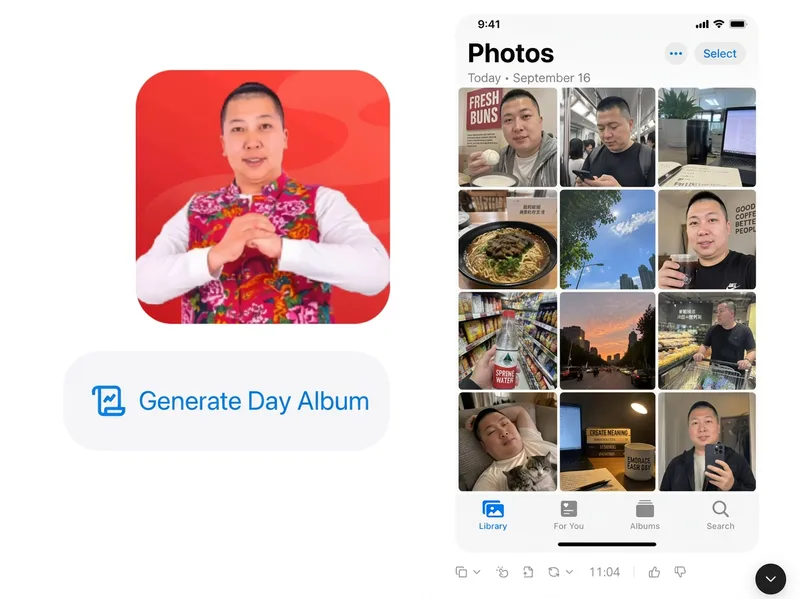
ImagePhoto to Day Album
Based on the person reference photos you provide, infer their ordinary, authentic day and generate a complete “day album” screenshot that faithfully recreates the iPhone Photos app interface with thumbnails of casual snapshots. GPT Image 2.5 is used by default.
 Image
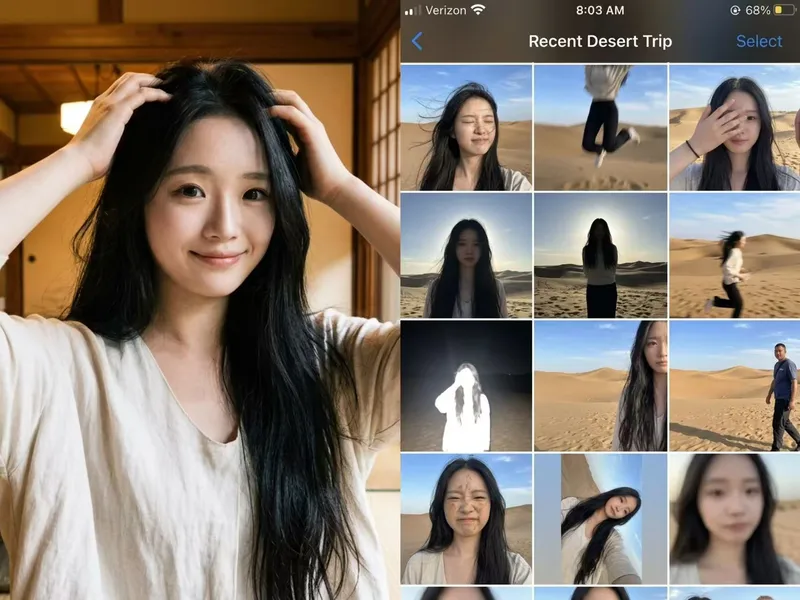
ImagePhoto Fail Roll
Not a polished nine-grid collage, but a collection of those throwaway shots on your phone that are too hard to delete yet too embarrassing to share. Upload one photo, enter the scene you want, and let AI “capture” an entire day—motion blur, harsh backlit shadows, awkward expressions, crooked framing, and all. The more realistic, the funnier, and the more believable. Best for: pranking friends, creating playful content, fake travel logs, social media prank posts, and AI photography memes
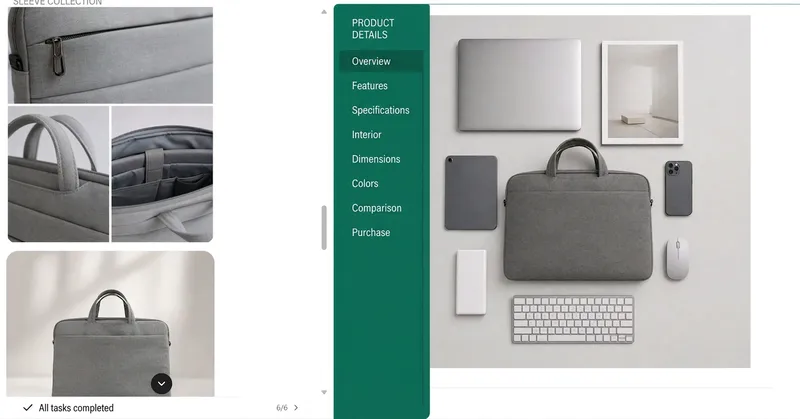
E-commerce AI Image Studio
One-click e-commerce product image, hero image, and detail-page production pipeline for merchants. Upload real product photos and key selling points to automatically create one-image-per-page hero images, detail-page storyboards, image sets, and platform-adapted visuals, with upscaling, denoising, and sharpening post-processing. Includes a KV visual system generator for hero visuals, poster packages, and 10 marketing images. Addresses key pain points: no need to know how to prompt AI; automatic pagination without stitching long images; editable text layers; shape preservation without unwanted alterations; consistent styles; clearer upscaled images; and complete sets in one click. Trigger with: e-commerce images, product images, hero images and detail pages, one-click image creation, help me create product visuals, e-commerce design, product listing images, how to create a detail page, KV visual system, hero visuals, poster packages, 10 marketing images, brand visuals, or create visuals according to KV guidelines.
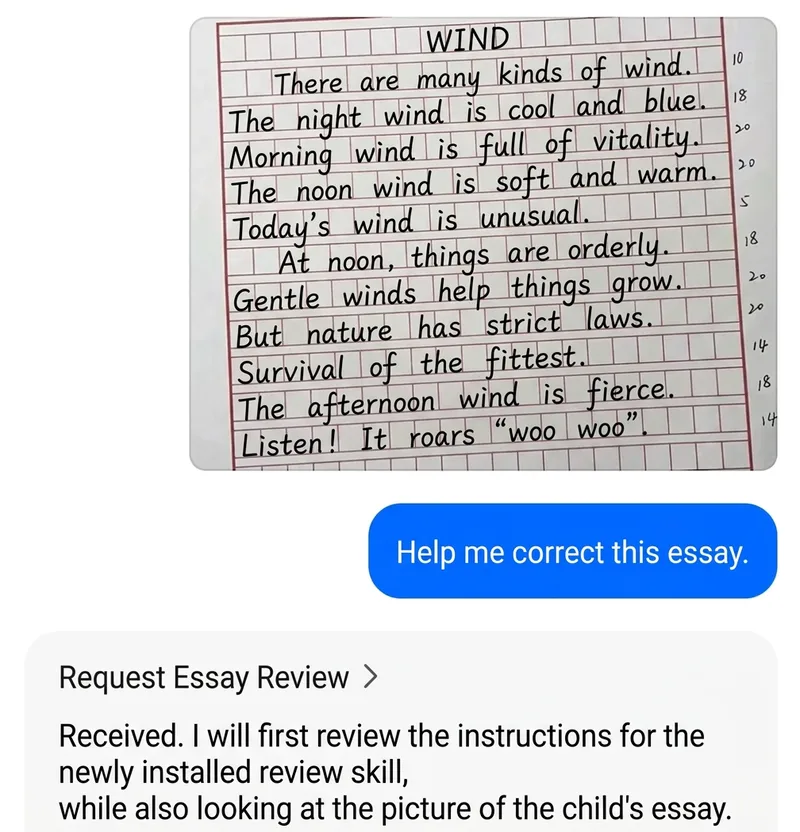
Elementary Writing Coach
Parents can send their child’s essay—or the prompt and grade level—and xiaoxiaodong will automatically diagnose weak points paragraph by paragraph using elementary writing methods (five-senses observation, hamburger structure, multiple contrasts, and adding specific details), provide an upgraded model essay, and include a set of parent-guided writing prompts. Triggers: “Help me revise this essay,” “How can a third grader write a specific personal-description essay?”, “What should I do about my child’s play-by-play essay?”, “How is my child’s essay?”, and “How can I teach an elementary school student to write?” Runs entirely locally, with no Key or external interface required.