GPT Image 2.5 Practical Guide
Write prompts and edit images consistently
GPT Image 2.5 Practical Guide
Write prompts and edit images consistently
Showcase
Description
For beginners who struggle to create good images with GPT Image 2.5, this guide organizes its key capabilities into a consistent workflow: choose between Flare and Sunburst, write controllable prompts with a nine-part formula, assign roles to reference images, change one thing at a time while preserving everything else, maintain character and product consistency, create a truly transparent background, avoid common pitfalls, and review the result before delivery. Use this Skill when users ask how to write prompts for GPT Image 2.5, edit an image without changing anything else, choose between Flare and Sunburst, create a transparent background, fix incorrect text in images, or use GPT Image 2.5 for client work or e-commerce images. Outputs only methodology, workflows, and reusable prompt templates. It does not call image generation tools.
Best for
Best for beginners and operators who need to write image prompts and reliably edit assets for e-commerce, social media, or brand visuals.
How to use this Skill
Provide your input
Provide your image generation or editing goal, platform and dimensions, subject and text requirements, reference images, requested changes, and elements that must remain unchanged.
Run the Skill
Organize prompts around your goal, clarify reference image roles, editing scope, consistency requirements, and transparent background checks, then provide an actionable workflow.
Review your result
Get reusable image prompts, an editing plan, and a pre-delivery checklist to use in your image tool; images are not generated directly.
Related Skills
View all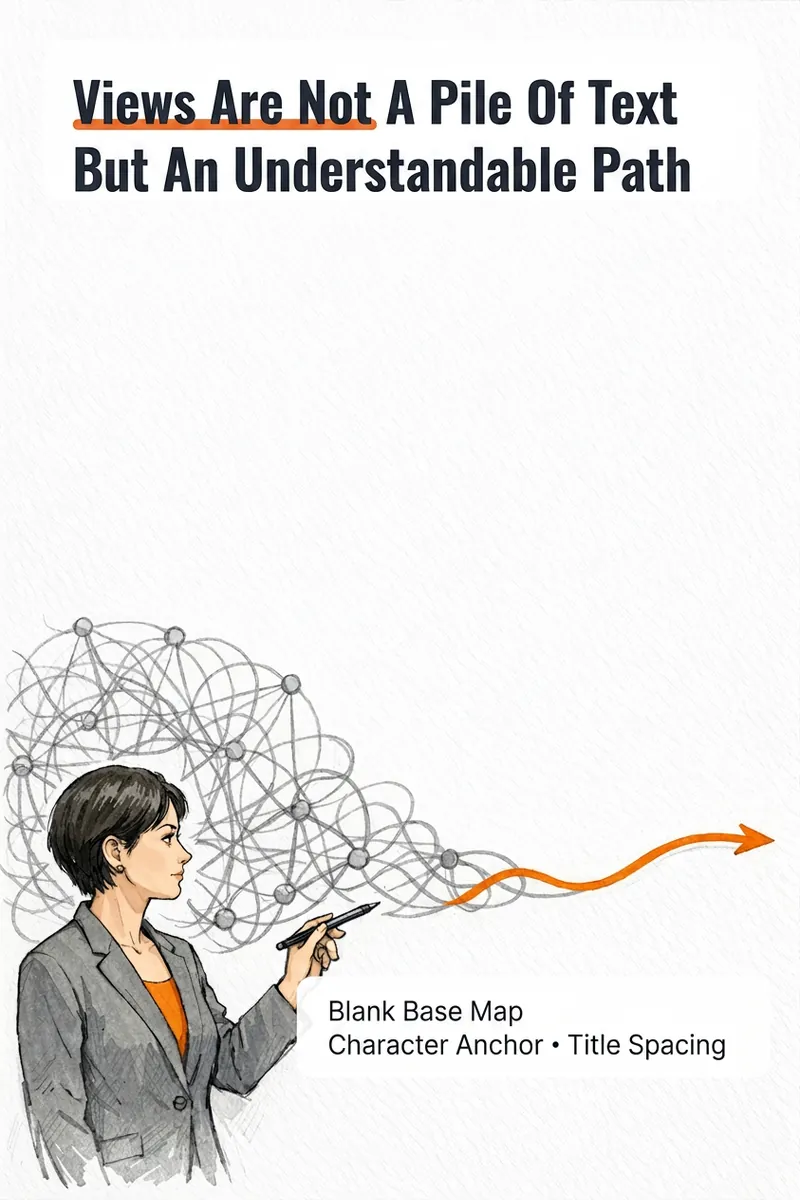
IP Hand-Drawn Visual Consultant
It's not that you can't write content; you often get stuck at the last step: what kind of image should this idea, method, or story become to feel like you? The IP Hand-Drawn Visual Consultant breaks down your content expression into a suitable visual form, then gives you a practical visual + text solution. You will receive: - A judgment of whether the content suits an opinion diagram, method diagram, or story diagram; - A hand-drawn visual direction that matches your field and style; - A copy confirmation form to lock in text after review; - A hand-drawn visual base map without text, or a ready-to-use text-free image prompt; - A layout guide: where to place titles, steps, and key text, and how much space to leave. Why provide a text-free base map first? Chinese text needs to be accurate and editable. Instead of letting the image generation model randomly 'draw' text, we first design the image, characters, or scene with white space for text, and then you overlay the confirmed copy using your familiar tools. This is suitable for those who want to first verify if they need a personal visual expression: consultants, lecturers, coaches, knowledge content creators, or those just starting to build their personal brand. This skill currently can do: a single, single-platform content visual solution; one text-free preview base map or text-free prompt; copy confirmation and layout guide; extract hand-drawn IP anchors from photos if available; use professional props, scenes, or abstract symbols to build recognition without photos. Currently does not: generate multiple images or content card sets at once; adapt to multiple platforms simultaneously; save IP archives across tasks; directly generate publishable final images with accurate Chinese text; auto-publish to any platform. If after the experience you naturally need multi-image, multi-platform, long-term fixed character images or serialized columns, those are scenarios better addressed by the subsequent Pro and Max versions. This skill will first complete this single experience and will not proactively upsell.
IP Sketch Content Director Pro
You’re not just trying to make one image—you want to turn this content into a set of assets you can actually publish. IP Sketch Content Director Pro handles “content production for the current task”: it consistently turns an idea, a method, or a story into 1–3 narratively connected hand-drawn content visuals, then rearranges them independently for each platform you select instead of simply cropping them. What you’ll get Complete content strategy card: identifies the content type, card-set structure, and multi-platform adaptation strategy for your confirmation before work begins; Copy lock: locks the main title, step or paragraph points, and key terms for each visual one by one. Once confirmed, they won’t be rewritten randomly; 1–3 text-free hand-drawn base images: generated according to the confirmed composition plan, without any text; Precise layout instructions: font size, line spacing, alignment, and margins for each area of every visual, so you can add the text yourself as specified; Local revision protocol: revise the layout without redrawing the base image; revise the composition without changing the copy—solve problems within the smallest possible scope. About the text layer Chinese text should be accurate, editable, and locally revisable. The standard deliverable is a text-free base image plus layout instructions, with text added using the tools you’re familiar with. When the host platform has verified, deterministic text-overlay capabilities, a precisely typeset final image may also be provided—but this is not a default feature and depends on the environment used for the task. Supports adaptation for up to 3 platforms: Xiaohongshu, WeChat Official Account, and WeChat Moments. Each platform is rearranged independently based on aspect ratio, text volume, and narrative pacing—not by cropping the same image. Best for Consultants, instructors, coaches, and operators who need to consistently turn one complete piece of content into publishable visual content, rather than casually producing a single image. Not currently supported Automatic, precise Chinese text-integrated final images (the standard deliverable is a text-free base image plus layout instructions) Automatic saving of IP profiles across tasks (DNA is valid within the current session or project; a summary can be carried forward for future use) Fixed content series systems or long-term character assets (these are better suited to Max) Unlimited usage
 Image
ImageStick Figure Explainer
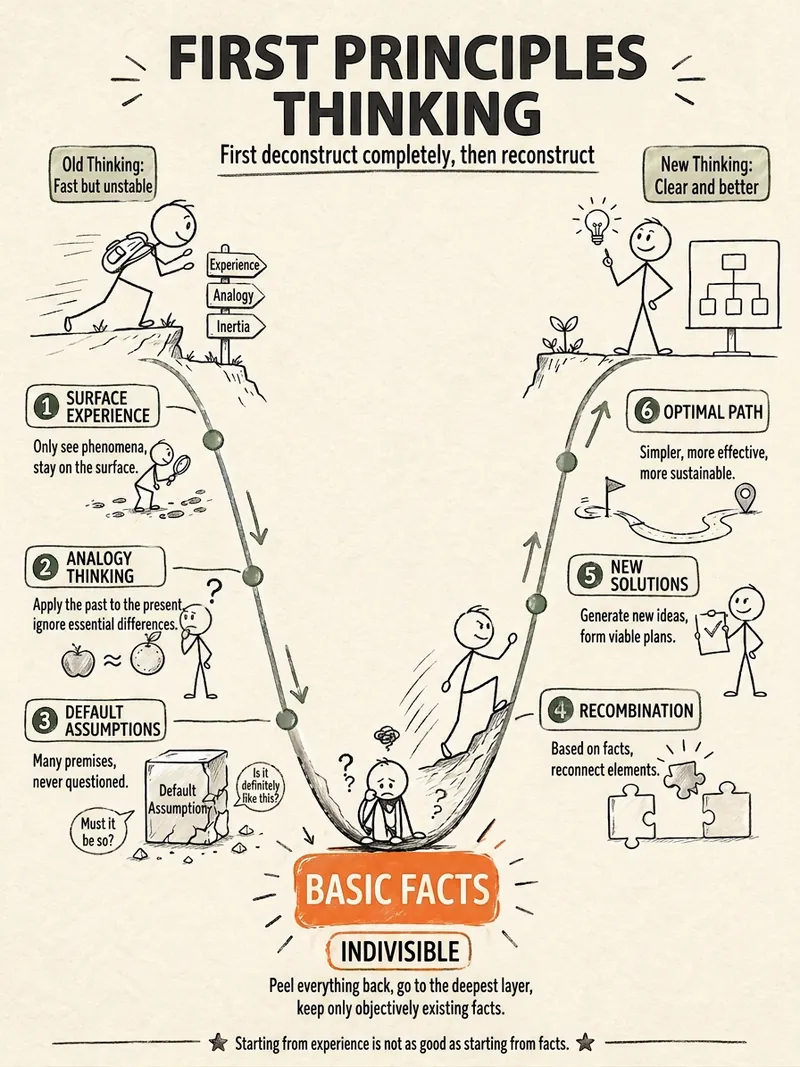
Turn complex concepts, abstract theories, lengthy processes, notes, business analyses, or growth stories into prompts for vertical knowledge cards, infographics, and hand-drawn explainers optimized for GPT-Image 2. Whether you’re organizing a process, comparing before and after, analyzing causes, categorizing knowledge, or telling a story of growth from a low point to a breakthrough, it distills the key takeaway and matches it with a suitable composition, visual metaphor, and reading flow—making the content easier to understand and remember at a glance. You’ll receive a Chinese card structure guide and visual system recommendations covering composition, hand-drawn style, color philosophy, and typographic character, along with a ready-to-copy English image-generation Prompt. The default canvas is a 3:4 vertical format, suitable for knowledge cards, Xiaohongshu cards, vertical infographics, and posters. Depending on the topic, stick figures, simplified characters, or icons can be used to show states, actions, and emotions, while keeping the number of information modules under control to avoid crowded visuals, text that is too small, or scattered emphasis. It’s ideal for quickly turning reading notes, frameworks, workplace skills, psychology and personal growth topics, business insights, product workflows, and complex concepts into clear, narrative-driven, actionable visual content.
Information
- Version
- v3
- Last updated
- Runtime credits
- Usage-based
- Models
- Auto
- Use cases
- Images & designMarketing & growthE-commerce & sales
- What you get
- PromptPlan
