humanizer
润色文章,去除AI腔并保留原意与个人语气
humanizer
润色文章,去除AI腔并保留原意与个人语气
Showcase
Description
Remove signs of AI-generated writing from text. Use when editing or reviewing text to make it sound more natural and human-written. Based on Wikipedia's comprehensive "Signs of AI writing" guide. Detects and fixes patterns including: inflated symbolism, promotional language, superficial -ing analyses, vague attributions, em dash overuse, rule of three, AI vocabulary words, negative parallelisms, and excessive conjunctive phrases.
Best for
Writers and editors who want polished text that sounds natural while retaining its original meaning and voice.
How to use this Skill
Provide your input
Provide text you want revised, along with any preferred tone or voice.
Run the Skill
The Skill reviews the wording, removes formulaic or overly generic patterns, and rewrites it while preserving the meaning and intended voice.
Review your result
Receive a more natural-sounding version of the text, with an optional brief summary of the main edits.
Related Skills
View all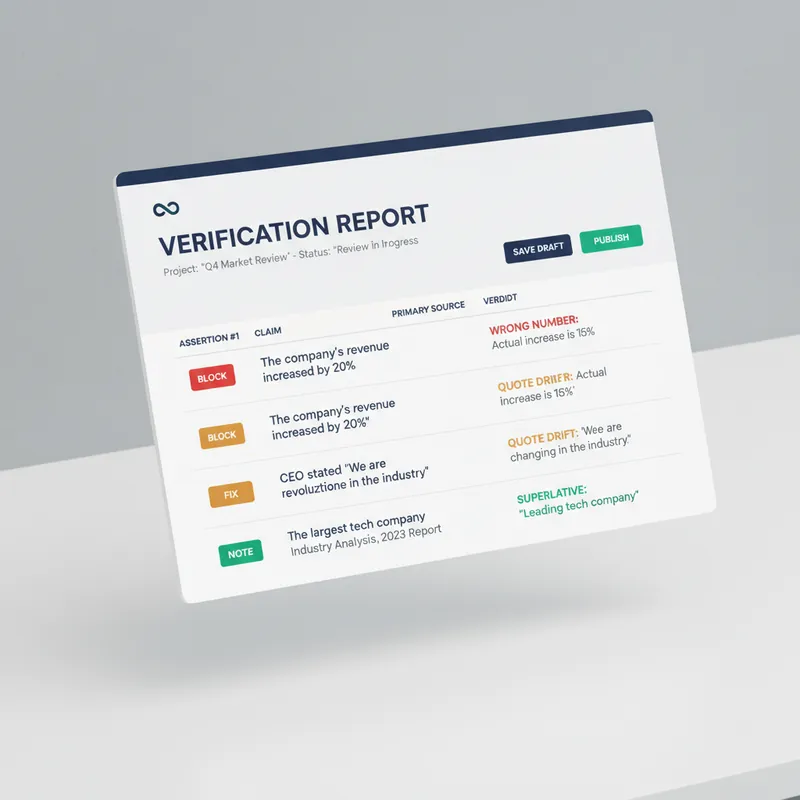 Write
WritePre-Publish Integrity Audit
Every generator in the marketplace makes first drafts. Almost nothing checks them before they go out with your name on top. This is the desk between your draft and the public. It does not improve your prose. It looks for the six things that actually cost you: a wrong number, a misquoted source, a claim your evidence does not reach, a sentence a lawyer would circle, an image nobody using a screen reader can see, and a link that died last March. Six passes. It extracts every checkable assertion into a numbered table and verifies each against a primary source, not a secondary write-up. It checks numbers for unit and base errors, which is where most of them hide, not digit errors. It finds the original wording of every quote and reports the drift. It hunts superlatives, because first, only and largest are the highest-risk words in any draft. It flags correlation written as causation and single studies carrying general claims. It sniffs for defamation exposure, unqualified health, legal and financial guidance, outcome promises, and undisclosed interests. Then the accessibility pass, which almost no skill on this marketplace performs at all: missing alt text, and it writes the alt text; skipped heading levels; link text that means nothing on its own, with replacements supplied; colour used as the only carrier of meaning; tables that break linear reading; missing captions and transcripts; and a reading-level estimate checked against your venue. Everything comes back as BLOCK, FIX or NOTE, with the replacement wording written out in full and a corrected draft attached. It will not tell you to consider rephrasing. It hands you the sentence. It also tells you what it could not verify, and why. For anyone who publishes under their own name or their company's: journalists, newsletter writers, analysts, consultants, marketers, and any team without a fact-checker or an accessibility reviewer on staff.
 Write
WriteRemove AI Traces
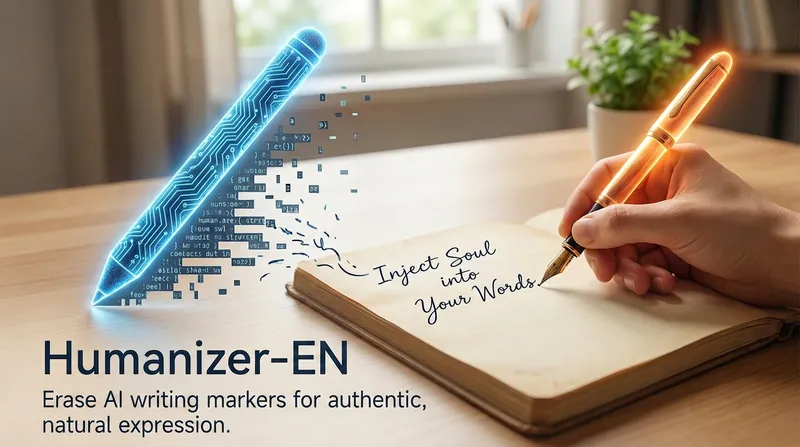
For more high-quality AI efficiency agents, contact Qiao Chuan (WeChat: EVA36814) Removes AI-generated traces from text. Suitable for editing or reviewing text to make it sound more natural and human-written. Based on Wikipedia's "AI Writing Characteristics" comprehensive guide. Detects and fixes patterns: exaggerated symbolism, promotional language, shallow -ing analysis, vague attribution, overuse of dashes, rule of three, AI vocabulary, negative parallelism, excessive connective phrases. New additions include: other signs (structural organization, timeline confusion, contradictory statements), signs of human writing (specific details, imperfect structure, cultural references), historical indicators (outdated indicators), model-specific features (ChatGPT/Claude/DeepSeek/Gemini), and cross-validation suggestions.

Remove AI Writing Patterns
Remove signs of AI generation from text. Useful for editing or reviewing writing so it sounds more natural and human. Based on Wikipedia’s comprehensive guide to “AI writing characteristics.” Detects and fixes patterns including exaggerated symbolism, promotional language, superficial -ing analysis, vague attributions, overuse of em dashes, the rule of three, AI vocabulary, negative parallelism, and excessive connective phrases.
Information
- Version
- v3
- Last updated
- Runtime credits
- Usage-based
- Models
- Auto
- Use cases
- Writing & content
- What you get
- Document
