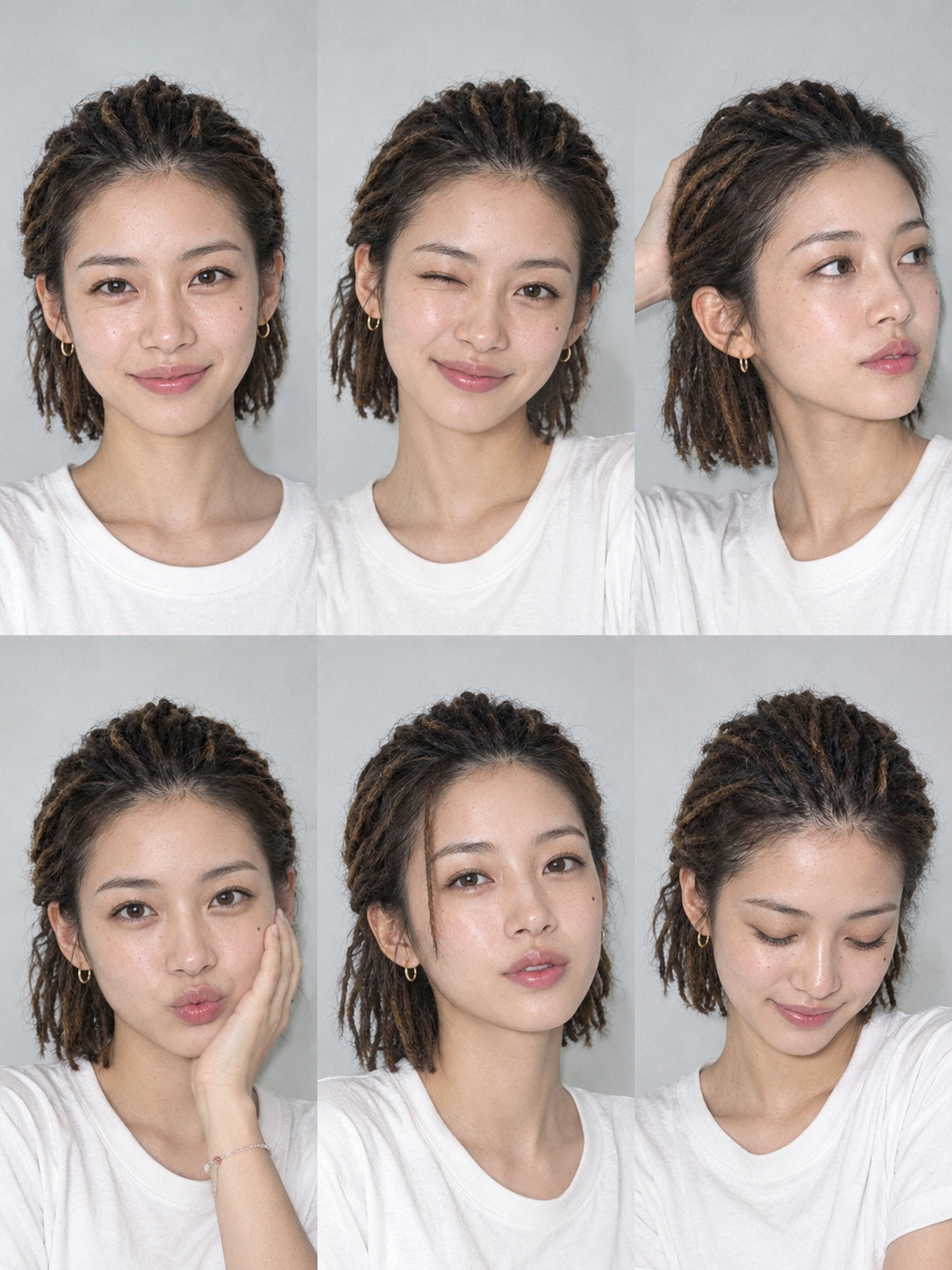
One-Click Snapshot Collage
Turn one photo into a multi-pose collage
One-Click Snapshot Collage
Turn one photo into a multi-pose collage
Showcase
Description
Using the user-uploaded photo as the sole identity reference, generate a realistic multi-panel portrait collage of the same person, with a default 3×2 layout. It features a range of expressions and poses with the feel of an Instagram candid snapshot collection. By default, the best image-generation model is used to create the image directly, along with the complete prompt used for the final result.
Recommended by
Dancang
Why we love this skill
Create a realistic candid-style grid of the same person with varied expressions and poses from one uploaded photo. Identity locking keeps facial features and hairstyle consistent while each panel varies in expression, gestures, and hair details, with room for personalized adjustments.
Best for
For individuals and content creators who want to turn one person’s photo into a realistic collage with multiple expressions and poses.
How to use this Skill
Provide your input
Upload one person’s photo as the sole identity reference. You can also specify the grid layout, aspect ratio, background, clothing, lighting, color tone, and preferred expressions or poses.
Run the Skill
The system creates a realistic multi-panel portrait collage of the same person, with different expressions and poses in each panel, while maintaining a consistent composition and candid snapshot feel.
Review your result
Receive a portrait collage with multiple expressions and poses, along with the complete prompt used for this generation.
Related Skills
View all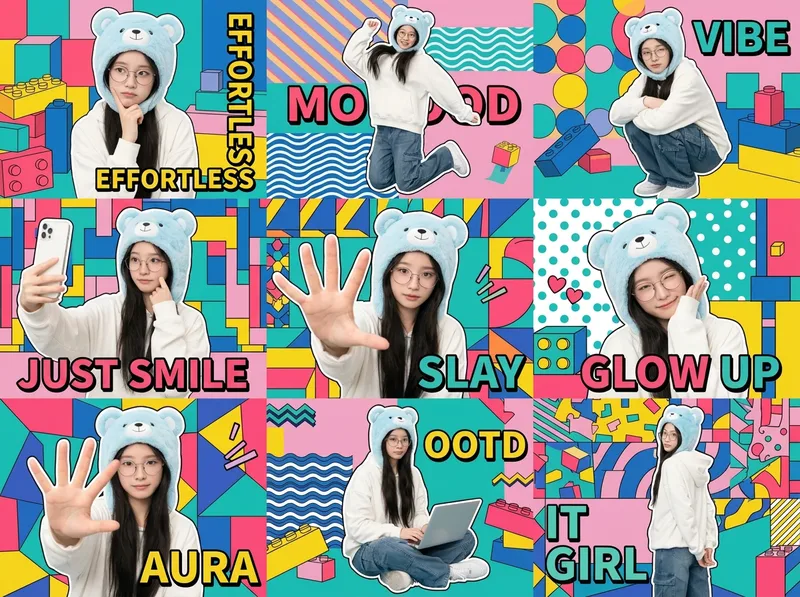 Image
ImageOne-Click Chibi Sticker Diary
Using the person in your uploaded photo as an identity reference, this Skill automatically plans coordinated accessories, outfits, and a unified visual theme to create a 3×3 IP character collage poster. It selects a cohesive combination from built-in libraries of accessories, outfits, visual themes, poses, and keywords, while allowing you to override any parameter. The final result keeps the character’s identity consistent across all nine panels, with unified colors and a professional layout. Ideal for building a personal IP, creating images for social profiles, and making AI photo posters.
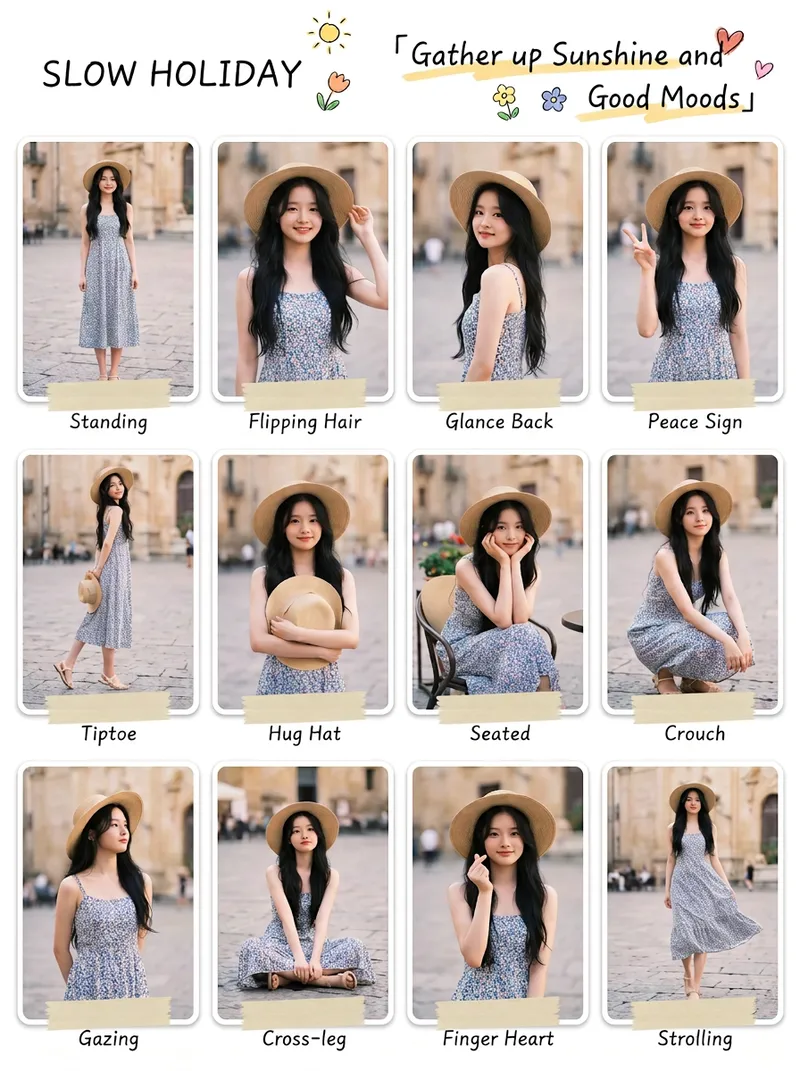
Instagram Viral Pose Maker
【Who it's for】 Xiaohongshu and Instagram creators looking for pose guides and content to grow their following Photography enthusiasts and portrait-session users seeking posing inspiration Outfit creators who want to show multiple views of the same look Anyone who wants a personal image poster or a collection of keepsake photos 【Key features】 One photo, multiple poses: 12 panels by default, with options for 6, 15, or 20 panels. Each panel uses a different pose. Highly faithful likeness: Facial features are carefully preserved, with no face swapping or distortion. The original clothing is used by default. Full body in every panel: The subject is shown completely from head to toe, with no cropping or close-ups used to fill space. Smart background colors: Background colors are automatically matched to the clothing, skin tone, and mood of the photo. Each panel is different, avoiding a repetitive look. Custom artistic titles: An original main title and tagline are created based on the mood of the photo, giving each image its own name. Instagram-style artistic fonts: Handwritten, signature, and elegant serif fonts are mixed to create a scrapbook- and magazine-inspired layout. Bilingual captions in Chinese and English: Each panel includes a pose label, with Chinese and English by default. You can customize it to one language or another language. Clean composition: No panel numbers, watermarks, or garbled text.
 Image
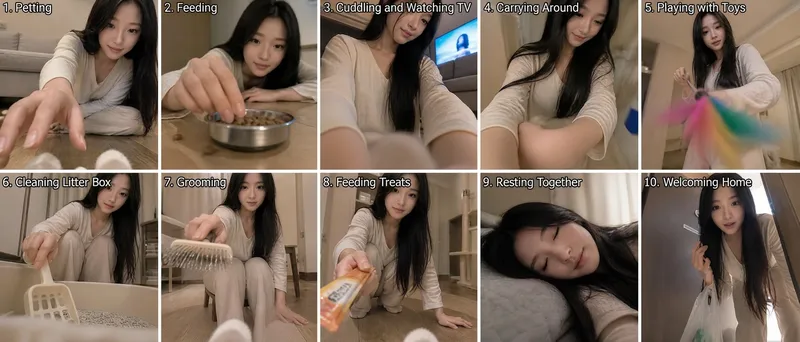
ImageCat's-Eye Interaction Photos
Using the uploaded reference photo, the tool uses the cat's eye level as the camera position to automatically combine ten different everyday human-cat interaction scenes while avoiding repetitive compositions, creating a set of human-cat interaction photos from a cat's perspective. By default, it outputs a composite image with two rows and five columns for a total of ten panels. You can also request a nine-panel grid or a single image.
Information
- Version
- v3
- Last updated
- Runtime credits
- Usage-based
- Models
- Auto
- Use cases
- Images & designLifestyle & entertainment
- What you get
- ImagePrompt
- Visual styles
- Photorealistic
