YouMind
Sign in
YouMind

YouMind vs Slidy AI:Carry your source research into the finished project

Slidy creates presentations, documents, images, and video from task descriptions or uploaded files. YouMind brings collected research and your own notes into the creative project so you can develop and review the work with its sources nearby.

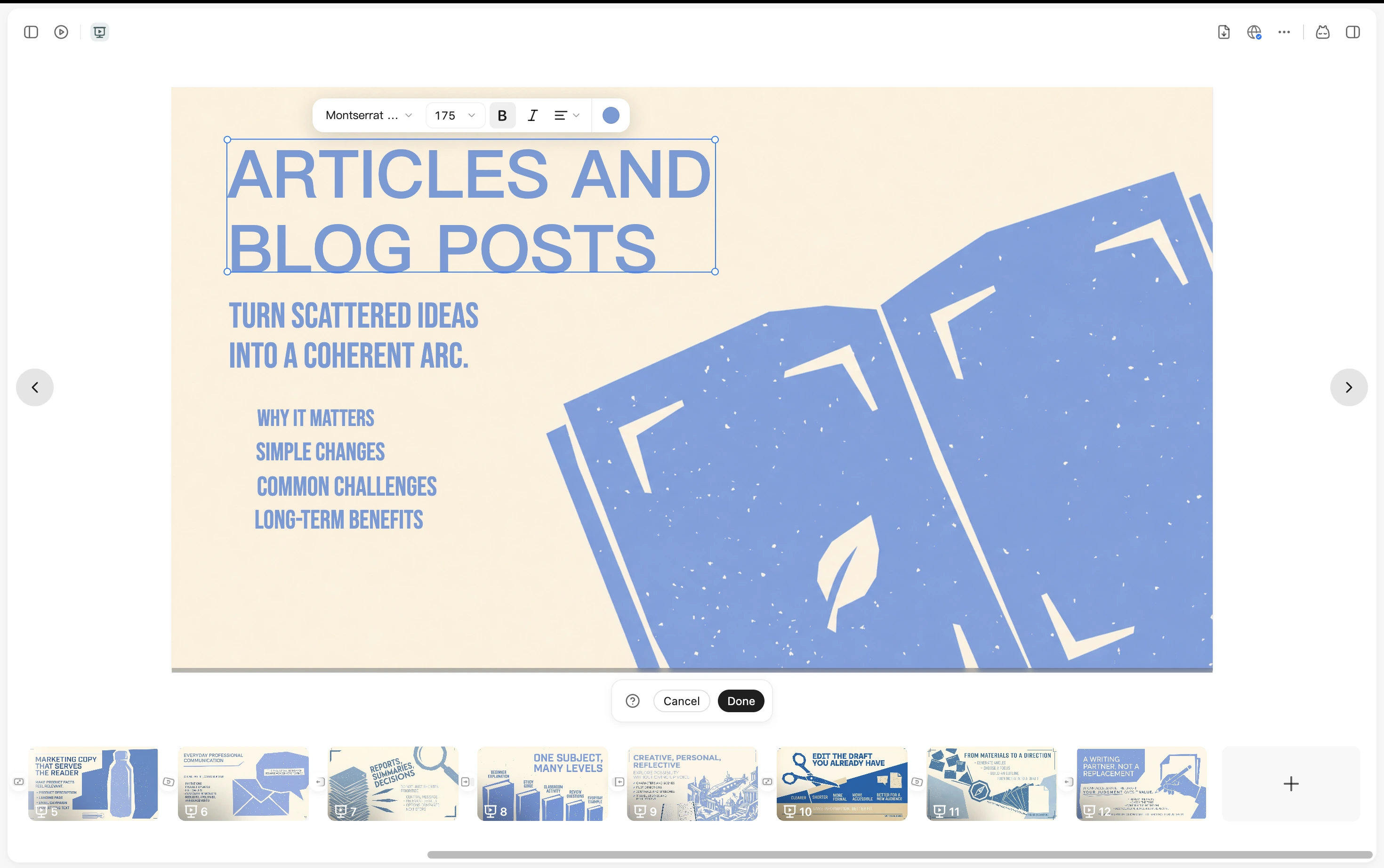
A YouMind presentation with text editing controls and slide thumbnails

YouMind vs Slidy AI

Choose the workflow your project needs

Compare the way you prepare source material, develop the work, and review the result.

What mattersYouMindSlidy AI
Main focusSources, notes, creative tasks, and outputs in one projectPresentations, documents, image and video creation in a task-oriented service
Starting materialArticles, PDFs, videos, images, audio, and notesTask descriptions or supported uploaded files
Developing the resultChoose source context for a Task, review the draft, and keep refining the workRevise the result in its editor and use the available export format
Best fitDevelop research into writing, presentations, visuals, video, or webpagesUse Slidy when its supported creation workflows fit the result you need to make.

From sources to creation

Build a presentation from reviewed materials

Keep the original material available while developing a classroom presentation. Review the work before sharing it.

Keep the source set behind the presentation

Collect class readings, reports, and your own observations before shaping the presentation narrative.
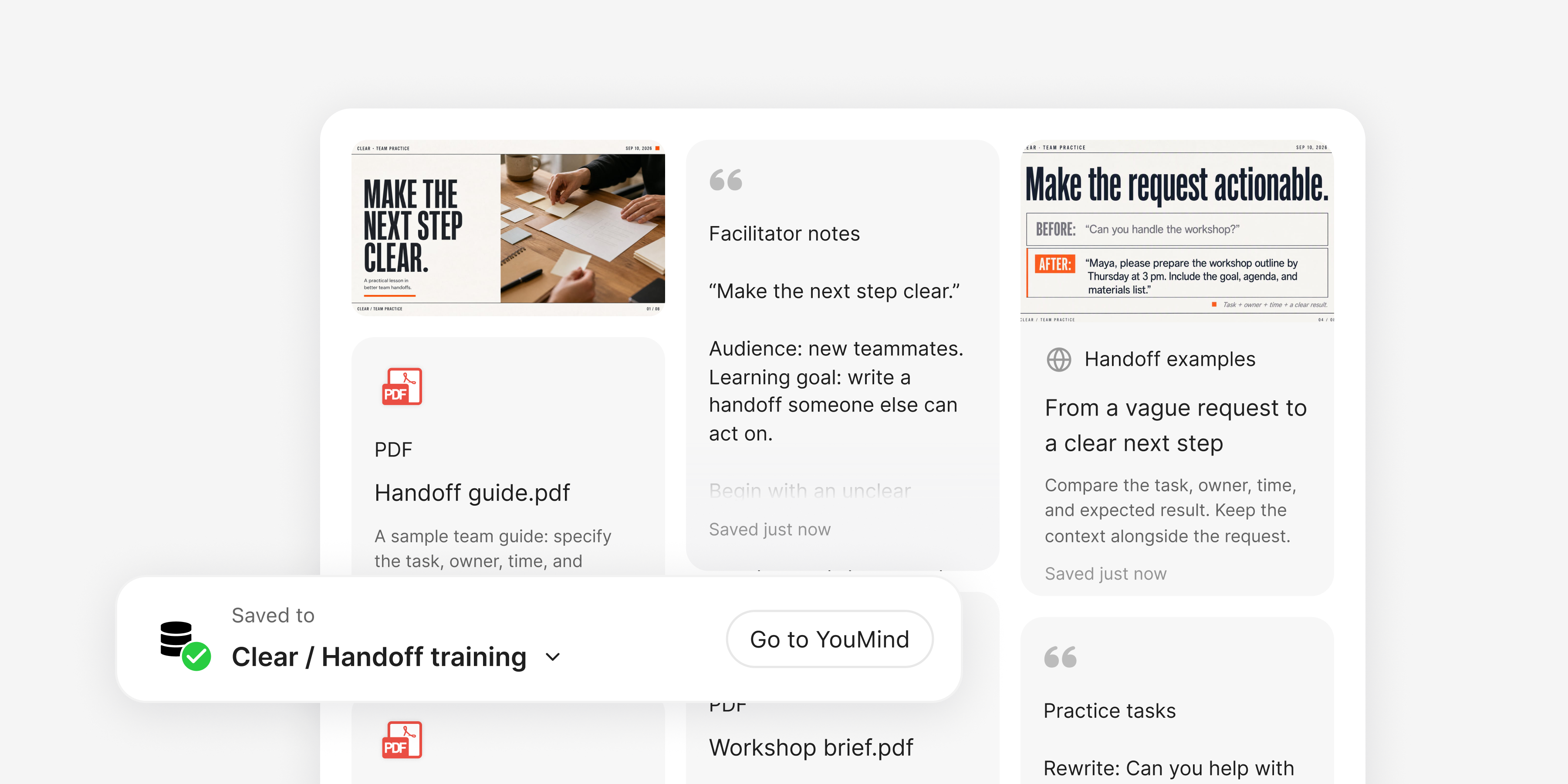
YouMind Board with training PDFs, facilitator notes, practice tasks, and a saved handoff example

Build a deck around a checked argument

Develop the outline from selected material and create a presentation. Review the logic, claims, and design instead of treating generation as final approval.
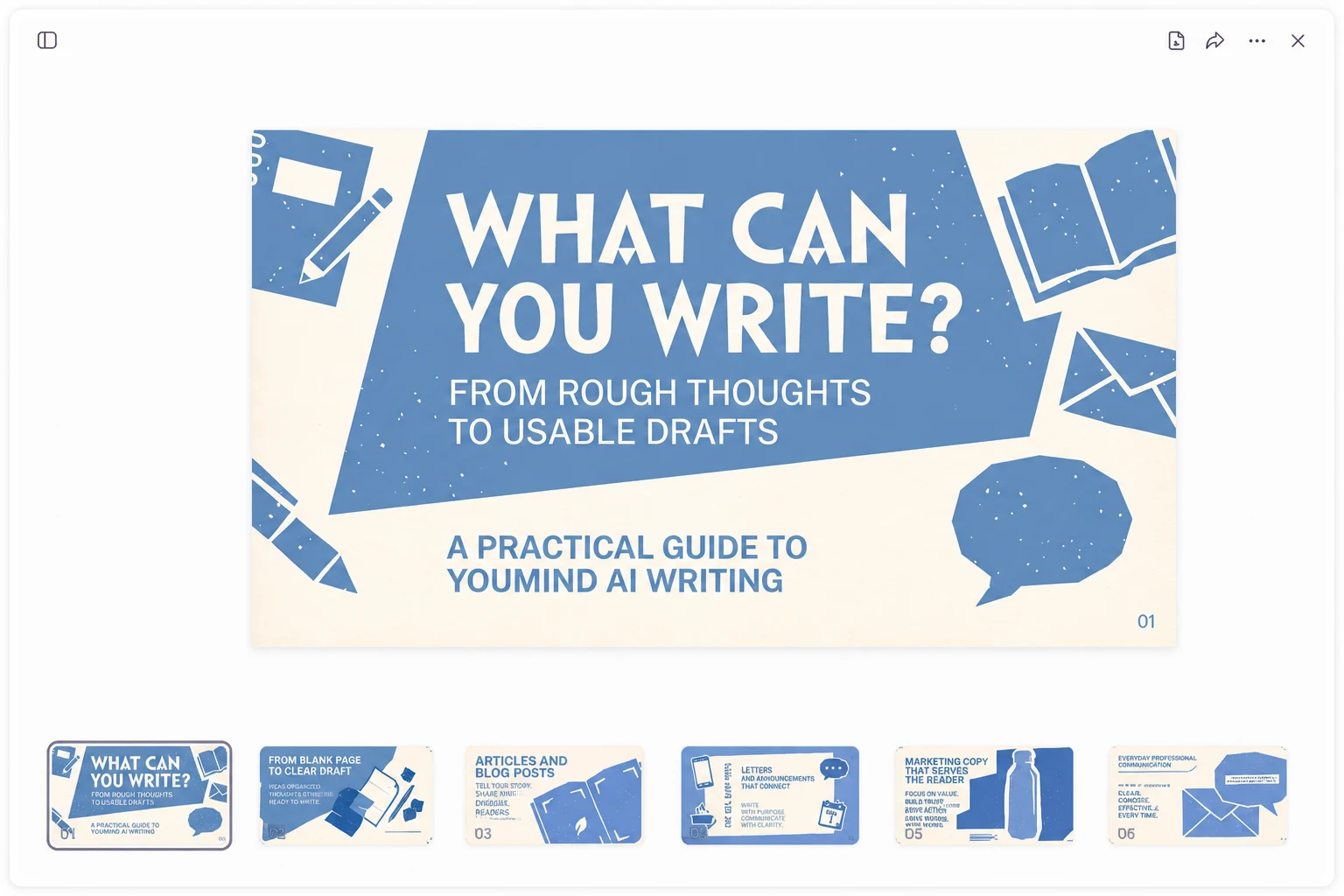
A YouMind presentation open in the workspace with a slide canvas and page thumbnails

Develop the supporting content too

Reuse the same material for a handout, article, visual, or webpage. Keep the project useful after the slides have been presented.
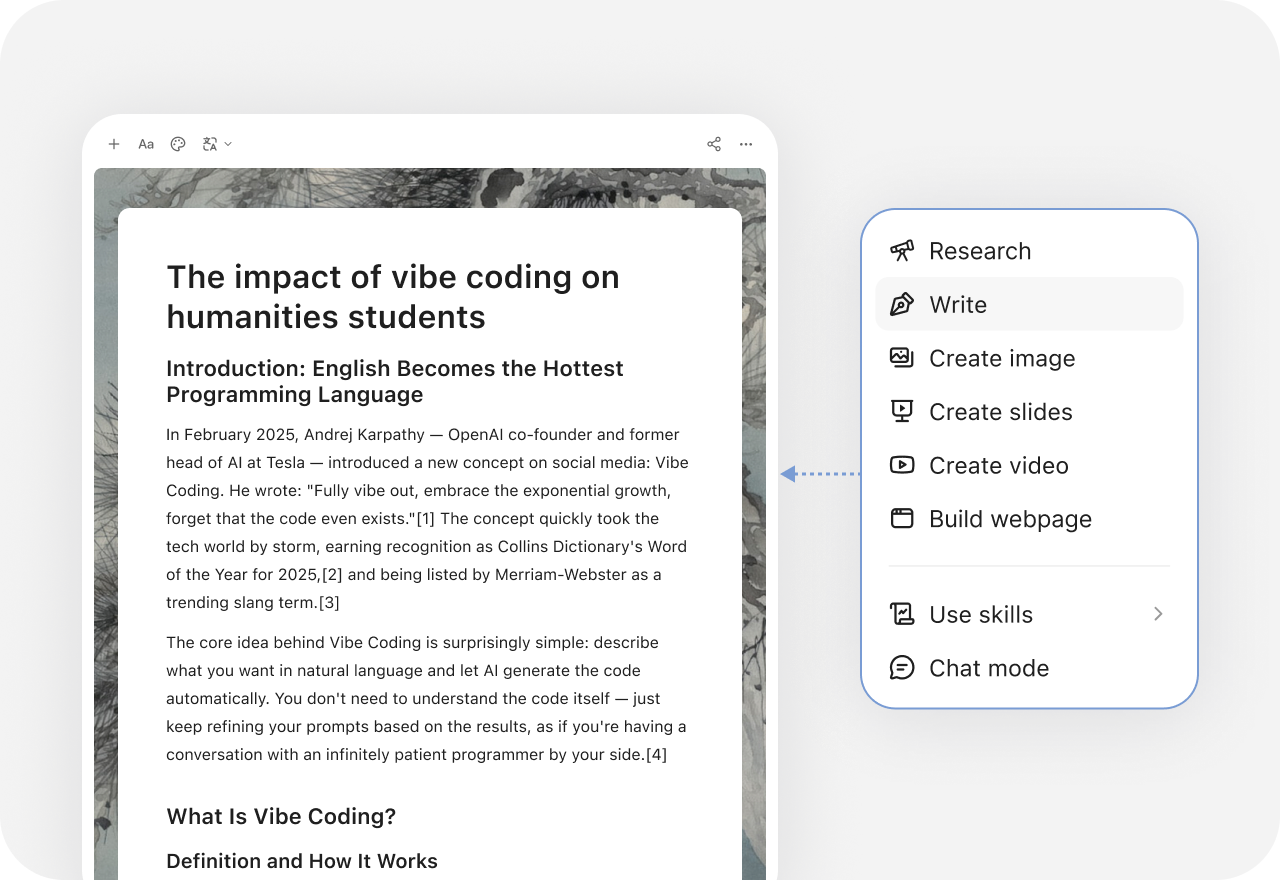
YouMind creation menu with research, writing, slides, images, video, and webpage options

More comparisons

Explore more YouMind comparisons

Frequently asked questions

When should I choose YouMind or Slidy AI?
Both products support more than one output format. Compare how each handles your real source material, task instructions, editing, and handoff. YouMind keeps sources and notes in the project while you develop a presentation or supporting content.
Is Slidy only a presentation tool?
No. Its current official site also describes documents, images, and video. Compare the actual workflow for the output you need rather than assuming that creating several formats is unique to YouMind.
Is Slidy the same product as SlidesAI or Slidely?
This page refers to Slidy AI at slidy.ai. Similar names belong to different tools. Compare the product at the stated official domain and check its current editor and export behavior before deciding.
How can I prepare the source material for a classroom presentation?
Collect the relevant articles, documents, videos, images, and notes in a YouMind Board. Select the material as Task context and check the resulting draft against the originals. Keep human review in the process.
What else can I create from the same research?
YouMind can develop writing, presentations, images, video, and webpages with the tools available in its workspace. Keep the source context and your own notes in the project so the next format can build on the work already done.
How should I compare features and plans?
Check Slidy AI's current inputs, editing workflow, exports, and plan allowances against the job you need to finish. Also check the tools and credits available in YouMind. This comparison does not assume identical models, controls, or subscription terms. See the official Slidy AI site for current features and plans.

Learn deeper. Create bolder.