YouMind
Sign in

Give your next idea a first frame.

Bring your notes, references and point of view. Find an angle, write a hook, plan the shots and make a cover that belongs to your story.

A different story in every scroll
Make something worth keeping
@youmind
Make something worth keepingCover concept
Find a rhythm of your own
@youmind
Find a rhythm of your ownCover concept
A recipe you can almost hear
@youmind
A recipe you can almost hearCover concept
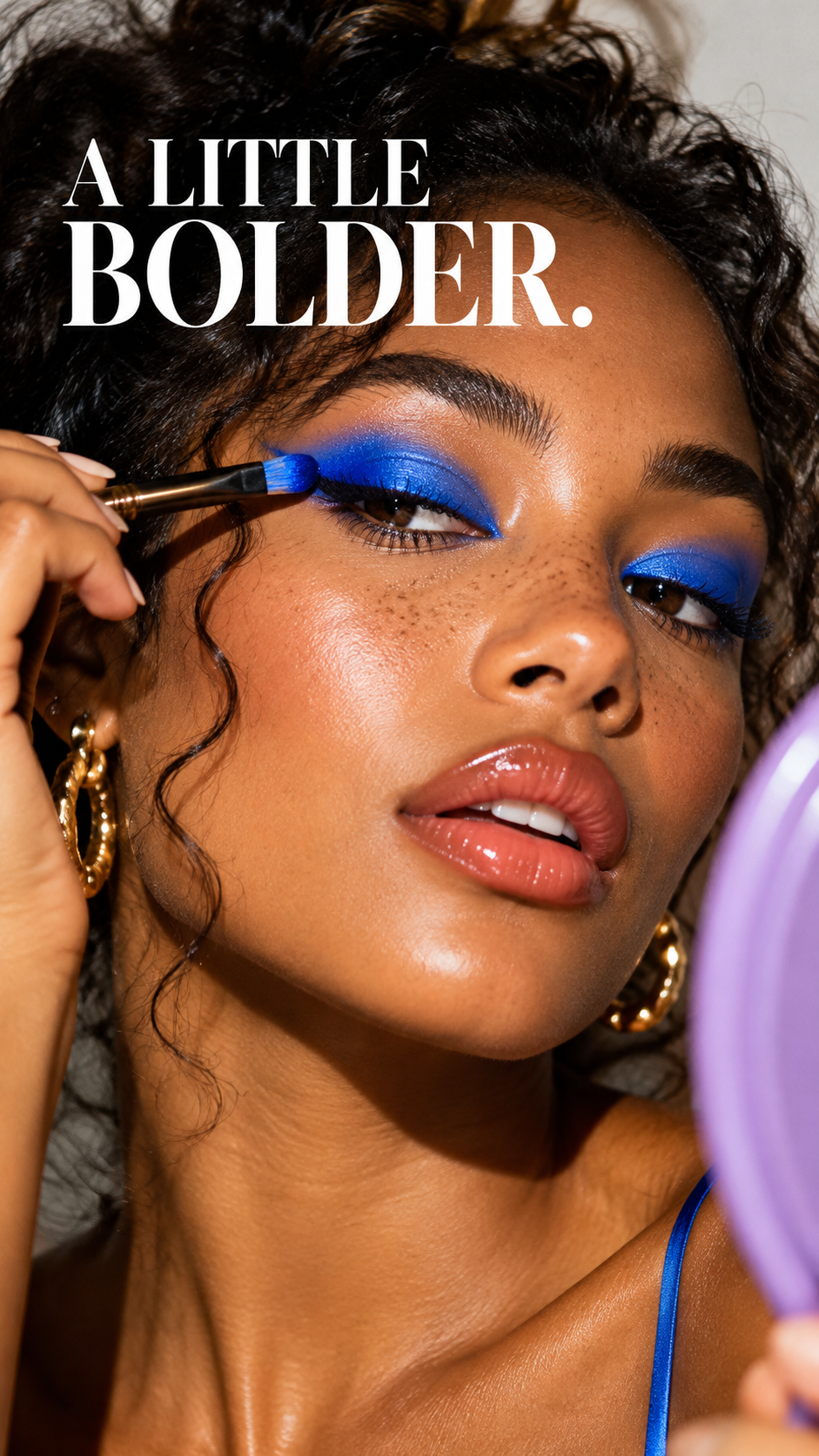
Make the everyday a little bolder
@youmind
Make the everyday a little bolderCover concept
The route you did not plan
@youmind
The route you did not planCover concept
Let your pet steal the scene
@youmind
Let your pet steal the sceneCover concept
One piece, a different point of view
@youmind
One piece, a different point of viewCover concept
Make every detail feel like you
@youmind
Make every detail feel like youCover concept
A process worth showing
@youmind
A process worth showingCover concept
Wake up somewhere new
@youmind
Wake up somewhere newCover concept
Make the most of your space
@youmind
Make the most of your spaceCover concept
Give your day a different soundtrack
@youmind
Give your day a different soundtrackCover concept

What are you making next?

Start with the part you need. Bring the opening, shots and cover together when you are ready.

Video ideas
@youmind
Video ideasCover concept

Video ideas

Turn an observation, a question or your own experience into an angle you can actually film.

Start creating

Opening hooks
@youmind
Opening hooksCover concept

Opening hooks

Try a question, a reveal or a surprising detail. Find an opening that your story can deliver on.

Start creating
Scripts and shot lists
@youmind
Scripts and shot listsCover concept

Scripts and shot lists

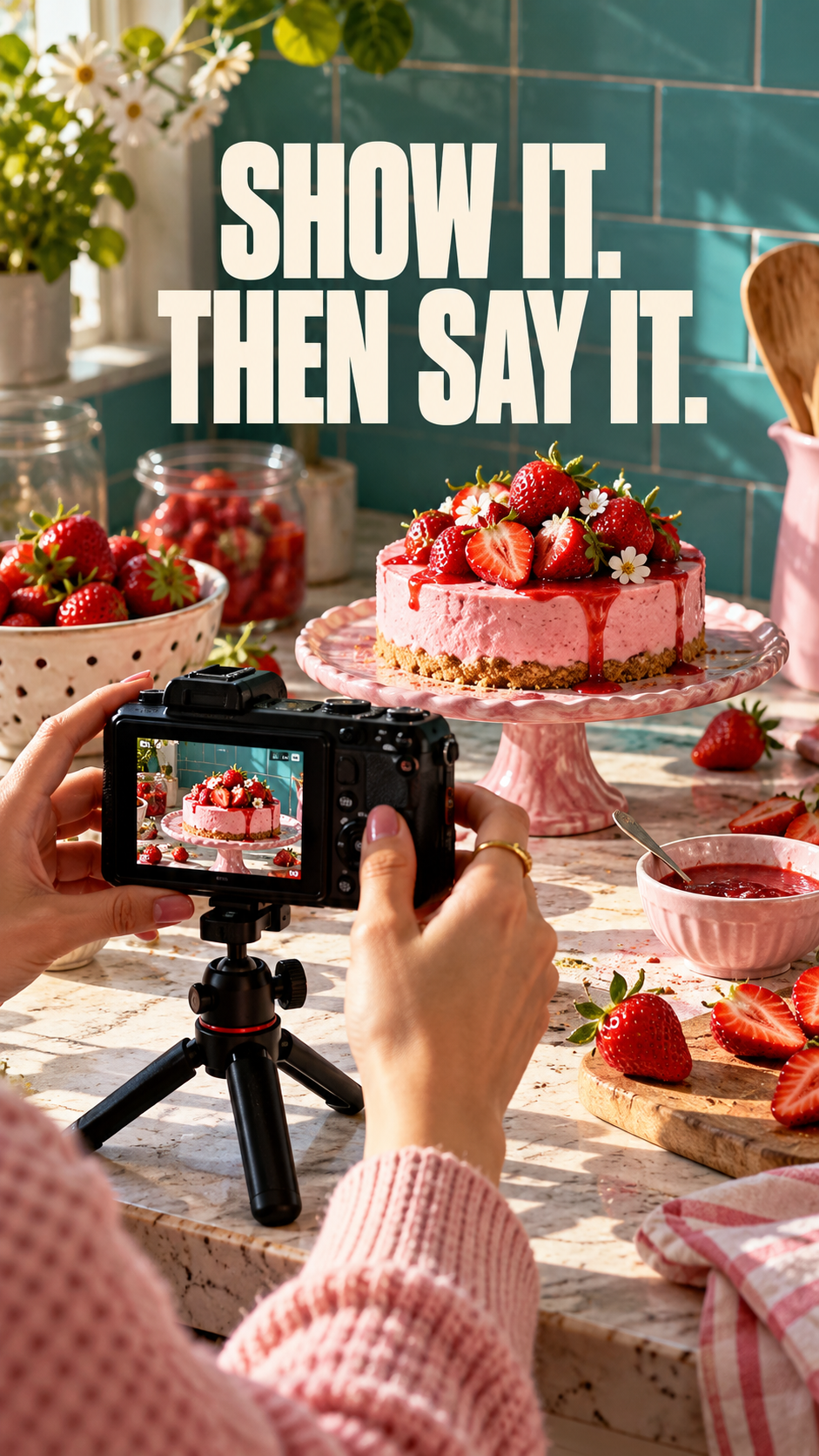
Put what viewers see next to what you say. Plan a clear sequence before picking up the camera.

Start creating

Vertical covers
@youmind
Vertical coversCover concept

Vertical covers

Make a strong first frame with a clear subject and a short title. Refine the details before downloading.

Start creating

An illustrative creative workflow

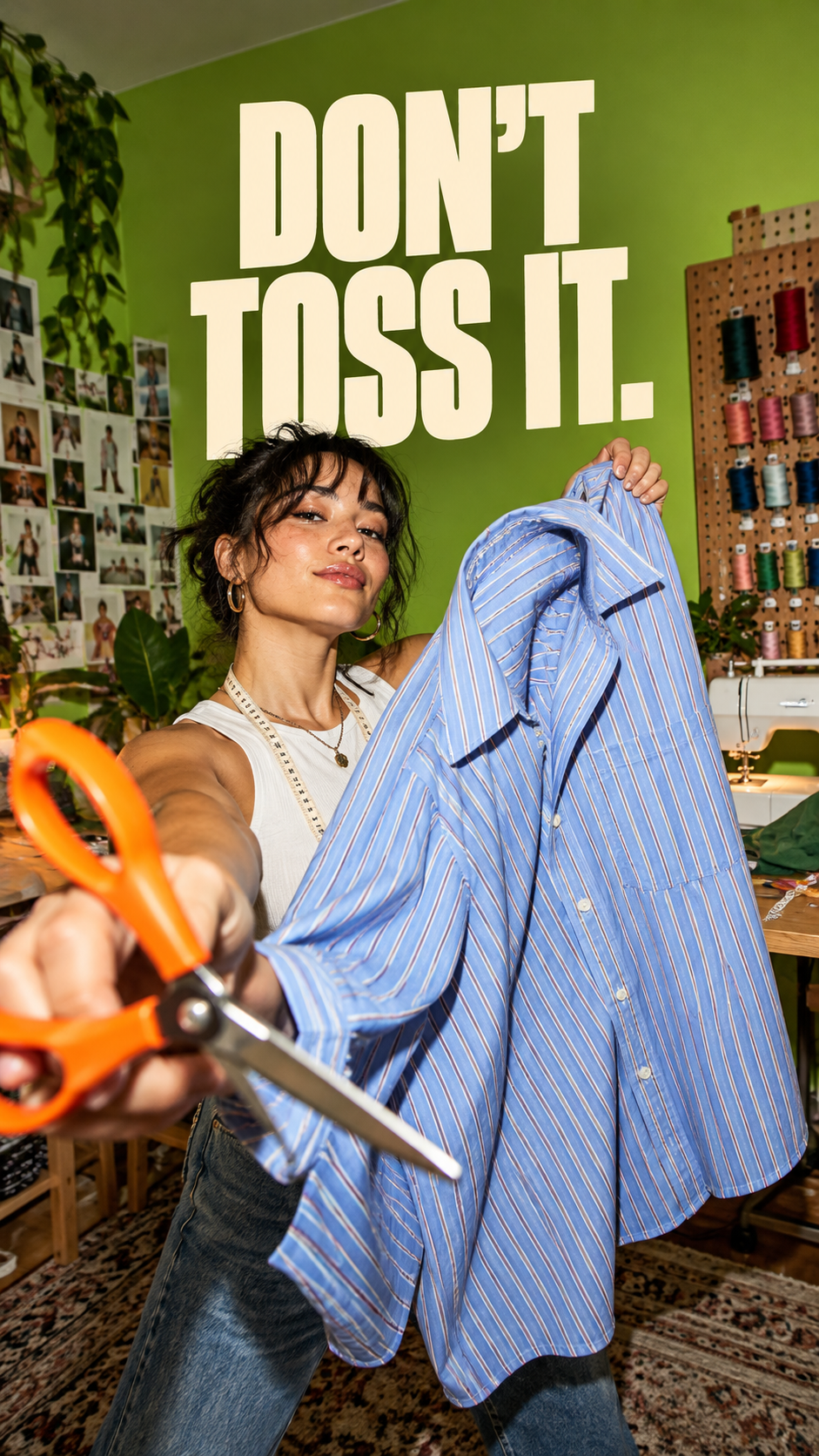
An old shirt. A story with a second life.

Follow a creative walkthrough: turn a repair idea into a hook, a shot list and two cover directions.

Shirt-to-tote · Creative brief

A maker wants to turn an old blue striped shirt into a tote with orange handles. The video follows the real process: choosing the usable fabric, cutting panels, sewing and checking the result.

The question behind the video

Can something at the back of the wardrobe become something you want to carry? Make the fabric and the handwork the focus. Explain the decisions without claiming anyone can finish in minutes.

Record the shirt before cutting, the seam details and the finished bag. Confirm the actual result before choosing the opening shot.

01 / 03

Shirt-to-tote · Creative brief

A maker wants to turn an old blue striped shirt into a tote with orange handles. The video follows the real process: choosing the usable fabric, cutting panels, sewing and checking the result.

Shirt-to-tote · Creative briefDocument

Help me plan a TikTok about turning an old blue striped shirt into a tote with orange handles. Use my notes to identify the audience, core question and shots. Do not invent results, costs or completion time.

Build the story around giving a familiar fabric a new purpose. Show the starting material, the decisions and the result you actually make.

From shirt to tote · Shooting plan

Opening: hold the old shirt toward the camera. “I stopped wearing this. I still love the fabric. Could it become my next everyday bag?”

Three moments to film

First, lay the shirt flat and show which panels can be reused. Then, film close-ups of cutting and sewing, keeping safety instructions in the narration. Finally, show the finished tote, the inside seams and what you would improve next time.

End on a real detail, not a promise: “The orange handles were the part I nearly changed. Which would you have picked?” Only include a finished result once you have made it.

02 / 03

From shirt to tote · Shooting plan

Put what viewers see next to what you say. Plan a clear sequence before picking up the camera.

Shirt-to-tote · Creative briefDocument

Turn the shirt-to-tote brief into a short spoken script and shot list. Separate what to say from what to film. Give me a clear opening, three connected moments and a natural closing question.

  1. Shirt-to-tote · Creative brief
  2. From shirt to tote · Shooting plan
  3. Done

The opening sets up the question. The three shots explain the transformation, and the closing invites a specific response. Check the script against the footage you can capture.

From shirt to tote · Shooting plan

Opening: hold the old shirt toward the camera. “I stopped wearing this. I still love the fabric. Could it become my next everyday bag?”

Three moments to film

First, lay the shirt flat and show which panels can be reused. Then, film close-ups of cutting and sewing, keeping safety instructions in the narration. Finally, show the finished tote, the inside seams and what you would improve next time.

03 / 03

Two cover directions

A finished-object cover or a close-up of the making. Compare the subject, headline and crop before choosing.

From shirt to tote · Shooting planDocument

Create two vertical TikTok cover concepts for my shirt-to-tote story. Use blue striped cotton and orange handles. Include the English headlines “OLD SHIRT. NEW STORY.” and “WEAR IT OUT. MAKE IT NEW.” Keep the headline clear of the right-hand controls and bottom caption area.

  1. From shirt to tote · Shooting plan
  2. Two cover directions
  3. Done

The first direction leads with the finished tote; the second puts the making process first. Both use the same blue stripes and orange accents. Review the text at phone size before exporting.

Find a Skill for your next TikTok

Explore reusable creative workflows for your next idea, script or cover.

Keep the idea moving.

Frequently asked questions

Can I start with just an idea?
Yes. Tell YouMind what you want to show, who it is for and what material you have. A specific question or observation is enough to start shaping a brief.
How do I keep it sounding like me?
Add a sample of your writing or describe how you speak. Ask for shorter sentences or a different tone, then read the script aloud and adjust anything you would not naturally say.
Can I make content in another language?
Yes. Specify the language and audience when you ask for a script or image. Review local phrasing and any words inside generated images before publishing.
Can I start with an article, notes or an existing video?
Yes. Add the material to your project and explain the audience and angle you want. Use the source to develop your own script, and check facts, quotations and permissions before publishing.
Can I write for tutorials, product stories and personal videos?
Yes. Describe the format, audience and footage available. Ask for the spoken lines and shot directions separately, then adjust the script to sound like you.
Can I change the words or details in a cover?
Yes. Continue in the image workspace to refine the image or edit its text. Check spelling, contrast and the crop at phone size before downloading.
Does this workflow produce a finished TikTok video?
This example focuses on planning, scripts and cover images. Record or prepare your footage, then complete editing, captions and audio in your chosen video workflow.
Will YouMind publish directly to my TikTok account?
Create and review your material in YouMind, then download your images or copy your script. Upload the finished video to TikTok yourself.

Learn deeper. Create bolder.