YouMind
Sign in
YouMind

YouMind vs SlidesAI:Turn your sources into a presentation

SlidesAI creates presentations from text, documents, or prompts in its web app and in tools such as Google Slides and PowerPoint. YouMind brings research sources, notes, and slide creation into one Board, so the deck and the thinking behind it can keep developing together.

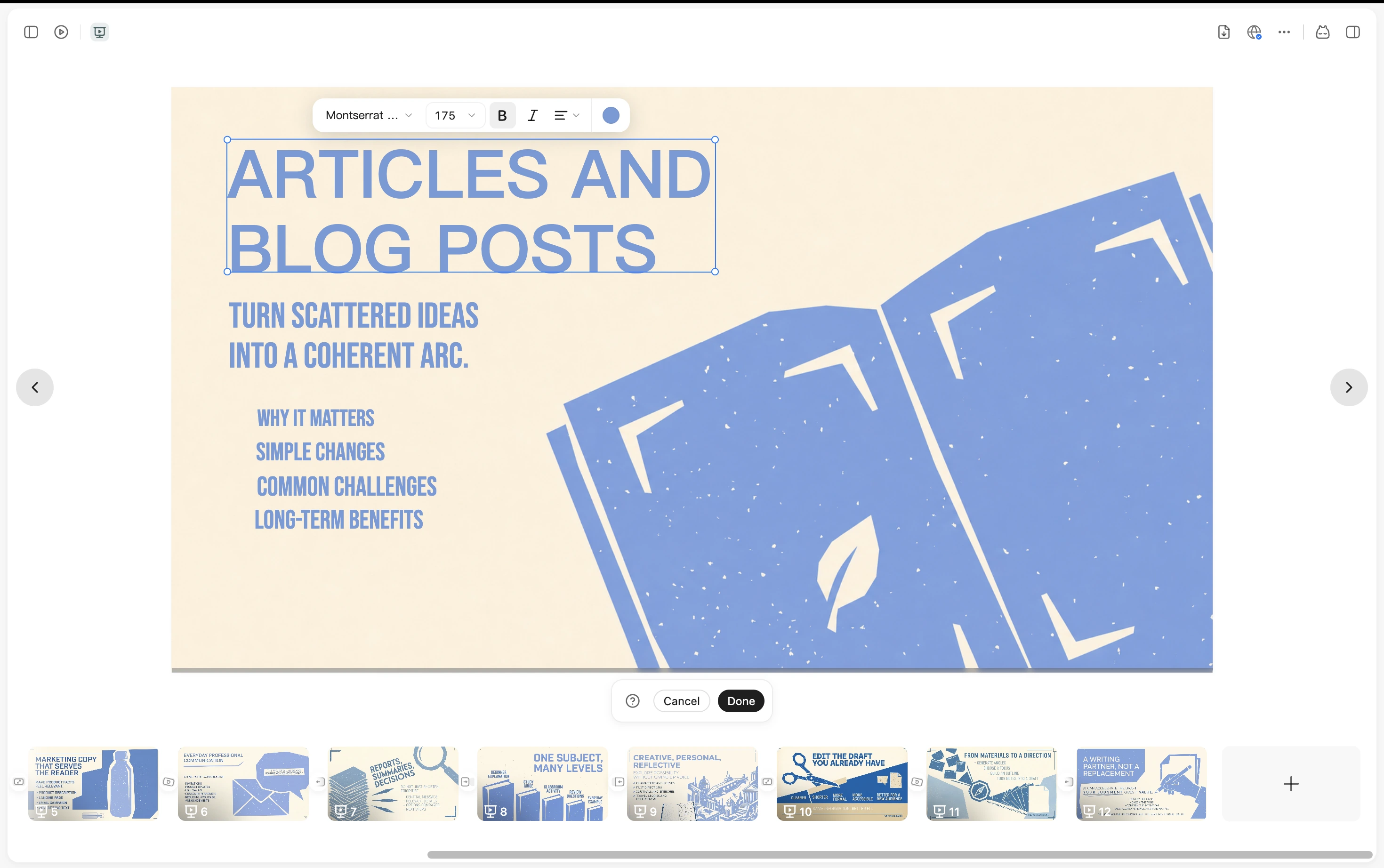
A YouMind presentation with text editing controls and slide thumbnails

YouMind vs SlidesAI

Choose where your presentation starts

Compare YouMind and SlidesAI for source materials, slide creation, editing, PowerPoint workflows, and reusing research across formats.

What mattersYouMindSlidesAI
Where you workA Board for collecting sources, developing ideas, and creating contentWeb app, Google Slides, PowerPoint, and a ChatGPT integration
Starting materialArticles, PDFs, YouTube videos, podcasts, images, and notesNotes, pasted text, documents, topics, and prompts
Slide workflowDevelop an outline from your sources, generate slides, and refine the presentation in YouMindGenerate and refine decks in the browser or supported presentation integrations
After the deckKeep sources and notes for articles, visuals, webpages, and the next presentationPresent, share, or hand off an editable presentation file

From research to presentation

Build the deck around your own material

Keep the sources close as you shape the story, review the slides, and create the supporting content.

Gather the evidence before the outline

Collect the report, articles, and notes for your presentation in one Board. Select the materials the Task should use, then develop an outline for your audience.
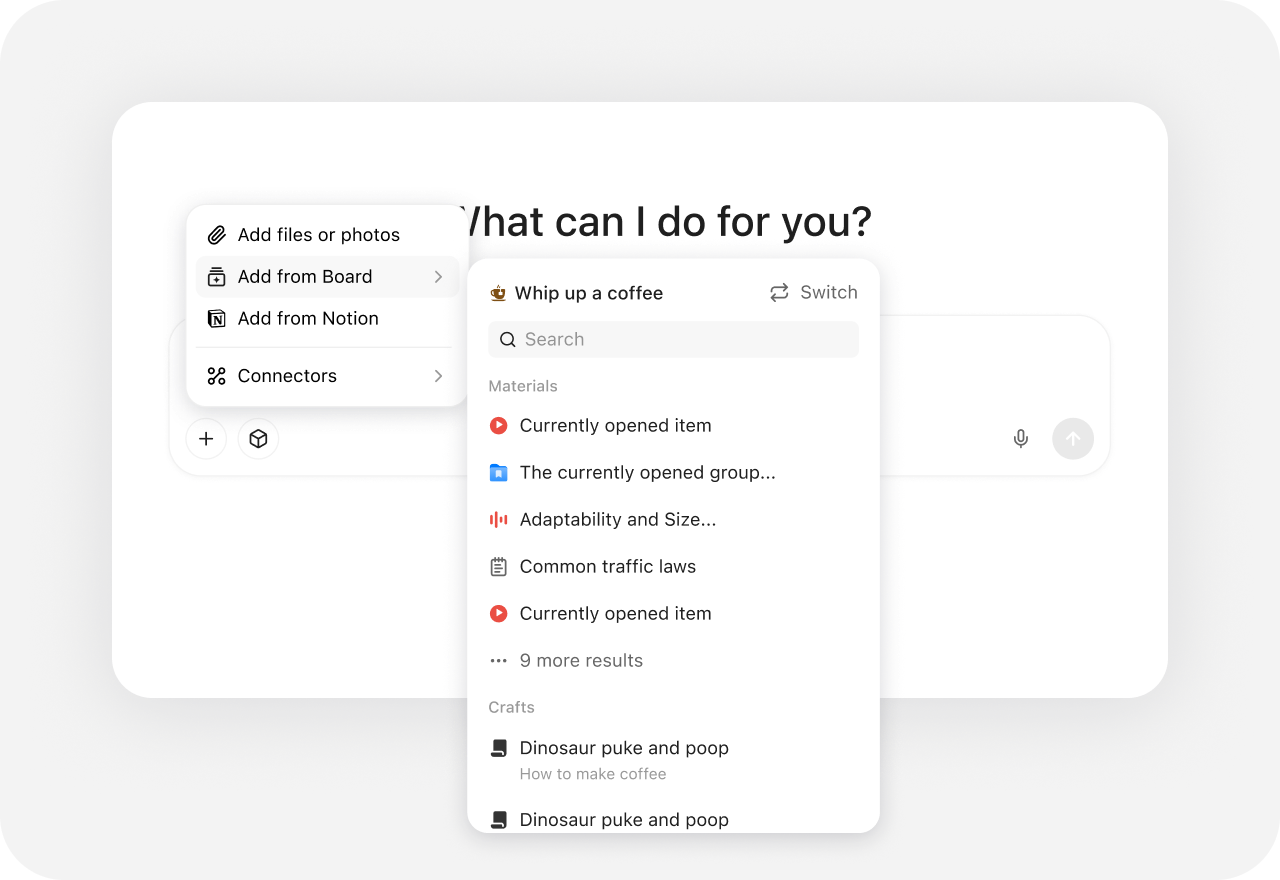
YouMind source picker with files, Board material, Notion, and connectors

Refine the presentation as the story develops

Generate a deck from the outline and your selected materials. Review the content and visual direction, keep improving it in YouMind, and export when it is ready.
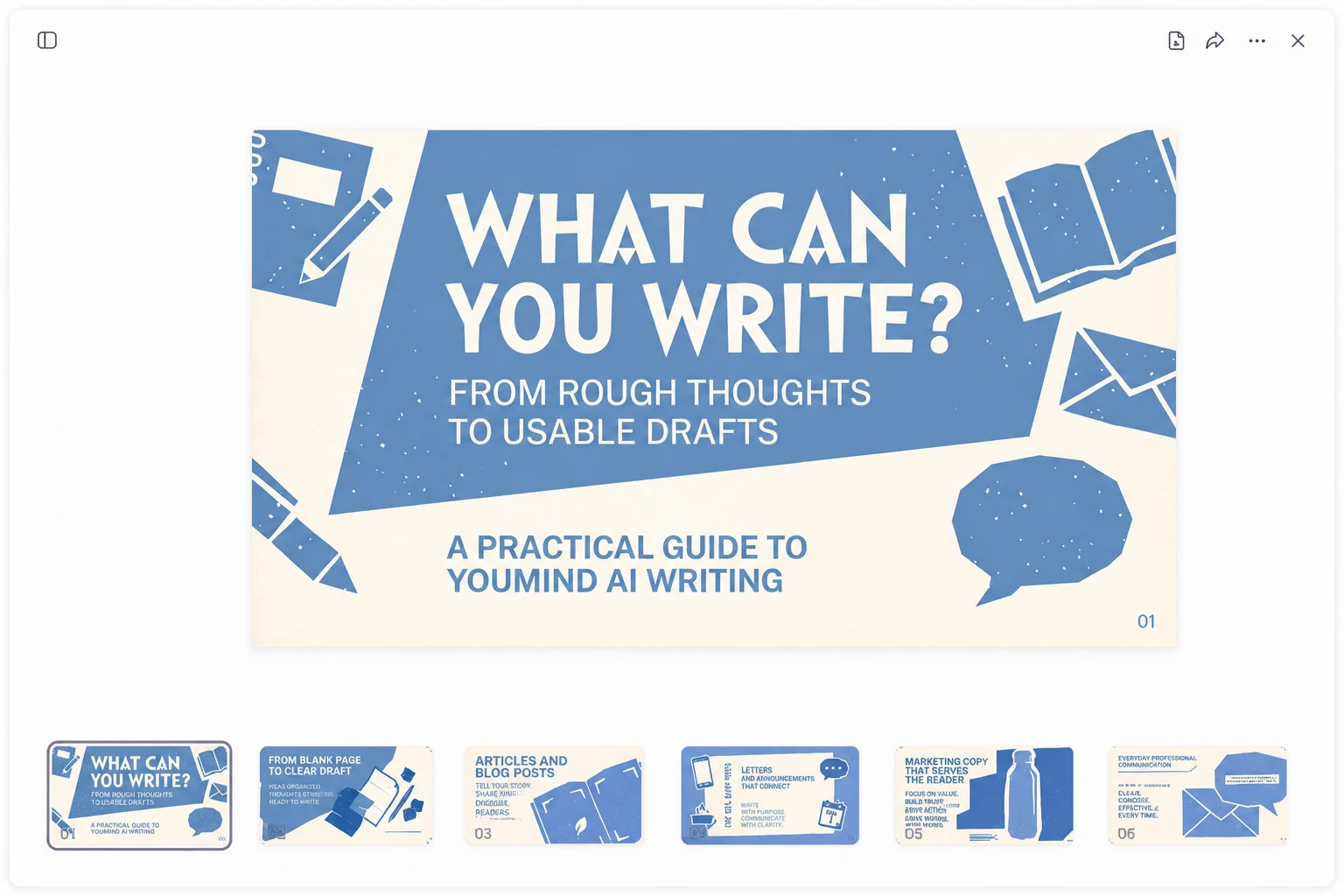
A YouMind presentation open in the workspace with a slide canvas and page thumbnails

Use the research beyond the slide deck

Turn the same material into a supporting article, webpage, or visual. Keep the sources and your own notes in the project instead of starting the next format from scratch.
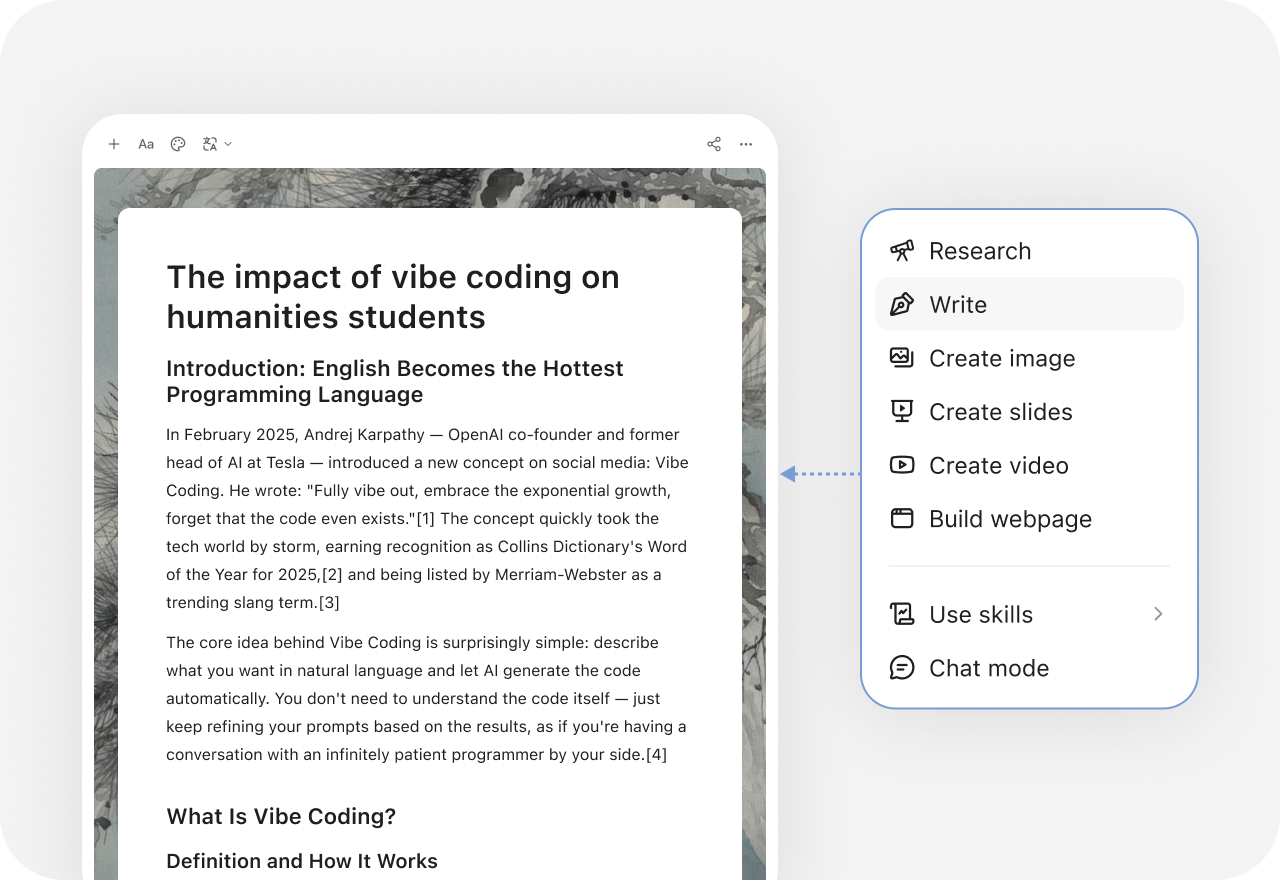
YouMind creation menu with research, writing, slides, images, video, and webpage options

More comparisons

Explore more YouMind comparisons

Frequently asked questions

When should I choose YouMind or SlidesAI?
Choose YouMind when research, source notes, slides, and supporting content need to stay in one project. Choose SlidesAI when your priority is turning prepared text or documents into a deck in its web app or an existing presentation tool.
Does SlidesAI only work in Google Slides?
No. SlidesAI also offers a web app, a PowerPoint integration, and a ChatGPT integration. YouMind uses its own workspace for source collection and creation; it is not the same in-app add-on workflow.
Can I create slides from a PDF or YouTube video?
In YouMind, collect a PDF, article, or YouTube video in a Board and select it as context for your presentation Task. SlidesAI supports documents and text; check its current input options for the specific file or integration you plan to use.
Can I edit a generated presentation?
Both tools support refining a generated deck. The practical choice is whether you prefer working in YouMind with the source material nearby or in SlidesAI’s web app and presentation integrations.
Can I export the result to PowerPoint?
YouMind supports PPTX and PDF export. SlidesAI also supports a native PPTX handoff. Check a sample export if editable objects, fonts, or an existing corporate template are important to your workflow.
How should I compare the plans?
Compare the generation allowance, input limits, integrations, and export features you need. These can vary by plan, so check current terms rather than assuming the two subscriptions include the same workflow. See SlidesAI’s official site for current features and plans.

Learn deeper. Create bolder.