YouMind

YouMind vs Plus AI:Turn your research into a presentation

Bring your articles, PDFs, videos, and notes into YouMind. Turn them into slides, refine your presentation, and keep the material ready for your next project. Plus AI brings presentation creation and editing directly into PowerPoint and Google Slides.

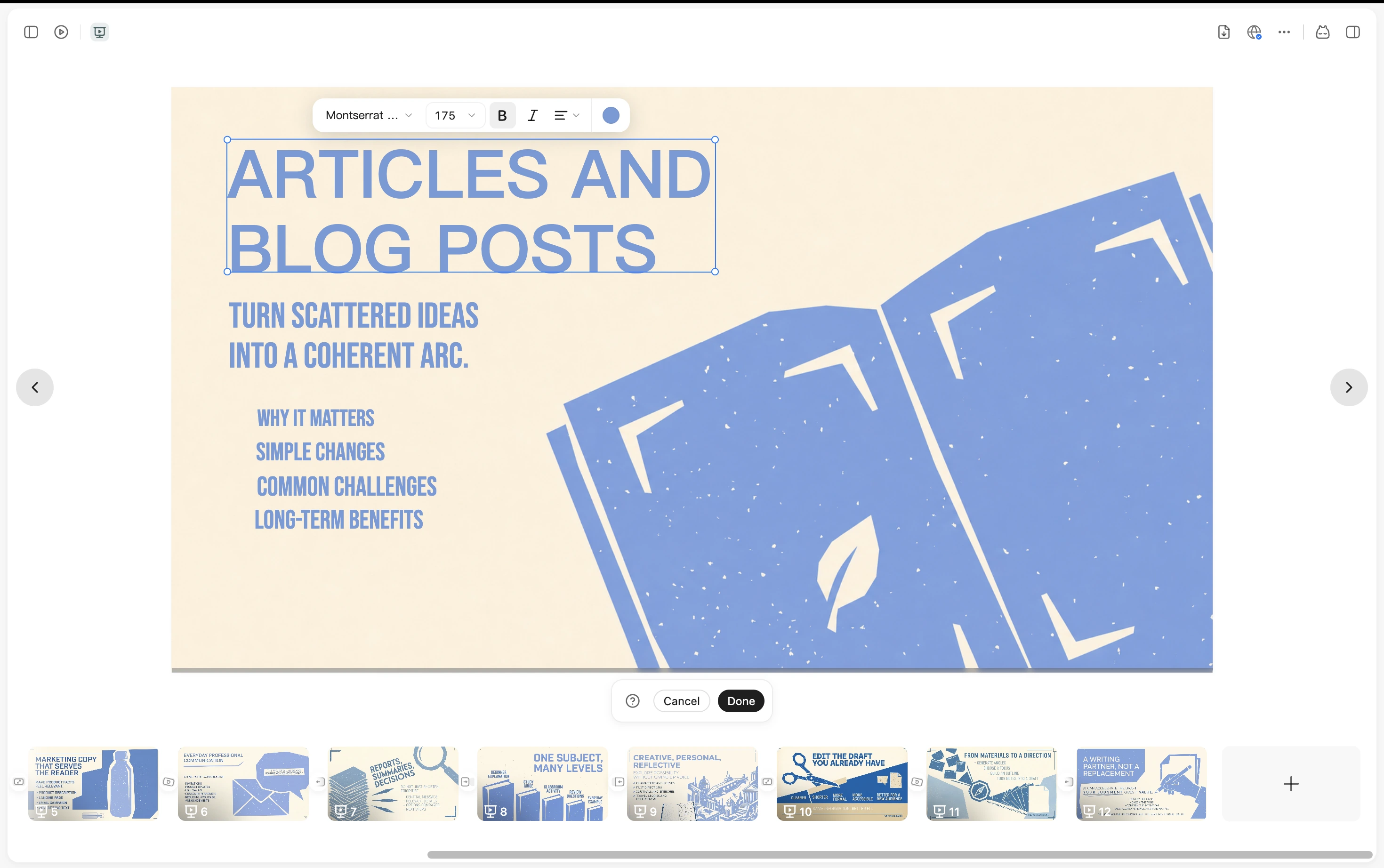
A YouMind presentation with text editing controls and slide thumbnails

YouMind vs Plus AI

Choose how you want to build your presentation

Use Plus AI to work inside PowerPoint or Google Slides. Choose YouMind to bring research, slides, and related content into one workspace.

What mattersYouMindPlus AI
Where you workA workspace for research and content creationInside PowerPoint and Google Slides
Starting materialArticles, PDFs, YouTube, podcasts, images, and notesPrompts, PDFs, Word files, PowerPoint files, and pasted text
Creating and editingGenerate slides from your material and refine them in YouMindInsert, rewrite, translate, and remix slides in your presentation app
Reusing contextKeep sources and notes together for new tasks and formatsReuse presentation templates, presets, and custom instructions

From source material to slides

Build the presentation around your ideas

Bring your material together, shape it into a slide deck, and keep creating with the same research.

Bring your source material together

Collect articles, PDFs, videos, and notes in one Board. Choose the material your presentation should draw on, and keep your own notes beside it as you develop the story.
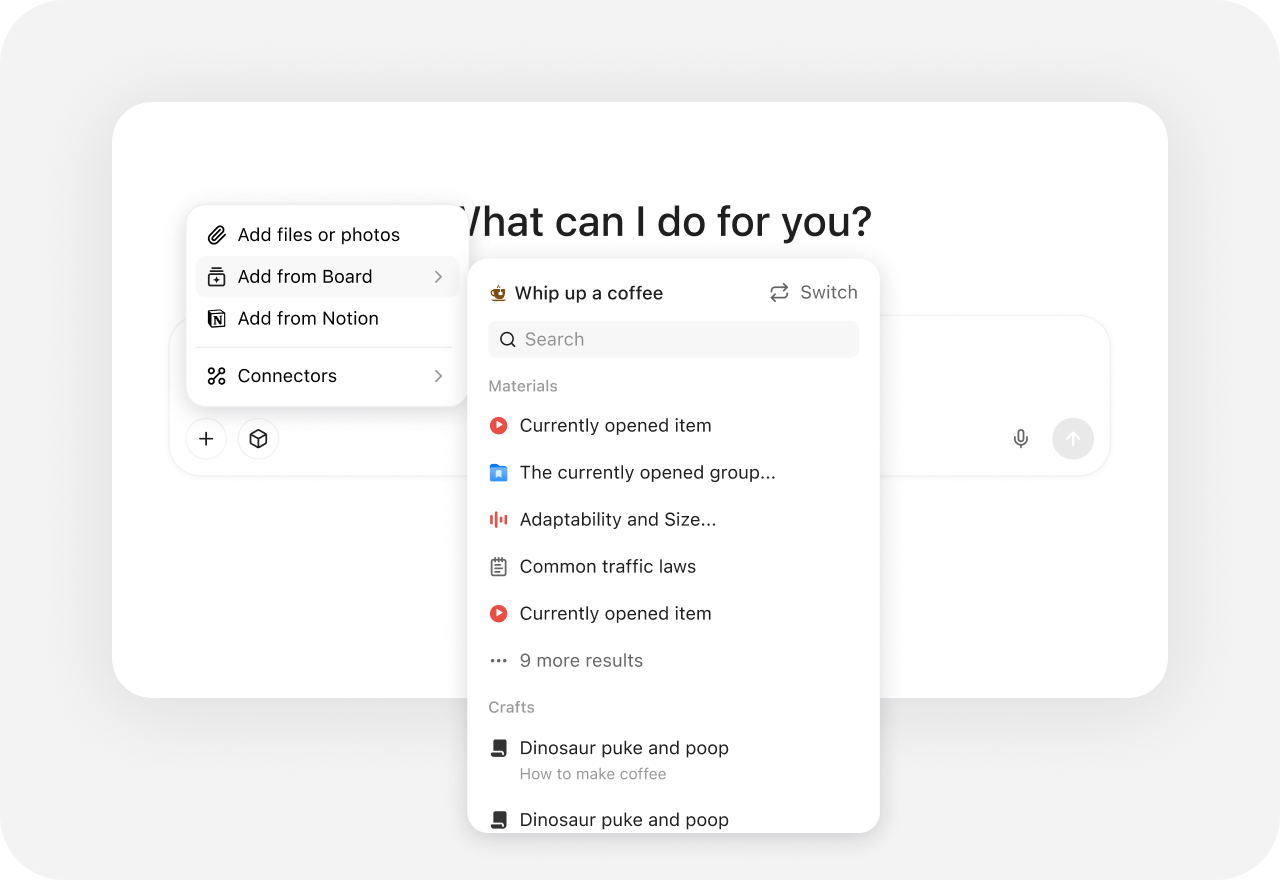
YouMind source picker with files, Board material, Notion, and connectors

Turn your material into slides you can refine

Start with a brief or your collected sources, choose a visual direction, and generate a presentation. Review the result and keep refining the slides in YouMind as your story takes shape.
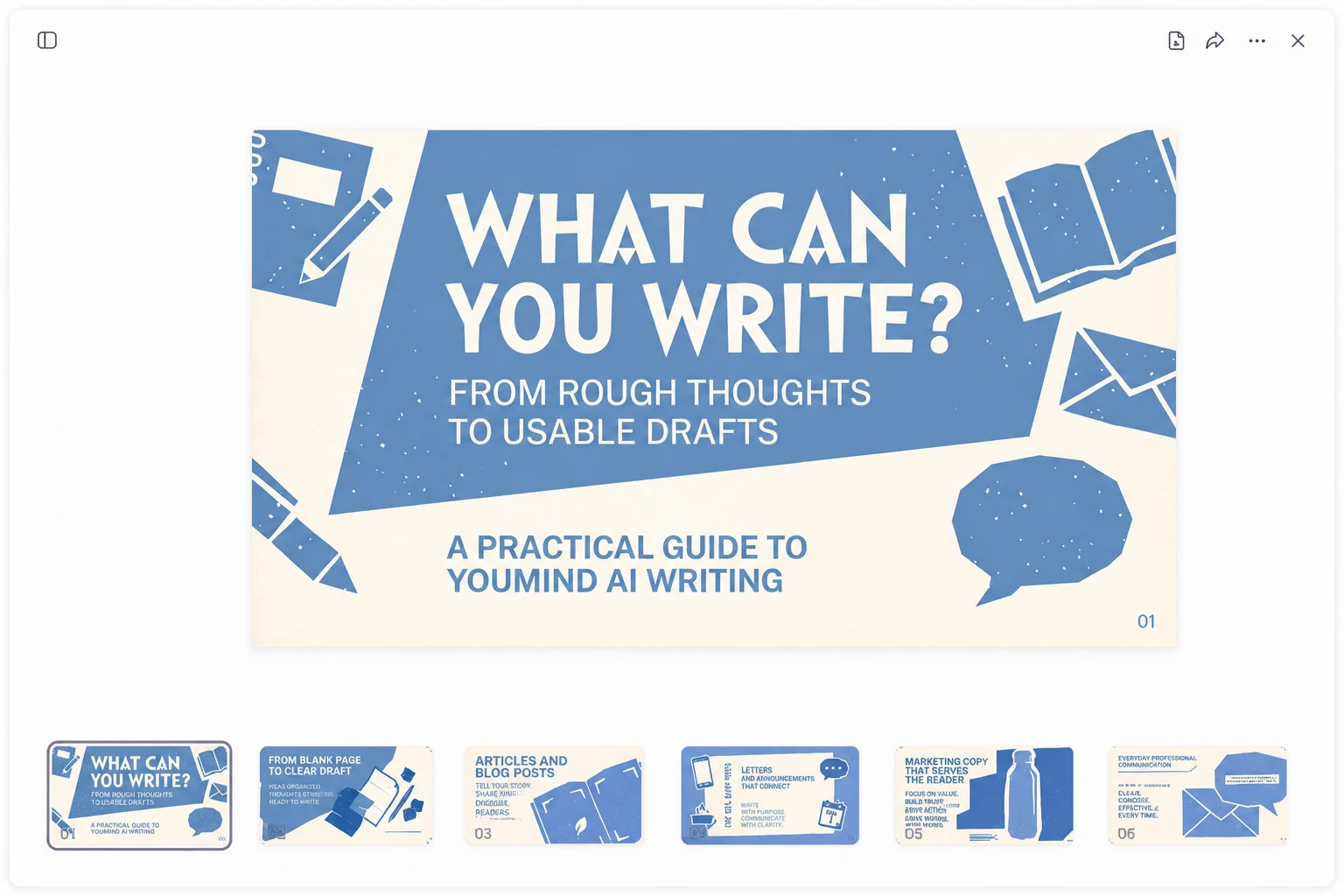
A YouMind presentation open in the workspace with a slide canvas and page thumbnails

Use the same research for your next creation

Keep your sources and notes in the same Board when the deck is done. Use that context to draft an article, create a webpage, or make supporting visuals for the same project.
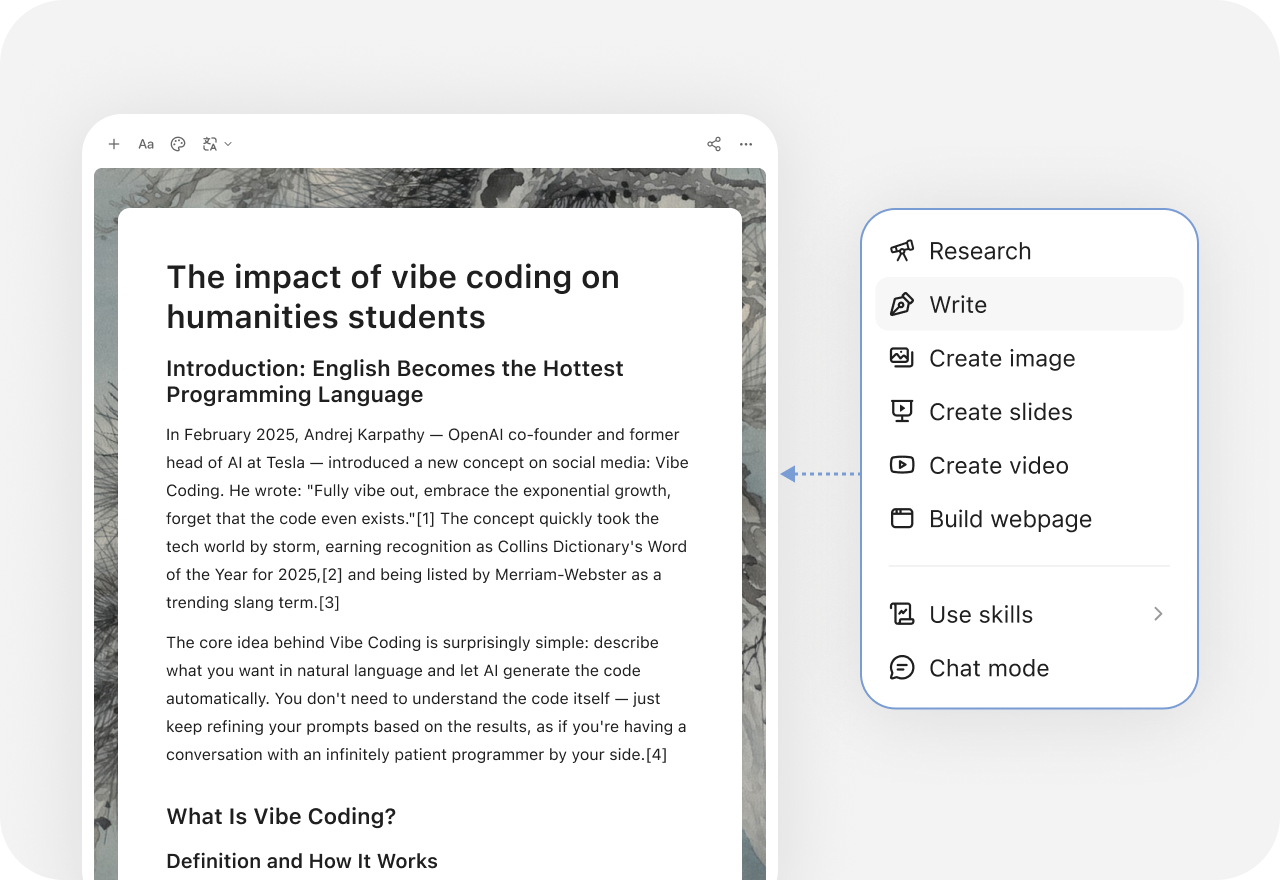
YouMind creation menu with research, writing, slides, images, video, and webpage options

Beyond One-off AI

See how YouMind connects what other toolsleave separate

Frequently asked questions

When should I choose YouMind over Plus AI?
Choose YouMind when you want to gather research, develop a story, create slides, and reuse the material for related content. Choose Plus AI when your priority is creating and editing presentations directly in PowerPoint or Google Slides.
Does YouMind work inside PowerPoint or Google Slides?
YouMind uses its own workspace to organize material and create presentations. Plus AI is an add-in for PowerPoint and Google Slides. If working inside one of those apps is essential, Plus AI is designed for that workflow.
Can I turn a PDF, article, or YouTube video into slides?
YouMind can create slides from articles, PDFs, YouTube videos, podcasts, images, and text. Plus AI supports document uploads and pasted text for presentation generation, including text such as meeting transcripts.
Can I edit the slides after they are generated?
Yes. You can review and refine a generated presentation in YouMind. Plus AI also supports AI editing, including inserting slides, rewriting text, translating content, and remixing layouts within PowerPoint or Google Slides.
Can I export a YouMind presentation to PowerPoint?
YouMind supports PPTX and PDF export. Plus AI creates presentations directly in PowerPoint or Google Slides. If your work requires specific PowerPoint editing or template behavior, check a sample export against those requirements.
Is Plus AI free to use?
Plus AI currently offers a seven-day trial before a paid subscription. A credit card is required to start the trial. See Plus AI’s current pricing page for plan details and trial terms.

Ready to create something bolder?