Start with what you want to explain
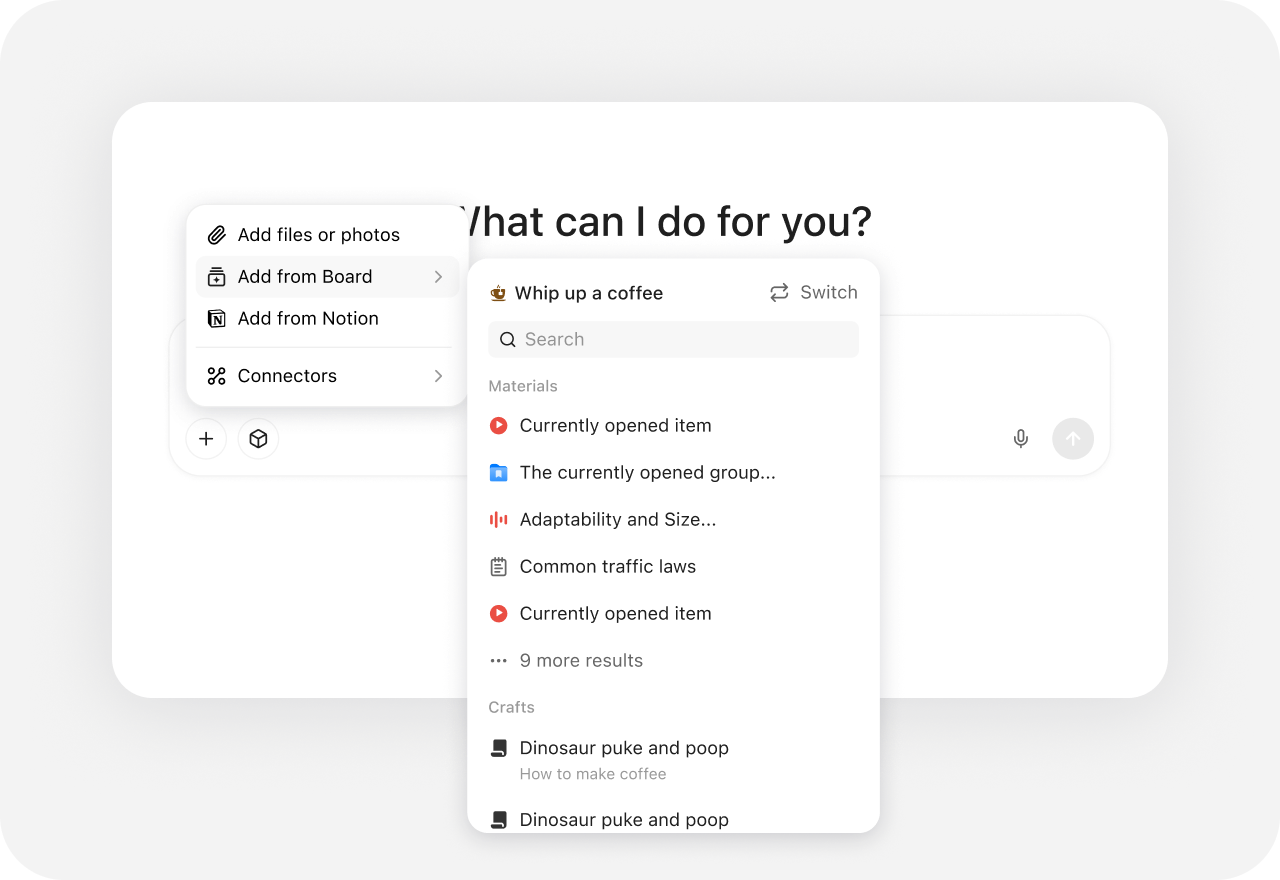
Collect a process description, notes, and useful examples in a Board. Decide which facts and relationships the visual should communicate before generating it.
Napkin turns text into editable visuals and also offers Slides for complete presentations. YouMind brings references, writing, diagram images, and slides into one project, so the visual stays connected to the explanation and the material behind it.
YouMind vs Napkin AI
Compare YouMind and Napkin AI for diagrams, visual editing, export formats, presentations, and keeping research connected to the finished content.
From explanation to visual
Start with the material, shape the visual explanation, and keep creating around the same idea.
Collect a process description, notes, and useful examples in a Board. Decide which facts and relationships the visual should communicate before generating it.
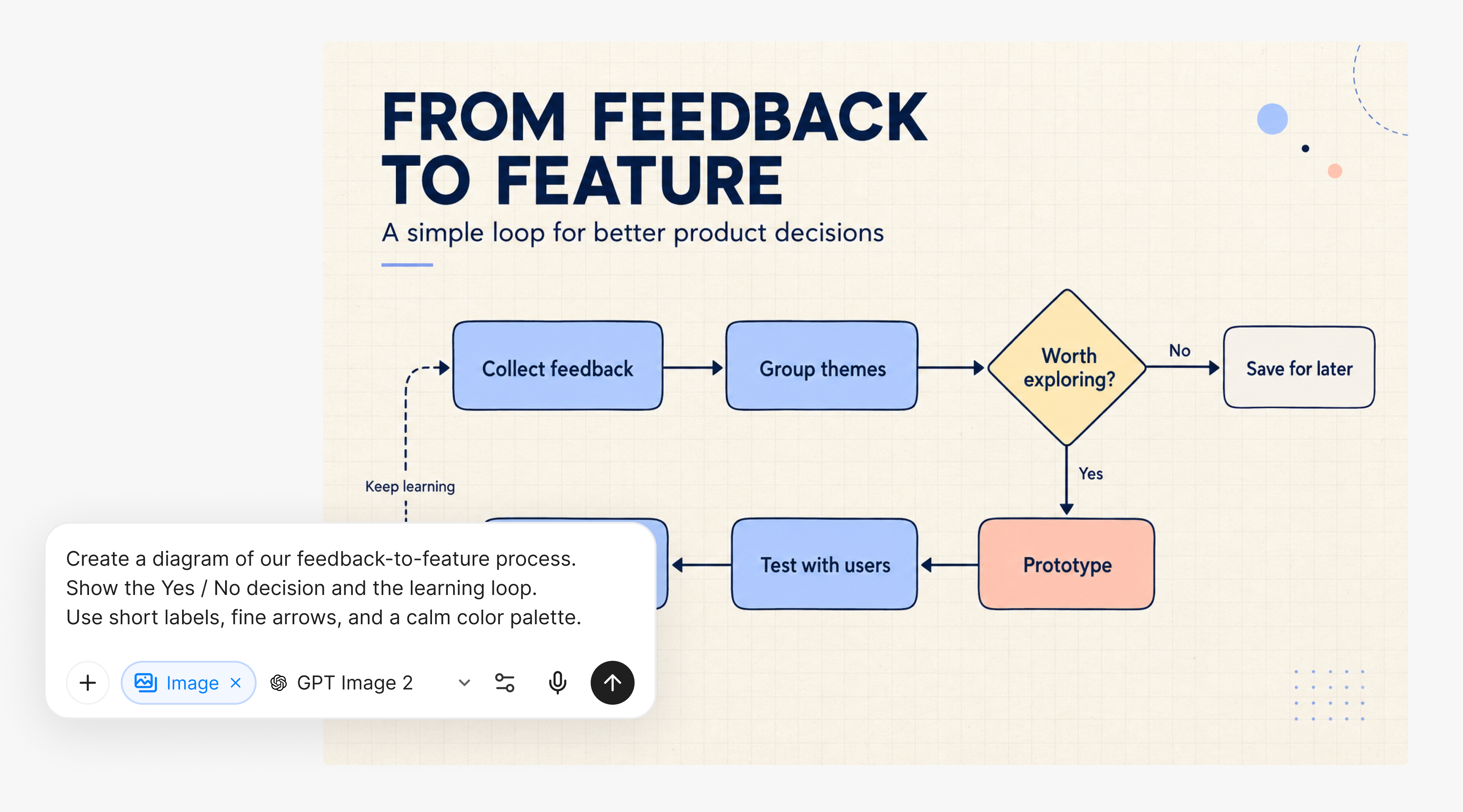
Describe the structure and visual direction for a flowchart, concept diagram, or infographic. Review the result and refine the image with further instructions.
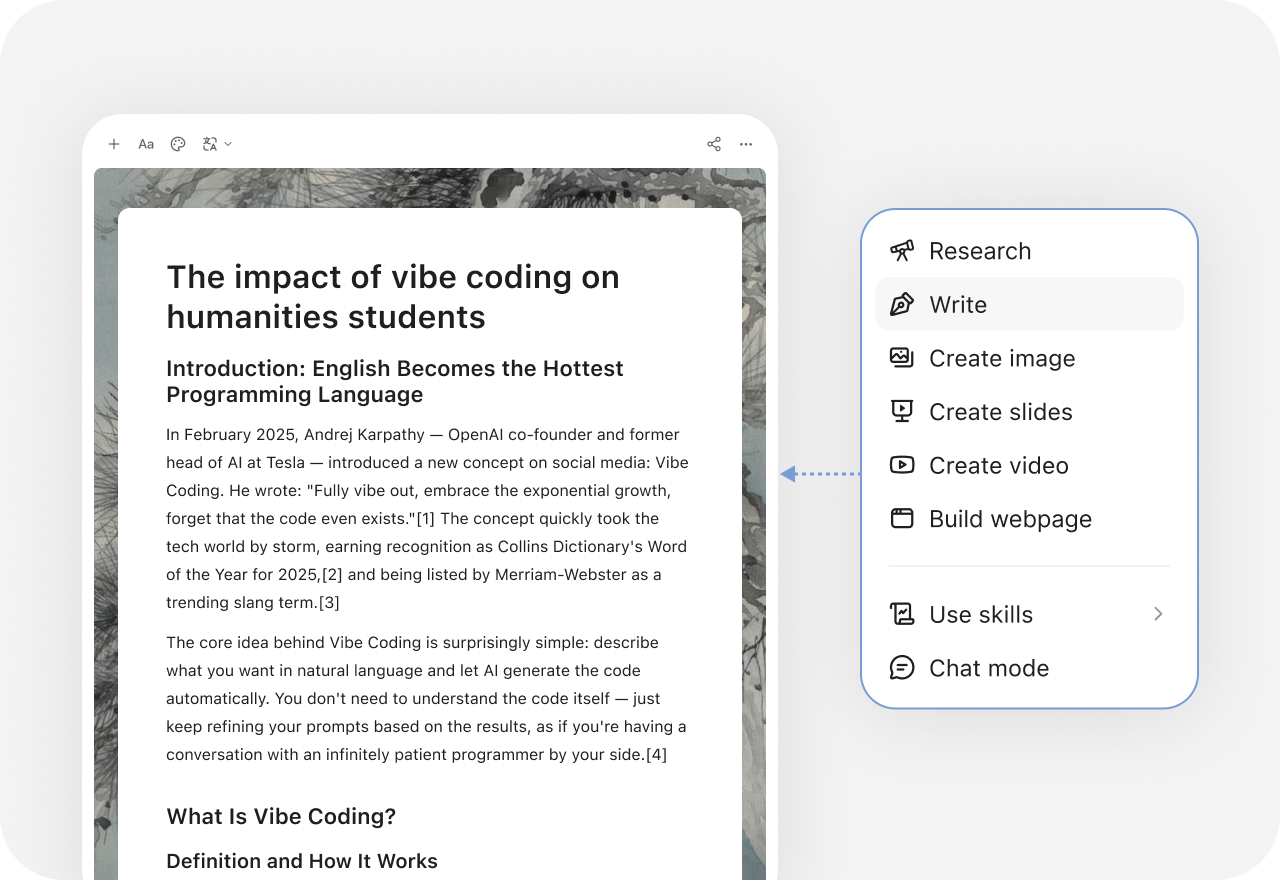
Use the diagram beside an article or presentation, then reuse the same source material for another format. The Board keeps the visual, notes, and references in one project.
More comparisons