
Save the exact moment—not only pasted text
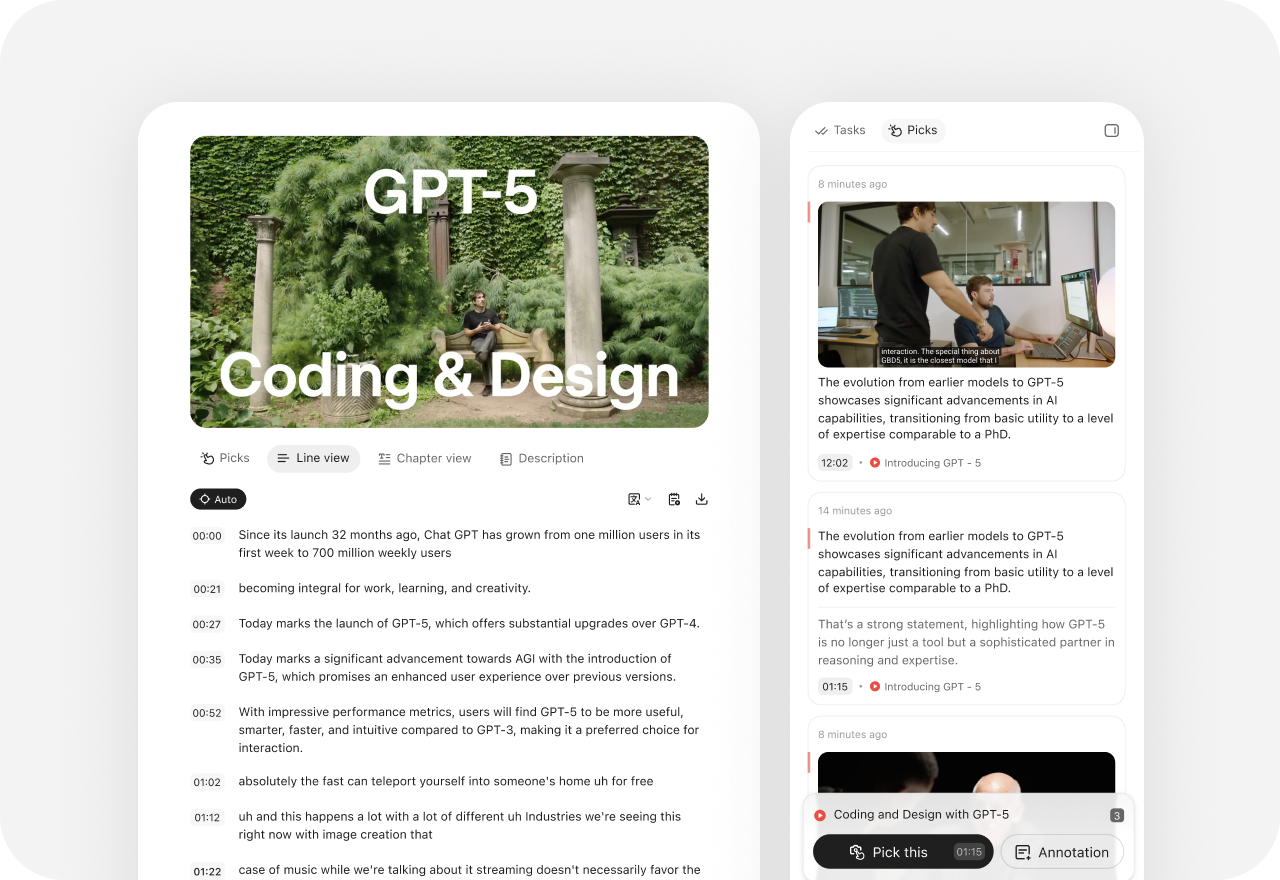
Pick a web passage or image, a timestamped YouTube moment with screenshot, a podcast audio range, or a PDF highlight. Add an annotation, merge evidence into Notes, and reuse it in slides or later work.
Beautiful.ai turns prompts, outlines, templates, and source material into branded presentations, then keeps layouts aligned with Smart Slides. YouMind starts earlier and continues further by connecting exact evidence, thinking, editable slides, and creation across formats.

YouMind vs Beautiful.ai
Beautiful.ai focuses on creating, formatting, collaborating on, presenting, and analyzing polished presentations. YouMind connects the research and thinking behind a presentation with the other formats the project may need.
| What matters | YouMind | Beautiful.ai |
|---|---|---|
| Primary focus | Evidence-led research, thinking, slides, and multi-format creation | Guided AI presentation creation, Smart Slides, brand control, and team workflows |
| Starting point | A question, source, Pick, Note, or rough idea | A topic, detailed prompt, pasted outline, source document, or presentation template |
| Source context | Reusable Picks from web text and images, timestamped YouTube, podcasts, and PDF annotations | Prompts, outlines, source documents, supporting files, and optional web search feed the presentation |
| Continuity & outputs | Board Memory across Tasks; editable slides, documents, images, video, audio, and webpages | Smart Slides, collaboration, shared themes, viewer analytics, and PPTX or PDF export |
Beyond a work-ready presentation
Beautiful.ai is optimized for fast, polished, on-brand presentations. YouMind keeps the research evidence and broader creative project visible before and after the presentation.

Pick a web passage or image, a timestamped YouTube moment with screenshot, a podcast audio range, or a PDF highlight. Add an annotation, merge evidence into Notes, and reuse it in slides or later work.
Board Memory in YouMind carries important context into new Tasks while Files, Picks, Notes, slides, and other outputs remain visible together in the project.


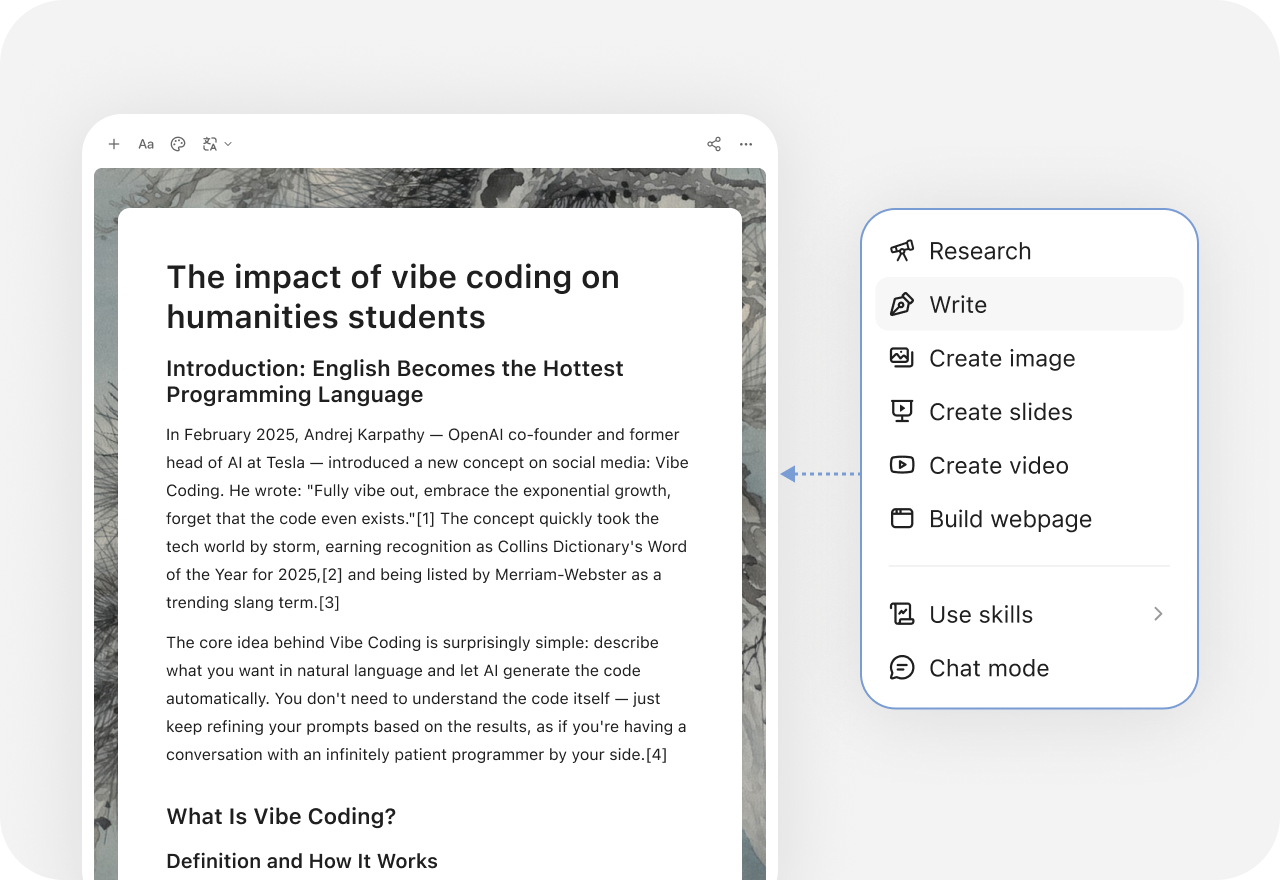
Use the same body of context to make a slide deck, article, image, video, audio, or webpage—without restarting the brief every time.
Beyond One-off AI

Choose YouMind when a presentation is one part of a larger research or creative project. It keeps exact source evidence, Notes, editable Files, Tasks, and multi-format outputs connected in one visible Board.
Beautiful.ai can create presentations from a prompt, outline, template, or source document; let you refine the outline before design; keep layouts aligned with Smart Slides; apply brand themes; support real-time collaboration, charts, viewer analytics, and PPTX or PDF export.
Yes. Start from a prompt, sources, Notes, or existing project context, then create an editable slide deck and continue refining it inside the same workspace.
Beautiful.ai uses prompts, outlines, source documents, supporting files, and optional web search to build a presentation. YouMind preserves exact web passages and images, timestamped YouTube moments, podcast audio ranges, and PDF highlights as reusable Picks that remain visible while you create.
Yes. Beautiful.ai supports editable PowerPoint and other export options including PDF and Google Slides. Some export formats depend on a paid plan.
Yes. Use Beautiful.ai when the immediate goal is a fast, polished, on-brand presentation. Use YouMind to collect evidence, develop the point of view, keep project context, and create related documents, images, video, audio, or webpages.