YouMind

YouMind vs Prezi:Give your ideas a stronger starting point

Read, collect, and connect your source material in YouMind. Shape what you learn into a presentation, then keep creating with the same research. Prezi brings ideas to a zoomable canvas with tools for audience participation.

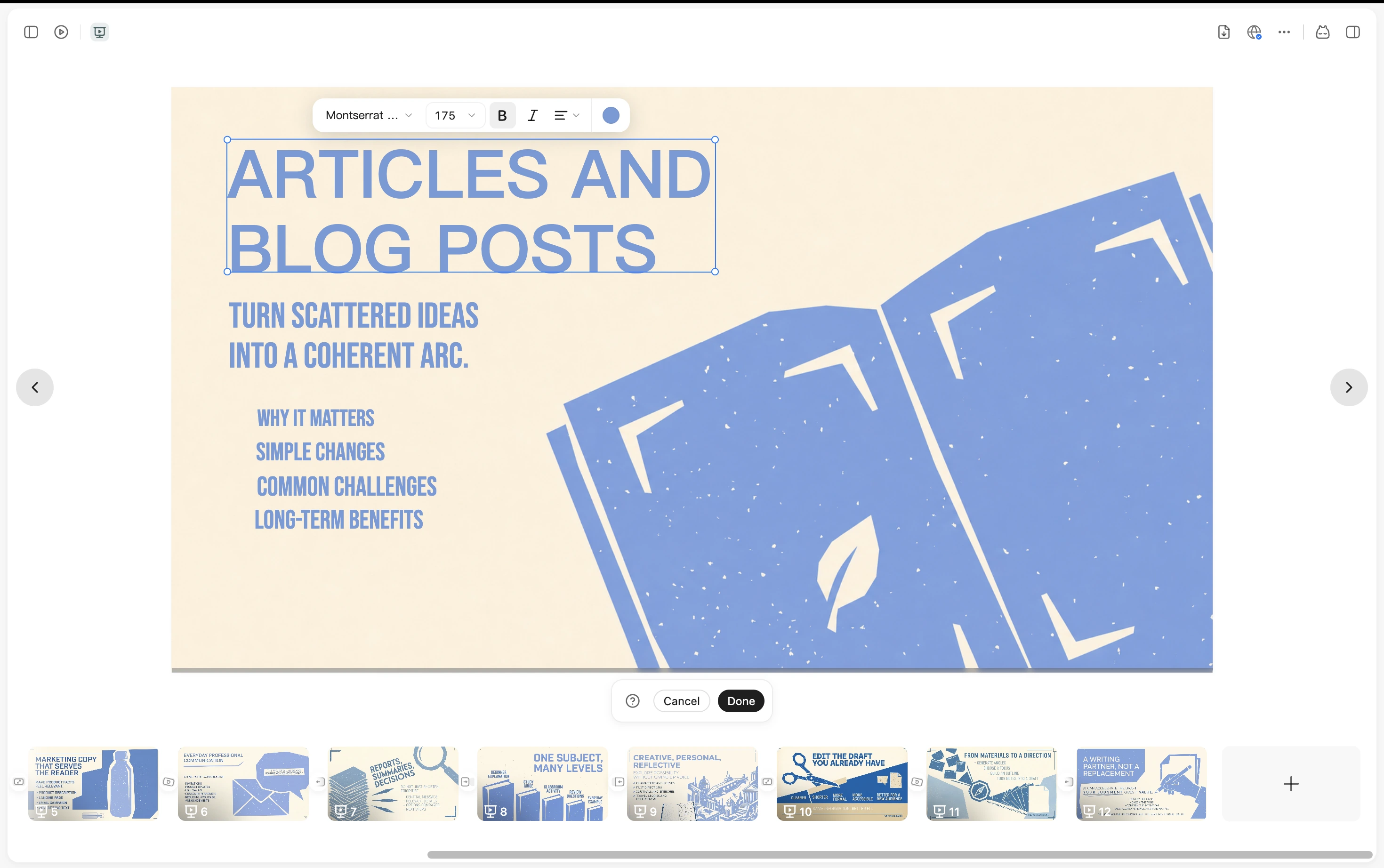
A YouMind presentation with slide thumbnails and text editing controls

YouMind vs Prezi

Choose what your presentation needs

Both tools use AI to help you create. YouMind connects research with content creation; Prezi combines visual presenting with audience engagement.

What mattersYouMindPrezi
Main focusResearch, learning, and content creation in one workspaceVisual presentations and audience engagement
Starting materialArticles, PDFs, YouTube, podcasts, images, and notesPrompts, pasted text, PowerPoint, Word, and PDF files
Presentation formatGenerate a slide deck and refine it in YouMindBuild and edit a presentation on a zoomable canvas
After the presentationKeep sources and notes for new drafts and related contentShare material for audience review and follow-up learning

From understanding to presenting

Build a story worth sharing

Explore your sources, turn your ideas into slides, and keep the research ready for what comes next.

Find the ideas worth presenting

Read articles and PDFs or explore video transcripts. Save useful passages with Picks and add your own notes, so your presentation grows from the ideas you want to explain.
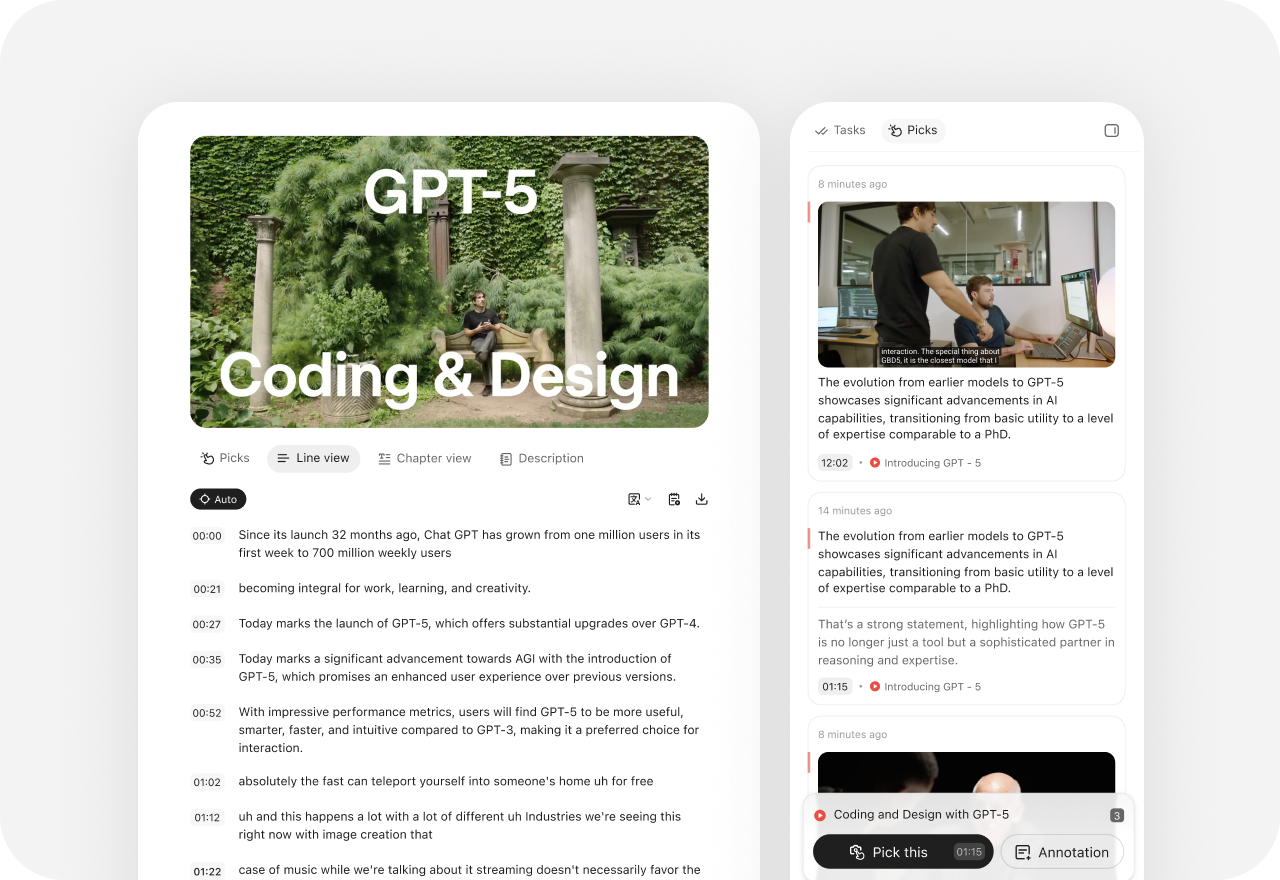
A video transcript in YouMind with saved Picks and annotations

Shape your ideas into a slide deck

Use a brief or your collected material to generate a presentation. Review the story and refine the slides in YouMind as you decide what your audience needs to see.
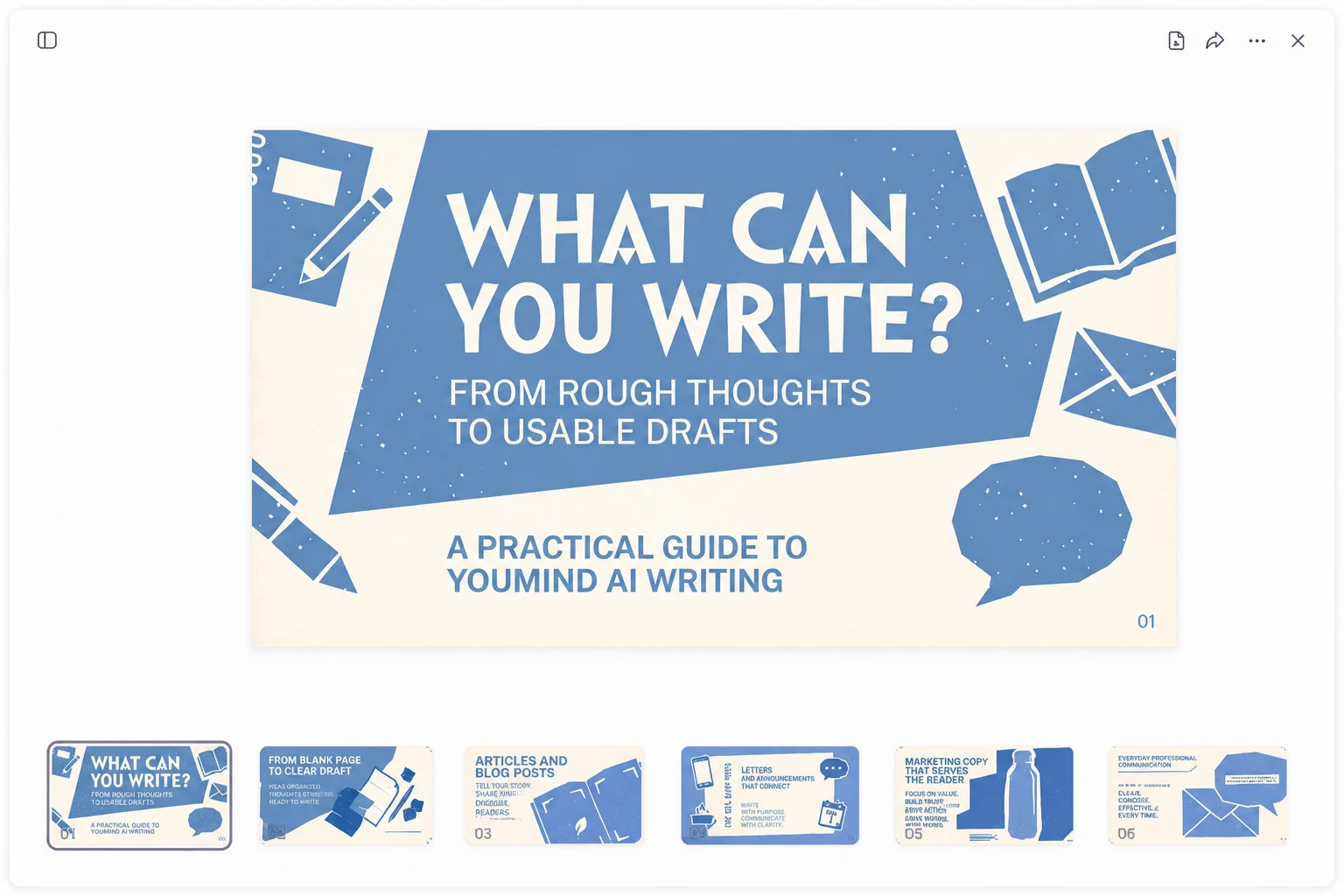
YouMind slide editor with a presentation canvas and page thumbnails

Keep the research for your next draft

Your sources and notes stay in the same Board. Return to that context to develop an article, a webpage, or the next presentation as the project moves forward.

YouMind Board Memory setting above the workspace creation options

Beyond One-off AI

See how YouMind connects what other toolsleave separate

Frequently asked questions

When should I choose YouMind over Prezi?
Choose YouMind when the work starts with studying sources and developing ideas for slides and other content. Prezi is a strong fit when a zoomable presentation and live audience participation are central to your session.
Does YouMind use the same zooming presentation style as Prezi?
YouMind creates slide decks that you can refine in its workspace. Prezi organizes content on a zoomable canvas. Choose based on how you want to build and deliver your story.
Can both tools create presentations with AI?
Yes. YouMind can work with articles, PDFs, videos, podcasts, images, and text. Prezi AI can build an editable presentation from a prompt, pasted content, or uploaded PowerPoint, Word, and PDF files.
Which tool should I consider for live audience interaction?
Prezi offers live polls, quizzes, and Q&A that audiences join by QR code. If those interactions are essential, consider Prezi. YouMind focuses on researching, creating, and refining your content.
Can I export presentations to PowerPoint or PDF?
YouMind supports PPTX and PDF export. Prezi also documents both export formats, converting its presentation path into slides or pages. Check your plan and a sample export for the layout and presentation behavior you need.
Is Prezi free to use?
Prezi offers a free Basic plan with limited AI access. Paid plans add features such as privacy controls, offline access, and analytics at different tiers. See Prezi’s current plans and feature limits.

Ready to create something bolder?