YouMind
Sign in
YouMind

YouMind vs Microsoft Word:Develop the research before polishing the document

Microsoft Word offers document editing, formatting, and collaboration, with Copilot experiences available to eligible accounts. YouMind develops source-based writing alongside research material and other creative formats in a project.

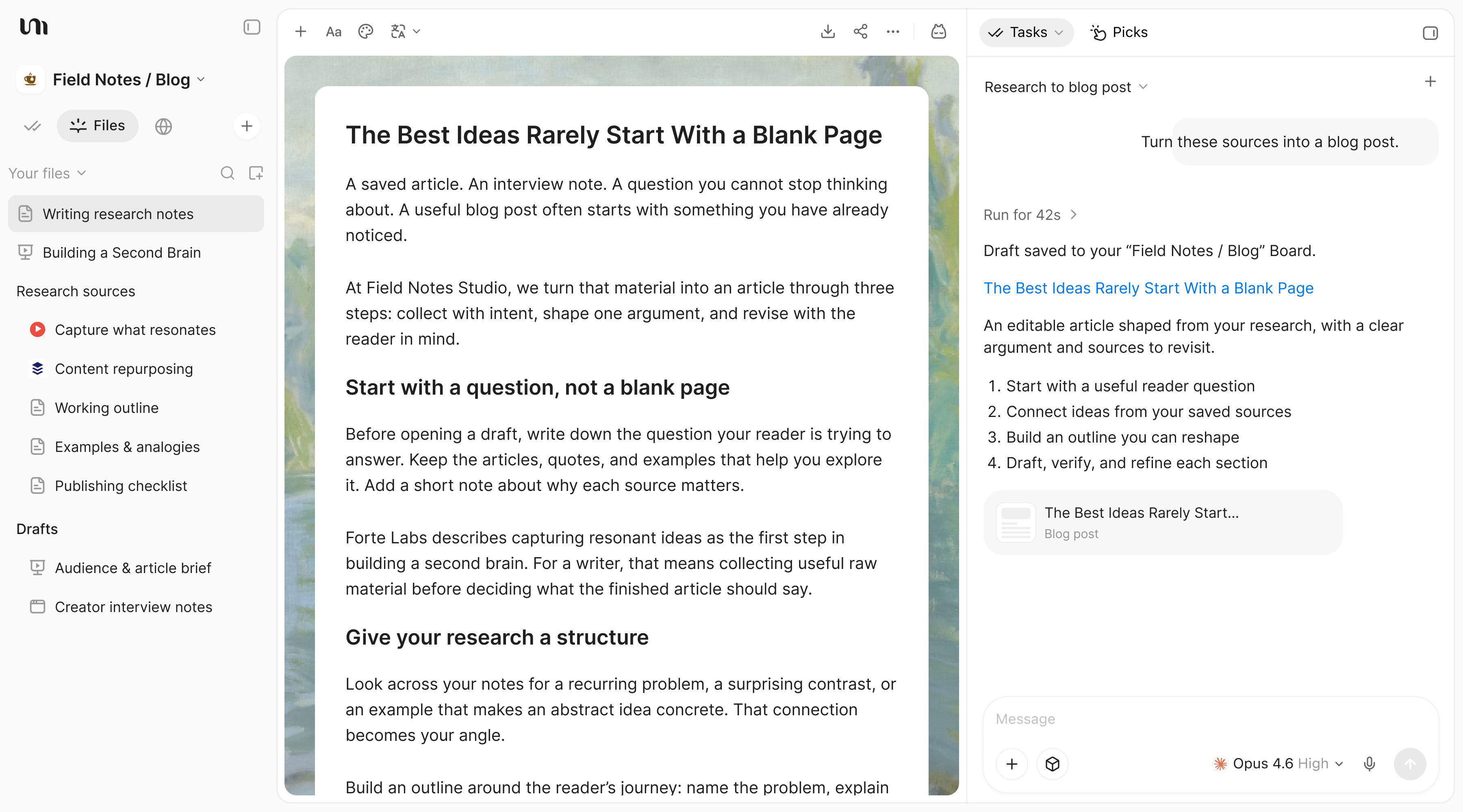
YouMind Files sidebar, editable research article, and a Task developing a blog post

YouMind vs Microsoft Word

Choose the workflow your project needs

Compare the way you prepare source material, develop the work, and review the result.

What mattersYouMindMicrosoft Word
Main focusSources, notes, creative tasks, and outputs in one projectDocument formatting, editing, and Microsoft 365 collaboration
Starting materialArticles, PDFs, videos, images, audio, and notesDocuments, text, and reference material supported by the current Word and Copilot experience
Developing the resultChoose source context for a Task, review the draft, and keep refining the workRefine the document using Word's native formatting and review workflow
Best fitDevelop research into writing, presentations, visuals, video, or webpagesUse Word when the final document's native formatting and team review process are decisive.

From sources to creation

Build a sourced document before the final handoff

Keep the original material available while developing a project report. Review the work before sharing it.

Gather the report sources before formatting

Collect documents, web research, and notes in a Board. Keep the source material available while deciding what the report needs to establish.
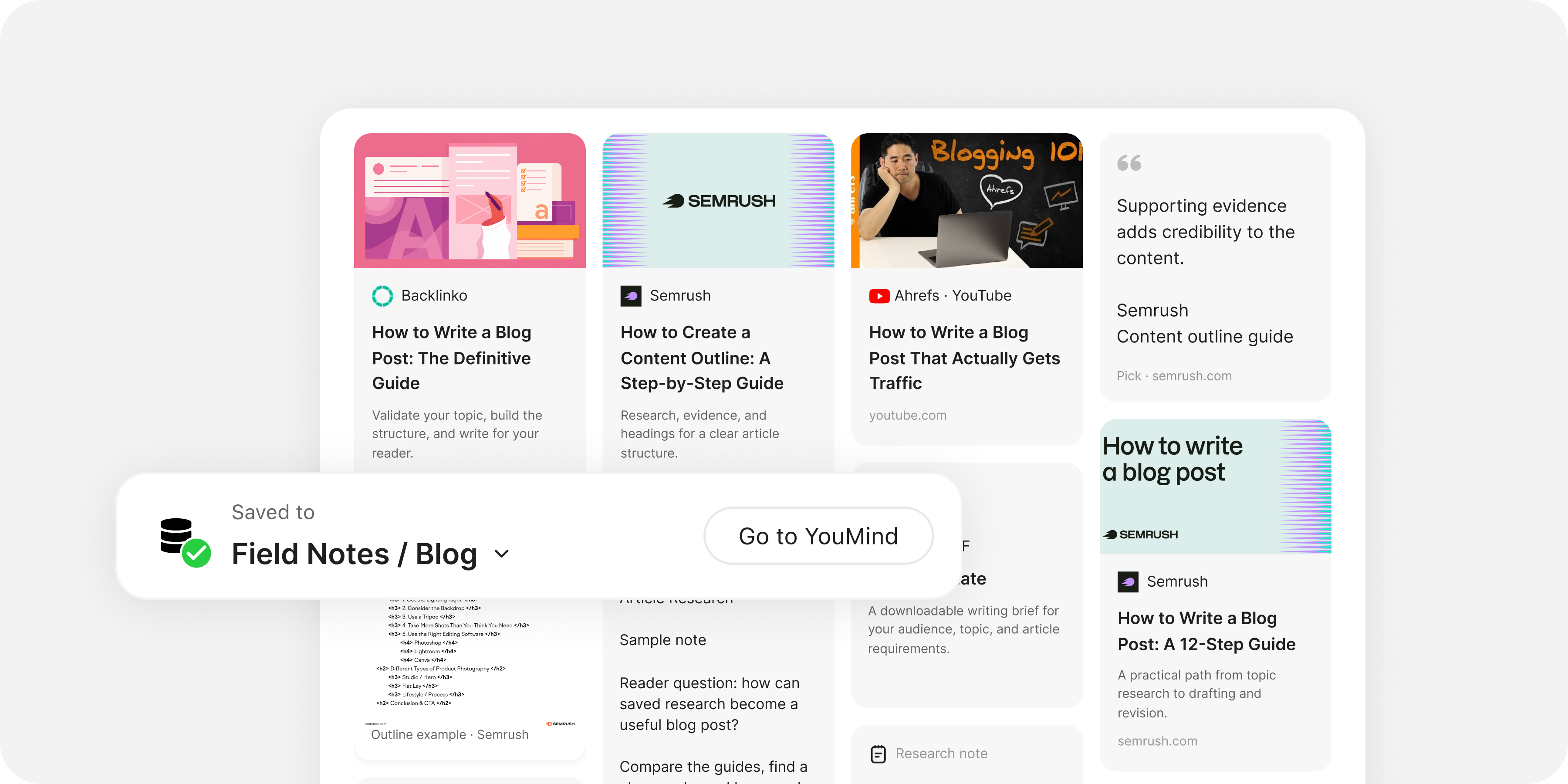
YouMind Board with article and video source cards, a saved Pick, and research notes for a writing project

Develop the draft with the right context

Select sources for a Task, develop the structure, and refine the writing. Review the content before moving into any final document workflow.
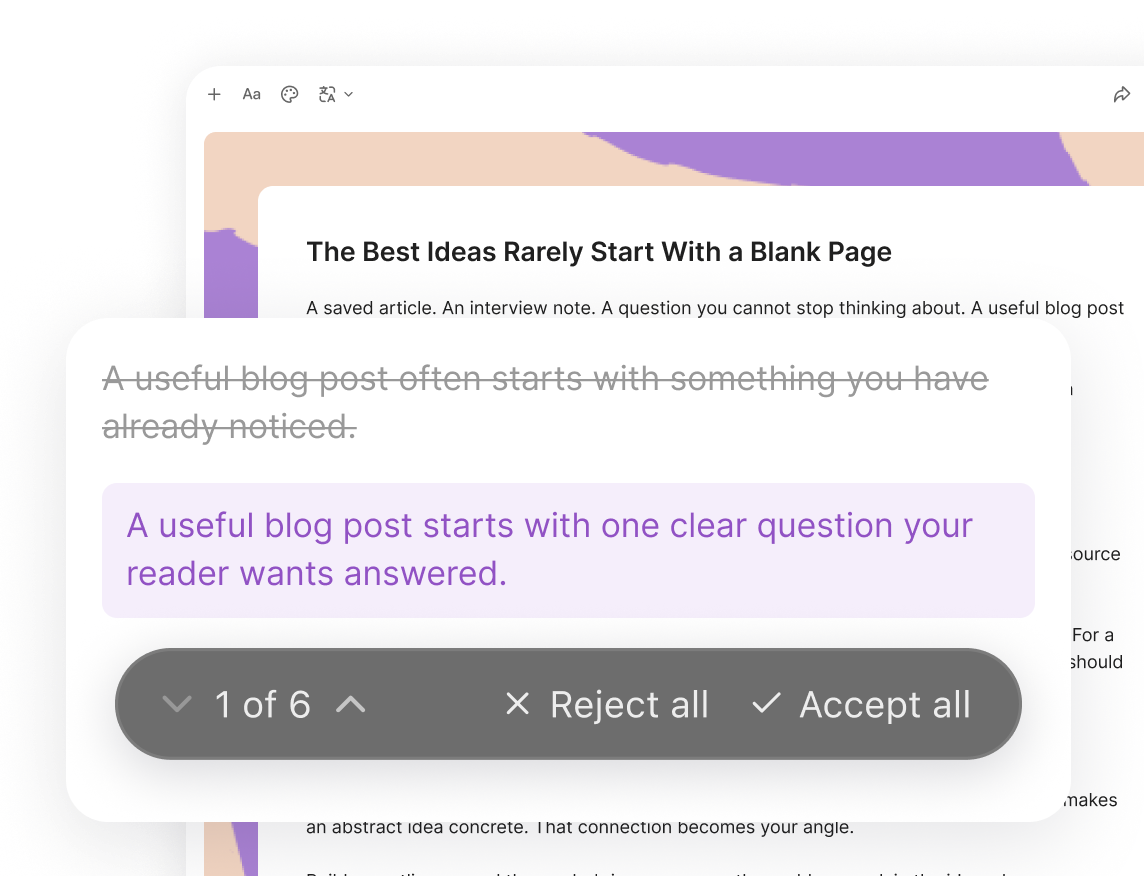
YouMind document review showing an original sentence, a proposed revision, and reject or accept controls

Create the presentation or webpage around the report

Use the same project material for supporting slides, visuals, or a webpage. Keep your research notes useful beyond a single document.
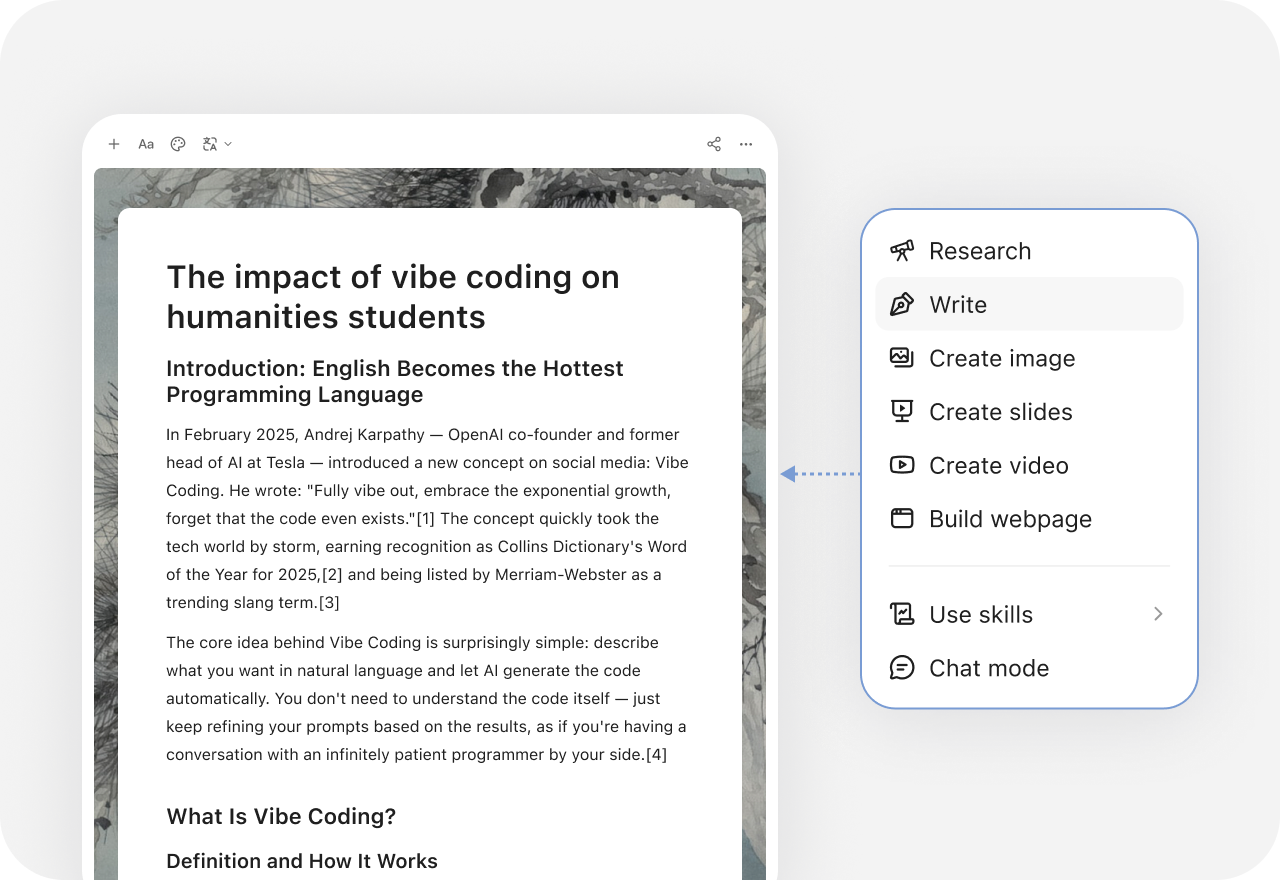
YouMind creation menu with research, writing, slides, images, video, and webpage options

More comparisons

Explore more YouMind comparisons

Frequently asked questions

When should I choose YouMind or Microsoft Word?
Choose YouMind when you want to develop a project report with sources, notes, and related outputs kept together. Use Word when the final document's native formatting and team review process are decisive. Test the workflow with your own material before choosing.
Does every Word account include the same Copilot features?
No. Microsoft describes eligibility and rollout differences by subscription, organization settings, app version, and platform. Check the features actually available in your team's account before comparing the AI workflow.
Does this comparison replace the PowerPoint page?
No. Word and PowerPoint serve different document and presentation workflows. This page focuses on writing and document preparation, while the PowerPoint comparison covers slide creation and presentation delivery.
How can I prepare the source material for a project report?
Collect the relevant articles, documents, videos, images, and notes in a YouMind Board. Select the material as Task context and check the resulting draft against the originals. Keep human review in the process.
What else can I create from the same research?
YouMind can develop writing, presentations, images, video, and webpages with the tools available in its workspace. Keep the source context and your own notes in the project so the next format can build on the work already done.
How should I compare features and plans?
Check Microsoft Word's current inputs, editing workflow, exports, and plan allowances against the job you need to finish. Also check the tools and credits available in YouMind. This comparison does not assume identical models, controls, or subscription terms. See the official Microsoft Word site for current features and plans.

Learn deeper. Create bolder.