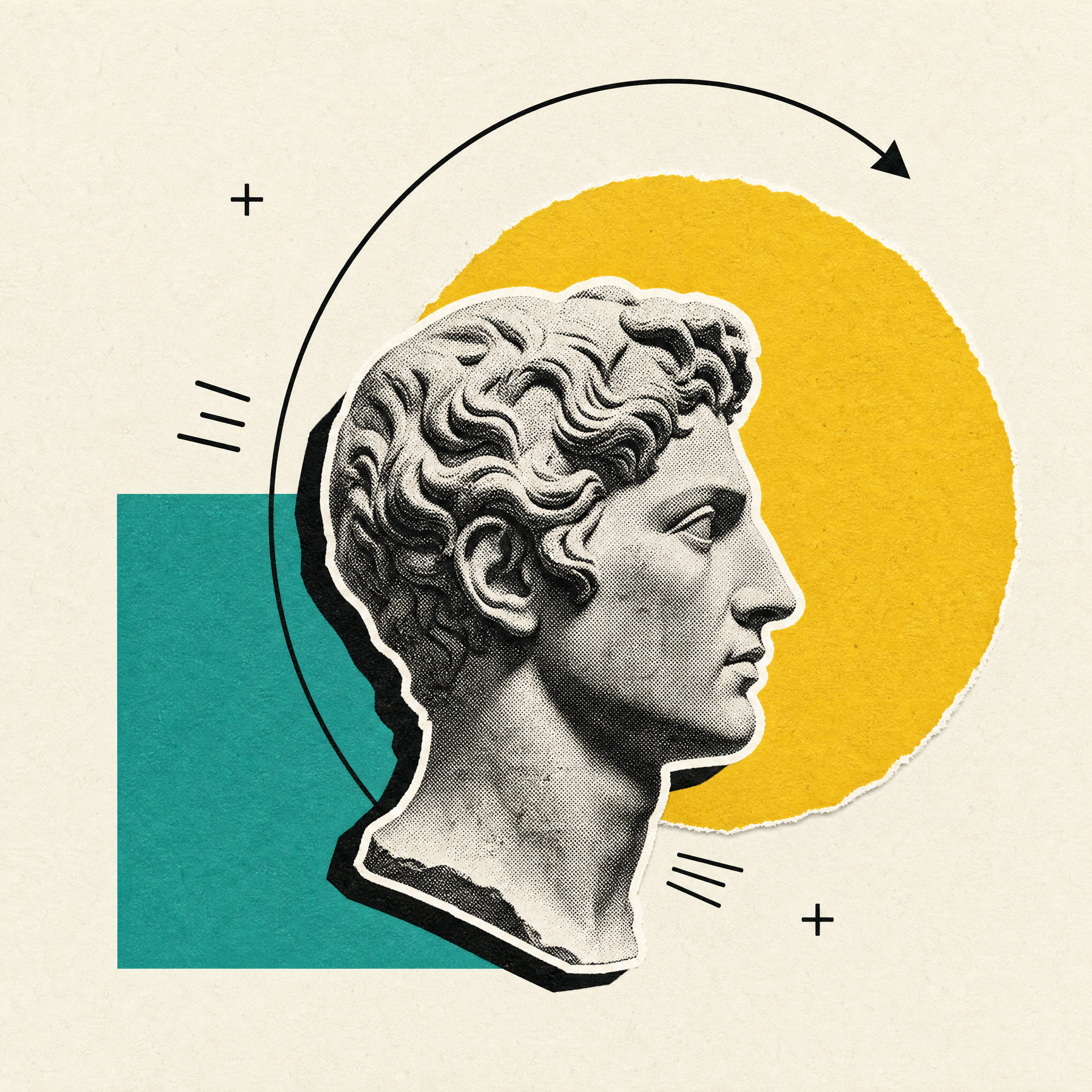
Opus 5.5-Collage Narrated Video
Explain ideas with cutouts, motion and narration
Opus 5.5-Collage Narrated Video
Explain ideas with cutouts, motion and narration
Showcase
Description
A reference-informed framework for original narrated collage explainers. Plans semantic scenes, generates separate image and voice assets with available YouMind tools, and specifies deterministic motion composition. Current version is a production specification; end-to-end media generation has not been tested.
Recommended by
Shuting@YouMind
Why we love this skill
An editor’s pick for turning complex ideas into memorable visual stories through photographic cutouts, paper-layer choreography, and precisely timed narration. Its evidence-led workflow and deterministic motion grammar create polished explainers without relying on generic slideshow animation.
Best for
Content creators, educators, and communicators who need concise narrated explainers with a distinctive editorial collage style.
How to use this Skill
Provide your input
Provide a topic, product, or event with reliable factual source material. You can also specify the audience, takeaway, CTA, duration, format, palette, and voice.
Run the Skill
The Skill develops a factual script and scene plan, then assembles cutout imagery, editorial typography, motion transitions, and narration into a timed collage explainer.
Review your result
Receive a narrated explainer as a playable webpage, with an MP4 export when a verified export path is available.
Related Skills
View all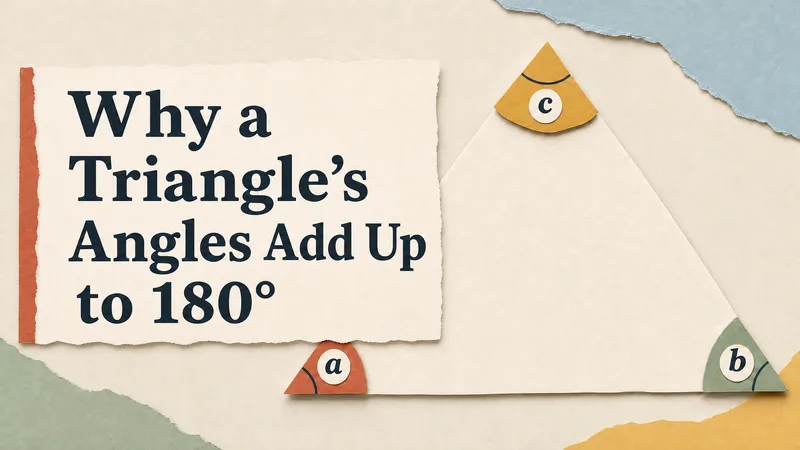 Video
Opus 5.5-Paper Cutout Explainer Video
Turn a topic, process, or product into a narrated paper-cutout animated explainer. Get a directly playable HTML video with layered paper illustrations, purposeful motion, background music, playback controls, and toggleable captions. Customize the subject, audience, language, palette, and format.
 Video
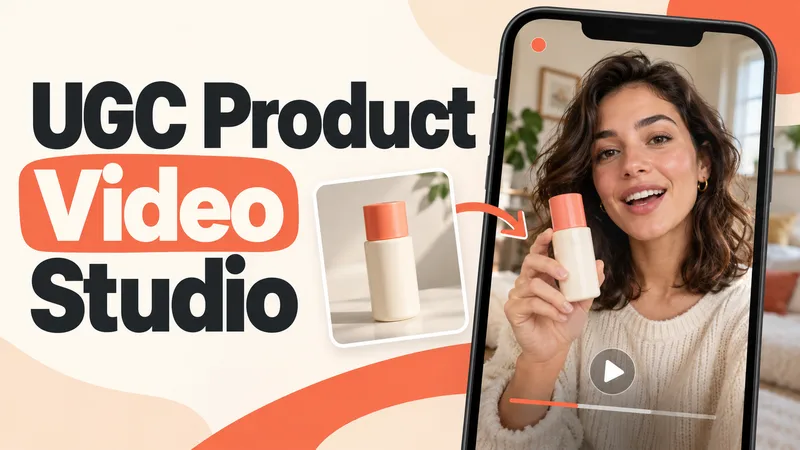
UGC Product Video Studio
Turn a product photo into a complete UGC video workflow: a lifelike AI creator, a connected sequence of scenes, natural dialogue, and prompts tailored to your chosen video model. Built for product owners, marketers, and creators who want to show their product through a believable everyday story. You guide the creative decisions: • Design your character step by step. Approve the look, refine specific features, or request a different person. • Build a sequence of portrait shots, product details, demonstrations, location changes, and a product-only closing shot. • Explore image variations and approve the final scene set before the script is finalized. • Review the scenario and spoken text, then adjust the hook, tone, pacing, or closing line. Realism goes beyond skin texture. Prompts account for natural facial detail, smartphone framing, lighting, and character consistency. Images are checked for awkward grips, floating caps, nozzle direction, and other physical contradictions. Complex actions can be simplified or split into separate shots before animation. Choose your platform, video model, spoken language, and audio method: • Speech generated directly inside the video. • Separate speech text or audio for lip sync. • Off-screen narration. Prompts adapt to the selected model, with language and audio support checked for that route. After approval, generate the video in YouMind, prepare a prompt package for another platform, or stop with the production report. Receive complete image and video prompts, the approved script, reference mappings, timing, and quality-check notes. Your character. Your scenes. Your approval at every key stage.
 Video
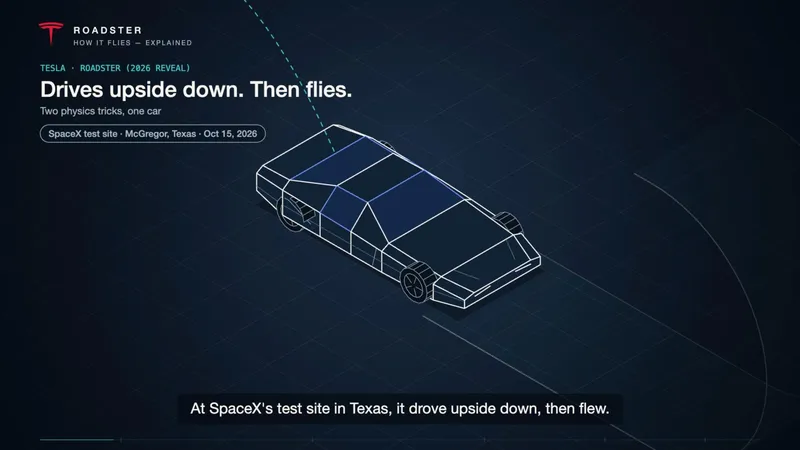
Opus 5.5-Isometric Explainer Video
Turn a process, system, or concept into a captioned isometric explainer with precise line tracing, component assembly, visible flows, and connected camera moves. Customize the topic, audience, language, palette, duration, and narration. Starts with rendered storyboard previews by default; video export depends on runtime capabilities.
Information
- Version
- v12
- Last updated
- Runtime credits
- Usage-based
- Models
- Auto
- Use cases
- Images & designVideo & audioLearning & education
- What you get
- WebpageVideo
- Visual styles
- EditorialCollagePaper art