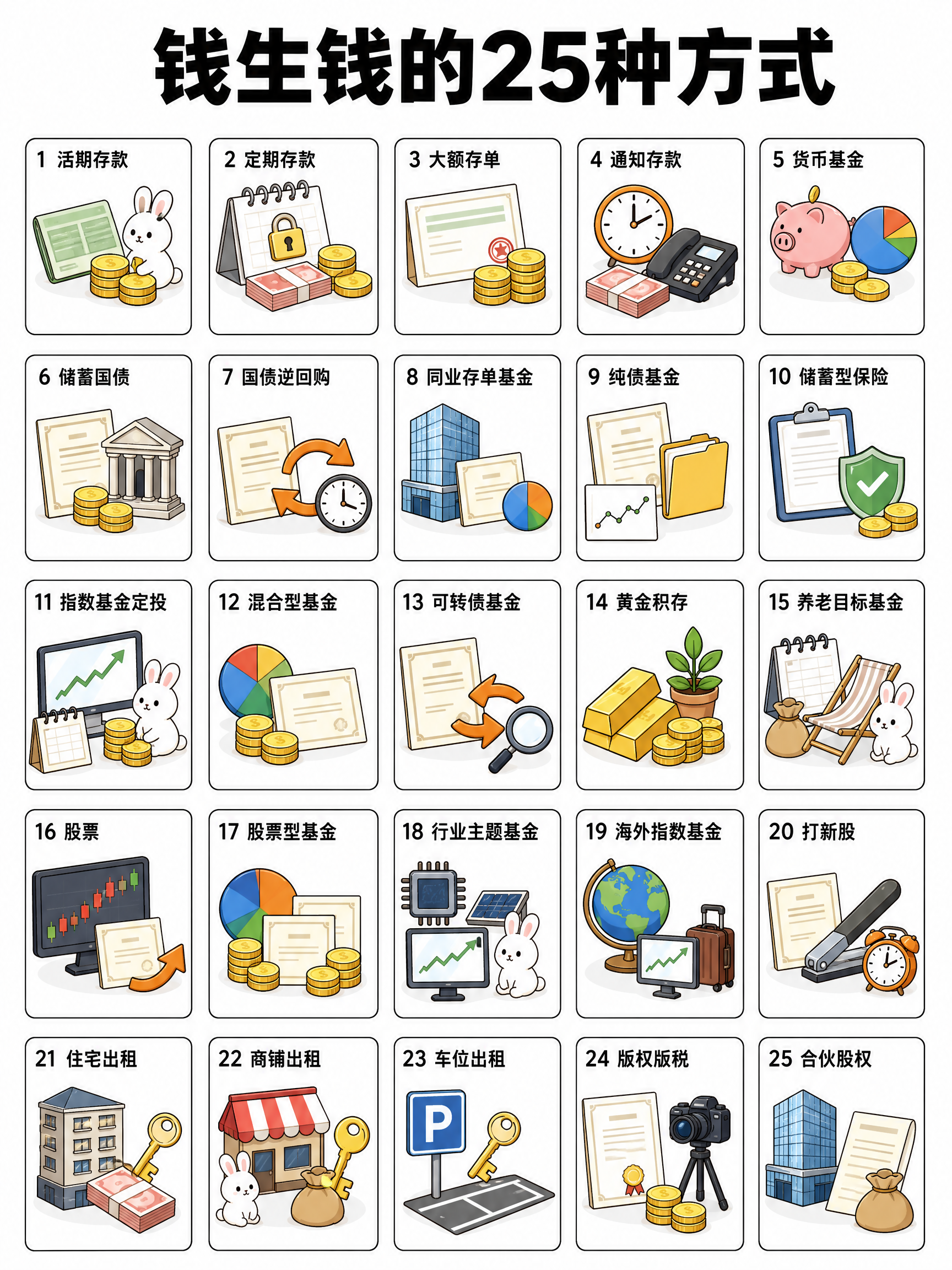
25-Grid Science Card Generator
Provide a topic to automatically structure, write, and generate 25-grid image sets.
25-Grid Science Card Generator
Provide a topic to automatically structure, write, and generate 25-grid image sets.
Showcase
Description
Provide a single sentence to generate a full set of science graphics. Input "25 ways to make money grow", and it delivers 6 images: 1 overview grid image as a table of contents, and 5 detailed booklet images covering the main content. ■ It does four more things than just "generating an image" · Automatic booklet breakdown — 25 knowledge points are logically divided into 5 booklets, 5 per booklet, for clarity. · Automatic sorting — Deposits first, stocks last, ordered from low to high risk so professionals understand it instantly. · Copywriting included — Each knowledge point features two fixed lines: what it is on top, and what to watch out for below. · Safety checks — Automatically avoids terms like "guaranteed returns", replacing them with "monitor X and Y" and "no principal guarantee" so content can be published safely. ■ Visual style Pure white background + ultra-bold black headers + light apricot marker color blocks + flat hand-drawn illustrations (bank buildings, certificates, gold coins, calendars, bamboo baskets) + a little rabbit wearing glasses. Clean, professional, like a well-established icon system. ■ Zero Chinese typos A detailed image contains over 20 text elements, which most models will make mistakes on in a single pass. Built-in two-step process — generates a text-free background first, then overlays text with specified sizes and fonts. ■ Who this is for Creators of finance, wealth management, and insurance science accounts | Bank, brokerage, and insurance professionals educating clients | Knowledge economy creators selling finance courses or running private communities | Creators making knowledge graphics for law, health, tax, and workplace topics | Global creators producing English financial literacy content Default is 3:4, with adjustable aspect ratios and image counts, supporting Simplified Chinese, Traditional Chinese, and English. Categories can be swapped while keeping the template.
Why we love this skill
Generate a complete financial science popularization image set with just one sentence: automatically splits knowledge systems, arranges overviews and booklets with clear logic, and uniformly completes copywriting, illustration elements, and layout specifications.
Best for
Ideal for content creators and education professionals making science cards on finance, insurance, law, health, tax, and workplace topics.
How to use this Skill
Provide your input
Enter a popular science topic, and optionally specify the number of knowledge points, image count, aspect ratio, category, language, and numbering preference.
Run the Skill
The system automatically breaks down knowledge points, selects sorting logic, writes brief descriptions, and lays out an overview image and detailed booklet images.
Review your result
Receive a set of ready-to-publish science cards, including a knowledge index overview image and multiple classified detail images.
Related Skills
View all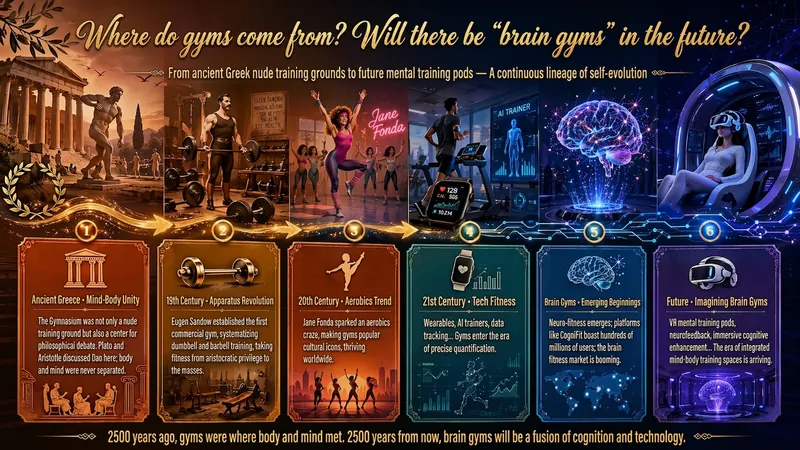
Idea to Infographic
A single image, a single sentence is all it takes. Have you ever had this experience—you have a great idea and want to turn it into an infographic like the ones big accounts post, but: - Open an AI image tool, rewrite prompts over and over, and the result either has terrible layout or completely mismatched style. - Tried several prompt templates, each requiring three or four adjustments, and half an hour later you're still not done. - Want styles like financial literacy, Chinese classic, science, tech... each time you have to research colors and layouts from scratch. Now you don't have to. 「Idea to Infographic」automates all of this: You say "make an emotion management infographic," and it decides whether to use a warm Chinese style or a healing scientific style, searches and organizes core knowledge points, breaks them into 6-8 module cards, assembles the optimal prompt, and quality-checks—if it fails, it automatically redoes; if it passes, it hands it right to you. Four killer capabilities, all built-in: 🧠 **Style Engine** — Not a rigid four-choice. If your topic matches financial literacy, it automatically goes with deep blue gold; if it matches Chinese classics, it uses rice paper and ink; if it matches technology, it uses cyan neon. For topics outside these four? It automatically synthesizes a new style. Coffee encyclopedia → food warm tones; exercise and fitness → vibrant orange gray. No style it can't handle. 🔍 **Content Brain** — You give a word, it searches the web to fill out content; you give a paragraph, it extracts the core; you give nothing but a topic, it organizes everything clearly. All three input methods are supported—the simpler, the more effortless. 📐 **Layout Adviser** — Progressive ladders, side-by-side comparisons, causal chains, overarching-subcategory radiation... Five logical patterns automatically matched. Not just stuffing text into an image, but actually designing an infographic. ✅ **Self-Inspection** — After generating, it automatically checks layout, text density, image-to-text ratio, and style match. If there's an issue, it adjusts and regenerates, up to two times. You don't need to know how to write prompts; you just need to know how to speak. **Who is this Skill for?** - Social media creators who need to produce images daily but don't want to learn design. - Knowledge commerce creators who want to visualize course content but lack a designer. - Corporate trainers who need professional infographics but lack budget for outsourcing. 🔍 - Anyone who wants to turn an idea into a great image. In a word: You have the idea, it has the image. All the hassle in between, it handles for you.
 Image
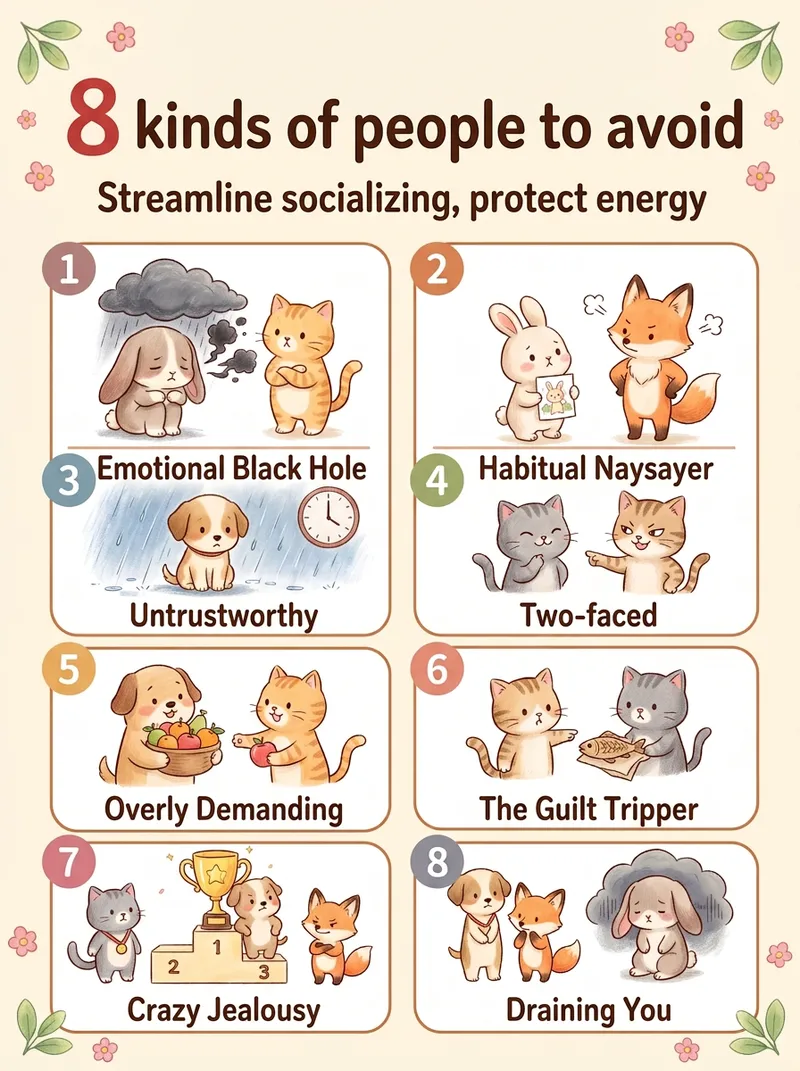
ImageViral Healing List Maker
Best for: 1. Xiaohongshu and Douyin creators who need a steady stream of highly saveable image-and-text posts, especially in the emotional wellness, personal growth, parenting, and workplace niches. 2. WeChat Channels and public account operators who need visuals, cover images, or long graphics for sharing in Moments. 3. Short-form video creators who want to animate each image one by one and turn them into image-and-text videos. 4. Professionals in paid knowledge and private-domain businesses, including counselors, educators, parenting advisors, and career coaches, who use graphics for lead generation and course posters. 5. Multi-account operators who need to create content for several accounts quickly and consistently. 6. Beginners without design skills who want to create side-project content. 7. Creators targeting overseas audiences who use English and Traditional Chinese options to make “Life lessons” content for overseas Chinese communities and English-speaking users. Simply enter a topic, such as “The 10 happiest moments in life” or “7 types of people you should stay away from,” and the Skill will automatically generate a warm, hand-drawn, soothing list infographic. It automatically identifies the number of items and topic type, writes concise copy for each item, matches it to a grid layout, keeps the characters and color palette consistent, and generates the image in one go.
 Image
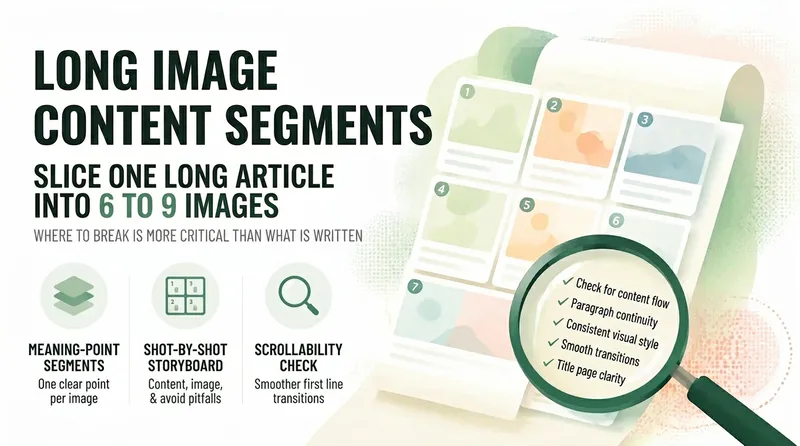
ImageLong-Form Carousel Splitter
Long posts rarely get read to the end, so everyone wants to split them into slides—but most people split them the wrong way: dividing by word count leaves every slide feeling like a mini essay, the first slide gives away the conclusion and stops people from swiping, and the last slide burns goodwill with a forced follow prompt. 【Long-Form Carousel Splitter】doesn’t split by word count. It splits by "how many complete ideas there are": one idea per slide, with fewer slides preferred over more. So it may first tell you, "This piece is really only enough for 7 slides," instead of forcing it into nine. It then provides a slide-by-slide storyboard: what each slide covers, which sentences to include (with word counts), visual requirements, and the most common mistake to avoid on that slide. The first slide only needs to make people stop, with the minimum necessary information. The last slide only needs to leave them with one memorable line, not a summary. It also includes a practical swipeability check: read the first line of each slide together as a standalone passage. If it sounds like a complete sentence, the breakpoints are probably right. Hard rules: It does not generate images, put text in visuals, rewrite the original copy for you, include any existing IP characters, imitate the layout of a specific account, or promise completion rates.
Information
- Version
- v3
- Last updated
- Runtime credits
- Usage-based
- Models
- Auto
- Use cases
- Images & designLearning & education
- What you get
- Image
- Visual styles
- MinimalistHand-drawnFlat
