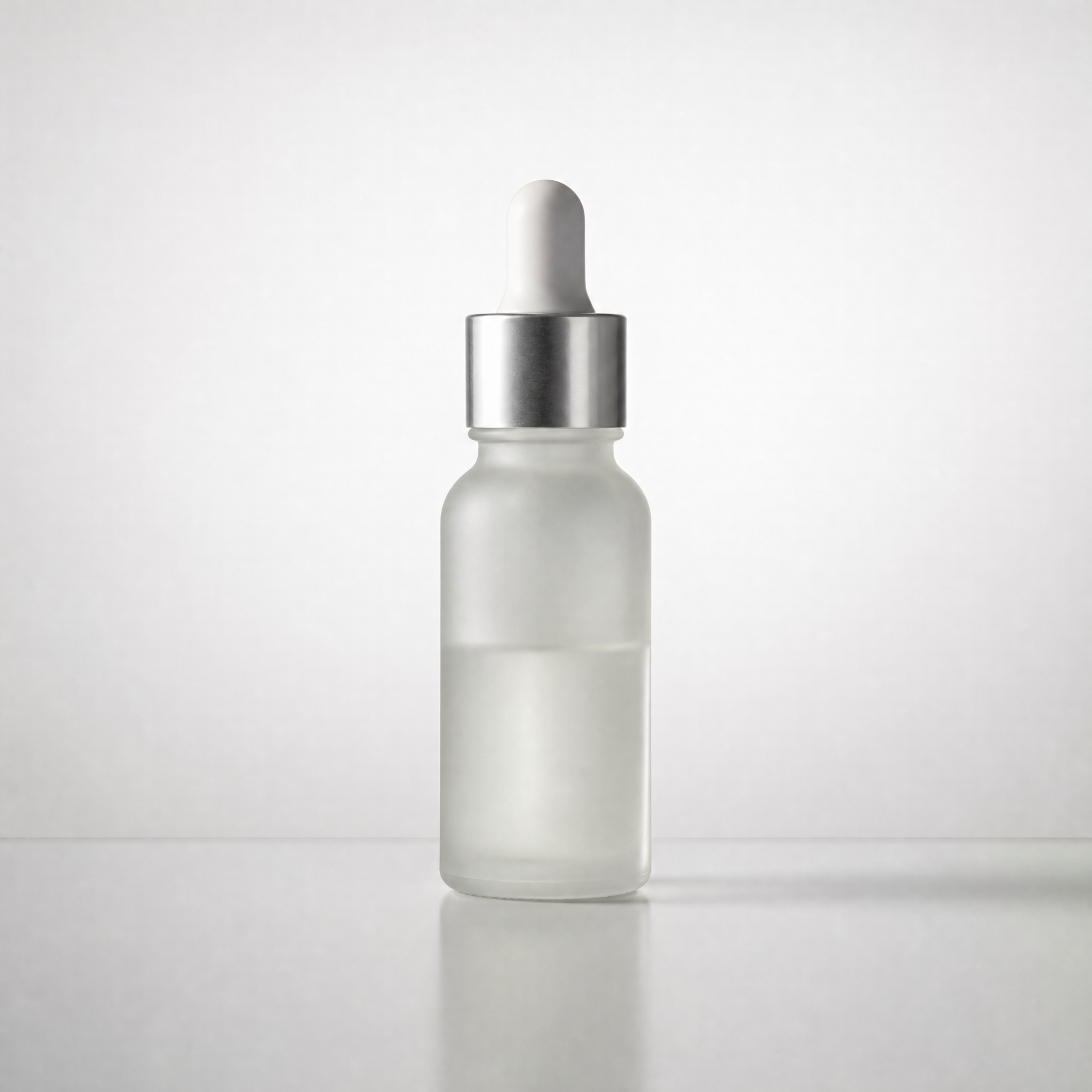
Product Visual Planner
Turn product photos into actionable visual plans
Product Visual Planner
Turn product photos into actionable visual plans
Showcase
Description
A commercial visual workflow for e-commerce main images, product posters, social media covers, and product scene photos. It first organizes real selling points and shooting constraints to output directly actionable visual plans. Once confirmed by the user, it generates or edits images while carefully verifying that product appearance, text, and parameters remain trustworthy. Perfect for creators who need to maintain product authenticity while systematically producing images.
Recommended by
Dancang
Why we love this skill
Organizes scattered requests into actionable visual briefs, composition plans, and delivery standards, featuring a product fact baseline that avoids unauthorized parameters and exaggeration while ensuring image consistency through reference verification, risk checks, and quality control.
Best for
Ideal for systematically planning e-commerce main images, product posters, social media covers, or scene graphics based on real product information.
How to use this Skill
Provide your input
Provide product photos, verified product selling points, distribution channels, aspect ratios, brand guidelines, and elements to include or avoid.
Run the Skill
First, organize product facts and pending items, then create composition, scene, lighting, and copy hierarchy plans; generate or edit images after confirmation, or provide copyable prompts with accuracy checks.
Review your result
Receive a visual requirements brief, actionable main image or poster plans, as well as prompts or image delivery and risk check results.
Related Skills
View all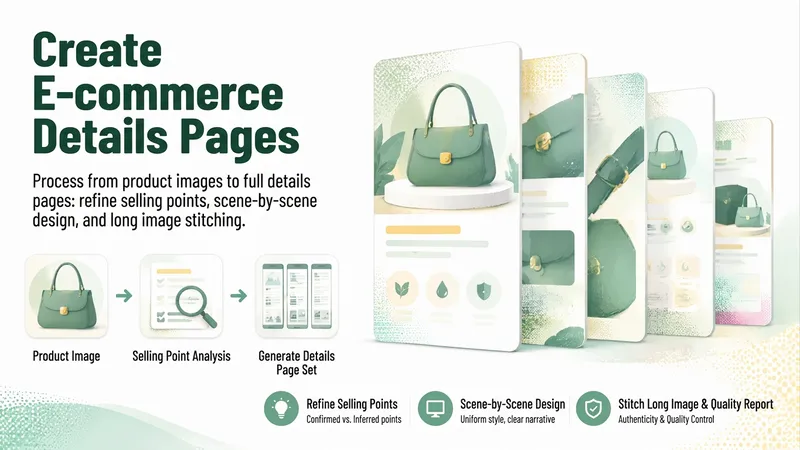 Image
ImageE-Commerce Detail Page Maker
Transform product images and existing materials into an evidence-based, actionable e-commerce detail page plan suitable for Taobao, Tmall, JD.com, Douyin Shop, Pinduoduo, Amazon, and independent stores. The Skill first identifies the product appearance, structure, material feel, and visible information, clearly distinguishing confirmed content from inferred details to fill specification gaps. It analyzes core selling points, target audiences, usage scenarios, and differentiation while avoiding fabricated parameters, effects, or certifications. Once the product facts are clear, it plans the number of screens and narrative order, providing a visual style tailored to the category and audience, including color schemes, layouts, photographic atmosphere, and information pacing. Upon direction confirmation, it generates screen-by-screen headings, sub-copy, information points, and Chinese AI image generation prompts to keep the product appearance and visual style consistent across the entire set. When actual image generation is required, it produces and checks images screen by screen based on the original product image, focusing on product fidelity, structural integrity, clear text, selling point coverage, and compliant wording. It then compiles vertical long images where conditions permit, delivering plain text, actual prompts, and finished quality inspection results.
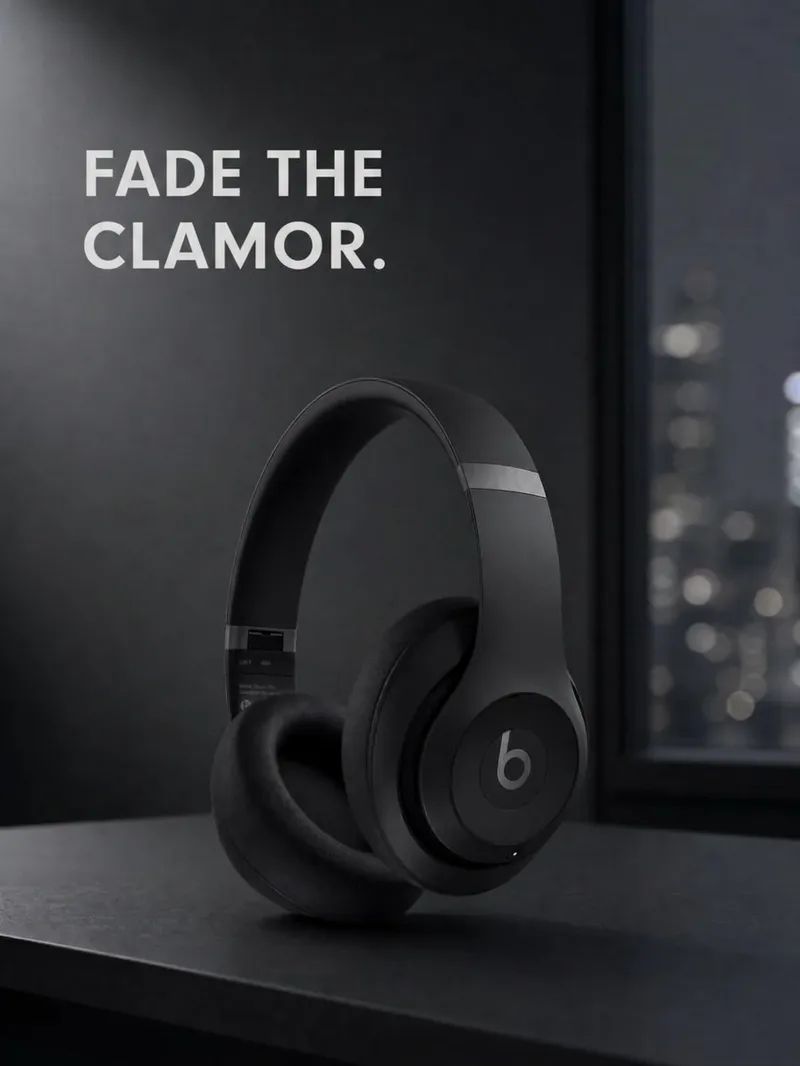
Product Ad Three-Image Studio
Upload a clear product photo and its exact name. First, choose a visual direction, then create a consistent product hero image, usage scene image, and feature image—three separate 3:4 portrait images by default. Ideal for small brands, e-commerce shop owners, and brand content creators. Preserve the product’s colors, proportions, packaging, key structures, and readable labels. Use only confirmed facts for its selling points. All three images share the same brand guidelines and include corresponding copy, a product consistency check, and a reusable profile. Image generation requires an environment that supports reference-image editing and uses the corresponding generation credits. Confirm the direction and image count first; additional generations require confirmation. Perfect reproduction is not guaranteed. If capabilities are insufficient, deliver clearly labeled planning and prompts rather than pretending images were generated. Try it directly: three mug images in a desktop setting, three storage-box images in lifestyle scenes, or three branded food-packaging images. Does not include ad placement, product listing, or video.
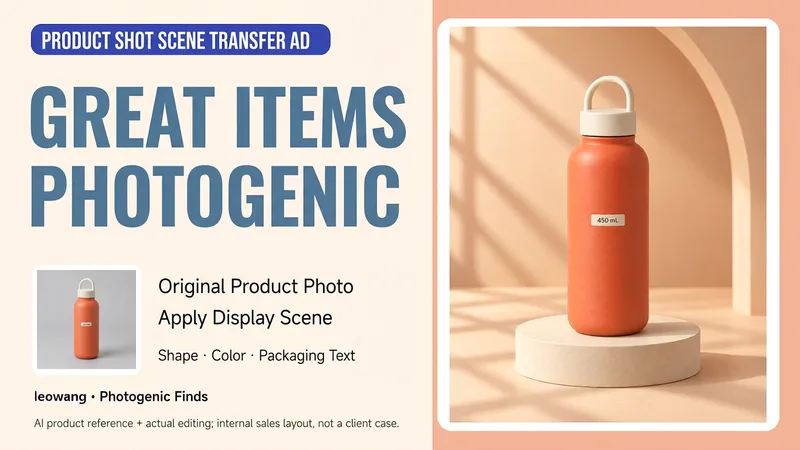
Product Photo to Scene Ad
Have a product photo but no usable scene image to showcase it? Upload a photo of a single product and tell me its real selling points, brand style, and intended use. I’ll help design the set, lighting, and composition, then generate a scene ad image while checking the product’s shape, color, quantity, and packaging text against the original. Suitable for small businesses, handmade sellers, and independent brands. The first version focuses on one product in one scene. By default, it creates a clean image without ad copy; when text is needed, use content supported by the provided information. The final image depends on the reference-image generation or editing tools available in the host environment. Generative editing may change product details, so exact reproduction of packaging, labels, or colors is not guaranteed. When the original product must remain completely unchanged, use a compositing method that preserves the product layer. Product design and workflow: leowang.
Information
- Version
- v7
- Last updated
- Runtime credits
- Usage-based
- Models
- Auto
- Use cases
- Images & designMarketing & growthE-commerce & sales
- What you get
- BriefPromptPlan
