
Jimeng Shot Recipe Pro
Turn ideas into shoot-ready prompts
Jimeng Shot Recipe Pro
Turn ideas into shoot-ready prompts
Showcase
Description
Turn one-line ideas into Jimeng video prompts ready for direct use: first break them down with a five-part recipe table covering the subject, action, setting, camera, and lighting quality; then create three directions—conservative, stylized, and experimental—along with a parameter panel for duration, aspect ratio, motion intensity, and reference mode. A negative checklist and four-point post-generation review help reduce unusable results.
Best for
Content creators and ad producers who need to quickly turn video ideas into actionable prompts and shooting parameters.
How to use this Skill
Provide your input
Provide a one-line video idea, including the subject, action, setting, mood, duration, aspect ratio, and intended use when possible.
Run the Skill
Organize the idea into a shot recipe, then create conservative, stylized, and experimental directions with matching parameters and checkpoints.
Review your result
Get ready-to-use video prompts, a parameter panel, a negative checklist, and a post-generation review.
Related Skills
View all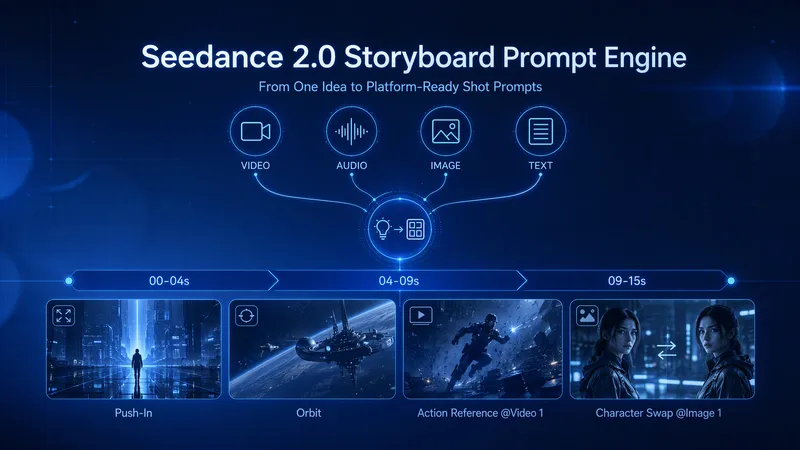 Video
VideoShot Director Pro | Jimeng
Turn a creative idea into a shot list that Jimeng Seedance 2.0 can understand directly: first check the assets and duration, then break the story into shootable shot units, fill in each shot card frame by frame, and finally compile a prompt sequence with timings, camera movement, action, and setting details—along with an asset list and revision suggestions. Supports mixed text, image, video, and audio inputs, and lets you revise a single shot without reworking the entire video.
即梦Seedance2.0 Prompt Gen & Opt
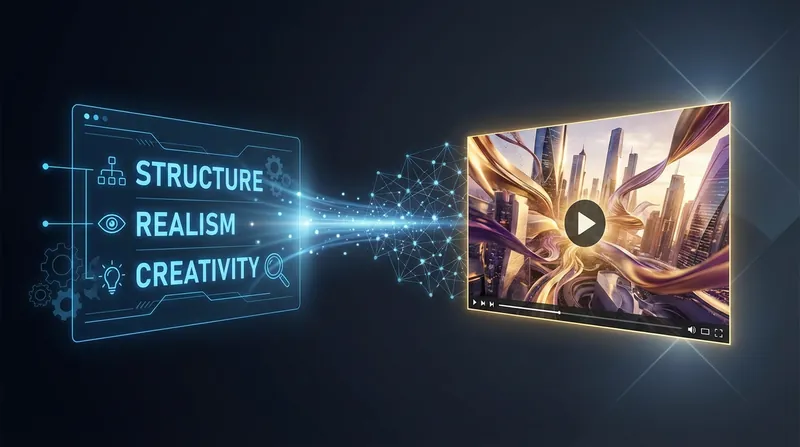
即梦 Seedance 2.0 video production expert, dedicated to helping users create video content with cinematic quality and limitless creativity. By deeply optimizing the prompt structure, this tool transforms your initial ideas into a professional instruction set covering subject description, scene environment, visual style, camera dynamics, lighting and atmosphere, and quality requirements, significantly enhancing the video's realism and visual impact. You can explore a variety of enhancement techniques, from skin texture and the physics of gravity to consistent natural lighting, to refine every detail of your video. Whether you're creating a cyberpunk future city, a character-driven story full of life, or surreal artistic concepts, it provides tailored scene-based parameter suggestions—including duration, aspect ratio, motion intensity, and shot size—ensuring professional-grade results. To meet diverse creative needs, it includes a rich prompt template library covering landscapes, product close-ups, sci-fi futures, and retro nostalgia. Through precise Chinese prompt optimization, you can easily master the core capabilities of 即梦 Seedance 2.0, balancing creativity and realism to quickly produce high-resolution, detail-rich premium videos.
AI Video Storyboard Sheet
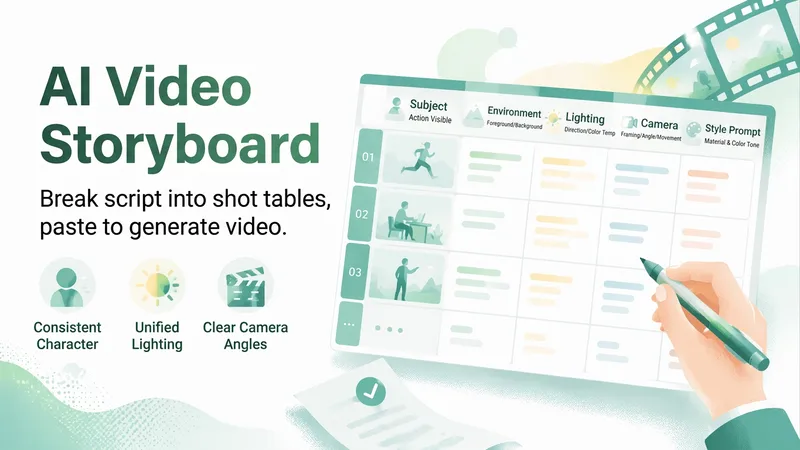
Two of the most common ways AI videos go wrong are unclear instructions to the model (for example, “a vibrant person welcoming a new day” is too vague to execute) and characters who look different from one shot to the next. 【AI Video Storyboard Sheet】 breaks your script into a table you can copy and paste into an AI video tool for shot-by-shot generation. Each shot covers five elements: subject (who is performing what visible action), environment (what appears in the foreground and background), lighting (direction, softness, and color temperature), camera (shot size, camera height, and movement), and a style line (materials and color palette). The most important part is the “three-step consistency method”: write the main character description as a fixed text block and copy it exactly each time while changing only the action; repeat the same lighting and scene description in every shot; and anchor the sequence with a first-frame image before letting the video tool use it as a reference, which is much more effective than repeatedly revising text prompts. It also provides duration breakdowns and transition suggestions, along with six common failure points and ways to avoid them: distorted faces when multiple people appear together, warped forms during fast movement, garbled text in the frame, incorrect hands in close-ups, blurry reflective materials, and clothing color changes between shots. Strict rules: it does not generate videos, use real-person portraits, or perform face swaps; it does not include existing cartoon, anime, game, or film characters; it does not imitate living directors or artists, even without naming them; it does not generate images of minors or exposed content; and it does not teach users to present generated footage as real news.
Information
- Version
- v2
- Last updated
- Runtime credits
- Usage-based
- Models
- Auto
- Use cases
- Images & designVideo & audio
- What you get
- PromptPlan
