
AI Video Storyboard Sheet
Turn scripts into shot-by-shot prompts
AI Video Storyboard Sheet
Turn scripts into shot-by-shot prompts
Showcase
Description
Two of the most common ways AI videos go wrong are unclear instructions to the model (for example, “a vibrant person welcoming a new day” is too vague to execute) and characters who look different from one shot to the next. 【AI Video Storyboard Sheet】 breaks your script into a table you can copy and paste into an AI video tool for shot-by-shot generation. Each shot covers five elements: subject (who is performing what visible action), environment (what appears in the foreground and background), lighting (direction, softness, and color temperature), camera (shot size, camera height, and movement), and a style line (materials and color palette). The most important part is the “three-step consistency method”: write the main character description as a fixed text block and copy it exactly each time while changing only the action; repeat the same lighting and scene description in every shot; and anchor the sequence with a first-frame image before letting the video tool use it as a reference, which is much more effective than repeatedly revising text prompts. It also provides duration breakdowns and transition suggestions, along with six common failure points and ways to avoid them: distorted faces when multiple people appear together, warped forms during fast movement, garbled text in the frame, incorrect hands in close-ups, blurry reflective materials, and clothing color changes between shots. Strict rules: it does not generate videos, use real-person portraits, or perform face swaps; it does not include existing cartoon, anime, game, or film characters; it does not imitate living directors or artists, even without naming them; it does not generate images of minors or exposed content; and it does not teach users to present generated footage as real news.
Best for
Content creators, marketers, and video producers who need to turn scripts into AI video storyboards and shot-by-shot generation prompts.
How to use this Skill
Provide your input
Provide a voiceover script, product introduction, or story, along with its purpose, duration, aspect ratio, overall tone, subjects or scenes that must stay consistent, and the tool you'll use.
Run the Skill
Break the script into a shot-by-shot storyboard with visible actions, environment, lighting, shot size, camera position, movement, and style, while keeping character and scene descriptions consistent.
Review your result
Get shot-by-shot prompts you can copy into an AI video tool, plus first-frame descriptions, timing, transition suggestions, and tips for avoiding common visual problems.
Related Skills
View all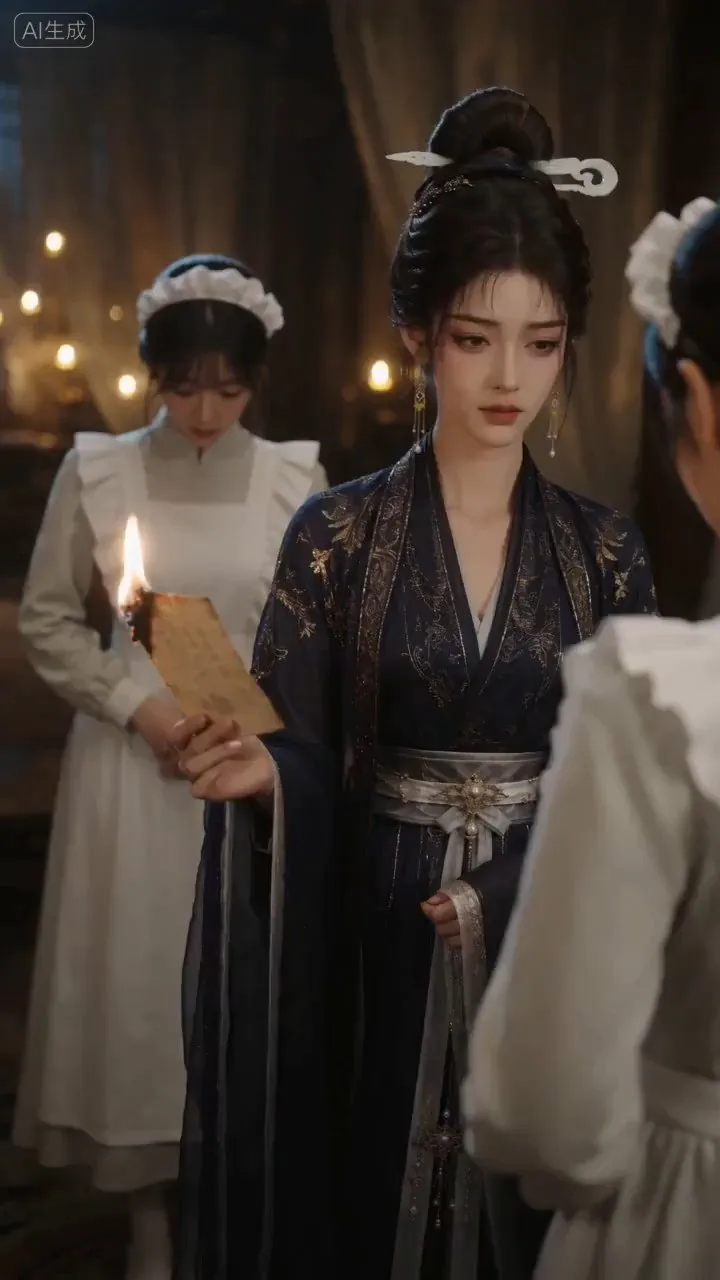
AI Video & Storyboard Prompts
Turn storylines, character profiles, or existing video prompts into professional storyboards and ready-to-use shot prompts for AI video generation. Whether the scene involves contemporary life, historical drama, mystery, romance, or high-payoff drama, the skill focuses on character relationships, pacing, and emotional hooks. It clearly defines shot scale, camera position, perspective, camera movement, composition, lighting, ambient sound, and dialogue, giving every shot a clear visual focus and actionable movement. The skill pays close attention to character consistency and scene continuity. It helps lock in each character’s appearance, clothing logic, identity and status, and defining details, reducing generation issues such as facial changes, visual drift, spatial confusion, and unclear actions. A character’s gaze, expressions, breathing, hand movements, and physical reactions are also translated into visible performance changes, strengthening conflict, tension, twists, and emotional progression. You can start with a complete storyline or provide existing character assets, storyboards, or prompts for targeted optimization. When you already have an established character profile, it can be reused directly to avoid redesigning it. The complete sequence can then be organized into clips of 15 seconds or less for generation with mainstream AI video models, while preserving visual, audio, and duration details for easy copying, use, and further editing.
 Video
VideoSpark | Video Diagram Maker
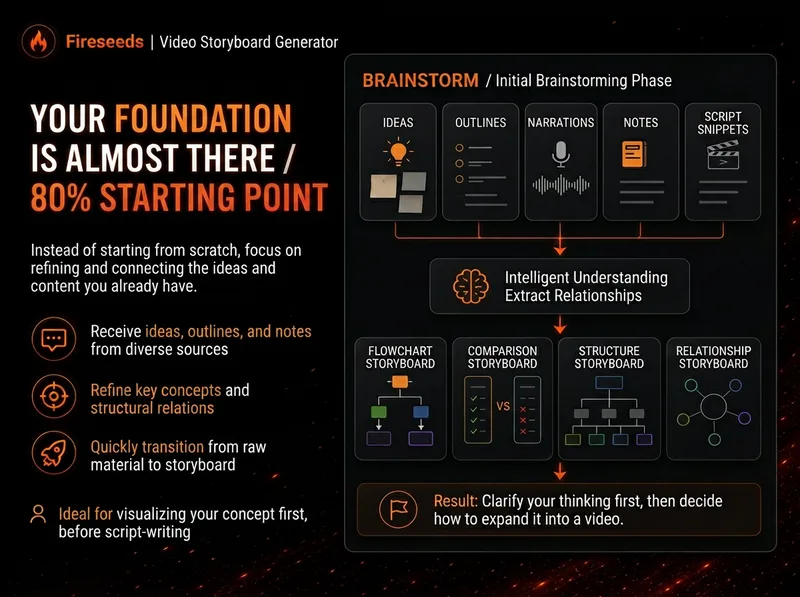
Many videos don’t lack content—the content is simply too abstract or dense. Viewers understand one sentence, then forget it by the next. “Spark | Video Diagram Maker” takes your ideas, brainstorms, outlines, scripts, transcripts, or articles and first breaks them down into concepts that are genuinely worth visualizing. It then determines whether they are best expressed as a process, comparison, architecture, hierarchy, cycle, branch, decision tree, or another diagram structure. It won’t draw just to hit a quota, or cram complex content into one cluttered infographic. Multiple diagrams maintain the same visual language, naming, and semantic color system, making them easy to insert into videos as an explanatory framework. Especially useful for: Explaining complex concepts Breaking down workflows Comparing two methods Showing system structures Clarifying cause-and-effect relationships Turning a long brainstorm into a set of visual nodes for a video The default output is a 16:9 static diagram. If the runtime environment cannot provide an editable Excalidraw source file, this will be stated clearly; static images will never be presented as .excalidraw files. Use cases Use case 1 | Turn a brainstorm into diagrams You only have a long stream of spoken ideas, without a complete script. The Skill identifies the points most worth drawing and organizes them into a set of diagrams with a clear presentation order. Use case 2 | Turn a script into visual nodes for a video You already have a complete script but don’t know where to add visuals. The Skill determines which sections are worth visualizing and selects suitable diagram types. Use case 3 | Explain complex concepts For example: how an AI Agent works, why a workflow matters more than a one-off demonstration, how a business model operates, or which layers make up a product architecture. Use case 4 | Break down a workflow or process For example: topic pool → research → Hook → script → production → review. Use case 5 | Make comparisons For example: no workflow vs. a workflow; traditional methods vs. AI methods; one-time success vs. stable, repeatable results.

MiniMax H3 Video Prompt Assistant
Give a complete reference video to a multimodal AI to automatically break down its real shots, timeline, visual changes, and audible sounds, then generate production-ready prompts for video creation. It is not limited to live-action, advertising, or film footage; it also supports product showcases, architecture and scenery, animals, food, sports actions, dance, 2D/3D animation, UI demos, screen recordings, infographics, visual effects, and abstract imagery. Based on the video’s information structure, the assistant can output complete text-to-video prompts, or generate shot-by-shot prompts for the reference image or first frame, continuous motion, necessary end frames, and shot-level stability constraints needed for image-to-video creation. When both the static image and temporal changes matter, it can provide both versions. The generated content preserves information that can be directly verified, including subjects, composition, camera movement, action causality, structural changes, text, dialogue, ambient sound, and music, while tracking each shot through its actual ending state. When text, sound, identity, location, or filming method cannot be clearly confirmed, the assistant avoids filling in details without evidence. It also distinguishes the intended scene from external elements such as player watermarks and control overlays, helping reduce content drift during generation. Suitable for creators and production teams who need to reverse-engineer text-to-video prompts or I2V shot prompts from reference videos, or organize source material for video reconstruction, style reproduction, and generative advertising.
Information
- Version
- v2
- Last updated
- Runtime credits
- Usage-based
- Models
- Auto
- Use cases
- Writing & contentVideo & audioMarketing & growth
- What you get
- DocumentPromptPlan
