
Shot Director Pro | Jimeng
Turn ideas into timed, camera-ready shot prompts
Shot Director Pro | Jimeng
Turn ideas into timed, camera-ready shot prompts
Showcase
Description
Turn a creative idea into a shot list that Jimeng Seedance 2.0 can understand directly: first check the assets and duration, then break the story into shootable shot units, fill in each shot card frame by frame, and finally compile a prompt sequence with timings, camera movement, action, and setting details—along with an asset list and revision suggestions. Supports mixed text, image, video, and audio inputs, and lets you revise a single shot without reworking the entire video.
Recommended by
Dancang
Why we love this skill
Turns vague ideas into a continuous timeline, filmable actions, and eight standardized camera moves, while placing image, video, and audio assets precisely in prompts. Three questions, asset limits, and five checks keep execution on track.
Best for
Content creators and video professionals who need to turn short-video ideas into practical storyboards and generation prompts.
How to use this Skill
Provide your input
Provide a one-sentence concept, target duration, and the number and file names of your image, video, audio, and text assets.
Run the Skill
The system checks the assets and duration, then breaks the concept into continuous shots with framing, camera movement, action, setting, and asset references.
Review your result
Get a shot list with timings, shot cards, copyable Jimeng prompts, an asset reference list, and revision suggestions.
Related Skills
View all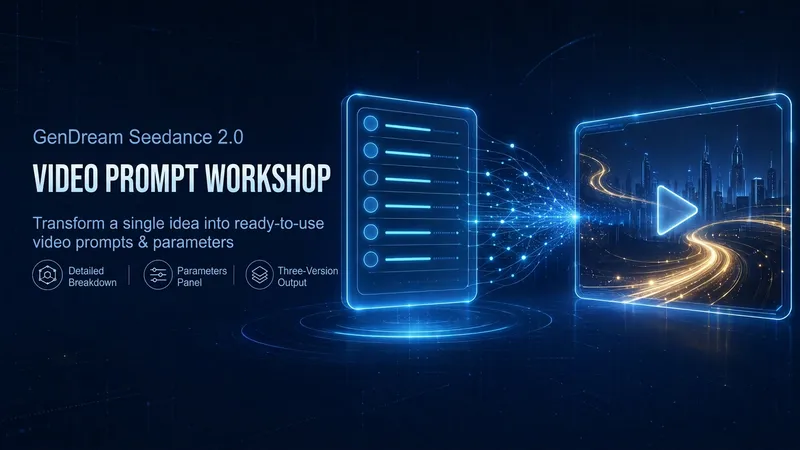
Jimeng Shot Recipe Pro
Turn one-line ideas into Jimeng video prompts ready for direct use: first break them down with a five-part recipe table covering the subject, action, setting, camera, and lighting quality; then create three directions—conservative, stylized, and experimental—along with a parameter panel for duration, aspect ratio, motion intensity, and reference mode. A negative checklist and four-point post-generation review help reduce unusable results.
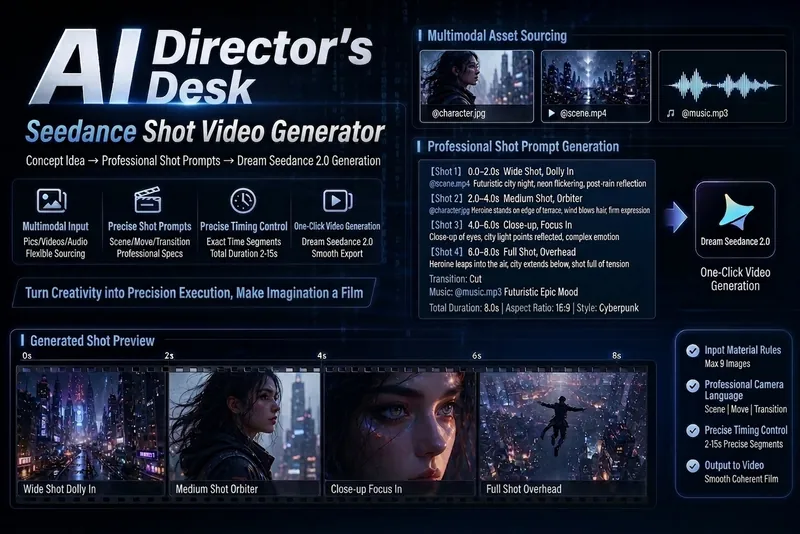
AI Director: Seedance Storyboard
A professional storyboard prompt generator deeply adapted for Jimeng Seedance 2.0. Outputs complete storyboard scripts by time segments, automatically handles @material reference syntax, 2000-character limit, and first/last frame control. Can be directly copied and pasted into Jimeng. Supports short films, ads, music videos, wuxia, fantasy effects, video extension, and more. Trigger words: "Make storyboard," "Generate storyboard," "Seedance prompt," "Video prompt."

即梦 Seedance 2.0 Script Master
This Skill transforms your creative ideas into cinematic AI short-film scripts and directly outputs executable prompts that can be pasted into 即梦. It supports adaptive recommendations for 6 visual styles, automatically splits scenes into 4–15 second clips, and incorporates @multimodal references, time-segmented descriptions, and complete audio design. Every storyboard is brought to director-level quality and is ready for use with Seedance 2.0.
Information
- Version
- v2
- Last updated
- Runtime credits
- Usage-based
- Models
- Auto
- Use cases
- Images & designVideo & audio
- What you get
- DocumentPromptPlan
