Quick Reference Assistant
Quick Reference Assistant
Showcase
Description
Remember saving a YouTube tutorial but can't find it after searching all boards? Materials scattered across dozens of boards, always scrambling when you need them. Quick Reference Assistant lets you locate them instantly with natural language—"Find YouTube videos about OpenClaw." One sentence, it automatically searches across all boards and gives you direct links. Say goodbye to 'save and forget.'
Related Skills
View all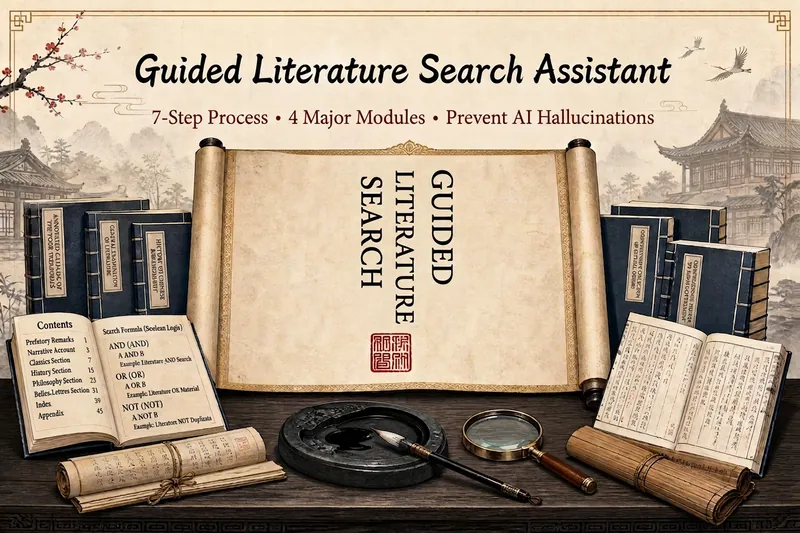 Research
Guided Literature Search
Search literature differently: this Skill gives you a “map of the field” first. It offers five standout capabilities: ① Reviews first, core papers second (a strict rule)—find 3–5 review articles to map the field, then follow their references to locate core literature, so you are not overwhelmed by hundreds of papers from the start; ② Literature authenticity verification (to prevent AI hallucinations)—uses placeholder-pattern checks and real-time verification through CrossRef, DOI, CNKI, and Wanfang, checking each author, journal, DOI, and page number without fabricating a single reference; ③ Automated advanced CSSCI searches on CNKI—when you have VPN or institutional access, automatically extract CSSCI records and abstracts, up to 100 papers at a time, and save them directly to Excel; ④ Direct English OA downloads—download directly from arXiv, MDPI, Frontiers, and other sources at 100%; download approximately 50–70% of Springer and Elsevier OA papers directly; for paywalled papers, receive a DOI link and VPN download instructions; ⑤ Topic selection with the Three-Circle Focus Method—intersect policy trends, your prior experience, and your problem awareness to turn a vague idea into a genuinely worthwhile research topic. The seven-step core workflow is: research topic design → keyword refinement → find reviews first → find core literature → screen and verify → attempt downloads → produce a prioritized reading list. It also includes two enhanced modules: a structured 12-element breakdown in Excel and iterative reflection after reading. Clear boundaries: it does not promise to bypass CNKI’s anti-scraping protections to download Chinese full texts, log in to a VPN on your behalf, or write the main body of your paper. Designed for graduate students, university faculty, and academic researchers who need to conduct systematic literature searches.
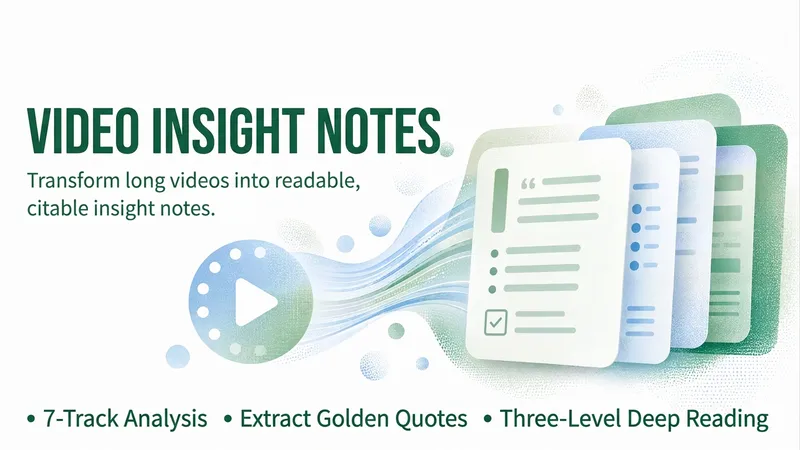
YouTube Video Insights Pro
Provide a YouTube video link, a video or audio file, or subtitles or a transcript, and this Skill will turn it into structured, quotable insight notes. Its proprietary “Seven-Track Insights” engine covers seven types of output: ① one-sentence overview ② chapter map ③ core arguments and reasoning chain ④ key cases and data ⑤ standout quotes with timestamps ⑥ actionable checklist ⑦ glossary plus controversies, limitations, and further directions. It supports Quick Read, Standard, and Deep Read modes; lets you specify the output language and request a bilingual version; and can synthesize and compare multiple videos. Every conclusion stays faithful to the original video without inventing content that was not included. Each quote includes a timestamp and source, making it easy to quote, share, or use in further creations.
 Research
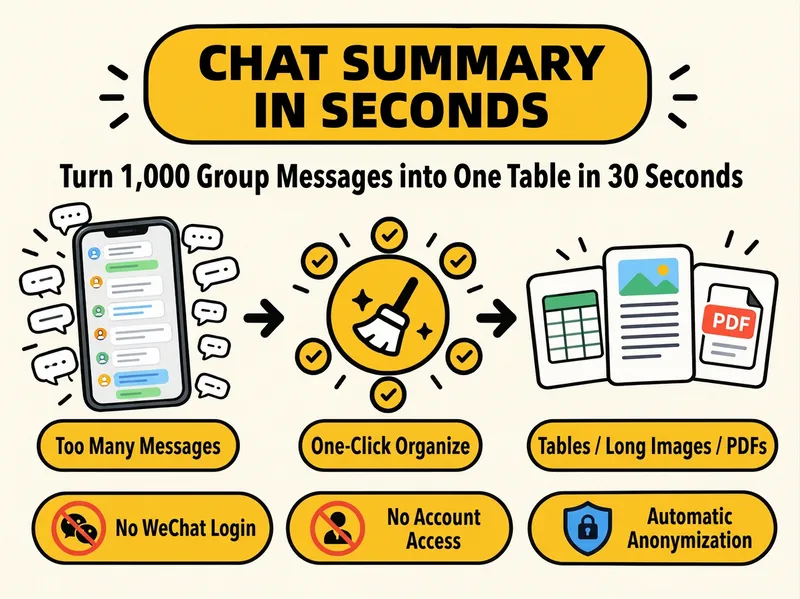
WeChat Group Review Assistant
Too many groups, too many messages, and no time to scroll? Hand them over to the one-click review assistant. Send in your exported, copied, or screenshotted WeChat group chat logs, and it will automatically organize them into a clear summary and export them to your desired format. What you get: 🔥 Hot topics: What people are talking about and who disagrees 💡 Key insights: Valuable experiences and methods worth saving ❓ FAQs and answers: Which questions are solved and which are unanswered 🔗 Resources and links: Tools, files, and URLs shared in the group 📌 Action items and deadlines: Who is doing what and when ⚠️ Disputes and risk warnings: Potential ads, traffic generation, or misinformation 📈 Trends and content ideas: Angles you can directly use for content creation Three output formats to choose from: 📊 Excel spreadsheet: A separate sheet for each section, filterable and copyable 🖼️ Long image: Great for sharing in groups, on Moments, or on Xiaohongshu 📄 PDF: Perfect for archiving and forwarding to colleagues
Information
- Version
- v1
- Last updated
- Runtime credits
- Usage-based
- Models
- Auto
