Photography Scheme Reference Guide
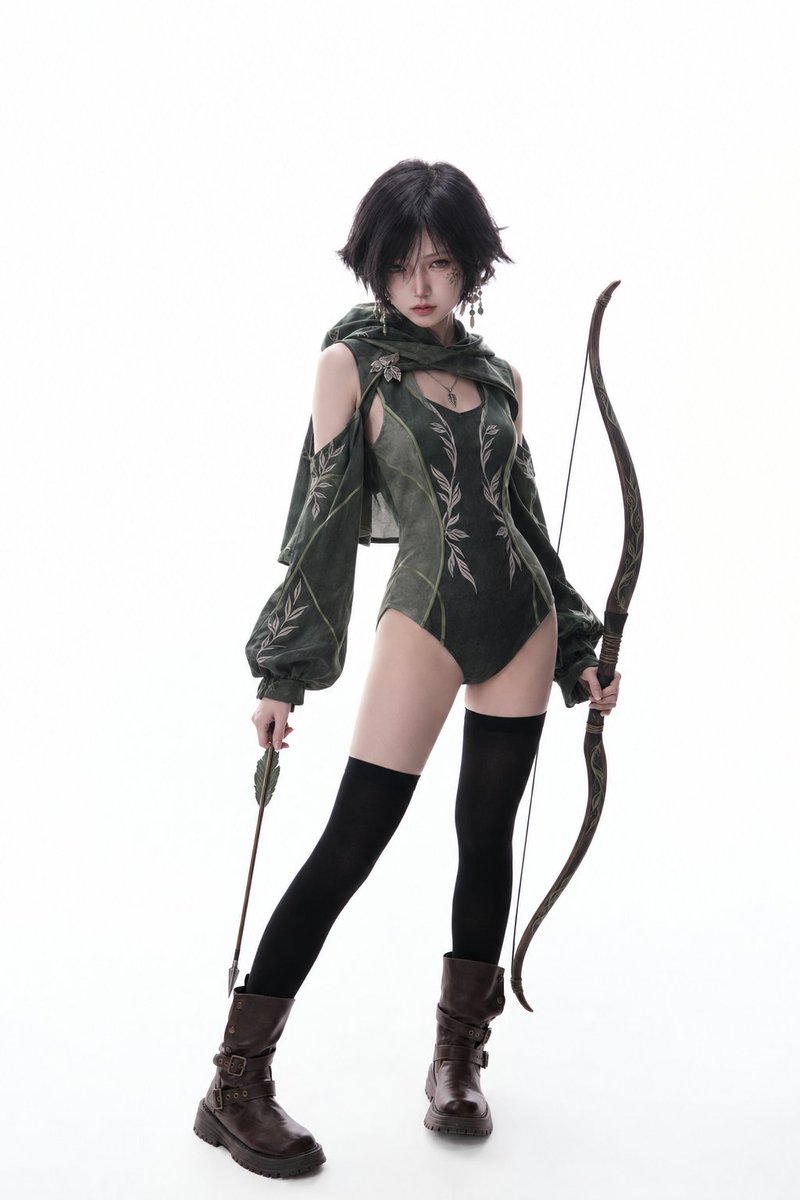
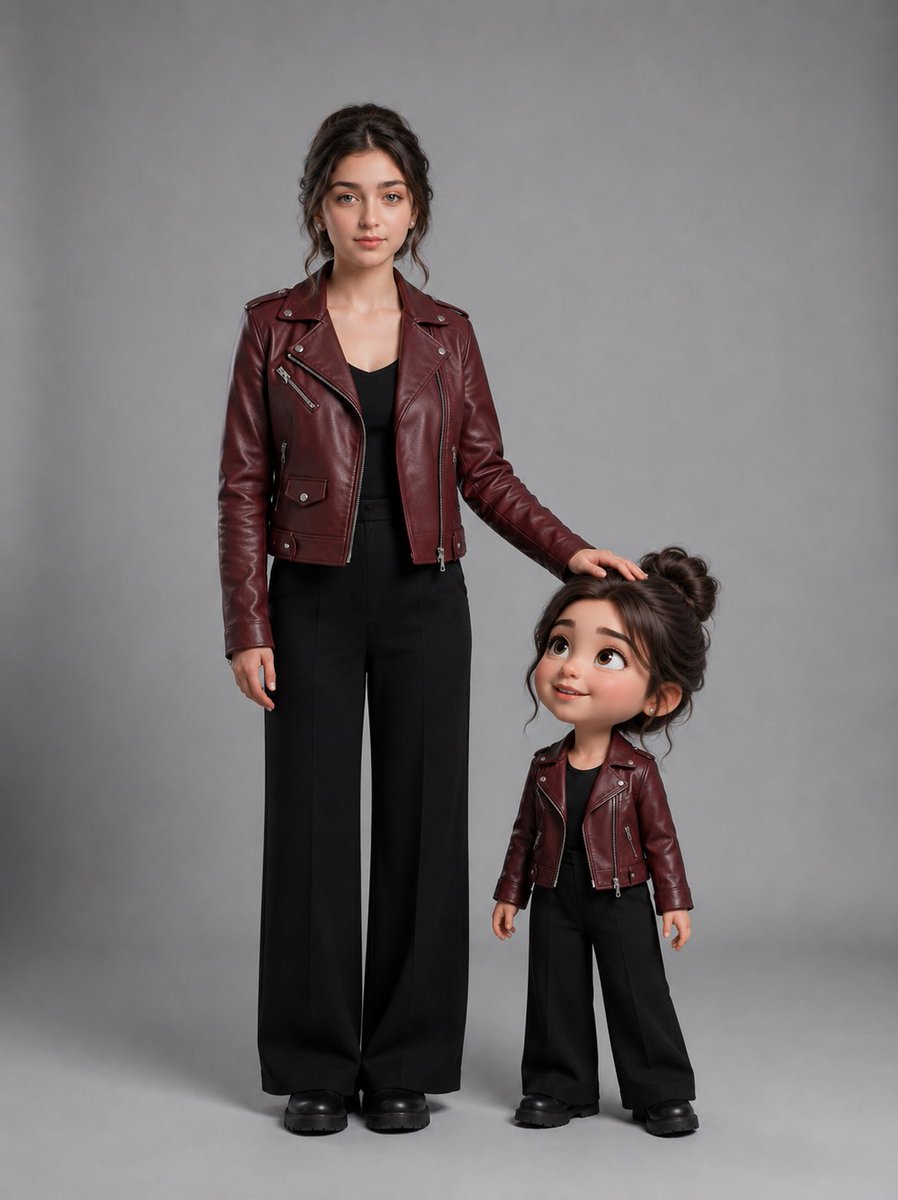
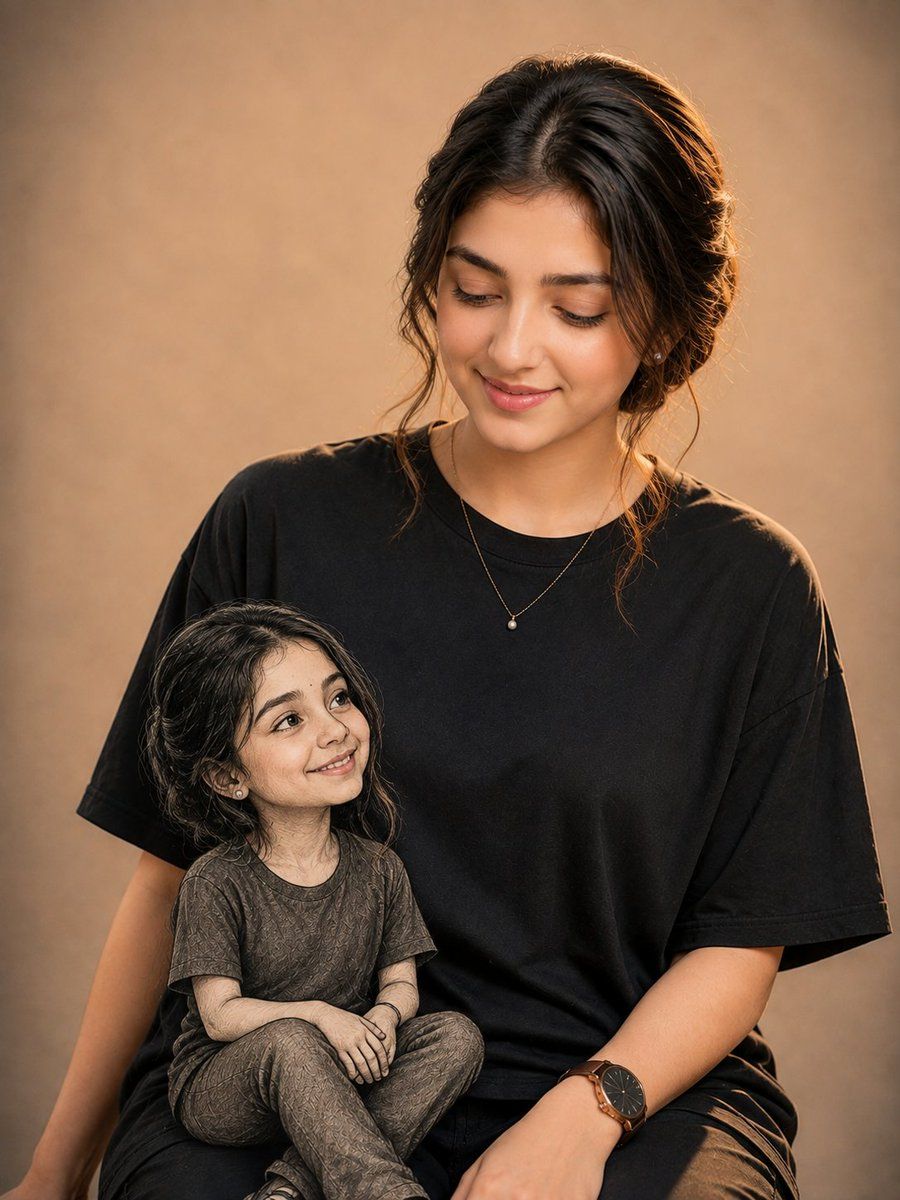
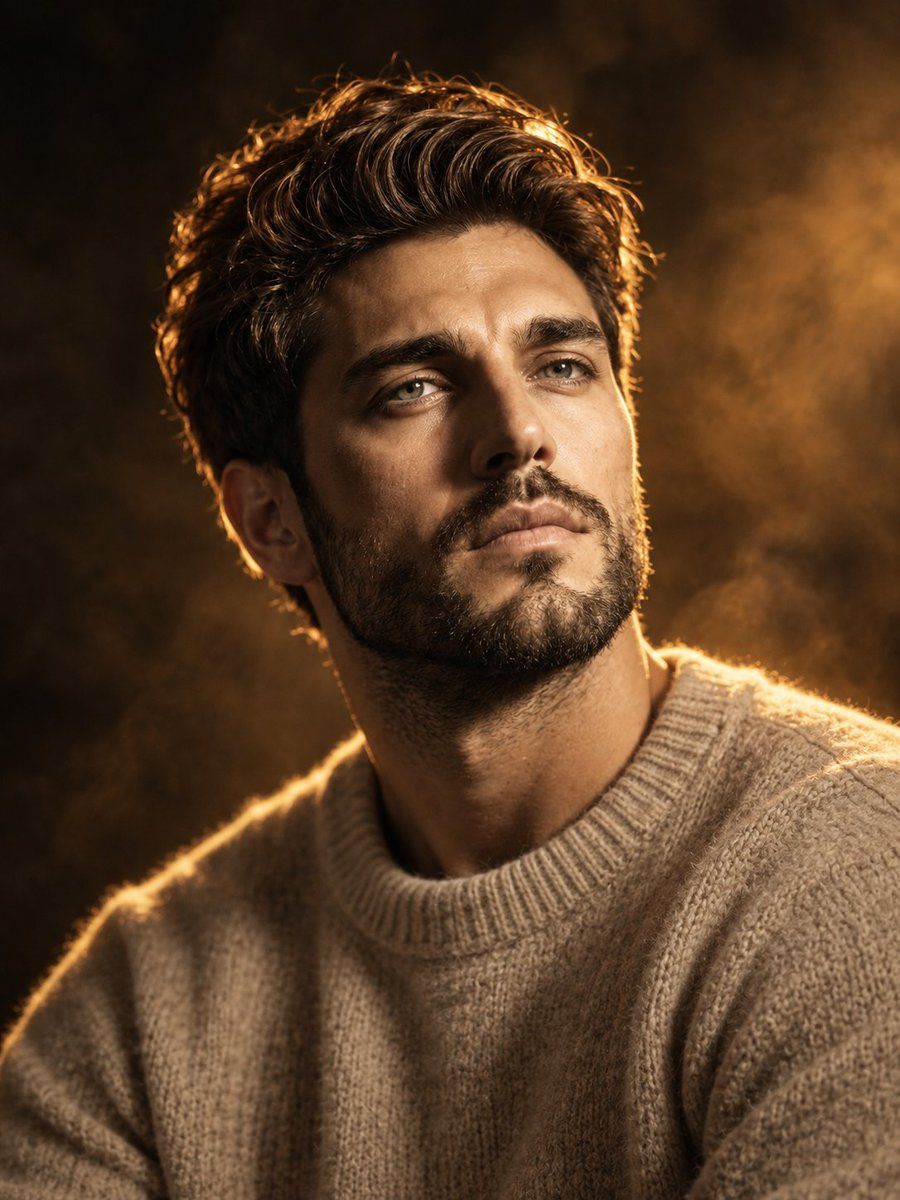
A workflow prompt for GPT Image 2.5 that uses an attached image as a lighting and composition reference while allowing for new character designs.
How to use this prompt
- 1
Copy the full prompt above.
- 2
Open a platform that supports GPT Image 2, such as YouMind, and paste the prompt in.
- 3
Swap the subject, style, or details to fit your idea, then generate.
This is a free AI prompt from YouMind's prompt library. Explore thousands more image prompts, all free to copy and adapt.
Explore more image prompts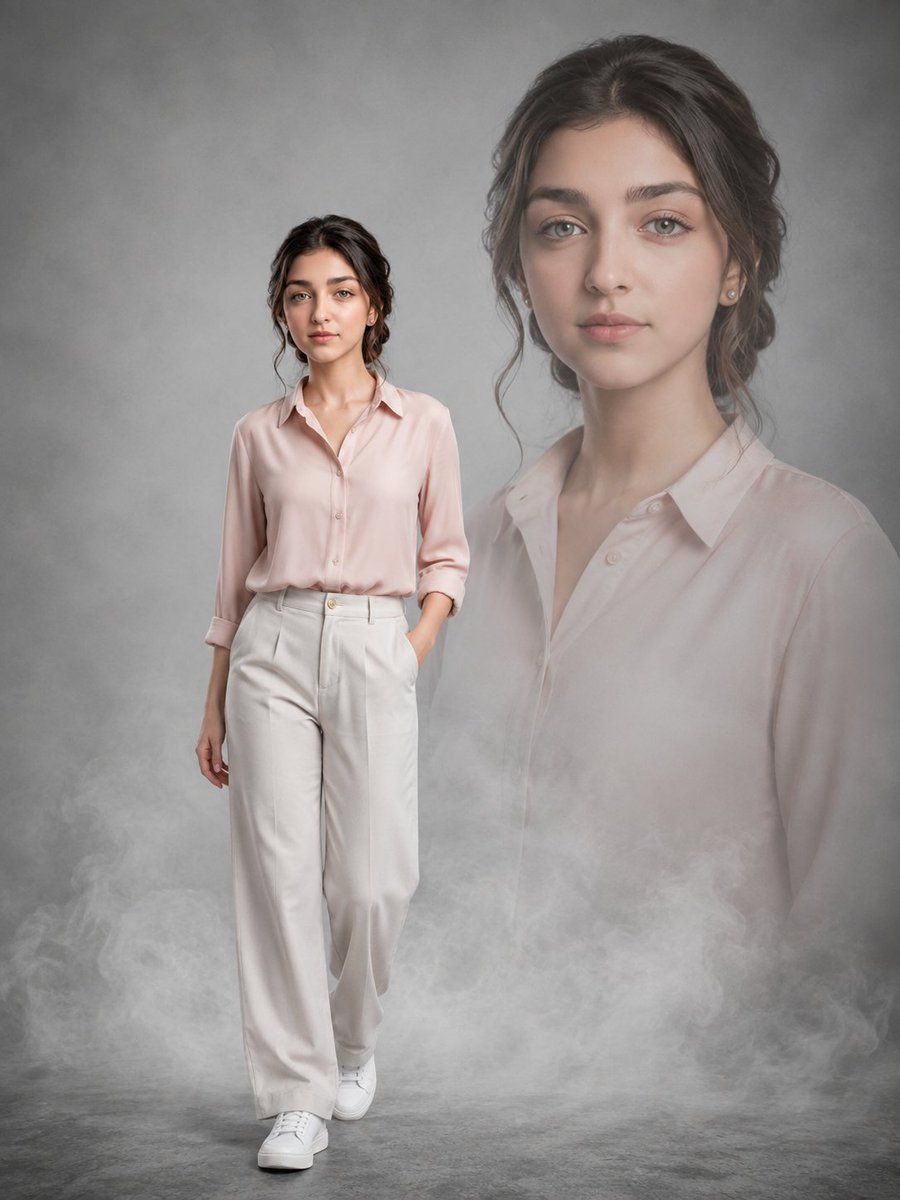
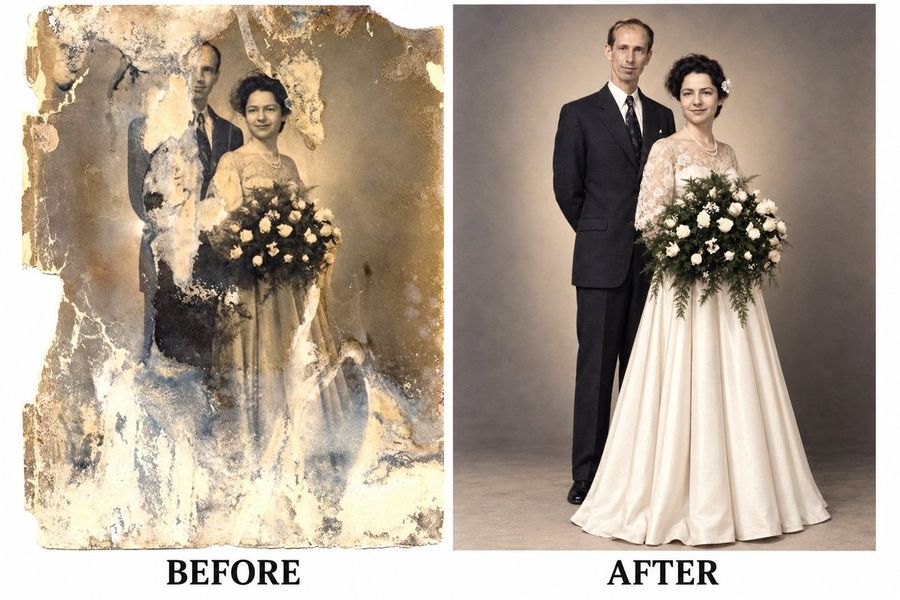
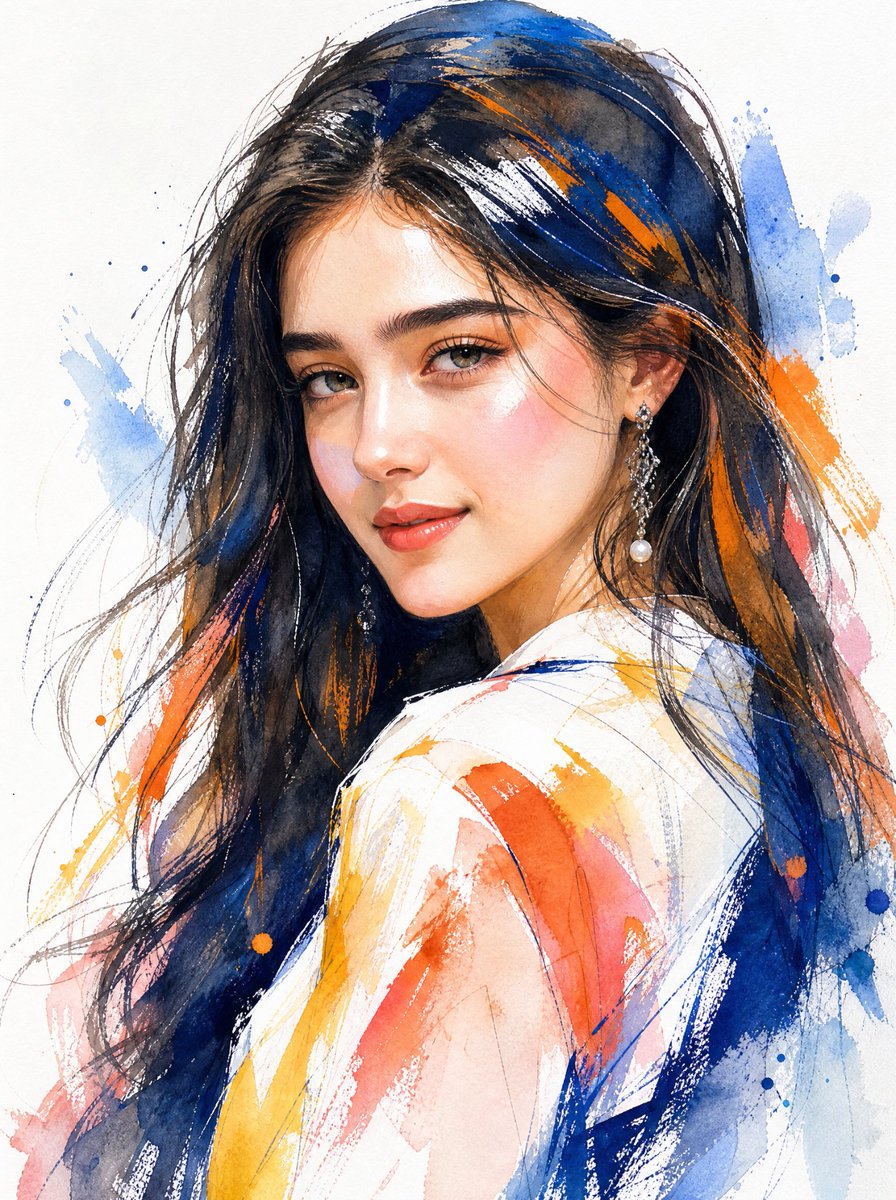
All Image Categories
More Prompt Features

AI prompt search
Let AI search through tens of thousands of prompts. Filter by model, time range, keywords, and sort by engagement — views, bookmarks, reposts and more.
Image to Prompt
Turn any photo into a detailed AI image prompt. The free image to prompt converter analyzes composition, style, and lighting so you can recreate any look in seconds.
Other Prompt Features
Built for creators. Free forever.
YouMind is the AI creative copilot trusted by millions of creators worldwide. Every prompt here is curated to help you create better, faster.