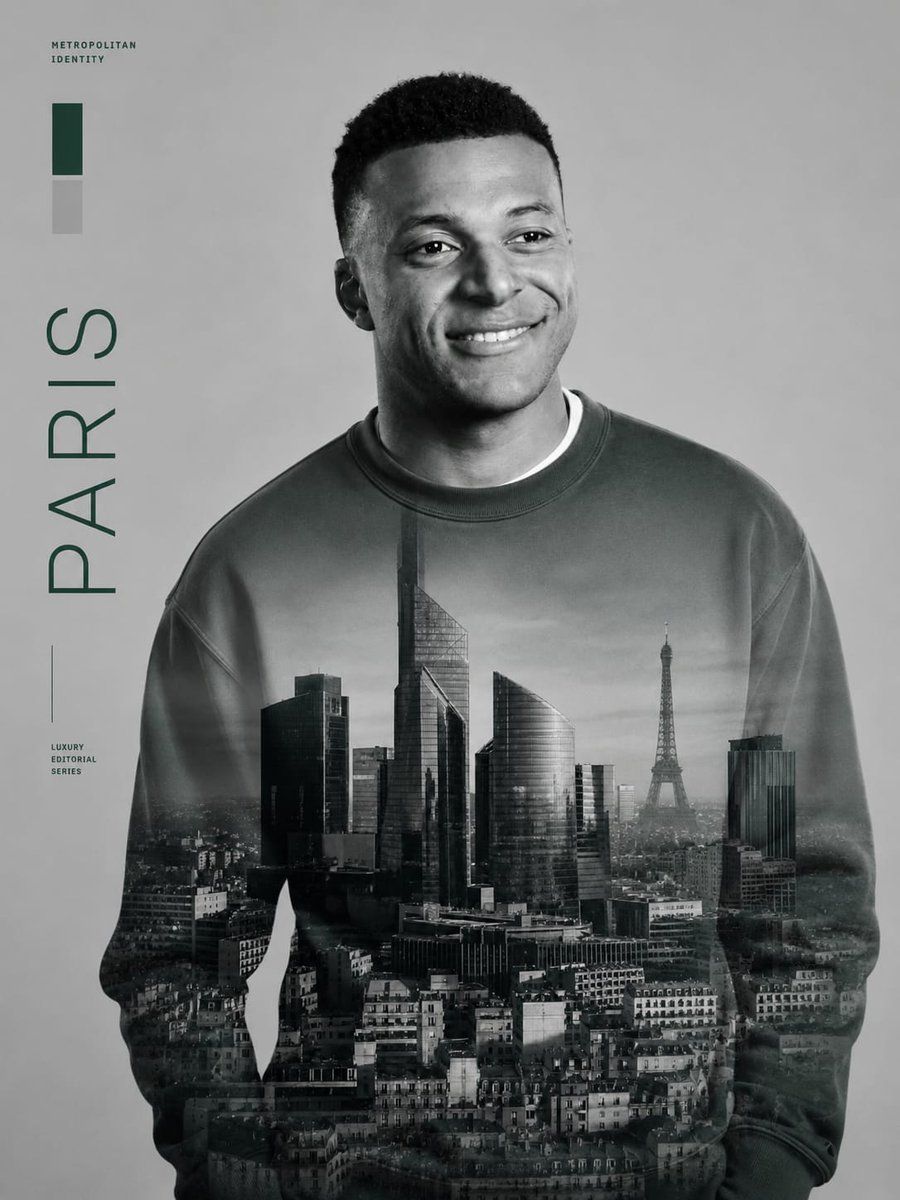
Metropolitan Double Exposure Portrait

Creates a luxury monochrome editorial portrait from a reference face with a cityscape double exposure on the sweatshirt and minimalist city typography.

Prompt
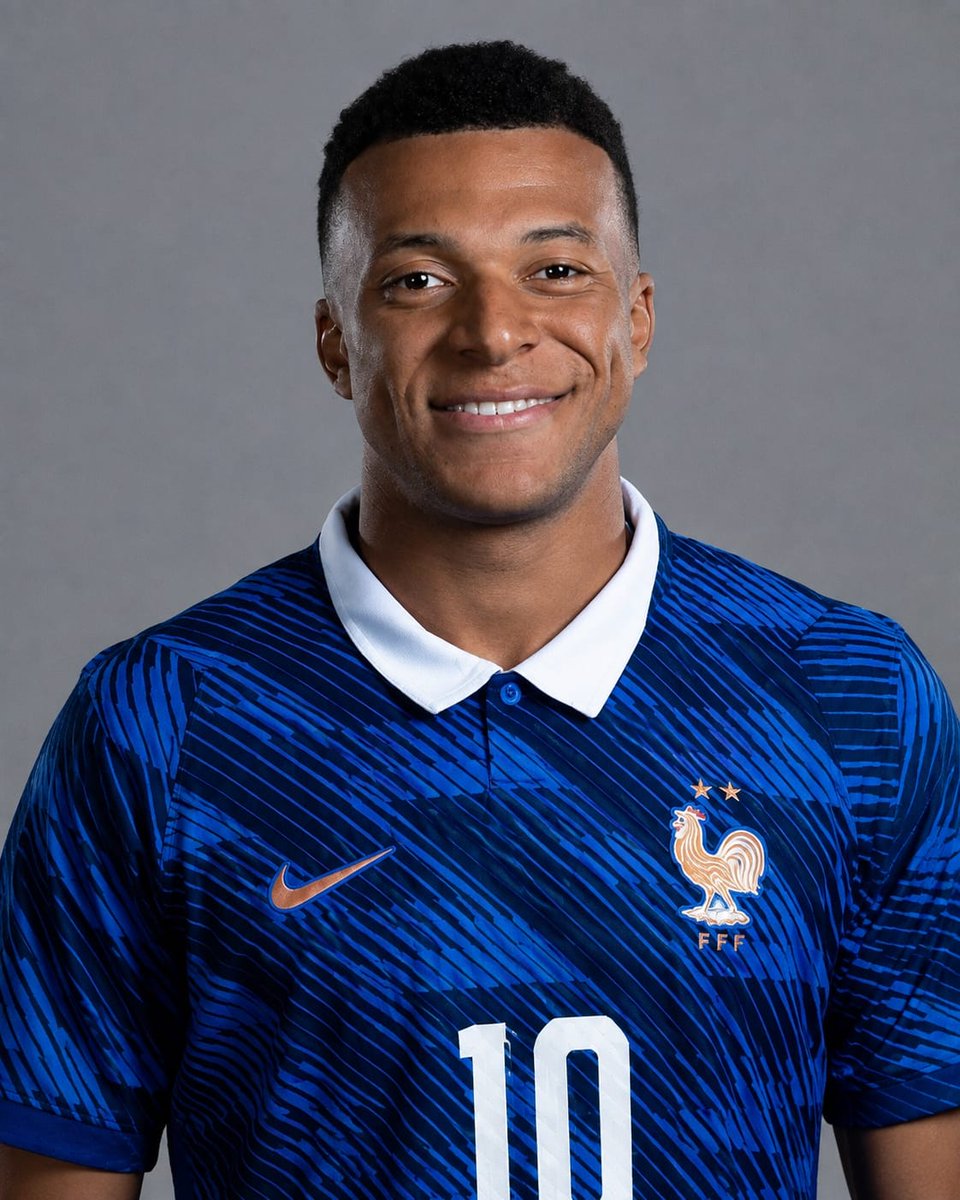
Using the provided reference image as the strict identity reference, transform the person into a luxury black-and-white metropolitan editorial portrait poster. Preserve the exact facial identity, facial proportions, hairstyle, expression, and natural likeness, but change the outfit into a plain oversized crewneck sweatshirt and remove the sports jersey, logos, number, collar, and team branding. Composition: Place the subject slightly right of center in a waist-up portrait, facing forward with the head turned subtly to the viewer’s right. Use a clean light-gray studio background with lots of negative space on the left. Apply refined monochrome lighting, soft contrast, and a premium magazine-cover finish. Main visual effect: Blend a realistic grayscale cityscape of Paris across the sweatshirt as a double-exposure print, including modern high-rise buildings, dense urban rooftops, and the Eiffel Tower visible on the right side of the torso. The city image should look integrated into the fabric, fading naturally at the sleeves and lower body. Left-side editorial graphics: Add exactly 4 graphic/text elements along the left margin: 1) a small uppercase label reading “METROPOLITAN IDENTITY” near the top-left, 2) exactly 2 vertical color swatches beneath it, one dark green and one light gray, 3) a large vertical word reading “PARIS”, and 4) a small lower-left label reading “LUXURY EDITORIAL SERIES” with a thin vertical line above it. Use dark forest-green typography and minimalist Swiss editorial spacing. Style constraints: high-end fashion editorial, monochrome portrait, crisp facial detail, subtle film grain, realistic fabric texture, no extra logos, no sports branding, no additional text beyond the specified 4 left-side graphic/text elements, no watermark.

Reference images

How to use this prompt

  1. 1

    Copy the full prompt above.

  2. 2

    Open a platform that supports GPT Image 2, such as YouMind, and paste the prompt in.

  3. 3

    Swap the subject, style, or details to fit your idea, then generate.

This is a free AI prompt from YouMind's prompt library. Explore thousands more image prompts, all free to copy and adapt.

Explore more image prompts
More Prompt Features

AI Library

AI prompt search

Let AI search through tens of thousands of prompts. Filter by model, time range, keywords, and sort by engagement — views, bookmarks, reposts and more.

Vision Tools

Image to Prompt

Turn any photo into a detailed AI image prompt. The free image to prompt converter analyzes composition, style, and lighting so you can recreate any look in seconds.

Built for creators. Free forever.

YouMind is the AI creative copilot trusted by millions of creators worldwide. Every prompt here is curated to help you create better, faster.

Explore more prompts