Create Tomato Novel Covers
Genre-matched portrait covers with standout titles
Create Tomato Novel Covers
Genre-matched portrait covers with standout titles
Showcase
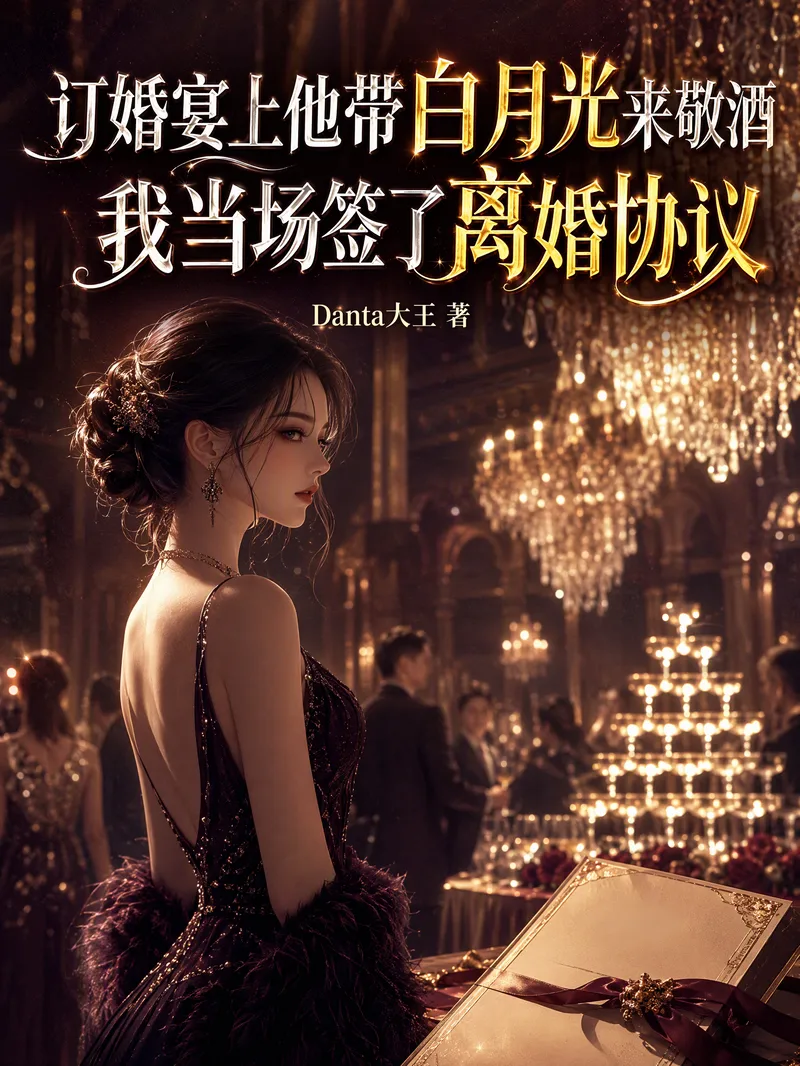
制作《订婚宴上...》小说封面
《订婚宴上他带白月光来敬酒,我当场签了离婚协议》封面
制作《订婚宴上...》小说封面
《订婚宴上他带白月光来敬酒,我当场签了离婚协议》封面
Description
Helps users quickly create covers for their own novels on Tomato Novel. Users provide the book title and author pen name (byline), and may also include the genre, synopsis, protagonist’s gender, or style preferences. The Skill first confirms the byline, asking when it is missing. By default, it formats the byline as “Author Pen Name Written by” (for example, “Danta大王 Written by”), then automatically determines the genre and visual style to generate a polished portrait cover that follows Tomato Novel’s specifications (3:4, approximately 600×800 pixels): the title is clear and prominent, the byline is secondary and includes “Written by” by default, and the visual style matches the work’s genre. It also provides design notes and suggested directions for adjustments, supporting continued iteration based on user feedback.
Recommended by
淡苍
Why we love this skill
A Fanqie Novel cover skill that matches style, colors, and scenes to the title and genre while prioritizing readable titles, accurate bylines, and thumbnail clarity.
Best for
Novelists and content creators who need quick web-fiction covers with prominent titles and genre-customized visual styles.
How to use this Skill
Provide your input
Provide the novel title. You may also include the author pen name, genre, synopsis, character details, and preferred visual style or color palette.
Run the Skill
Match the work’s genre, visual style, scene, and color palette to create a portrait cover with the title prominently displayed. If provided, format the pen name consistently in the byline.
Review your result
Receive a 3:4 portrait novel cover, along with a brief design explanation and suggested adjustments for further revisions.
Related Skills
View all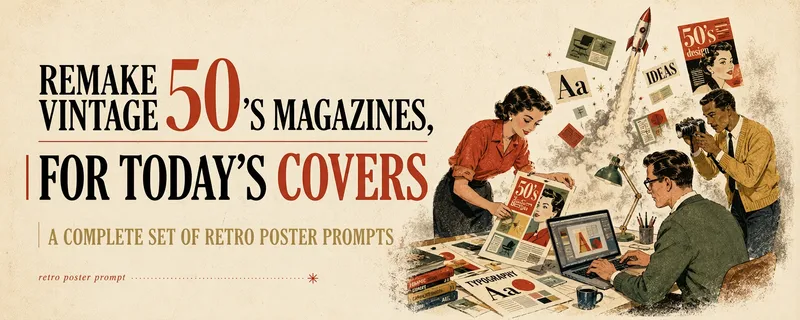 Image
ImageMulti-Platform Cover Design
Turn articles, notes, topics, or long-form text into stylized covers ready for publishing and sharing, balancing title readability, content recognition, and memorable visual metaphors. Supports Xiaohongshu, WeChat Official Accounts, X, and custom aspect ratios. It works for single covers and can also create separate compositions for clearly specified multi-size requirements, avoiding simple cropping or stretching. The skill extracts the title, topic, visual subject, audience, emotion, and contextual background from your content. It then combines these insights with visual styles suited to covers or posters to generate a complete cover prompt ready for AI image generation. Title hierarchy, typography, color, materials, negative space, and the relationship between text and imagery are handled consistently around the selected style, making the result feel more like a designed editorial cover than a generic illustration or templated poster. If you have not provided a publishing platform or visual style, it first asks about the required dimensions and recommends three suitable styles based on your content. Once the details are clear, it continues with generation. You can choose to generate the cover directly or receive only a polished prompt, making it suitable for content creators, editors, and teams that need to adapt covers in batches for social platforms.
 Write
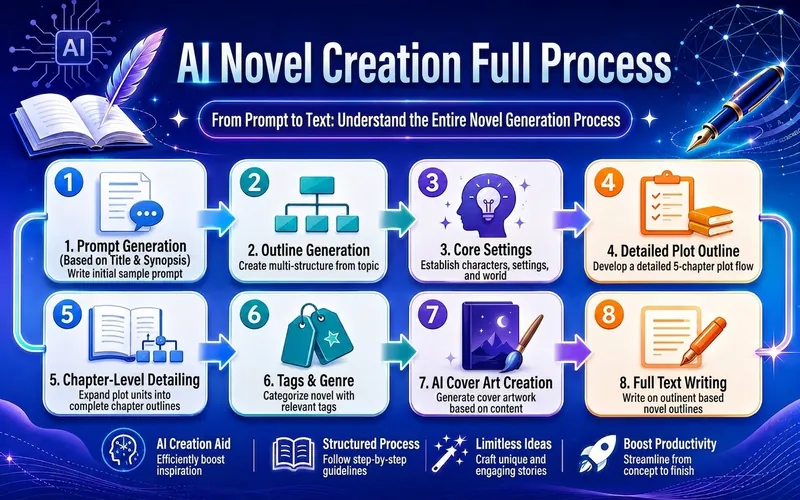
WriteAI Novel Workshop (Tomato)
Based on the title and summary of a benchmark book, follow the SOP to generate a complete Tomato novel stage by stage: topic selection → outline → setting → rough outline → detailed outline → main text → tags → cover → publishing strategy. The output is saved as YouMind documents organized by volume. This workflow comes from my long-term practice, pitfalls, iterations, and feedback optimization from dozens of students. Most questions you can think of about AI novel writing have been considered in advance. I am very confident in this method. Welcome to install.
 Image
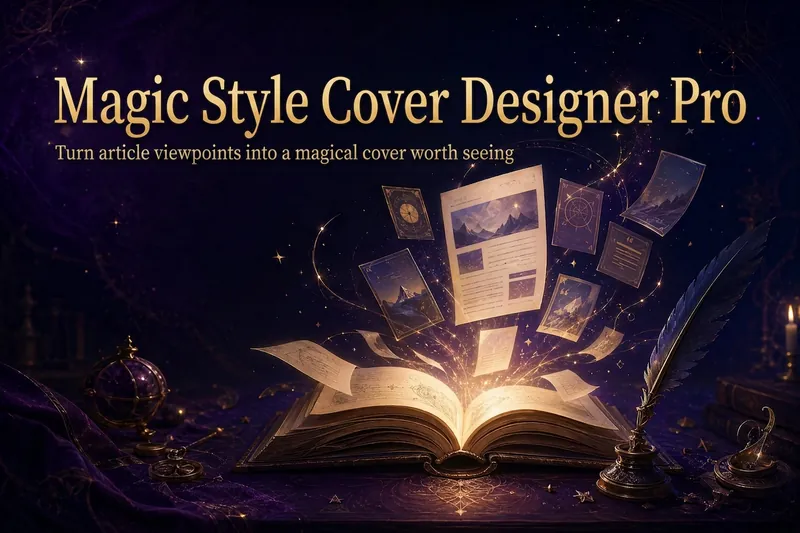
ImageMagic Cover Designer Pro
Turn an article title into a magical cover that makes its ideas stand out. “Magic Cover Designer Pro” is not a random image generator. It is a visual content packaging workflow: “content understanding → title confirmation → visualizing ideas → platform adaptation → cover generation.” It helps preserve the real title and subtitle while transforming an article’s core ideas, emotions, and narrative relationships into vivid, engaging magical visuals with a distinct identity. It supports Twitter long-form posts or Threads, WeChat Official Account articles, Xiaohongshu Notes, product introductions, knowledge sharing, growth retrospectives, and personal brand content. The Skill first identifies the article’s original title, original subtitle, and core idea. The original title is used as the default main cover title, while the original subtitle is prioritized as the cover subtitle. The core idea does not directly replace the cover text; instead, it guides the choice of subject, symbols, composition, lighting, and visual metaphors. It matches visual strategies to different content types: practical breakdowns use magical blueprints or step-by-step scrolls; growth retrospectives use journeys and illuminated paths; contrarian ideas use light-and-shadow conflicts or broken seals; product introductions use magical workshops and core devices; knowledge sharing uses academy archives and spellbooks; and case studies use before-and-after changes and narrative scenes. When a title is too long, it provides both the original-title version and a concise version for you to confirm, without rewriting it on its own. When there is no subtitle, it first offers candidate copy instead of placing an unconfirmed idea directly into the image. Its default visual language combines retro fantasy with magical journaling: deep purple, midnight blue, black-brown, antique bronze, and warm gold, along with parchment, quill pens, spellbooks, sealing wax, stardust, and other tactile elements. It can also draw shared colors, materials, lighting, and narrative qualities from reference images, but it does not copy the specific composition, people, logos, or distinctive elements of any single image. For each platform, it adapts the aspect ratio, text density, subject size, whitespace, and thumbnail legibility to real reading contexts. It is suitable for knowledge creators, personal brands, product authors, and content creators who want to build a consistent visual identity. It does not fabricate numbers, results, identities, or brand endorsements, and it does not promise viral performance. It simply helps the visuals support real content more accurately and vividly.
Information
- Version
- v10
- Last updated
- Runtime credits
- Usage-based
- Models
- Auto
- Use cases
- Writing & contentImages & design
- What you get
- Image
