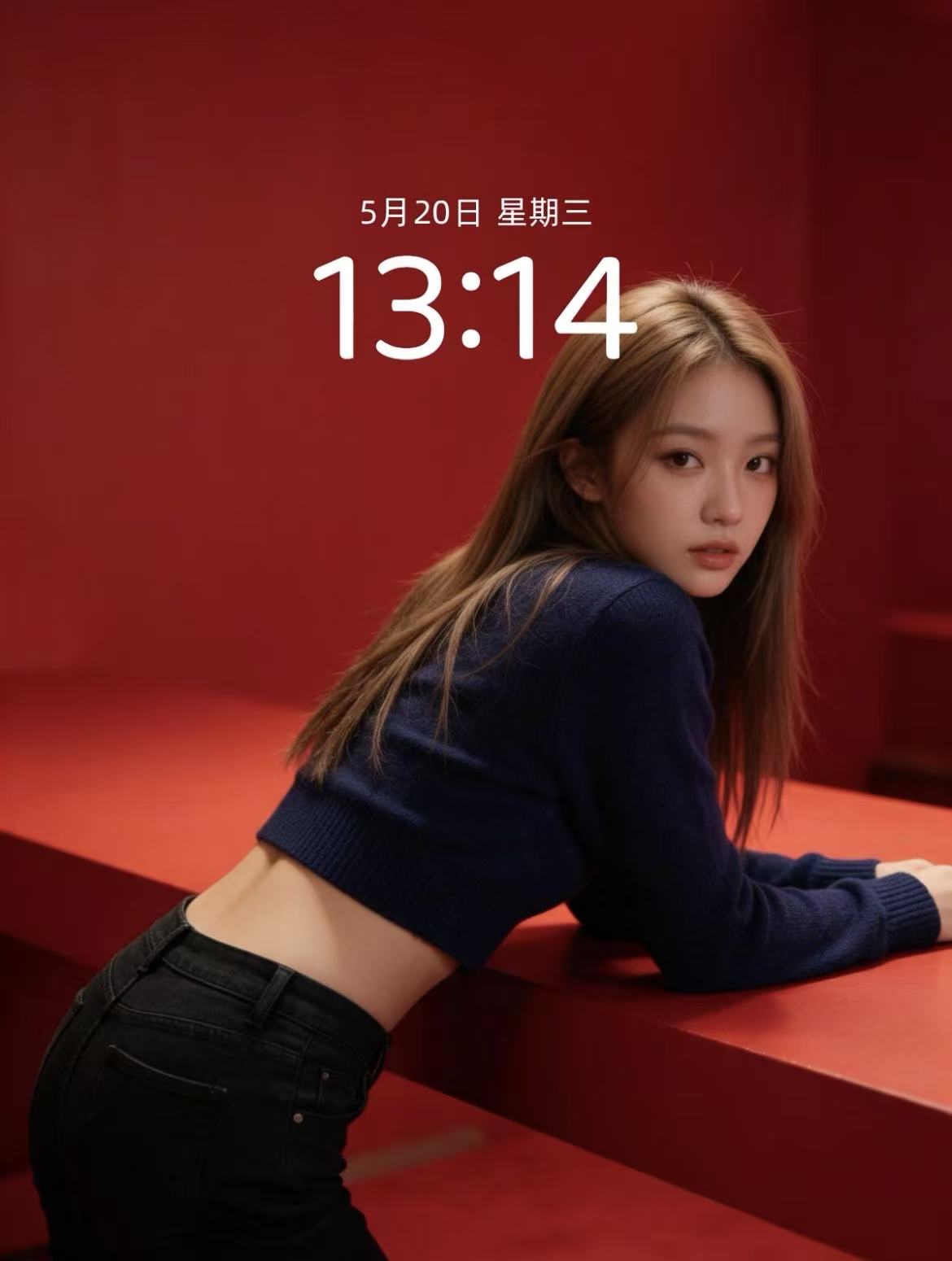
Red Immersive Fashion Portrait
Monochrome red steps scene for magazine-grade portraits
Red Immersive Fashion Portrait
Monochrome red steps scene for magazine-grade portraits
Showcase
Description
Turn any portrait description into a vertical magazine-grade fashion portrait. It applies a default baseline template: a minimalist red monochrome immersive scene with red steps and walls, soft studio lighting, realistic skin texture, film grain, top one-third negative space, and no text or watermarks. The portrait DNA (young Asian female, light brown long hair, dark blue cropped knit sweater, black jeans) is systematically reused to ensure the same face and styling across batches. You can customize the portrait appearance/clothing, wall material and red tones, number of steps, pose and gaze, lighting type, texture intensity, negative space position, aspect ratio, and quantity. Defaults to a 3:4 vertical format and 1 image, generated directly using the best image model.
Recommended by
Dancang
Why we love this skill
Combines a monochrome red space, step composition, and studio lighting into a ready-to-use fashion portrait template with locked portrait DNA for consistency.
Best for
Ideal for content creators and visual designers who need to quickly produce portraits with consistent character settings and high-end fashion ambiance.
How to use this Skill
Provide your input
Provide descriptions for the subject appearance, clothing, scene material, pose, gaze, lighting, aspect ratio, or count; or simply enter a short portrait request.
Run the Skill
Organizes your request into a red immersive fashion portrait composition, adds photographic texture, negative space, and image constraints, then generates the image.
Review your result
Receive a vertical magazine-style fashion portrait with consistent character settings, and flexibly adjust the scene, styling, pose, lighting, and aspect ratio as needed.
Related Skills
View all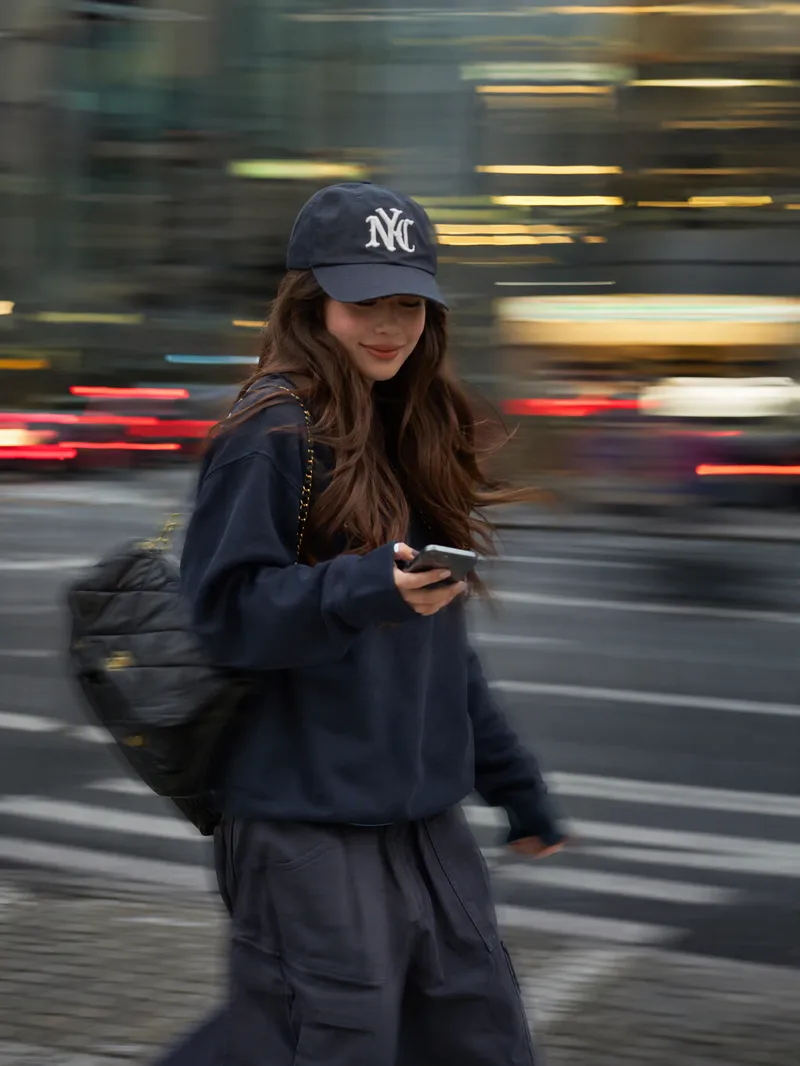 Image
ImageInstagram Street Snapper
Best for: Xiaohongshu and Instagram creators: Need polished personal photos and want to create cover images, profile pictures, and outfit photos in batches Everyday photography lovers, especially young women: Want a magazine-style look without the budget for a photographer Personal brand founders and professionals: Need photos for LinkedIn, WeChat Official Accounts, and personal introduction pages Outfit, fashion, and beauty creators: Want street-style content featuring products or clothing Small business and clothing store owners: Need affordable street-style model images for product listings Short-form video creators: Need video covers, persona images, and profile headers Upload one photo to automatically create a stylish street portrait with a panning slow-shutter effect: your face stays sharp and clear while the background becomes horizontal speed lines, with subtle motion trails on your hands, bag, and clothing—like a photographer catching a fleeting moment on the street. ✦ Still your face: Built-in identity preservation keeps your facial features, skin tone, and hairstyle. No face swapping or generic influencer look. ✦ Automatic outfit styling: Keeps your original clothing when it works; if it is unsuitable for street photography, such as pajamas or an ID photo, it switches to a polished urban look. ✦ Fresh poses every time: Take big strides, cross the street, glance back, carry a bag, hold coffee, and more. ✦ Three lighting moods: Cool gray-green overcast / warm orange dusk / cyan-blue backlight, matched to your overall look. ✦ Film color grading: Low saturation, cyan-tinted shadows, and warm highlights for a magazine-quality finish. ✦ Default 3:4: Ideal for Xiaohongshu and Moments, with custom ratios such as 9:16 also available.
 Image
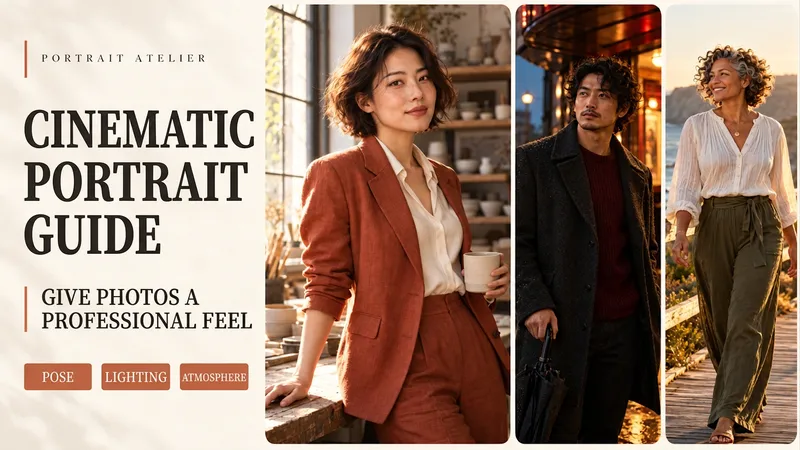
ImagePortrait Director
The same portrait can tell a completely different story with new lighting and a natural pose. Upload a portrait photo or describe a fictional character to create cinematic avatars, personal portraits, and magazine-style images. This Skill combines the subject's visible features to arrange poses, lighting, framing, clothing, and environments, ensuring natural hand gestures, grounded body posture, and realistic light sources. Three original scenes are ready to use: • Warm Pottery Window: Terracotta and warm wood tones, medium shot by a studio window. • Rainy Night Set: Warm light in a cinema porch, cool wet streets, and a story-driven gaze. • Golden Coastal Breeze: Sunset backlighting, sea breeze, and a relaxed full-body travel portrait. Professional headshots, solid-color studio backgrounds, black-and-white portraits, and custom themes are also supported. Uploaded photos retain original clothing and accessories by default; to change outfits, backgrounds, or poses, just specify your request. By default, it generates one 3:4 vertical text-free image per run. You can change aspect ratios, create series, or request Chinese, English, or bilingual prompts. Multiple images are generated separately. After generation, check character recognition, hands, feet, anchoring points, and lighting. Try saying: "Use this photo for the rainy night set, keep the hairstyle, and change to a dark coat." or "Create a mature woman with short curly hair walking naturally by the sea at sunset." Showcase materials are newly created fictional AI character samples, not real-person before-and-after comparisons. Requires an environment supporting image generation or reference image editing capabilities. Similarity depends on the photo and model capabilities. 3000 credits is the Skill installation price; actual generation usage is subject to platform rules. Full generation on YouMind has not been fully tested yet.
 Image
ImageReal-Person Doodle Portrait
Blend your real-person photo into a room or scene drawn with bold hand-drawn lines, creating a creative portrait that places a real person alongside a doodle environment. The person retains realistic photographic texture, facial features, clothing, and lighting, while the environment uses monochrome marker sketches to outline furniture, walls, and spatial contours. The result creates a striking visual effect of a “real person floating in a line-art world,” making it suitable for profile pictures, social cards, and stylized portrait artwork. You can upload a headshot, half-body photo, or full-body photo, then describe the living room, bedroom, study, café, studio, balcony, or other scene you want, along with the person’s clothing, pose, and expression. If you only have a headshot, the image can complete the body and place it in the specified space. If the original photo already includes a real environment, you can also keep the person unchanged while converting the background furniture, floor, walls, or street scene into a simple doodle line drawing, while maintaining the original composition. Deep ocean blue, burgundy, charcoal black, and other line-art colors are supported, with suitable aspect ratios matched to indoor portraits, open outdoor scenes, sports, or spacious environments. The setting will not be filled with excessive detail. Instead, it selects a few key objects and preserves negative space, making the contrast between the real person and the hand-drawn room clearer and more thoughtfully designed.
Information
- Version
- v3
- Last updated
- Runtime credits
- Usage-based
- Models
- Auto
- Use cases
- Images & design
- What you get
- Image
- Visual styles
- EditorialPhotorealistic
