
Ink Magazine Pro | Slides
Turn content into a page-turning web magazine
Ink Magazine Pro | Slides
Turn content into a page-turning web magazine
Showcase
Description
Ink Magazine Studio is a magazine-style web Slides generator. Give it a topic, copy, or source material, and it follows its in-house EDITOR six-act workflow—define the story and tone → plan the structure and layout → prepare images and captions → typeset and publish → proof and quality-check → finalize and deliver—to arrange the content into a single-file HTML horizontal page-turning e-magazine webpage. It includes 5 e-ink theme palettes, 9 layout styles, AI-generated illustrations, dual-mode animated backgrounds, and complete page-turning interactions (keyboard / scroll wheel / touch / dot navigation / ESC index view). Each step includes a “stage sign-off” quality checkpoint and masthead progress status to maintain consistent pacing and aesthetics throughout the finished publication.
Recommended by
淡苍
Why we love this skill
Turns topics or copy into a polished, single-file e-magazine with editorial judgment and delivery-ready execution.
Best for
Content creators and teams who need to turn a topic, copy, or source material into a narrative, visually engaging web presentation or digital publication.
How to use this Skill
Provide your input
Provide a topic, copy, or source material, along with the use case, length, color palette, image approach, and any other constraints.
Run the Skill
After confirming the content structure and visual direction, the tool arranges your materials into a magazine-style horizontal page-turning web experience and checks the layout and interactions.
Review your result
Get a single-file HTML e-magazine webpage that opens in a browser and supports keyboard, scroll-wheel, touch, dot navigation, and index-view browsing.
Related Skills
View all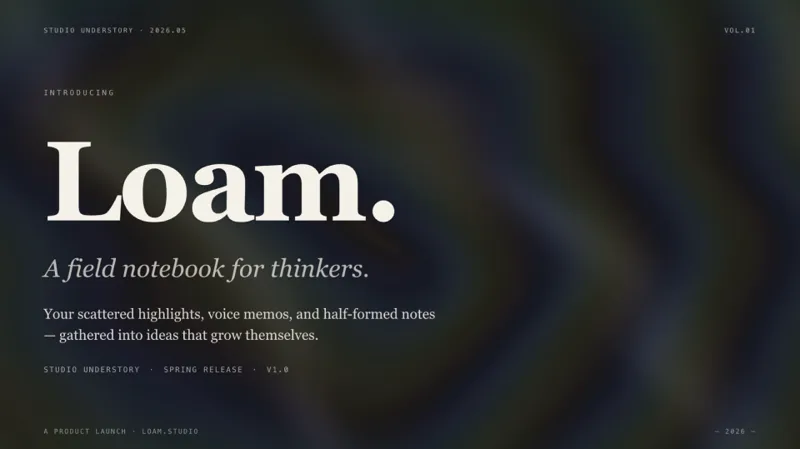 Webpage
E-magazine Style Slides
Create a horizontal swipe web slides (single HTML file) in the style of 'e-magazine × e-ink', featuring WebGL fluid backgrounds, serif titles + sans-serif body text, chapter title slides, data large-print slides, image grids, and more. Use this skill when you need to make a shareable, speech, or launch-style web slides, or when you mention 'magazine-style slides', 'horizontal swipe deck', 'editorial magazine', or 'e-ink presentation'.
 Webpage
Magazine Web Slides · AFP
An AFP-architecture web Slides generator in an “e-magazine × e-ink” style. It uses a seven-stage P0–P6 pipeline (requirement clarification→outline planning→class-name preflight→image generation→HTML generation→quality self-check→iterative optimization) to create a single-file HTML, landscape, page-turning Slides. Integrates GPT-Image-2 / Nano Banana Pro 4K for high-quality image generation, with a built-in progress dashboard and Phase Gate quality checkpoints.
 Research
Knowledge Card Studio
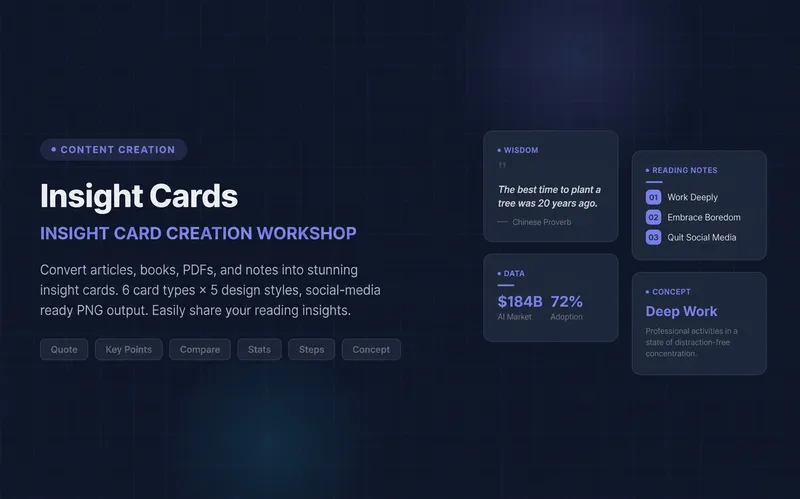
Turn articles, notes, or book excerpts into a single knowledge card or a 3–5-page carousel. Choose from six card types and five existing styles; each page delivers one takeaway while preserving quotes, numerical qualifiers, and sources. Create a reusable series brand profile with fixed colors, font hierarchy, margins, title placement, page numbers, and byline. For the next edition, provide the profile to reuse the same system and keep the series consistent—no need to explain the design requirements again. The default deliverables are editable HTML/SVG and the brand profile. When the environment supports actual rendering, sequentially numbered PNGs are also included. Missing glyphs, overflow, and inconsistencies across pages are checked and fixed; if the images were not actually rendered, the skill will not claim that image checks passed. No local scripts are required. Try it directly: create a five-page book-notes carousel, use a brand profile for the next edition, or turn quotes from the original text into cards. For complex relationships or charts, use Infographic Maker. For a finished WeChat Official Account post, use the WeChat Official Account Formatter.
Information
- Version
- v3
- Last updated
- Runtime credits
- Usage-based
- Models
- Auto
- Use cases
- Writing & contentPresentations & reportingWeb creation
- What you get
- SlidesWebpage
- Visual styles
- MinimalistEditorial
