Chronoscape: History in Miniature
Turn historic moments into miniature scenes and videos
Chronoscape: History in Miniature
Turn historic moments into miniature scenes and videos
Showcase
Description
Make history feel close enough to touch. Transform a historical event into a miniature world of crafted landscapes, period architecture, and scenes that tell a story. Start with an event name or explore everyday life in a place and period. Chronoscape researches the subject and guides you from the first scene idea to image prompts, approved images, and optional video clips. YOUR STORY, SCENE BY SCENE Choose your scene count, landscape, vertical, or square format, and one of two looks: a stylized 3D miniature render or photographed, hand-painted tabletop miniatures. DETAILS THAT BELONG TO THE PERIOD Research informs buildings, clothing, objects, and settings. Sources, disputed details, and artistic assumptions are kept distinct, with checks for later additions that do not belong in the scene. FROM STILL SCENES TO MOVING WORLDS Get English image prompts and scene explanations in your language. Approve production, then optionally bring your scenes to life with deliberate camera movement and restrained animation, using the platform's available tools. TAKE THE WHOLE PROJECT WITH YOU Your Chronicle File brings together research, scene plans, prompts, available asset links, and review notes so you can resume later or continue on another platform. Built for history creators, educators, and curious storytellers. Image and video production depend on available tools. Narration is supplied as text; final film editing is a separate step.
Related Skills
View all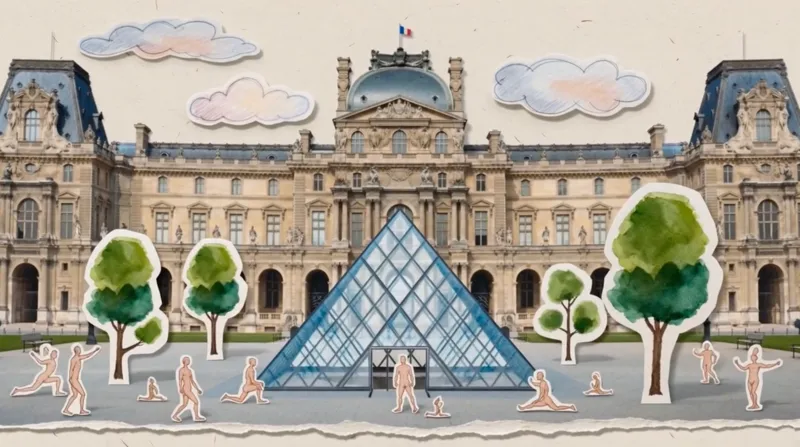 Video
VideoPaper Art Style Video Generator
Transform your linear narratives into captivating 5–10 second vintage paper-collage videos. Whether you're chronicling a brand's journey, tracing the evolution of a culture, or illustrating historical progression, this skill brings your story to life with a unique, handcrafted aesthetic. Simply provide a brief description of your narrative, and watch it unfold as a charming animated pop-up book. This skill specializes in creating seamless, one-take digital paper collage animations. It meticulously crafts each scene with a rich, tactile feel, incorporating elements like torn paper edges, visible paper grain, and layered depth. The visuals blend realistic photographic cutouts with hand-drawn paper illustrations, all presented with a refined, muted color palette inspired by the cultural context of your story. Each video is a continuous, smooth tracking shot, reminiscent of an animated pop-up book, where paper layers gracefully slide, fold, and rotate to reveal key stages of your narrative. From ancient civilizations to modern brand stories, the animation style evokes a specific era, ensuring an authentic and engaging visual journey without relying on generic effects. The result is a premium, handmade motion graphic experience that tells your story with elegance and charm.
 Image
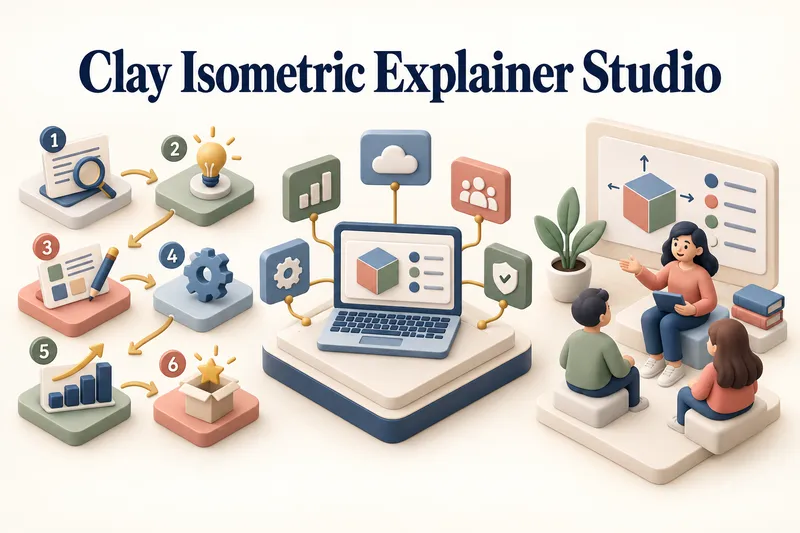
ImageClay Isometric Explainer Studio
Turn any topic into a clear, memorable visual explanation. Clay Isometric Explainer Studio transforms products, processes, services, systems, and educational subjects into polished hybrid 3D clay and isometric visuals. You can start with only a topic. The Studio performs a focused research snapshot, identifies the core message, recommends the clearest visual direction, and guides you through the creative process step by step. It builds the information architecture, maps each idea to a visual object, defines a consistent style system, and prepares a complete production prompt. Titles, numbered stages, information cards, labels, and short explanations are planned and included directly during image generation. Choose an Explainer Scene, Process Flow, Product Feature Board, Educational Visual, or a coherent 3–5-piece Visual Series. After the still image is approved, optionally turn it into a short image-to-video animation with subtle object motion, natural clay character gestures, or guided focus through numbered stages. Ideal for presentations, websites, social posts, posters, PDF pages, product communication, onboarding, and learning materials. Not intended for decorative 3D scenes without an explanatory purpose, random visual elements, dense paragraphs inside images, or final editable design files.
 Image
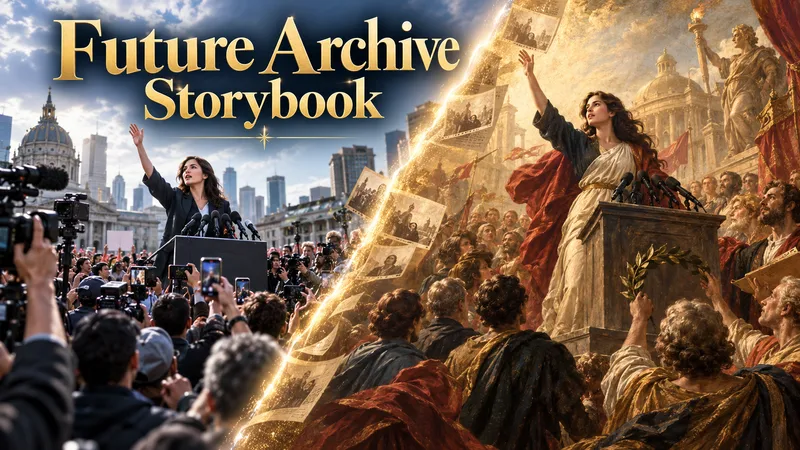
ImageFuture Archive Storybook
Future Archive Storybook transforms important current or historical events into artistic records for future generations. It researches the topic using reliable sources, identifies iconic moments and visual cues from collective memory, builds them into a connected narrative flow, and explores suitable cultural art traditions to define the visual direction. Before any image generation, all prompts are shown for user approval. Images can be produced inside YouMind or continued in other tools through Production Transfer files. In the final stage, scene artwork, matching narrative text, cover design, closing section, and selected sources can be assembled into an artistic storybook or historical PDF document.
Information
- Version
- v8
- Last updated
- Runtime credits
- Usage-based
- Models
- Auto
