Future Archive Storybook
Turn defining moments into historical art for the future.
Future Archive Storybook
Turn defining moments into historical art for the future.
Showcase
Description
Future Archive Storybook transforms important current or historical events into artistic records for future generations. It researches the topic using reliable sources, identifies iconic moments and visual cues from collective memory, builds them into a connected narrative flow, and explores suitable cultural art traditions to define the visual direction. Before any image generation, all prompts are shown for user approval. Images can be produced inside YouMind or continued in other tools through Production Transfer files. In the final stage, scene artwork, matching narrative text, cover design, closing section, and selected sources can be assembled into an artistic storybook or historical PDF document.
Recommended by
淡苍
Why we love this skill
Featured for its rare end-to-end discipline: it researches a defining moment, builds a source-aware storyboard, selects a culturally grounded visual tradition, tests it with an anchor scene, and carries one coherent artistic world through final publication.
Related Skills
View all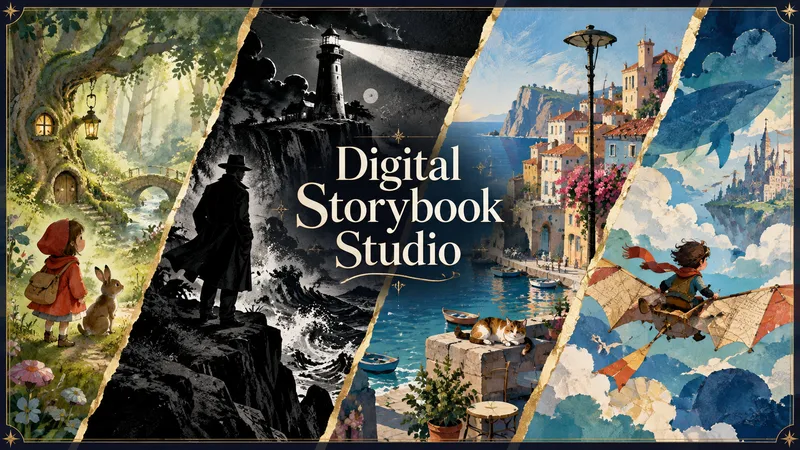 Image
ImageDigital Storybook Studio
Turn an idea—or your existing story—into a coherent illustrated digital book and finished PDF. Digital Storybook Studio guides you through every important creative decision one step at a time: book format, reader age, story subject, tone, visual style, length, and optional book details. Create picture books, comics, cartoon narratives, or newspaper-style storybooks without beginning from a blank page. Before artwork begins, it builds an approval-ready book blueprint with a page-by-page story plan, visual system, character bible, and continuity notes. For recurring characters, it creates a dedicated reference sheet to lock their appearance, clothing, colors, props, and proportions across the entire book. For comic and cartoon narratives, each page is generated as a complete final composition: approved dialogue, compact speech balloons, clear speaker tails, and style-appropriate lettering are embedded directly into the artwork. The Studio maps every line to its speaker and planned position before generation, then checks spelling, readability, balloon ownership, line breaks, and visual consistency during review. You review illustrations in small batches before final assembly. The Studio flags character drift, wardrobe inconsistencies, story-flow gaps, dialogue or balloon errors, layout issues, and any unreadable or misplaced text. If a page has a dialogue problem, that complete page is regenerated rather than patched afterward. The result is not just a collection of images—it is a polished, readable storybook with consistent art direction, purposeful pacing, fully integrated comic dialogue where needed, and a final PDF assembled only after your explicit approval.
 Image
ImageTimeline Poster Studio
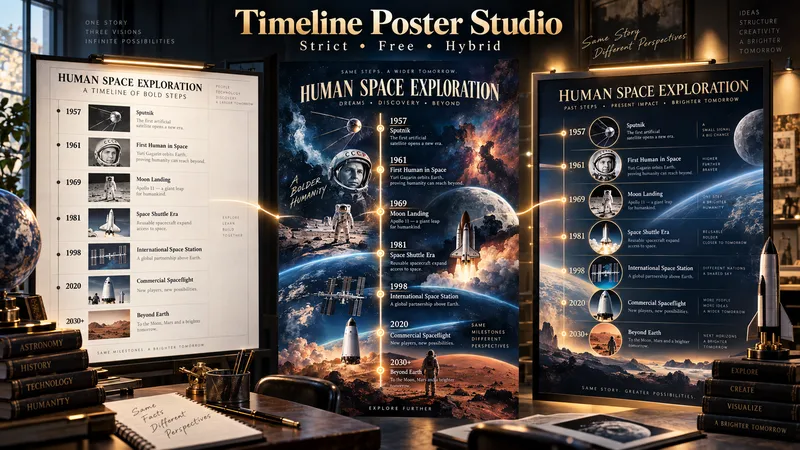
Timeline Poster Studio transforms history, biography, technology, science, art, cultural change, product evolution, and other time-based subjects into informative and visually distinctive timeline posters. The skill first defines the topic, scope, audience, and time range, then performs focused research only to the level needed for the poster. It curates the most meaningful events, identifies turning points and natural eras, distinguishes exact, approximate, and duration-based events, and detects parallel storylines or geographic movement when relevant. It then builds an adaptive poster structure instead of forcing every topic into the same template or fixed aspect ratio. Depending on the content, the poster may use vertical, tall vertical, horizontal, or wide layouts. Visuals are selected according to their role: narrative scenes can blend naturally into the composition, while artworks, products, objects, documents, maps, and other reference visuals remain clearly organized and controlled. The design system protects chronology, readability, and factual structure while giving the visual AI creative freedom in color, typography, panel design, framing, decoration, background treatment, and overall art direction. For the same verified content, the skill produces three complete standalone poster prompts: Strict Hierarchical Design — optimized for educational clarity and structured reading. Free / Expressive Design — gives the visual AI greater freedom to create a bold and distinctive poster identity. Hybrid Design — balances clear information design with creative visual character. The prompts are designed to work across different image-generation tools, allowing the user to review, modify, or choose a design direction before generating the final poster.
 Image
ImageTactile Ephemera Studio
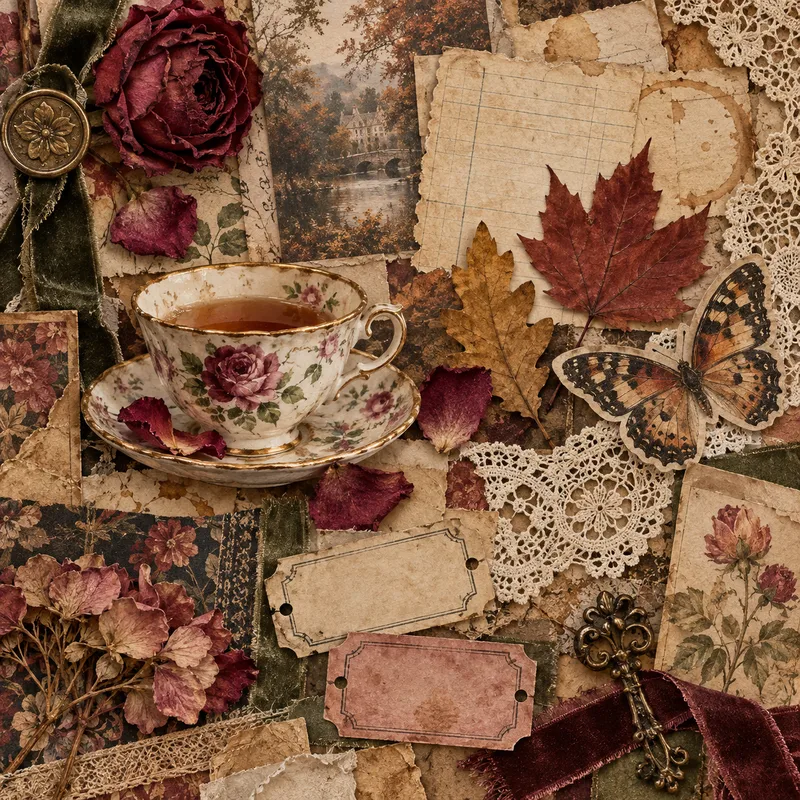
Transform a rough idea into a premium, art-directed mixed-media image concept. Tactile Ephemera Studio helps you shape a clear visual story before writing prompts. It asks only the questions that matter—your intended format, mood, density, key objects, and preferred image platform—then turns your answers into a cohesive 2.5D paper-and-material collage direction. Receive a complete prompt pack with: A concise creative direction and material plan One detailed, production-ready master prompt Prompt versions tailored for ChatGPT Images, Midjourney, Flux, Ideogram, or your chosen platform Purposeful “Quieter / Curated” and “Denser / Collectible” variations when useful Clear format, ratio, and usage notes Each result is built around tactile paper layers, deckled edges, vellum, ribbons, botanical fragments, antique details, and a controlled visual hierarchy—never generic clutter, glossy 3D, photorealistic tabletop scenes, or accidental AI text. Once you choose a direction, the skill can also create the final image for you.
Information
- Version
- v9
- Last updated
- Runtime credits
- Usage-based
- Models
- Auto
