Digital Storybook Studio
Create illustrated storybooks, page by page
Digital Storybook Studio
Create illustrated storybooks, page by page
Showcase
Description
Turn an idea—or your existing story—into a coherent illustrated digital book and finished PDF. Digital Storybook Studio guides you through every important creative decision one step at a time: book format, reader age, story subject, tone, visual style, length, and optional book details. Create picture books, comics, cartoon narratives, or newspaper-style storybooks without beginning from a blank page. Before artwork begins, it builds an approval-ready book blueprint with a page-by-page story plan, visual system, character bible, and continuity notes. For recurring characters, it creates a dedicated reference sheet to lock their appearance, clothing, colors, props, and proportions across the entire book. For comic and cartoon narratives, each page is generated as a complete final composition: approved dialogue, compact speech balloons, clear speaker tails, and style-appropriate lettering are embedded directly into the artwork. The Studio maps every line to its speaker and planned position before generation, then checks spelling, readability, balloon ownership, line breaks, and visual consistency during review. You review illustrations in small batches before final assembly. The Studio flags character drift, wardrobe inconsistencies, story-flow gaps, dialogue or balloon errors, layout issues, and any unreadable or misplaced text. If a page has a dialogue problem, that complete page is regenerated rather than patched afterward. The result is not just a collection of images—it is a polished, readable storybook with consistent art direction, purposeful pacing, fully integrated comic dialogue where needed, and a final PDF assembled only after your explicit approval.
Recommended by
淡苍
Why we love this skill
An editor-guided storybook workflow that turns an idea or existing manuscript into a polished illustrated e-book. Its standout strength is rigorous continuity control, approval gates, character reference management, and page-level visual review before final PDF assembly.
Best for
Creators who want guided support developing and reviewing a polished illustrated storybook from concept to final digital book.
How to use this Skill
Provide your input
Provide an idea or existing story, then choose the format, audience, tone, visual direction, length, and book details.
Run the Skill
Review the proposed story plan and illustrations in stages, requesting revisions as needed before approving final assembly.
Review your result
Receive a coherent illustrated digital storybook with a cover and finished PDF, or a scoped story plan, manuscript, or illustration prompt set.
Related Skills
View all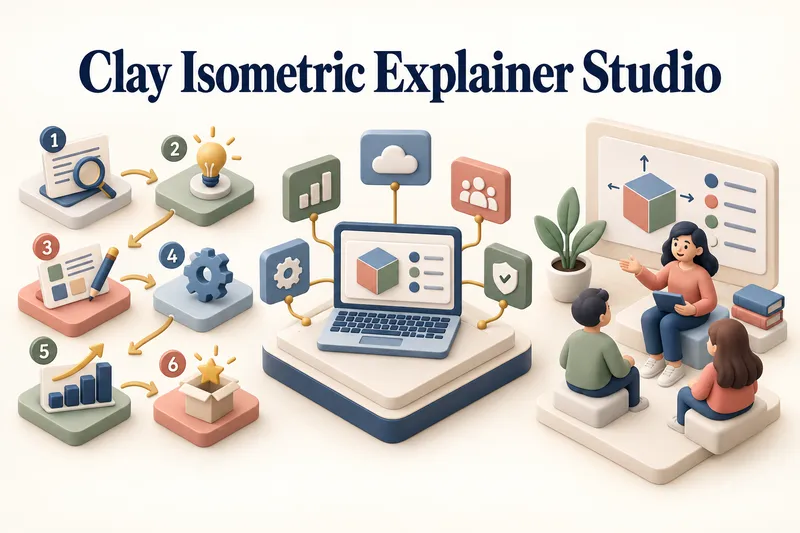 Image
ImageClay Isometric Explainer Studio
Turn any topic into a clear, memorable visual explanation. Clay Isometric Explainer Studio transforms products, processes, services, systems, and educational subjects into polished hybrid 3D clay and isometric visuals. You can start with only a topic. The Studio performs a focused research snapshot, identifies the core message, recommends the clearest visual direction, and guides you through the creative process step by step. It builds the information architecture, maps each idea to a visual object, defines a consistent style system, and prepares a complete production prompt. Titles, numbered stages, information cards, labels, and short explanations are planned and included directly during image generation. Choose an Explainer Scene, Process Flow, Product Feature Board, Educational Visual, or a coherent 3–5-piece Visual Series. After the still image is approved, optionally turn it into a short image-to-video animation with subtle object motion, natural clay character gestures, or guided focus through numbered stages. Ideal for presentations, websites, social posts, posters, PDF pages, product communication, onboarding, and learning materials. Not intended for decorative 3D scenes without an explanatory purpose, random visual elements, dense paragraphs inside images, or final editable design files.
 Webpage
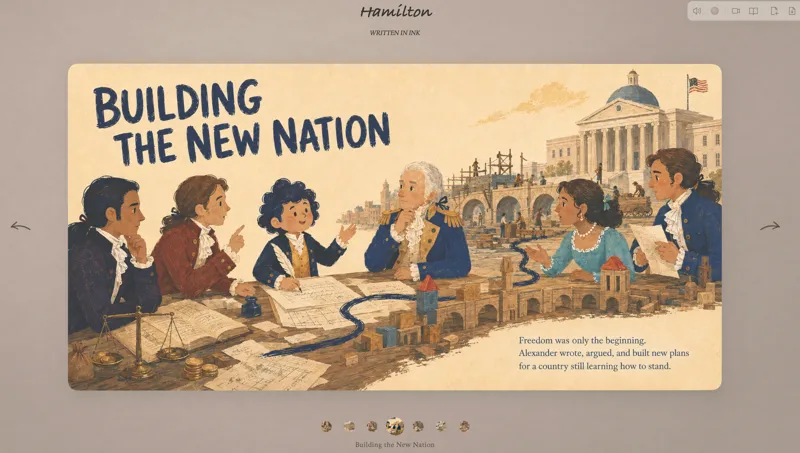
Turn Ideas into a Picture Book
Turn a topic into a complete illustrated book, shaping the manuscript, scenes, and images step by step, then publishing it in a 3D page-turning webpage. Uses a playful picture-book style by default. No prompting or coding experience needed.
 Image
ImageCelestial Card Deck Studio
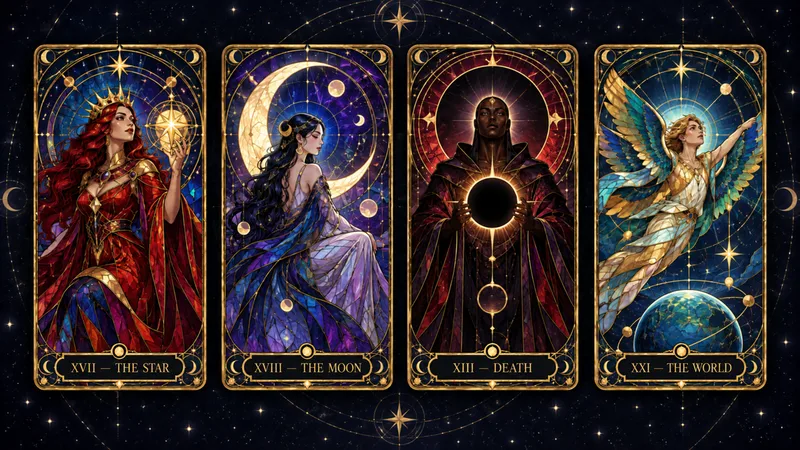
Turn any idea into a coherent, collectible celestial card deck. Celestial Card Deck Studio guides you from a theme to a complete visual system for tarot, oracle, Lenormand, affirmation, and astrology-inspired cards. Every choice is explained in plain language—from deck scope and art direction to palette, figures, symbols, and decorative density. Create a full 78-card tarot deck, a 22-card Major Arcana set, a Minor Arcana suit, or a smaller prototype collection. For traditional or culturally rooted decks, the skill first identifies the correct foundation, researches unfamiliar symbolism when needed, and separates protected card elements from creative interpretation—so historical, cultural, and symbolic details are not invented or overwritten by generic mystical decoration. It then develops a focused Deck Direction Card, tests the visual language with three prototype cards, and builds an approved card map with symbolic compositions and detailed English image-generation prompts. Prompts are delivered first for use in ChatGPT Images, Midjourney, Flux, Leonardo, or another preferred platform; preview generation happens only when explicitly requested. Keep the entire deck visually unified while ensuring each card has its own archetype, pose, composition, and symbolic story. Every finished card prompt includes the exact card title and number inside the artwork. Designed for deck creators and digital-product artists—not for fortune-telling, readings, or supernatural claims.
Information
- Version
- v13
- Last updated
- Runtime credits
- Usage-based
- Models
- Auto
- Use cases
- Writing & contentImages & designLearning & education
- What you get
- DocumentImage
- Visual styles
- Hand-drawnWatercolorCartoon
