
Grid Paper Sketch Infographic
Hand-drawn infographics from topics or images
Grid Paper Sketch Infographic
Hand-drawn infographics from topics or images
Showcase
Description
Turn any topic into a hand-drawn science infographic in a grid-paper journal style, or transform an existing image into the same style with one click. It includes seven-dimensional style definitions, bilingual style prefixes, a negative checklist, and a self-checklist. First, confirm the topic and canvas (3:4 portrait / 16:9 landscape / 1:1 square), or read the original image you provide. It then generates a complete image-generation prompt for your confirmation before creating the image. Afterward, it checks each item on the list and automatically redraws anything that does not meet the requirements. Ideal for public account layouts, Xiaohongshu creators, professionals making PPTs, and teachers creating visual learning materials.
Recommended by
淡苍
Why we love this skill
Creates review-ready prompts for consistent grid-paper infographics, with unified paper, linework, soft colors, and modular layouts, while checking text accuracy and output quality.
Best for
Ideal for creators making friendly, easy-to-understand hand-drawn knowledge visuals for public accounts, Xiaohongshu, PPTs, and lessons.
How to use this Skill
Provide your input
Provide a science topic or an existing image, then choose a 3:4 portrait, 16:9 landscape, or 1:1 square format. If unspecified, the use case can determine it.
Run the Skill
First confirm the topic, source image, and format. Then review the grid-paper journal-style image prompt before generating; the image is checked for style, composition, color, and text afterward.
Review your result
Receive a friendly, easy-to-read hand-drawn science infographic in a grid-paper style, along with the complete image-generation prompt.
Related Skills
View all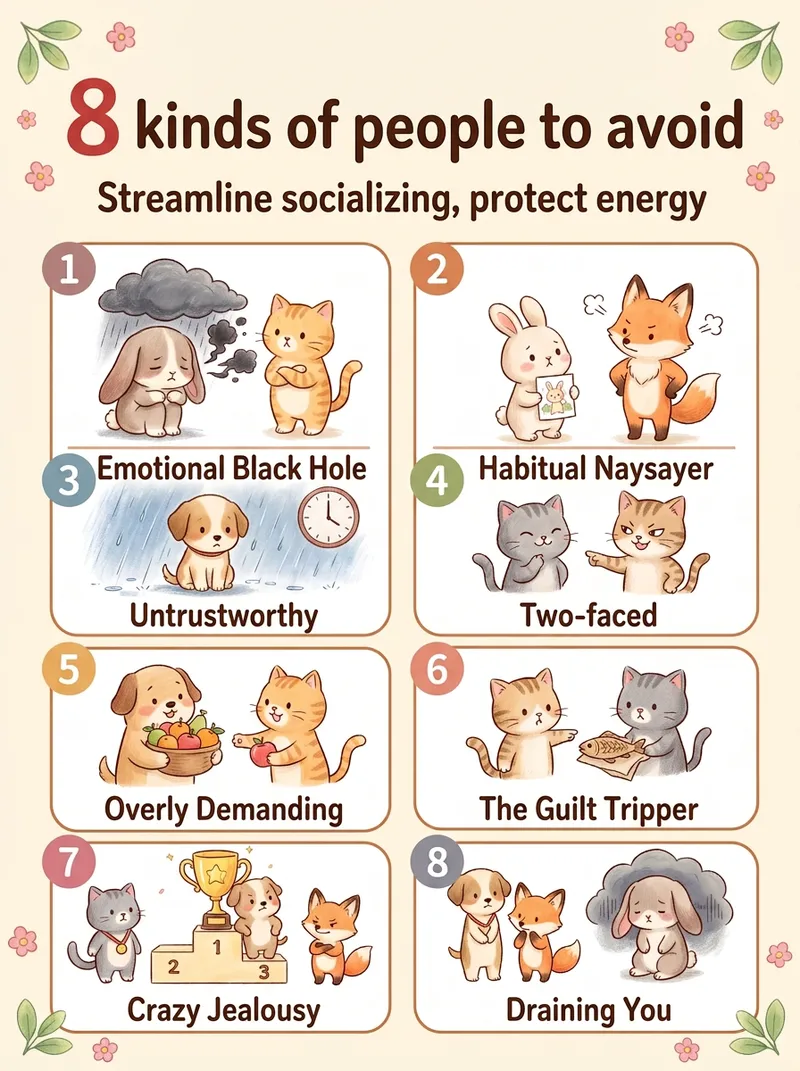 Image
ImageViral Healing List Maker
Best for: 1. Xiaohongshu and Douyin creators who need a steady stream of highly saveable image-and-text posts, especially in the emotional wellness, personal growth, parenting, and workplace niches. 2. WeChat Channels and public account operators who need visuals, cover images, or long graphics for sharing in Moments. 3. Short-form video creators who want to animate each image one by one and turn them into image-and-text videos. 4. Professionals in paid knowledge and private-domain businesses, including counselors, educators, parenting advisors, and career coaches, who use graphics for lead generation and course posters. 5. Multi-account operators who need to create content for several accounts quickly and consistently. 6. Beginners without design skills who want to create side-project content. 7. Creators targeting overseas audiences who use English and Traditional Chinese options to make “Life lessons” content for overseas Chinese communities and English-speaking users. Simply enter a topic, such as “The 10 happiest moments in life” or “7 types of people you should stay away from,” and the Skill will automatically generate a warm, hand-drawn, soothing list infographic. It automatically identifies the number of items and topic type, writes concise copy for each item, matches it to a grid layout, keeps the characters and color palette consistent, and generates the image in one go.
One Text, Many Sketches
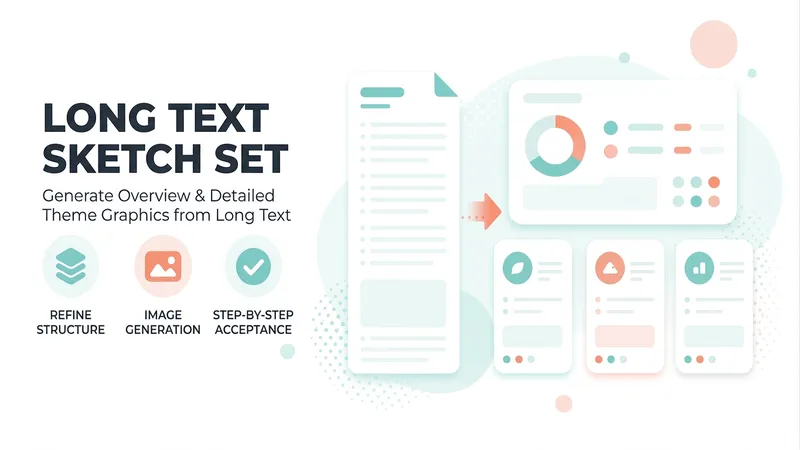
A premium long-form visualization workflow for knowledge bloggers, teachers, consultants, and content creators. Submit an article, webpage, topic, or YouMind file, and it automatically assesses the content type, information density, and best composition, then matches it to one of four styles: minimalist line art, journal cards, retro high-density, or visual mind maps. It first generates one Chinese hand-drawn overview draft for approval, then produces N detailed topic illustrations in batches. Supports landscape graphics for WeChat Official Accounts, portrait graphics for Xiaohongshu, and general-purpose knowledge graphics. Copy is locked first, images are reviewed one by one, and issues receive localized revisions only—so the final hand-drawn knowledge set has the correct number of images, a consistent style, and is ready to use.
 Image
ImageBiz Infographic Generator v2.0
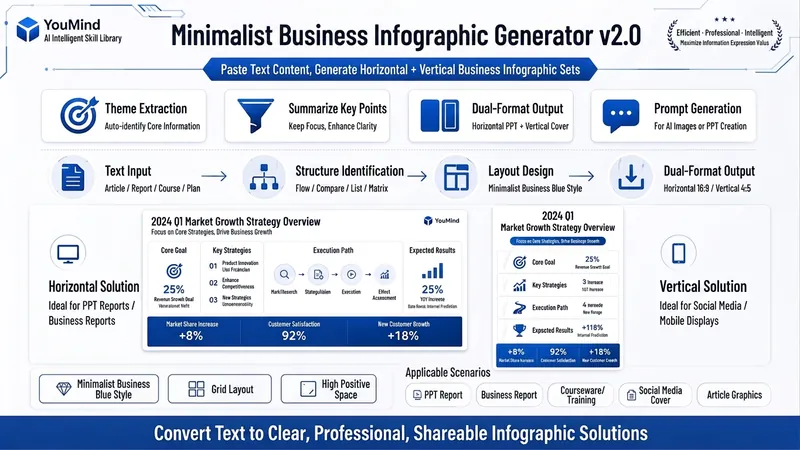
Transforms complex text into clear, professional, presentation-ready business minimalist infographics. It can help you: 1. Automatically extract core information Extract topics, keywords, logical relationships, and key points from user-provided text, materials, course content, meeting minutes, or reports. 2. Automatically design infographic structure Match business expression formats such as flowcharts, comparison charts, hierarchical charts, matrix charts, checklist charts, and path charts based on content type. 3. Automatically generate dual-format solutions Output two sets of infographic designs: landscape and portrait. Landscape is suitable for PPT, presentations, and web display; portrait is suitable for Xiaohongshu, WeChat Moments, public account covers, and vertical screen display. 4. Automatically generate diagram prompts Output complete diagram prompts ready for use with AI drawing tools, designers, or PPT tools. Suitable for: Professionals, knowledge bloggers, trainers, course creators, consultants, operations staff, PPT designers, business report creators. How to use: Directly paste a piece of text, materials, course content, meeting minutes, or report summary. You don't need to organize the structure first; I will automatically extract the core content and generate both landscape and portrait business minimalist infographic solutions.
Information
- Version
- v7
- Last updated
- Runtime credits
- Usage-based
- Models
- Auto
- Use cases
- Writing & contentImages & designPresentations & reporting
- What you get
- ImagePrompt
- Visual styles
- Hand-drawnWatercolorPaper art
