Handwritten Newspaper Hero
Name a theme: images + line art to color
Handwritten Newspaper Hero
Name a theme: images + line art to color
Showcase
Description
At 10 PM, your child suddenly says, "I need to hand in a handwritten newspaper tomorrow"—have you ever panicked? 😱 Scrolling through Xiaohongshu for templates, spending money to have someone else do it, staying up late to draw until your hand cramps... Every handwritten newspaper assignment doesn't torment the child—it torments the parents. Even worse: after spending time and money, the teacher still says it lacks effort. 🦸 Handwritten Newspaper Hero is here to cure this 'back-to-school anxiety.' Just tell me the theme—any theme works—and within 30 seconds, you get images: a beautiful color version for reference and a black-and-white line art version for your child to color and write on. The teacher will praise the effort, your child will feel accomplished, and all you did was tap a few times. ⏰ How long did it take before? 30 minutes searching for materials, 1 hour planning the layout, 2 hours drawing—an entire evening gone. Now? Enter the theme, choose a size, and you're done. 3 steps save you 3 hours. ✅ Why it's worth it: 🖼️ The black-and-white line art keeps room for your child's creativity—it's not just outsourcing, so teachers approve. 💬 Any theme works—no fixed templates, just say what you want. 📐 Supports standard sizes like A4 and A3—print directly after generation, no reformatting needed. 🙌 No drawing skills required, no software to download—just open and use. One sentence summary: While others are still up late drawing their handwritten newspapers, you're already asleep with the lights off.
Why we love this skill
Handmade Poster Savior intelligently generates posters based on grade level and topic, offering colored finished versions or outline coloring versions, and also allows you to choose whether to keep text, meeting personalized needs, making poster creation a breeze.
Related Skills
View all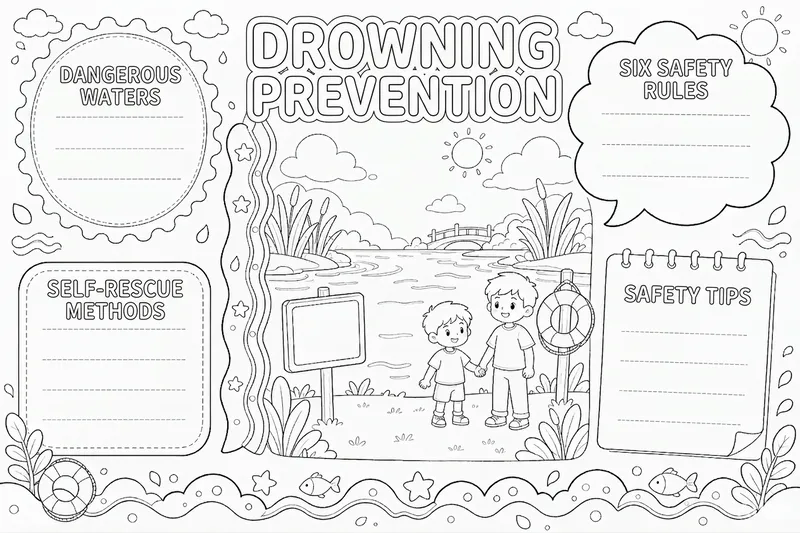 Image
ImageHandwritten Poster Trio
Teachers assign handwritten posters, and children end up drawing until 11 p.m. Online templates either require a membership or download with incorrect text and proportions, so the printed layout no longer lines up. Give me any topic—Mid-Autumn Festival, drowning prevention, waste sorting, back-to-school season, or Reading Month—and you’ll get a set of three versions, using the same layout in three ways: ① Completed example: includes the title and sample phrases, so children can see what to copy. ② Blank text version: the layout, sections, and decorations are all in place, while the main text is left blank for children to copy themselves. This is the primary version—print it and start writing. ③ Black-and-white line drawing: the same layout in plain line art. Children who want to color can do so themselves, then copy the text afterward. All three versions share exactly the same structure; only the text and colors change, so you won’t end up with “three pictures drawn three different ways.” What sets this apart from simply asking me to generate one: Titles and section headings are checked character by character; if something is wrong, the whole poster is recreated. Facts aren’t made up: poems include the author and source, holiday dates are checked digit by digit, and drowning-prevention content follows the Ministry of Education’s original “Six Don’ts” wording. Each set includes a copying checklist that lists, item by item, what belongs in each blank area and where it comes from, so parents can verify it. The default format is landscape 4:3, ready to print on A4 paper in landscape orientation. It works for holidays, health and safety, subject posters, and class activities.
 Image
ImageCinematic Cover Studio v2.0
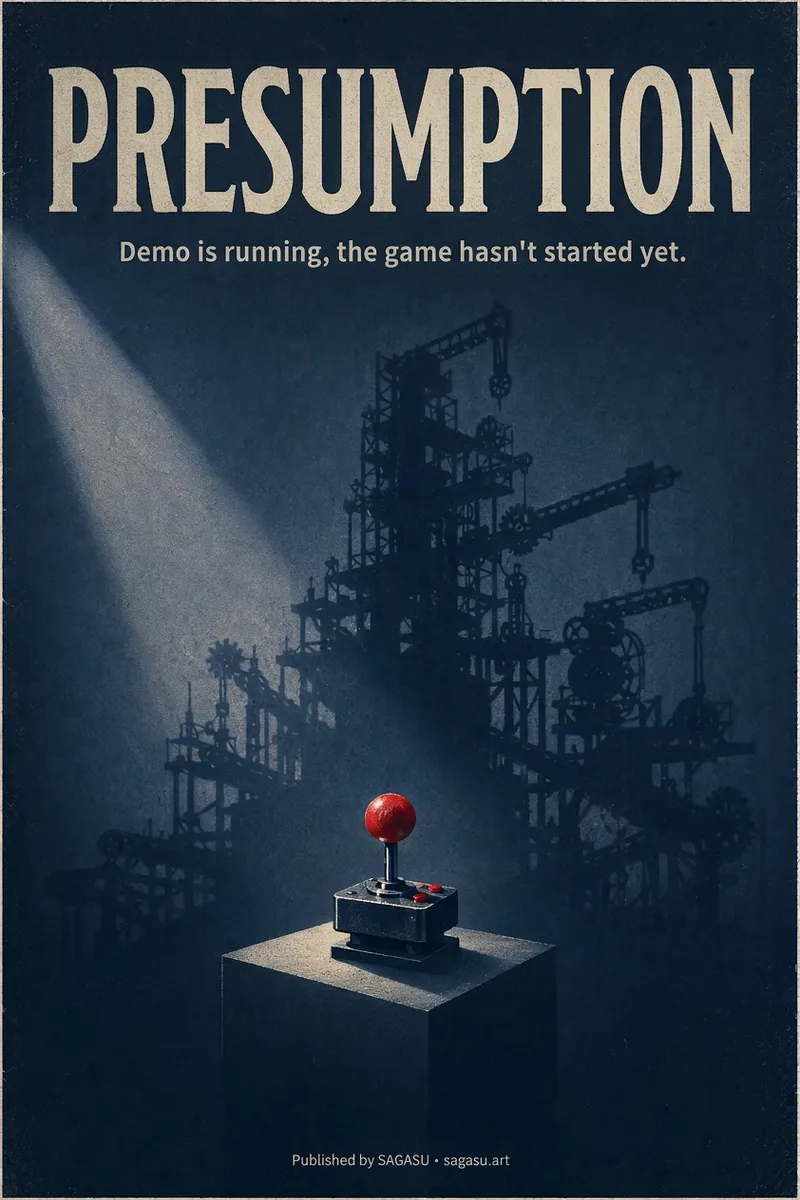
You wrote an article with a strong point, but can only pair it with a randomly chosen image? Cinematic Cover Studio turns your article’s central idea into a cinematic poster-style cover: the image catches attention in the feed at first glance, and viewers understand what it says at second glance—so they stop and click. Just paste in an article link or describe the topic in one or two sentences. It will understand the content, identify the most compelling tension in the article, turn it into a metaphorical scene with a single main subject, then match it with the right design style, composition, and colors to deliver a finished poster. You’ll get: - A ready-to-use cover with the title and subtitle already placed in the design. Chinese articles use Chinese titles with accurate, legible text. - Platform-ready aspect ratios: 2:3 portrait by default for movie posters; 3:4 for Xiaohongshu and Instagram; 9:16 for Stories; and 16:9 for WeChat Official Accounts, Bilibili, YouTube, and blog headers, with space reserved for the title. - Five design styles to choose from or match automatically: minimalist symbolism, illustrative storytelling, surreal metaphor, Eastern atmosphere, and commercial blockbuster. - No need to answer repeated questions: when there’s enough information, it generates the image directly. By default, it creates one image at a time so you don’t waste credits. - When you want to compare options, say “give me a few more versions” to see different directions, such as literal, metaphorical, and minimalist. If it feels too dark or too cool, or you want to change the style or colors, adjust the current image with a single sentence. Ideal for creators writing for WeChat Official Accounts, blogs, newsletters, Xiaohongshu, and X, as well as anyone who needs a key visual for opinion-based content, product introductions, or events.
 Image
ImageBring Objects to Life
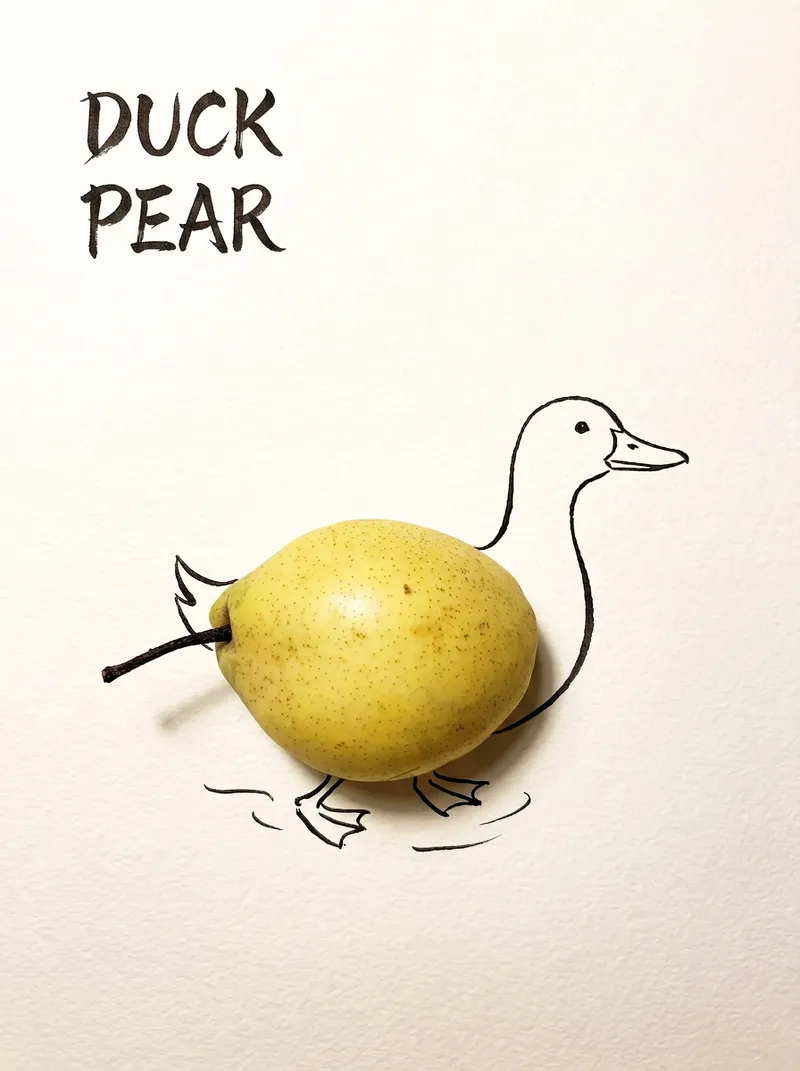
Best for: Xiaohongshu / Douyin creators Turn everyday objects into posters and create a consistent "bring-to-life series" with highly engaging content Food and lifestyle creators Turn ingredients into cover images that make your work more memorable Illustrators / designers Find inspiration quickly and test the "real object + line art" creative direction Teachers / parents Create materials for arts and crafts lessons, helping children make up stories with objects around them Businesses / brand operators Create creative hero images, holiday posters, and packaging inspiration for produce, fruit, and snacks Cultural creative brands, stationery shops, and coffee shops Design merchandise, postcards, stickers, and menu illustrations Everyday enthusiasts Photograph something nearby and share an "artwork" on social media Everything you photograph is hiding another character. "Bring Objects to Life" is a creative poster generator that combines real-object photography with minimalist line art. Just upload a photo of an object, and AI will automatically do three things: 🔍 Read the shape: Analyze the object's outline, curves, and texture to find what it most resembles ✏️ Add line art: Use dark ink pen lines to draw in a head, limbs, a human figure, ropes, and more, fitting the lines precisely to the object's edges 🖋 Turn the idea into a phrase: Create a 2–4-character Chinese pun title and arrange it in the empty space in an artistic typeface The finished image preserves the object's real colors and texture. The background is clean, warm-white watercolor paper, with at least 40% negative space. The result feels calm and refined: recognizable at a glance, then delightfully witty once you see the idea. The default format is a 3:4 vertical layout, suited to Xiaohongshu, Moments, and Douyin image posts. The aspect ratio, font, and title can all be customized.
Information
- Version
- v2
- Last updated
- Runtime credits
- Usage-based
- Models
- Auto
