Couples Wedding Photo Maker
Turn couple photos into cohesive bridal looks
Couples Wedding Photo Maker
Turn couple photos into cohesive bridal looks
Showcase
Description
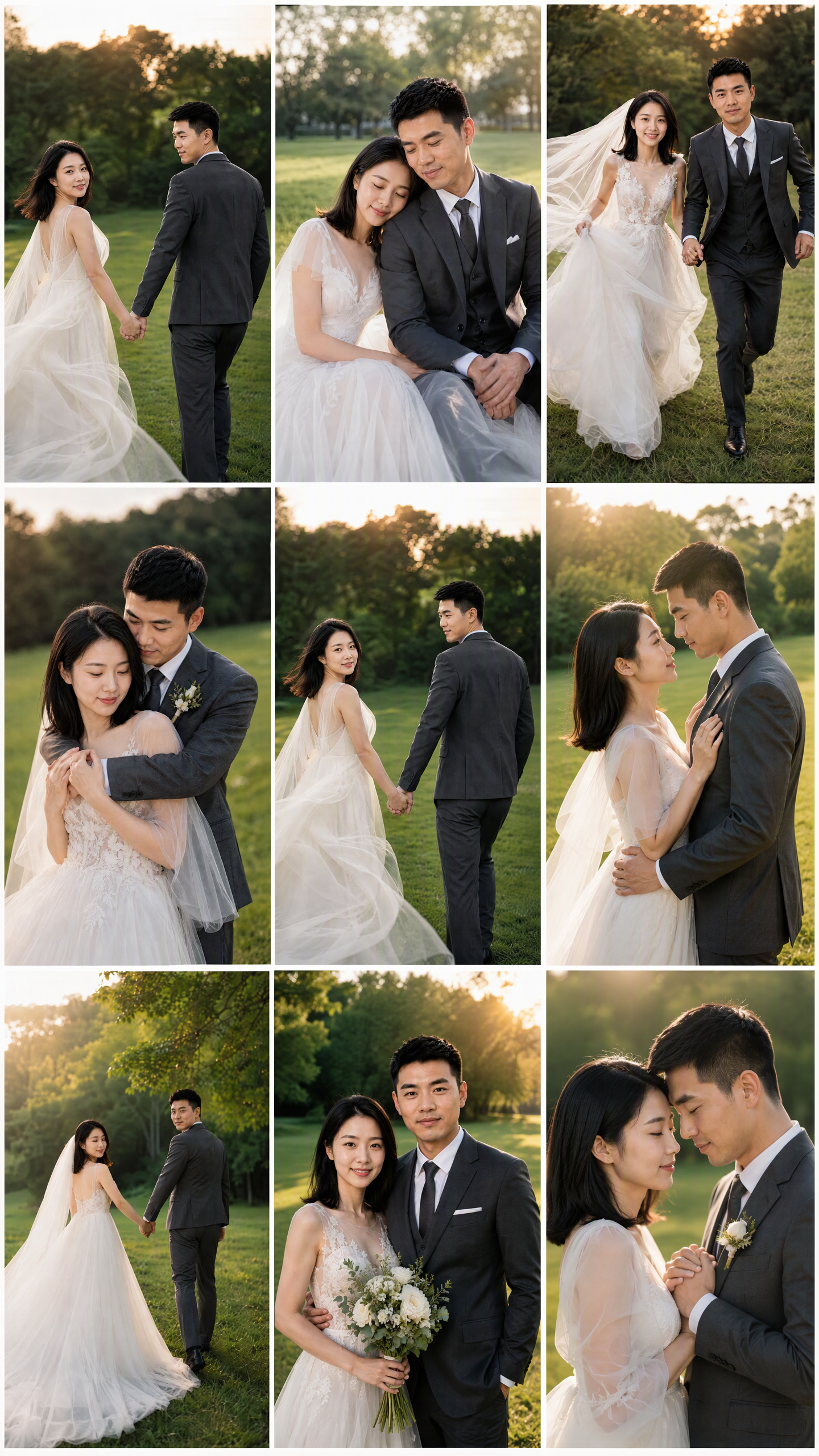
Turn photos of married couples or partners into cohesive wedding imagery with consistent identities, giving you more control from identity confirmation through final output. Upload 1–2 couple photos or individual photos of both partners, and the system will use their real facial features to create identity references, helping the same couple stay recognizable across sample images and final results. If you don't have photos, you can also randomly generate a realistic Chinese couple as a reference. Choose from a range of styles, including dark, elegant bridal portraits; forest-inspired lawn weddings; spring French flower houses; cinematic forest street photography; pure white French bridal portraits; modern Chinese wedding looks; coastal rock wedding photography; French vintage oil paintings; and urban documentary street photography. You can also upload a reference image you like or describe a custom style. After confirming the people and style, generate a 9:16 vertical sample first, then continue creating more once you're satisfied. The final result can be a cohesive 3×3 wedding photo grid or nine individual images with different poses and compositions. Images emphasize studio-quality lighting, cinematic color grading, realistic skin texture, and natural couple interactions, while aiming to avoid face swaps, unfamiliar faces, excessive skin smoothing, anatomical errors, and watermarks or text. It's suitable for wedding inspiration, commemorative images, and social media posts.
Recommended by
Dancang
Why we love this skill
Build a reusable identity anchor from couple photos, confirm the style with one sample, then create a consistent 3x3 grid or nine individual images across nine wedding styles.
Related Skills
View all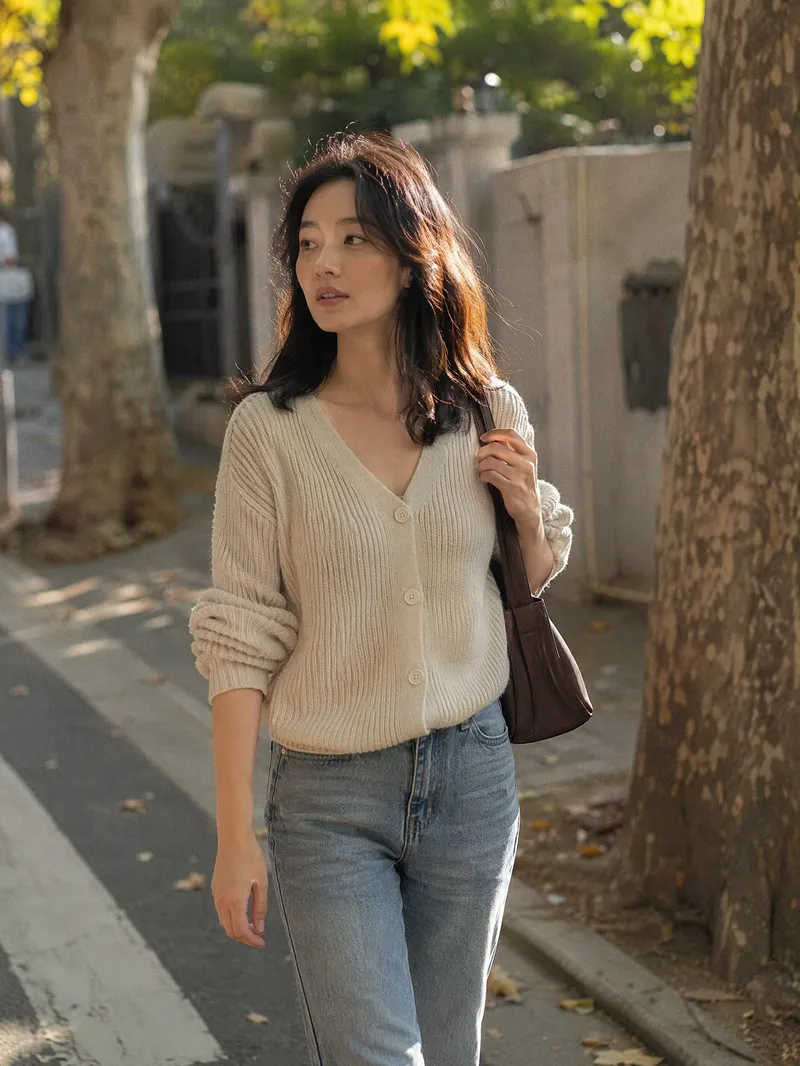 Image
ImageCandid Highlights Pro
Your photo deserves a naturally occurring highlight moment. Upload a clear portrait, and Candid Highlights designs a street photography scene around your expression, outfit, and pose—capturing moments like brushing back your hair, glancing sideways while walking, or just beginning to smile as an original portrait with a realistic photographic feel. • Identity reference: Preserves recognizable facial features and a natural sense of age from the uploaded photo. • Scene customization: Choose directions such as city streets, tree shadows, the seaside, post-rain settings, and night scenes. • Motion control: Choose low, medium, or high motion to balance a clear subject with a dynamic background. • Outfit options: Keep the original outfit by default or specify a change. • Dual use: Create a portrait only or a cover poster with an original short line. • Series creation: Make multi-scene sets featuring the same person and request local revisions as needed. The default is one 3:4 image; you can specify the aspect ratio and number of images. Suitable for social profile pictures, personal content covers, and portrait creation. AI generation may produce identity or limb inaccuracies. Results depend on the reference photo and account capabilities and still require manual review. Installation and redemption cost 3,366 points; runs and additional generations are charged separately under platform rules. This does not represent a real visit or on-site photo shoot.
 Image
ImageStudio Portraits
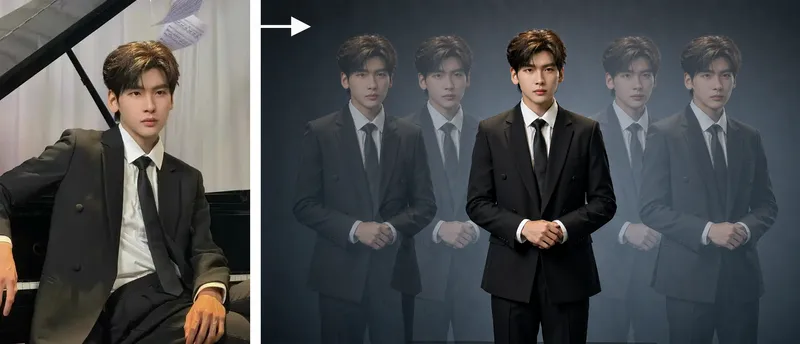
Hyper-realistic studio portrait photography: transform uploaded photos of people, pets, or fashion models into polished portraits in a “minimalist studio + long-exposure art photography” style, with four composition options: long-exposure ghosting, a clean full-body portrait, mirrored cloned doubles, and a two-person portrait. Trigger when users say things like “turn my photo into a studio masterpiece,” “generate a studio portrait,” “long-exposure portrait,” “create a cloned-double photo,” “make a pet portrait,” “generate a Xiaohongshu profile picture,” “create a persona portrait,” “make a couple’s portrait,” or “turn an uploaded photo into a masterpiece.” Core rules: put identity preservation first and clearly state that beautification is not allowed; the subject must be the only sharp element in the image; motion trails are used only for atmosphere. Accurately preserve the subject’s visual features. By default, output uses the same aspect ratio as the uploaded image. Directly use the most suitable YouMind image generation model, or customize it with ratios such as 16:9 or 4:3.
 Image
ImagePet-and-Owner Photo Maker
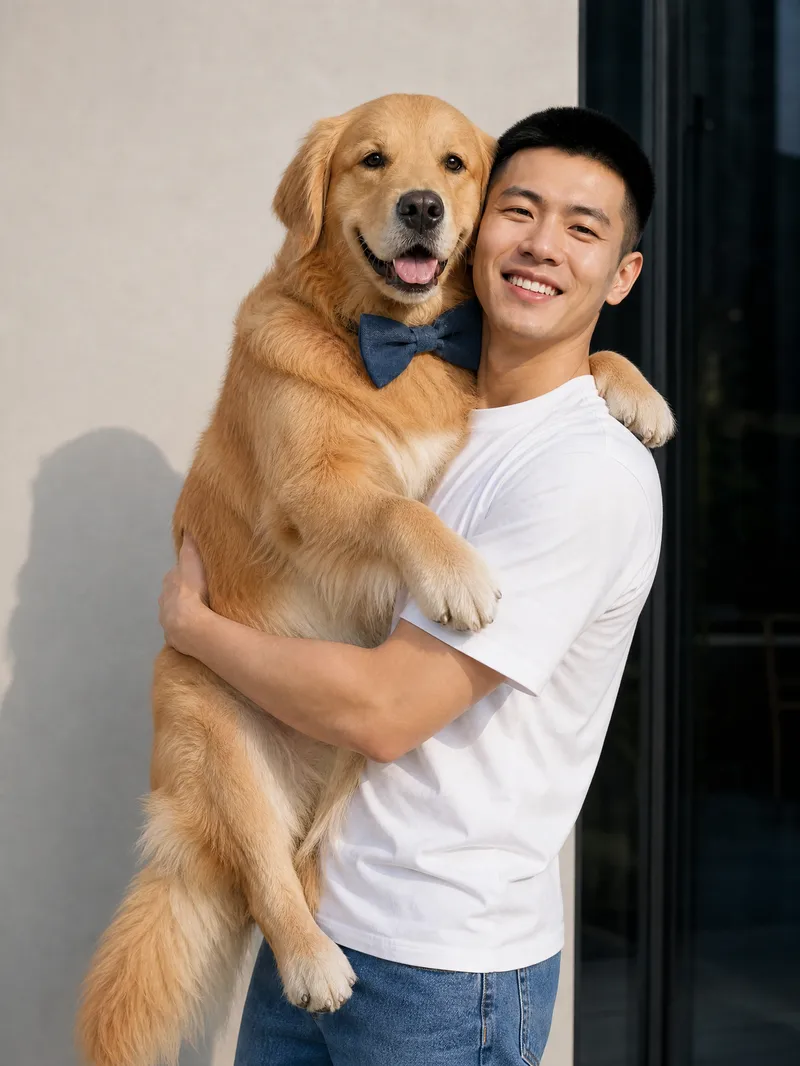
Turn real photos of you and your pet into natural, heartfelt everyday moments. Just provide one real photo of yourself and a complete pet profile to generate realistic, photography-style images of you together. The results aim to preserve your facial features, hairstyle, and body shape, while retaining your pet’s coat color, size, and accessory details, making each image feel like a genuine snapshot of time spent together. Choose from everyday scenes such as walking in the park, cuddling on the sofa, holding your pet, lounging in bed, feeding time, sunbathing by the window, watching TV together, keeping you company while you work, or playing outdoors. You can also describe the scene you want directly. The system arranges natural poses, lighting, and interactions based on the setting—for example, a dog wagging its tail to greet you or a cat snuggling and rubbing against you—to reduce the stiff feel of posed photos and capture a close, authentic sense of companionship. Single- or multiple-pet group photos are supported, with high-resolution portrait or landscape images suitable for sharing and saving. Whether you want to document everyday life, create a pet memorial photo, or preserve a warm moment with your beloved pet, you can get multiple realistic, story-filled photos of you and your pet together.
Information
- Version
- v6
- Last updated
- Runtime credits
- Usage-based
- Models
- Auto
