
Class Roll Call Webpage
Turn a student roster into a voice-enabled roll call page
Class Roll Call Webpage
Turn a student roster into a voice-enabled roll call page
Showcase
Description
Turn a student list into a classroom roll call webpage for projector use: a single offline HTML file that opens with a double-click. Each name on the page features a meaning card (character breakdown, classical origin, plain translation, and an encouraging wish). The homepage includes an original opening poem, and the calling stage displays names in large text along with pinyin, meanings, and simple explanations. It reads names aloud using Chinese browser text-to-speech (with male, female, or auto options), at speeds ranging from 0.8 to 5 seconds per student to help everyone hear the name's meaning. Called names are recorded chronologically, exportable as TXT, and saved across page refreshes. Best for: first-day roll call, homeroom meetings, public class random calling, and any occasion where you want students to hear the meaning of their name. Input: a student list (XLSX, CSV, exports from teaching systems, clear screenshots, or direct text paste), plus the course name, class, and semester. The list needs names and preferably student IDs and classes. What you get: an HTML webpage file + a cleaned list of name meanings + an opening poem. Meanings are written individually for each person, so larger lists take longer. Speech quality depends on the Chinese voices installed on your computer (Windows includes built-in voices, and Edge offers better audio quality). The page works offline without uploading student data.
Best for
Teachers creating classroom roll call or random selection pages that help students learn the meanings of their names.
How to use this Skill
Provide your input
Provide the student roster (spreadsheet, CSV, screenshot, or pasted text), along with the course name, class, and semester. The roster should include names and ideally student IDs.
Run the Skill
The system processes and checks the roster, writes character meanings, sources, plain explanations, expectations, and pinyin for each name, and generates an interactive calling page.
Review your result
Receive a single offline HTML file for projection with voice calling, definition cards, random selection, call history and export functions, plus a definition list and opening poem.
Related Skills
View all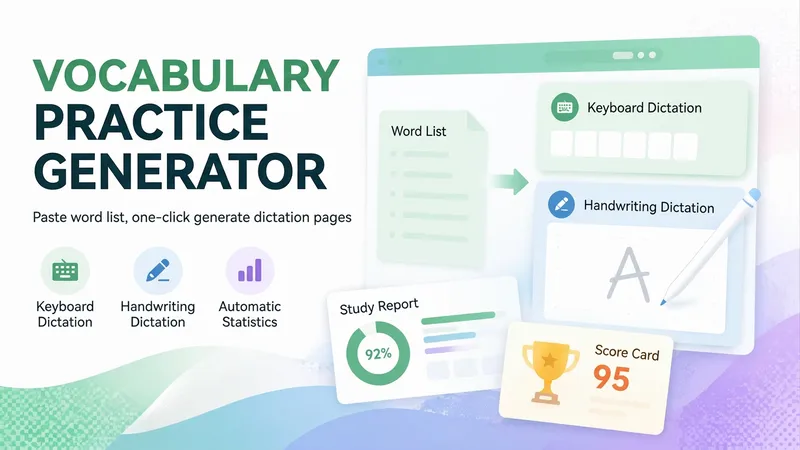 Research
Vocabulary Dictation V5.0
Paste a vocabulary list (or just mention a textbook name like Grade 8 Unit 3 or TOPIK beginner vocabulary) to generate a vocabulary dictation webpage in 30 seconds that you can send directly to students. Great for English, Korean, Japanese, and more, for vocabulary dictation, listening practice, memorization, and exam cramming. ⌨️ Keyboard dictation: See the definition and type the foreign word manually; not multiple choice. ✍️ Handwritten dictation: Write directly on your phone touchscreen and self-assess against the answer key, like digital paper. 🔀 Two modes share one set of data: The same vocabulary list, error log, scores, and progress reports let students switch habits. 🔢 Smart level splitting: Automatically groups by lesson or unit, splitting large lists into manageable halves. 💡 Two-tier hints: First shows the initial letter, then the full word. Words using hints automatically go to the error log. 📚 Auto error logging: Incorrect or hinted words are saved for targeted review. 📊 Learning reports: Tracks sessions, level scores, and overall accuracy, with separate stats for typing and handwriting. 🏆 Percentage scorecards: Generates a scorecard with name upon completion to save and share. 🎨 14 visual themes: Deep sea aurora, cherry blossom, cream bread, Monet's garden, and more. Zero-dependency single-file HTML5 page that opens directly in mobile browsers and WeChat without login or installation. Teachers just share the link with the class. Ideal for English dictation, Korean vocabulary, Japanese memorization, Chinese characters/poems, exam cramming, and parents checking homework.
 Webpage
One-Click Courseware to Web
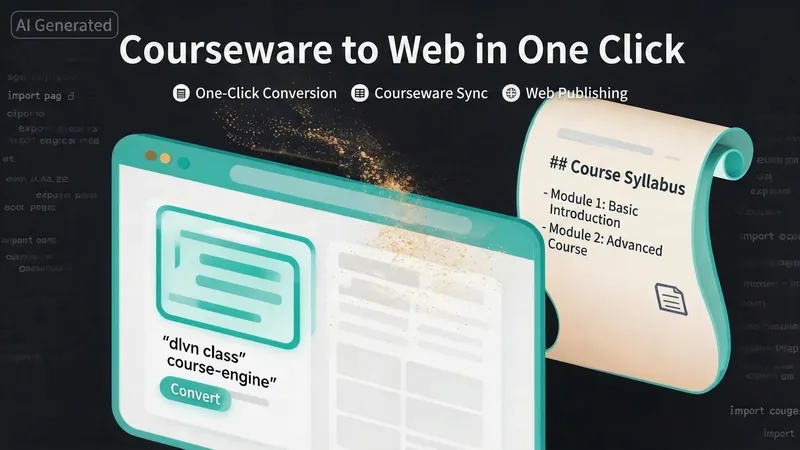
Turn your courseware into a viewable website. Whether you have a Markdown note, a PDF paper, a PPT slides, or a plain text script, or even a public account link, One-Click Courseware to Web can automatically convert it into a clear, beautifully designed online course display webpage. You don't need to write a single line of code—just provide the content. Two display styles: - Course training content → generates a scrolling long page, like flipping through a book. - Paper/report content → generates a PPT-style page-turning website, like browsing slides one by one. Responsive design adapts to mobile and desktop. What you need to do: Just one step: provide your courseware content. Supported formats: .md Markdown files, .pdf PDF documents, .pptx PPT presentations, .txt plain text. You can also paste course content directly in the conversation. Example commands: "Turn these lecture notes into a webpage" "Make this PDF paper into a PPT-style website" "Here is my courseware content, generate an online display page" What you get: A directly accessible online course display website, with the display mode automatically determined. Your content automatically selects the effect: - Course outlines, training handouts, textbooks → scrolling long pages, modules naturally connected, scroll to browse. - Academic papers, research reports → PPT-style slide flipping, each page focuses on one point. - Speeches, meeting reports → PPT-style page-by-page display, supports keyboard/click navigation. If you explicitly request "scrolling" or "PPT", your request is respected. Content extraction capability: For information-dense papers and long texts, the skill automatically performs: - Structure decomposition: splits continuous discourse into independent chapters/slides. - Information condensation: condenses three paragraphs into three key points, each within 20 characters. - Thesis-first: each page gives the conclusion first, then supporting arguments. - Framework visualization: models and classification systems are presented with charts instead of plain text. - Data highlighting: key numbers and metrics are displayed on separate pages prominently. Subsequent modifications: After the website is generated, you can request adjustments at any time: "Update the content of module three" "Change the color scheme to warm tones" "Add a course roadmap" "Change this module to a timeline layout" Modifications only affect the corresponding part; you don't need to regenerate the entire website. What it does not do: This skill currently focuses on course content display and does not include the following LMS (Learning Management System) features: - User login/registration - Learning progress tracking - File download - Online quizzes/practice If you need these features, they are separate extensions.
Arts Education Visual Webpages
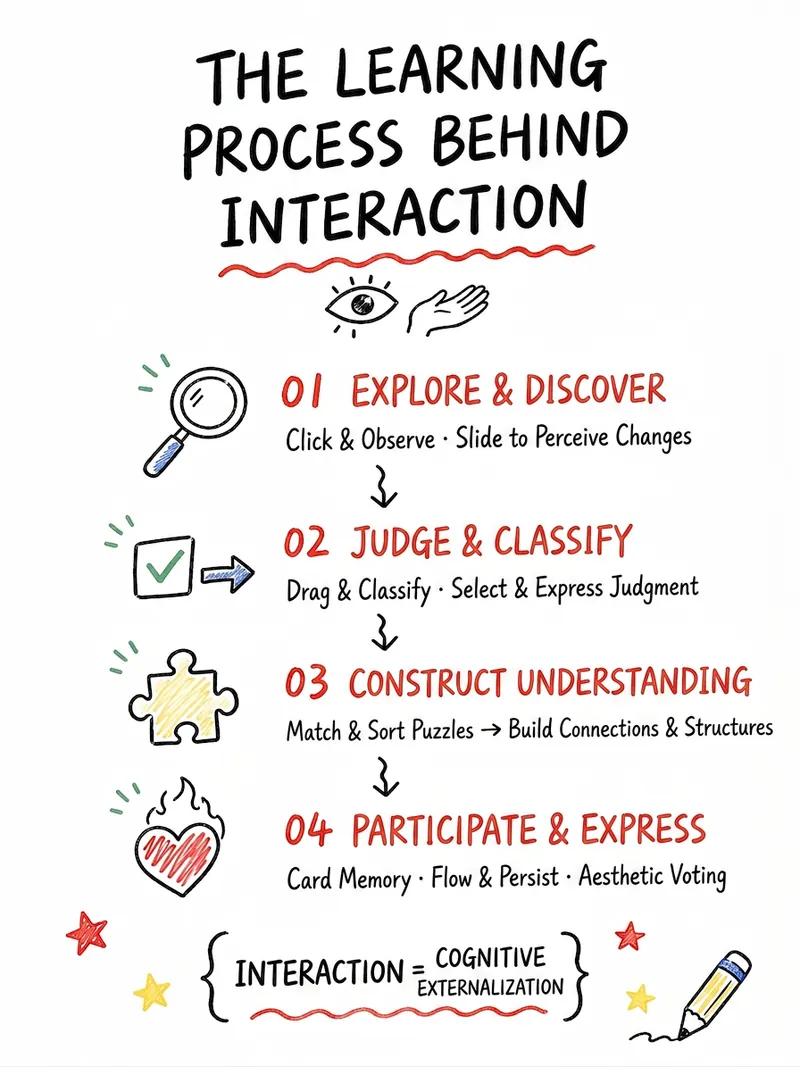
Easily transform K-12 arts education content into lively and engaging interactive web experiences. This skill is designed specifically for arts teachers, helping you present diverse arts courses—including fine arts, music, dance, drama, film, calligraphy, and intangible cultural heritage—to students through visualization and gamification. Whether you want to design click-to-explore, drag-and-drop sorting, color experiments, aesthetic voting, or challenge tasks, this skill can intelligently generate a variety of interactive plans based on your course name, core knowledge points, and teaching objectives. It not only transforms abstract arts concepts into digital content that students can view, manipulate, and create, but also iterates and optimizes based on your feedback, ensuring the plan meets teaching needs while being aesthetically pleasing. In the end, you will receive a detailed interactive webpage content draft, including page structure, student workflow, feedback design, visual style suggestions, and classroom usage guidance. Additionally, this skill can directly generate AI-ready webpage creation prompts, HTML design drafts, and even single-file HTML code, instantly energizing your arts classroom and enhancing student engagement and learning outcomes.
Information
- Version
- v3
- Last updated
- Runtime credits
- Usage-based
- Models
- Auto
- Use cases
- Web creationLearning & education
- What you get
- DocumentWebpage
- Visual styles
- Traditional ChinesePaper art
