
Apple Flat Person -Xiaohongshu
Make Apple flat person posts for Xiaohongshu
Apple Flat Person -Xiaohongshu
Make Apple flat person posts for Xiaohongshu
Showcase
Description
Create complete Xiaohongshu copy and a 1-5 page illustration plan based on your topic. The first image uses a clean, low-saturation Apple flat person style. After confirming the plan, generate the entire set of images. The inner pages can combine phone, watch, product, or UI screenshots to display content. Supports modification of specified pages, copy, or materials to help you more easily complete a stylistically unified Xiaohongshu post.
Related Skills
View all
Apple-Style Xiaohongshu Cards
Turn app screenshots and user feedback into a set of clean Apple campus ad-style Xiaohongshu posts! Includes an emoji-framed product cover image, blue message bubble review pages, and matching Xiaohongshu titles and body text. Delivers 4 vertical PNGs by default, with support for extending to up to 6 based on content. No need to handle layout, review splitting, or copy organization yourself—quickly get style-consistent, ready-to-publish results.
Xiaohongshu Hand-Drawn Infographics
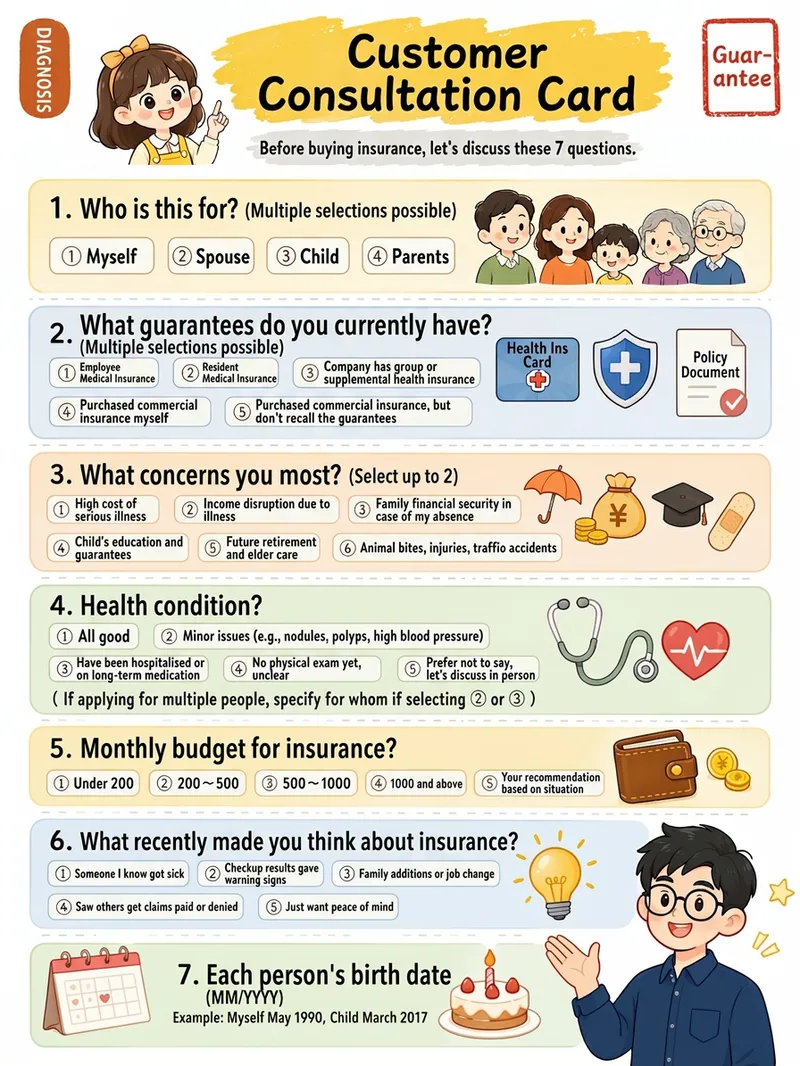
Provide a complete piece of copy, choose the number of images and an aspect ratio (3:4 / 1:1 / 16:9), and generate Xiaohongshu infographics in a “hand-drawn knowledge card” style. The Skill includes a consistent visual system: bright, translucent pure-white paper texture with fine fibers, minimal speckling, and a clean, airy feel; bright yellow hand-drawn brush lettering for main titles; a gray brush-stroke subtitle band; a red stamp in the upper-right corner; a vertical capsule-shaped color label in the upper-left corner; colorful rounded module panels; and newly designed flat vector hand-drawn cartoon characters, along with a rich variety of icons and charts. During processing, it first organizes a “typesetting copy draft” that preserves the full text word for word for your confirmation. Once confirmed, it generates the images. Each module includes an icon or chart, keeping the visuals clear and readable while adding artistic character.

RED Viral AI Factory
Complete RED content production pipeline, covering the full workflow from topic collection and content breakdown to copywriting and image generation. Supports three modes: create from scratch, convert long-form content, and replicate viral hits. Automatically generates titles, multi-image captions, cover copy, hashtag suggestions, and images.
Information
- Version
- v3
- Last updated
- Runtime credits
- Usage-based
- Models
- Auto
