Virtual Avatar Style Guide
Keep your avatar consistent in every image
Virtual Avatar Style Guide
Keep your avatar consistent in every image
Showcase
Description
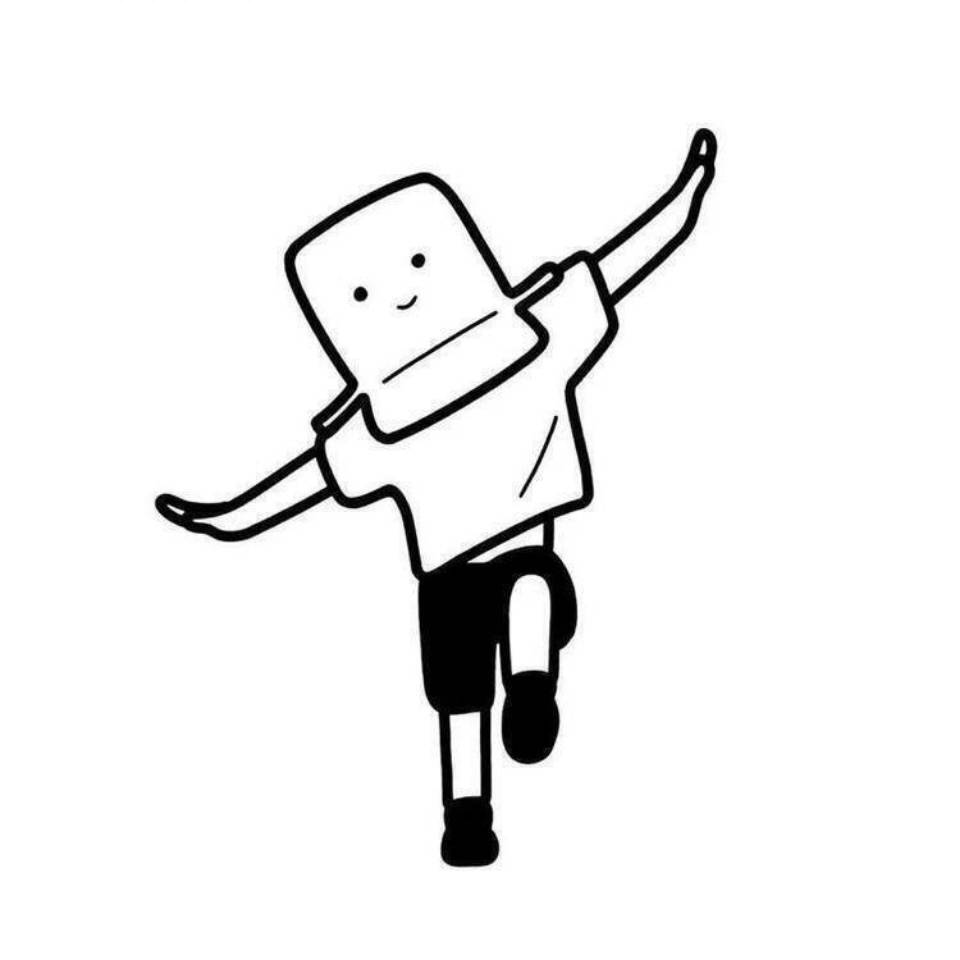
One of the hardest parts of creating a virtual avatar is this: the first image looks great, but the second looks like a different person, making it impossible to build a series. The 【Virtual Avatar Style Guide】 is designed to solve that problem. It first defines four "repeatable identifying features" (a hairstyle anchor, facial anchor, clothing anchor, and prop anchor), then creates a **fixed consistency description block**—with eleven elements written in a set order (perceived age, face shape, eyes, eyebrows, nose and mouth, skin texture, hairstyle and hair color, clothing, props, color tone, lighting and art style). Copy it exactly each time and change only the sentence describing the scene and action, so five images placed together look like the same person. It also provides five first-image concepts to test consistency, a color palette (60/30/10), and avatar usage guidelines (keep the anchors unchanged; only change the clothing and scene). Strict rules: the avatar must be completely original; it must not resemble any existing cartoon, anime, game, or film character, or any real person; no face swapping; reference images may be used only to extract color palette and overall feel; no minors; no revealing or sexualized designs; and no plans intended to impersonate a real person. Suitable for people who want to build a virtual IP, avoid showing their face, or create a series-based illustration account.
Recommended by
Dancang
Why we love this skill
Solves the core problem of visual inconsistency with four fixed anchors and a copy-ready description block, while enforcing original, adult, non-impersonating, and safe character design.
Best for
For creators who want less on-camera exposure, an original virtual IP, or an ongoing series of illustrated content.
How to use this Skill
Provide your input
Provide the account theme, who the virtual avatar represents, the desired first impression and perceived age, plus any colors, props, or qualities that must stay.
Run the Skill
Using this information, design an original adult virtual avatar, fix key identifying details such as the hairstyle, face, clothing, and prop, and organize a reusable consistency description.
Review your result
Get a one-line character profile, four identifying anchors, a consistency description block, five first-image concepts, a color palette, and avatar usage guidelines.
Related Skills
View all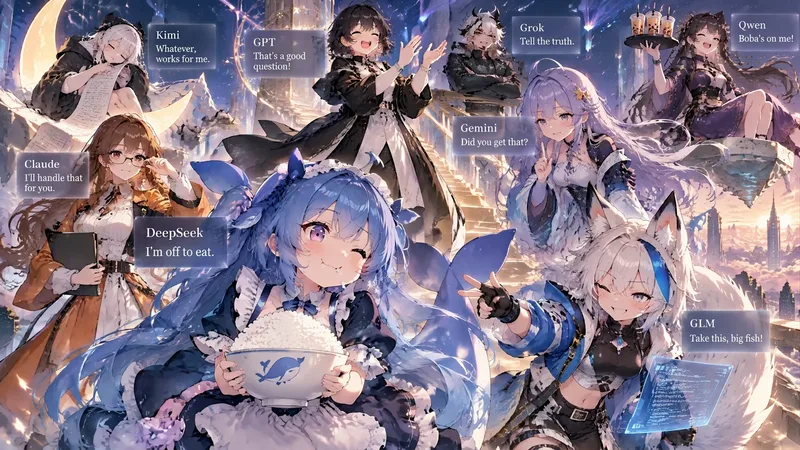 Image
ImageCharacter Portraits—sagasu
Turn 1–8 characters into a single star-studded group portrait: anthropomorphized AI models, virtual idols, game characters, famous IP characters, and brand mascots are all supported. Each character gets their own colors, outfit, props, and pose, arranged at different depths and interacting with one another instead of standing in a row. Each person also gets a text card with their name, tags, and a line of dialogue. 🆕 Updated October 2026 · Upgraded to GPT Image 2.5: Flare is used by default for fast image generation; say “premium / poster / key visual / high resolution” to automatically switch to Sunburst for more accurate Chinese cards and a finish closer to an official promotional image · Generate directly when there’s enough information: the “show the complete plan first and wait for confirmation” step has been removed. When information is missing, all necessary questions are asked at once instead of asking about each character individually · Better at getting the references right: AI models and famous IP characters use widely recognized public personas and designs by default, such as DeepSeek’s blue, chubby fish · Less crowding: for 5–8 people, cards are automatically simplified to “name + one line of dialogue” · Uses fewer credits: the outdated multi-model fallback and retry chain has been removed, reducing wasted generations and back-and-forth conversation so the same image costs fewer credits Examples: “Turn Claude, GPT, Gemini, and DeepSeek into a group portrait using their public personas, landscape format” or “Draw portraits of my 4 original characters, vertical phone wallpaper”
 Image
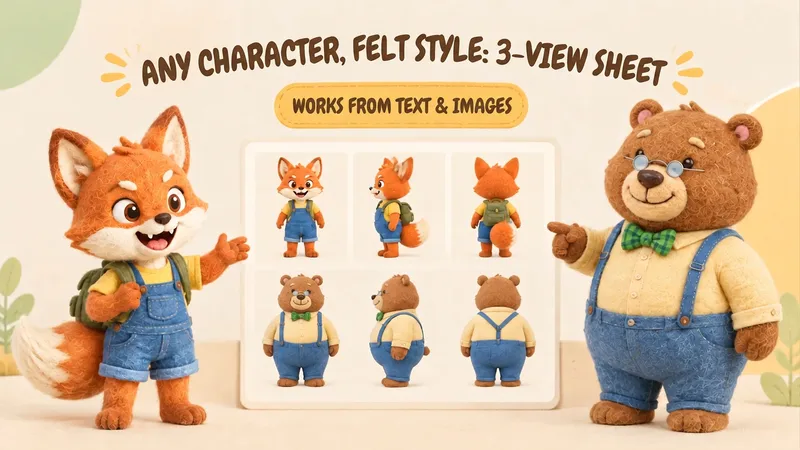
ImageIP Character Felt Turnaround
Give your favorite character a soft, cozy felt texture with visible wool fibers. Upload a character image or write a one-line character description to create front, 90° side, and back views of the same character. Existing characters can retain their facial features, color palette, clothing, and signature accessories. With no reference image, you can also start from text. You’ll receive: • A complete felt-style front, side, and back character turnaround. • A clear visual description of the character’s appearance for future use. • Reusable generation prompts for further edits and expansions. The process first organizes the character’s traits, then designs the felt material, generates the three views, and checks consistency across angles, clothing, accessories, and distinctive structures. Visible discrepancies are corrected as needed. Details on the back that are not shown in the reference image are completed conservatively and clearly noted. Ideal for original IP characters, picture books and comics, short-form video development, and creators who want to turn a favorite character into a felt-style design. The generated reference sheet can support future image generation, storyboarding, and visual communication within a team. Leave the repeated work of refining material terms, viewpoint terms, and character constraints to this workflow, so you can focus on your character and story.
Realistic Character Look Planner
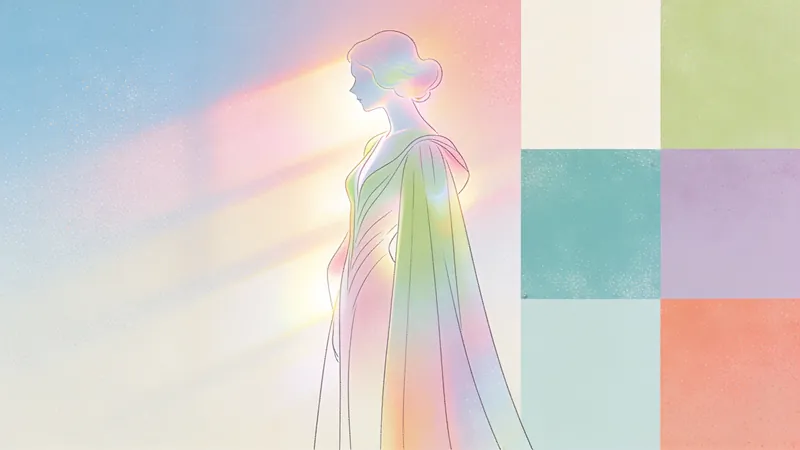
Want to create a realistic and deeply convincing character image for films, comics, or novels? This tool helps you go beyond surface attractiveness, delving into the character's personality, social identity, living environment, and plot progression to provide a complete and compelling visual design solution. You'll get a precise summary of the character's "first impression" along with detailed appearance design—including age, facial features, hairstyle, and body language—all tightly linked to the character's personality and backstory. The tool also offers comprehensive outfit suggestions for the main look, covering silhouette, fabric, color, and wear, ensuring every piece of clothing matches the character's functional needs and psychological defenses. Additionally, the tool designs multiple outfits for key plot stages—initial appearance, stress moments, and transformative highlights—showing the character's growth and evolution. It helps you avoid clichés, ensuring uniqueness and authenticity. Finally, you'll receive a detailed prompt ready for AI image generation, including age, identity, appearance, outfit, scene, and lighting, bringing your character design to life in the most intuitive and realistic way.
Information
- Version
- v3
- Last updated
- Runtime credits
- Usage-based
- Models
- Auto
- Use cases
- Images & design
- What you get
- DocumentPromptPlan
