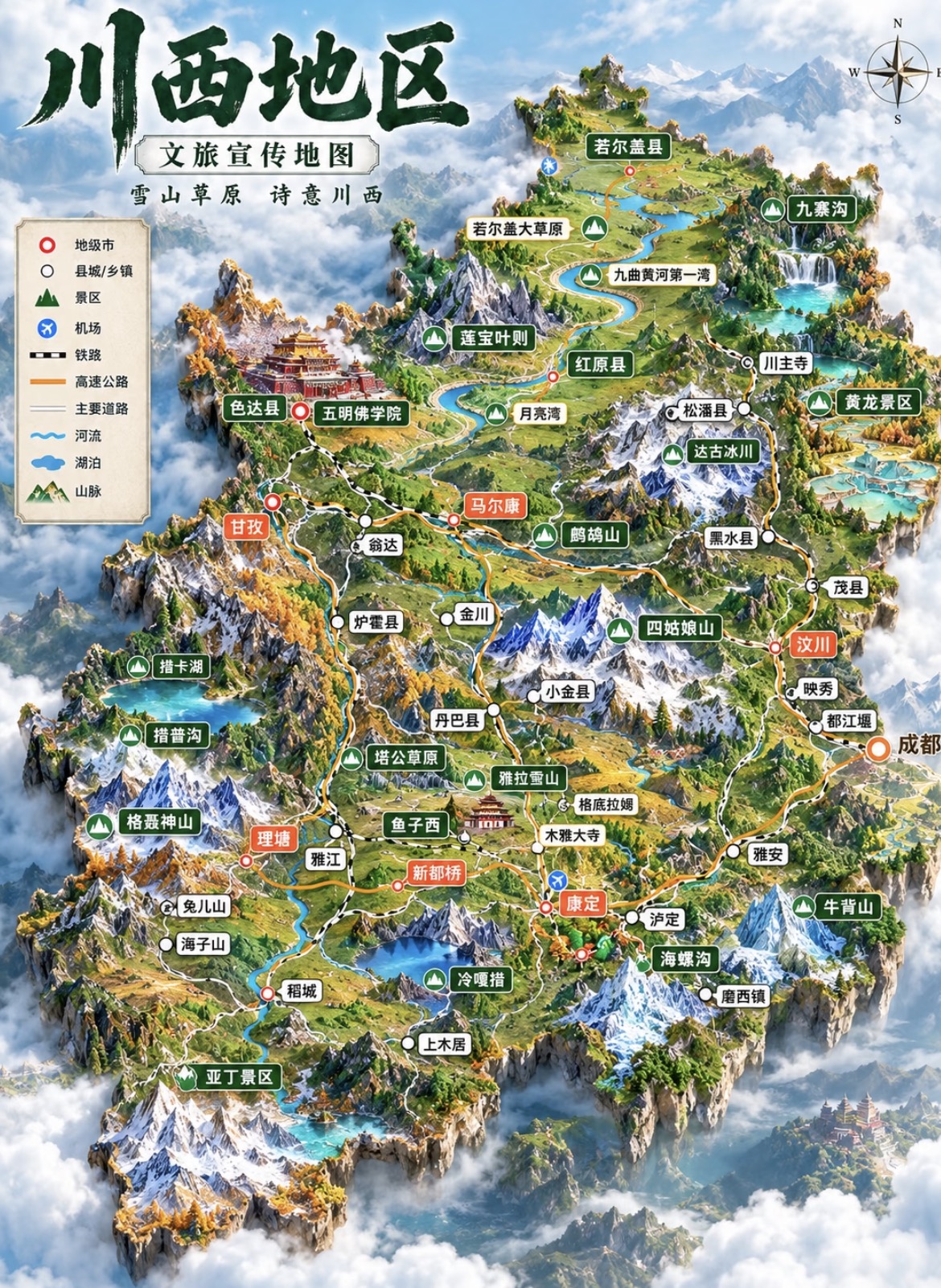
Tourism 3D Map Illustration
Transform region names into floating 3D miniature maps
Tourism 3D Map Illustration
Transform region names into floating 3D miniature maps
Showcase
Description
Transform a region name (such as "Ganzi" or "Western Sichuan Loop") into a vertical tourism promotion 3D map illustration: a miniature terrain island floating above a sea of clouds, featuring snow mountains, meadows, lakes, canyons, rivers, and roads. It includes a top-left legend, a top-right vintage compass, 15 to 30 colored leader-line labels (prefectural cities, counties/townships, scenic spots, and airports) arranged by real relative positions with miniature landmark icons, large calligraphic region name and ribbon slogan at the top, and an artistic representation notice at the bottom. The region name, eight-character slogan, label list, terrain framework, color scheme, and aspect ratio can all be fine-tuned. It applies a baseline template by default and generates the image in one go using the best image generation model (GPT Image 2) without watermarks.
Recommended by
Dancang
Why we love this skill
Translates place names into floating 3D miniature tourism maps above a sea of clouds, blending real geography, landmark labels, road legends, and promotional layouts with stable templates and clear visual hierarchy for regional promotion.
Best for
Ideal for tourism promotion, scenic spot marketing, and content creators needing regional theme visual assets.
How to use this Skill
Provide your input
Enter a region name, along with optional requirements for slogans, attractions, color tones, seasons, or aspect ratios.
Run the Skill
The system structures the regional information into a tourism map composition and generates a vertical miniature 3D map illustration.
Review your result
Receive a promotional illustration featuring a terrain island, sea of clouds, map legend, compass, roads, leader line labels, title, and artistic representation notice.
Related Skills
View allCity Landmark Diorama
Turn a city’s representative landmarks into a miniature map illustration that combines geographic grounding with visual appeal. Simply provide the city name along with any preferences for coverage, language, scale, or style. The Skill will organize the relative positions of around 5–8 key landmarks, riverbank relationships, roads, bridges, and distances between landmarks, while shaping the scene around local architectural character. The final result is a complete, ready-to-view city landmark diorama—not just a prompt or composition plan. The scene uses a full-frame warm-toned map surface, refined, colorful 3D diorama models, a small and varied selection of background buildings, and clear Chinese labels to emphasize the visual hierarchy of “large landmarks, small buildings.” It also retains a city title plaque in the upper left, a north arrow in the upper right, and necessary artistic annotations. This makes it suitable for city introductions, travel and cultural content, regional overviews, and visual presentations. After generation, it also checks landmark recognizability, relative positions, river and road relationships, label text, and compositional consistency, making corrections when needed. This is an artistic illustration of city locations and does not replace navigation, surveying, or a map with a precise scale. When web research and image-generation capabilities are available, it can include brief sources, the research date, and reusable prompts. If image generation is not currently available, it provides a complete image-generation prompt and a location list.
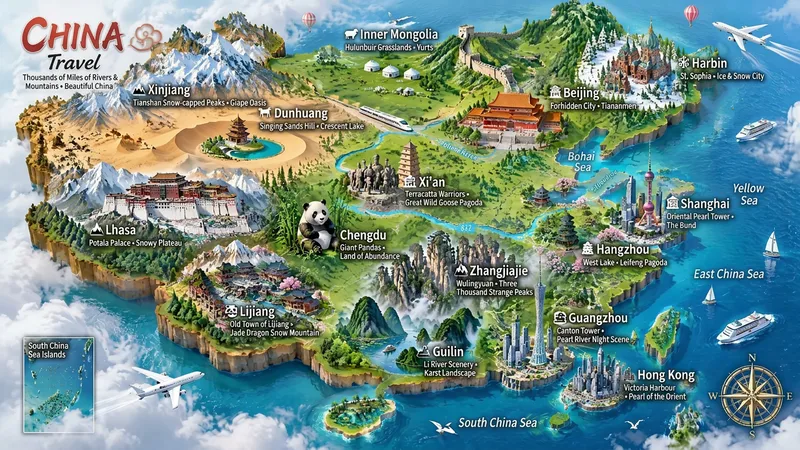 Image
ImageMiniature Maps for Any Place
Best for: travel bloggers, tourism promotion, geography and culture education, hometown promotion, travel guide covers, and social media series. Turn any place into a miniature diorama you can hold in your hands. Just enter a place name. The Skill first identifies whether it is a country, province, city, or town, then researches the area's most representative real landmarks, cultural symbols, and local specialties. Finally, it generates a bright, finely detailed 3D isometric miniature travel map poster. ✅ Landmark research: verify first, then illustrate—no invented buildings, attractions, or place names ✅ All location levels: country / province / city / district or county / town / scenic area ✅ Clear information: place name + icons + keyword labels make each area's character easy to understand at a glance ✅ Default 3:4 portrait format, suitable for Xiaohongshu, Douyin covers, and Pinterest ✅ Flexible styles: 3D miniature, clay, pixel art, watercolor, paper cut, or low-poly ✅ Series-ready: maintain a consistent style for batches such as "All Provinces of China," "Northeast China’s Three Provinces," or "Cities Across China" ✅ Supports Chinese, English, and bilingual Chinese-English labels
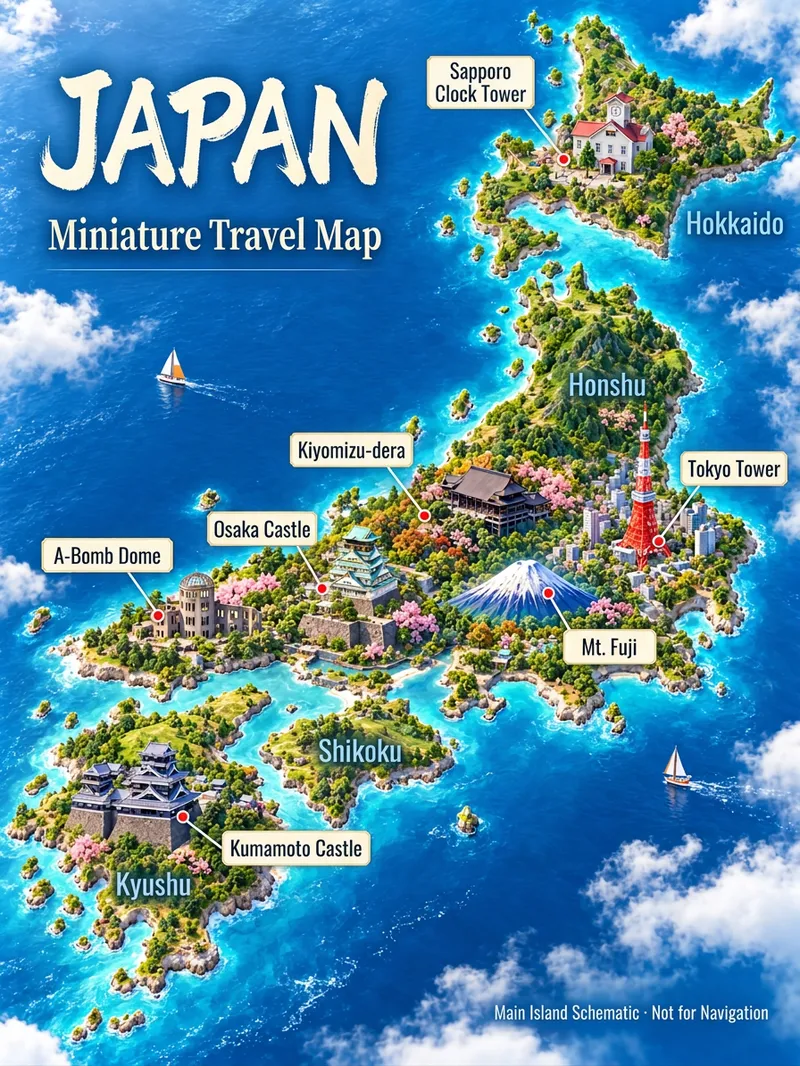 Image
Image3D Travel Map Poster Generator
Turn the place you want to visit into a recognizable travel poster. Enter a country, city, town, or scenic spot name to first check geographical relations, representative architecture, and local features before designing a 3D miniature travel map. It defaults to a 3:4 vertical image, Simplified Chinese, and isometric miniature landscape style, while allowing custom aspect ratios, art styles, and host-available models. Use map data to constrain locations, real photos to constrain architecture, and style references to control lighting and color schemes. Sparse data means fewer landmarks without filling the canvas with fictional attractions. Ideal for travel content creators, local tourism accounts, and destination visual introductions. Web search and image generation rely on YouMind's actual tools and credits; identically named locations or insufficient data require additional regions, map links, or photos. Architectural recognition and geographical accuracy are acceptance goals, and one-pass precise restoration for any location is not guaranteed. Maps are artistic illustrations and not for navigation. Product and workflow design by leowang.
Information
- Version
- v3
- Last updated
- Runtime credits
- Usage-based
- Models
- Auto
- Use cases
- Images & designMarketing & growth
- What you get
- Image
- Visual styles
- 3D
