Toastmasters Club Poster Planner
Toastmasters Club Poster Planner
Showcase
Description
Using prompts to design posters directly often doesn't meet expectations because posters require planning. So I used Anthropic's skill-creator to write a set of prompts for planning Toastmasters Club poster design. It also includes a common-sense self-check module for prompts to prevent strange images. That said, it also depends on the model you use for image generation; Banana2 is recommended. It has built-in Toastmasters color values, mainly constraining text colors. Additionally, it incorporates design principles proposed by the renowned designer Williams.
Related Skills
View all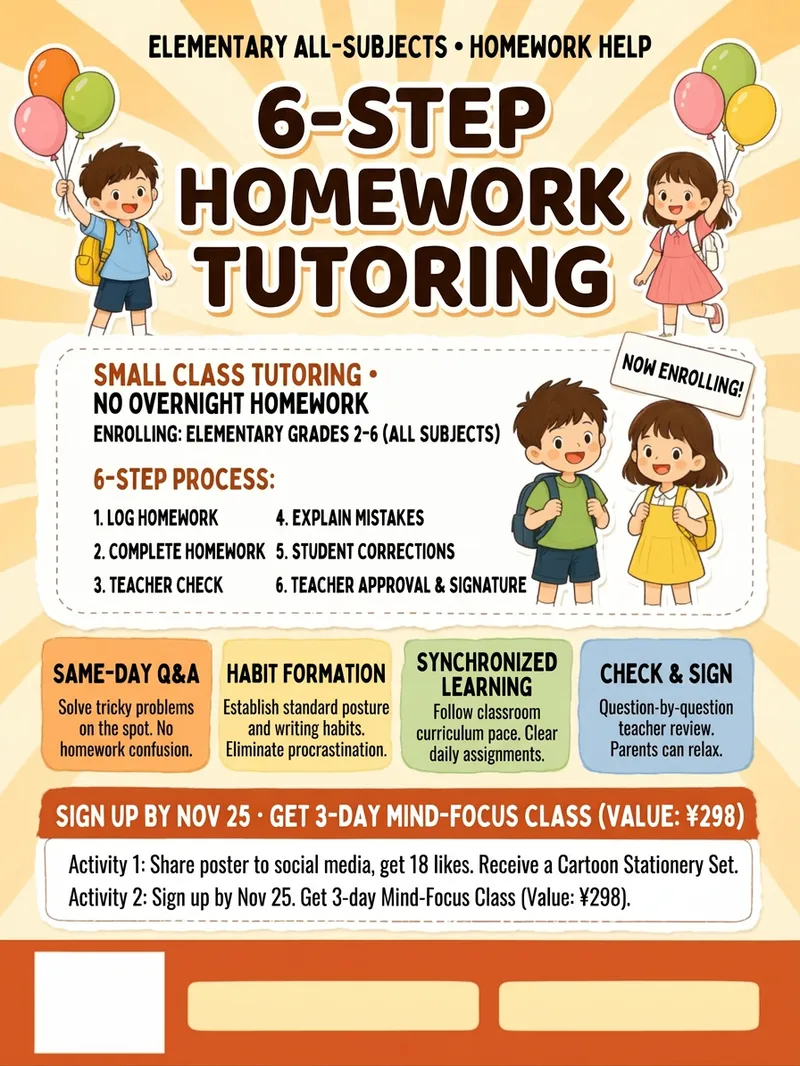 Image
ImageFlyer Designer
Flyer Designer: Provide an industry and the message you want to share, and get a one-page promotional design ready to print or post to social media—with a three-layer information structure, four tone options, tiered text to reduce typos, and reserved space at the bottom for a QR code and phone number. Trigger it with requests such as “make a flyer,” “design a flyer,” “make a poster,” “grand opening poster,” “event poster,” “promotional flyer,” “store flyer,” “hiring poster,” “menu flyer,” “social media poster,” “flyer,” or “poster.” Core guidelines: cover only three points per flyer, keep the main headline to eight Chinese characters or fewer, submit text organized by level, and never use words prohibited under advertising laws. The default format is a 3:4 vertical layout, which can be customized. The output includes Chinese copy layout, copyable English prompts for image generation, a list of text to add later, and print specifications.
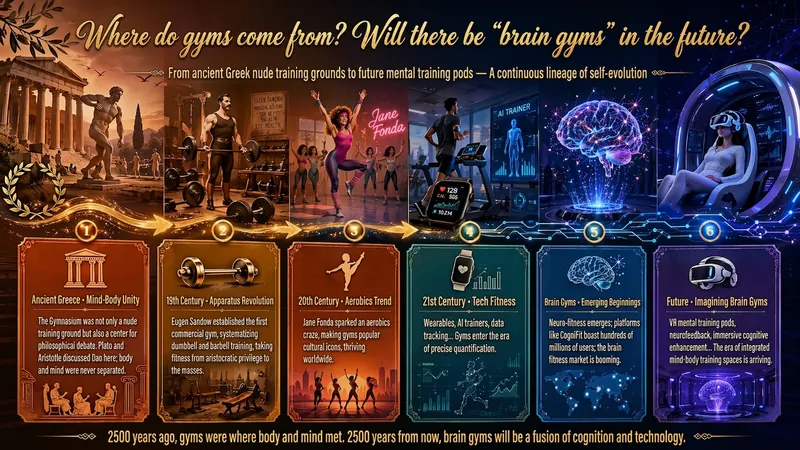
Idea to Infographic
A single image, a single sentence is all it takes. Have you ever had this experience—you have a great idea and want to turn it into an infographic like the ones big accounts post, but: - Open an AI image tool, rewrite prompts over and over, and the result either has terrible layout or completely mismatched style. - Tried several prompt templates, each requiring three or four adjustments, and half an hour later you're still not done. - Want styles like financial literacy, Chinese classic, science, tech... each time you have to research colors and layouts from scratch. Now you don't have to. 「Idea to Infographic」automates all of this: You say "make an emotion management infographic," and it decides whether to use a warm Chinese style or a healing scientific style, searches and organizes core knowledge points, breaks them into 6-8 module cards, assembles the optimal prompt, and quality-checks—if it fails, it automatically redoes; if it passes, it hands it right to you. Four killer capabilities, all built-in: 🧠 **Style Engine** — Not a rigid four-choice. If your topic matches financial literacy, it automatically goes with deep blue gold; if it matches Chinese classics, it uses rice paper and ink; if it matches technology, it uses cyan neon. For topics outside these four? It automatically synthesizes a new style. Coffee encyclopedia → food warm tones; exercise and fitness → vibrant orange gray. No style it can't handle. 🔍 **Content Brain** — You give a word, it searches the web to fill out content; you give a paragraph, it extracts the core; you give nothing but a topic, it organizes everything clearly. All three input methods are supported—the simpler, the more effortless. 📐 **Layout Adviser** — Progressive ladders, side-by-side comparisons, causal chains, overarching-subcategory radiation... Five logical patterns automatically matched. Not just stuffing text into an image, but actually designing an infographic. ✅ **Self-Inspection** — After generating, it automatically checks layout, text density, image-to-text ratio, and style match. If there's an issue, it adjusts and regenerates, up to two times. You don't need to know how to write prompts; you just need to know how to speak. **Who is this Skill for?** - Social media creators who need to produce images daily but don't want to learn design. - Knowledge commerce creators who want to visualize course content but lack a designer. - Corporate trainers who need professional infographics but lack budget for outsourcing. 🔍 - Anyone who wants to turn an idea into a great image. In a word: You have the idea, it has the image. All the hassle in between, it handles for you.
 Image
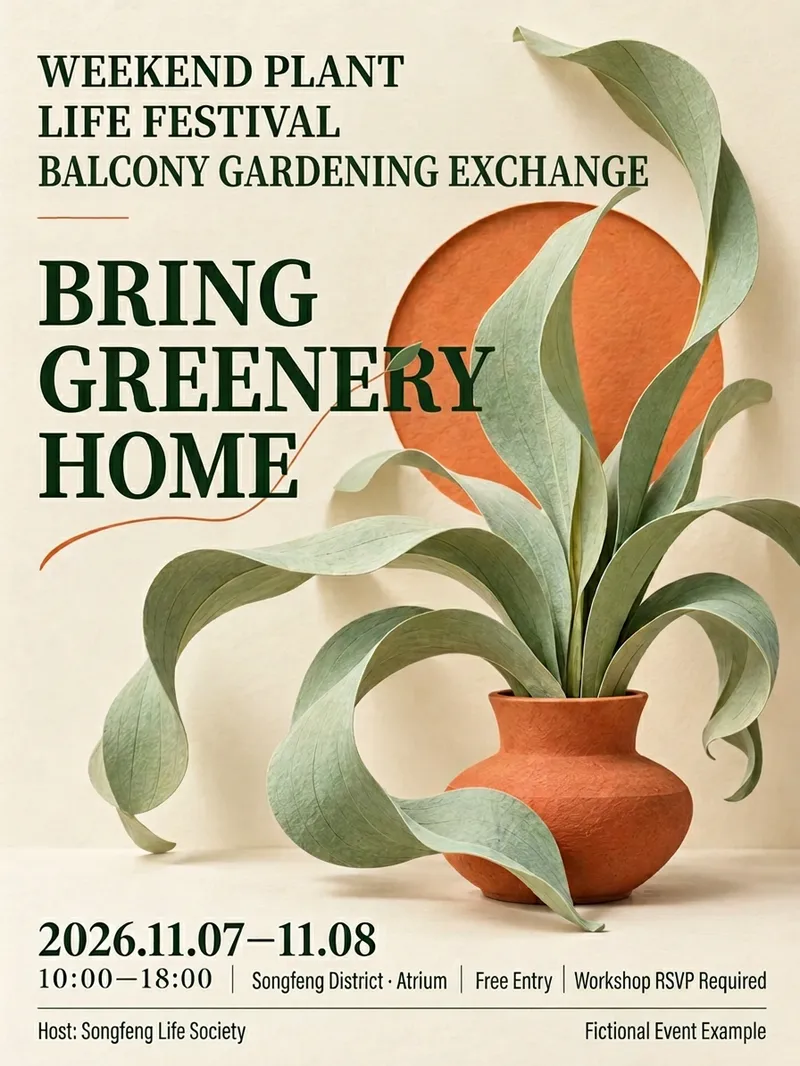
ImageEvent Poster Designer
Send me the event name, time and location, and participation details to design a visually appealing promotional poster with clear key information. Suitable for community operations, retail stores, markets, trial classes, lectures, and promotional roles. Long event names are broken down by meaning while preserving the official full name. Dates, locations, pricing, and essential participation conditions are placed in easily visible spots. Organizers, co-organizers, and supporters are presented according to their original relationships without inventing discounts, quotas, addresses, or official endorsements. Offers 12 style directions that you can choose by number, feel, or reference image, or let me recommend 2 to 3 styles based on the event. The default is a 3:4 mobile poster with support for custom aspect ratios and color palettes; layout adjustments are made when other sizes are needed. After generation, event fields are checked word for word, reviewing title hierarchies, occlusion, and mobile thumbnail recognition, along with complete prompts and pending items. QR codes use only the original image you provide, without generating fake codes. This version uses a fictional botanical event for a single local node test; other styles and QR code workflows are not fully validated. The host requires image capabilities, and installation does not include runtime credits. Output is provided as images, with no promise of editable source design files, print-ready formats, or recruitment results. Not yet run or published within YouMind. Product and workflow design by leowang.
Information
- Version
- v1
- Last updated
- Runtime credits
- Usage-based
- Models
- Auto
