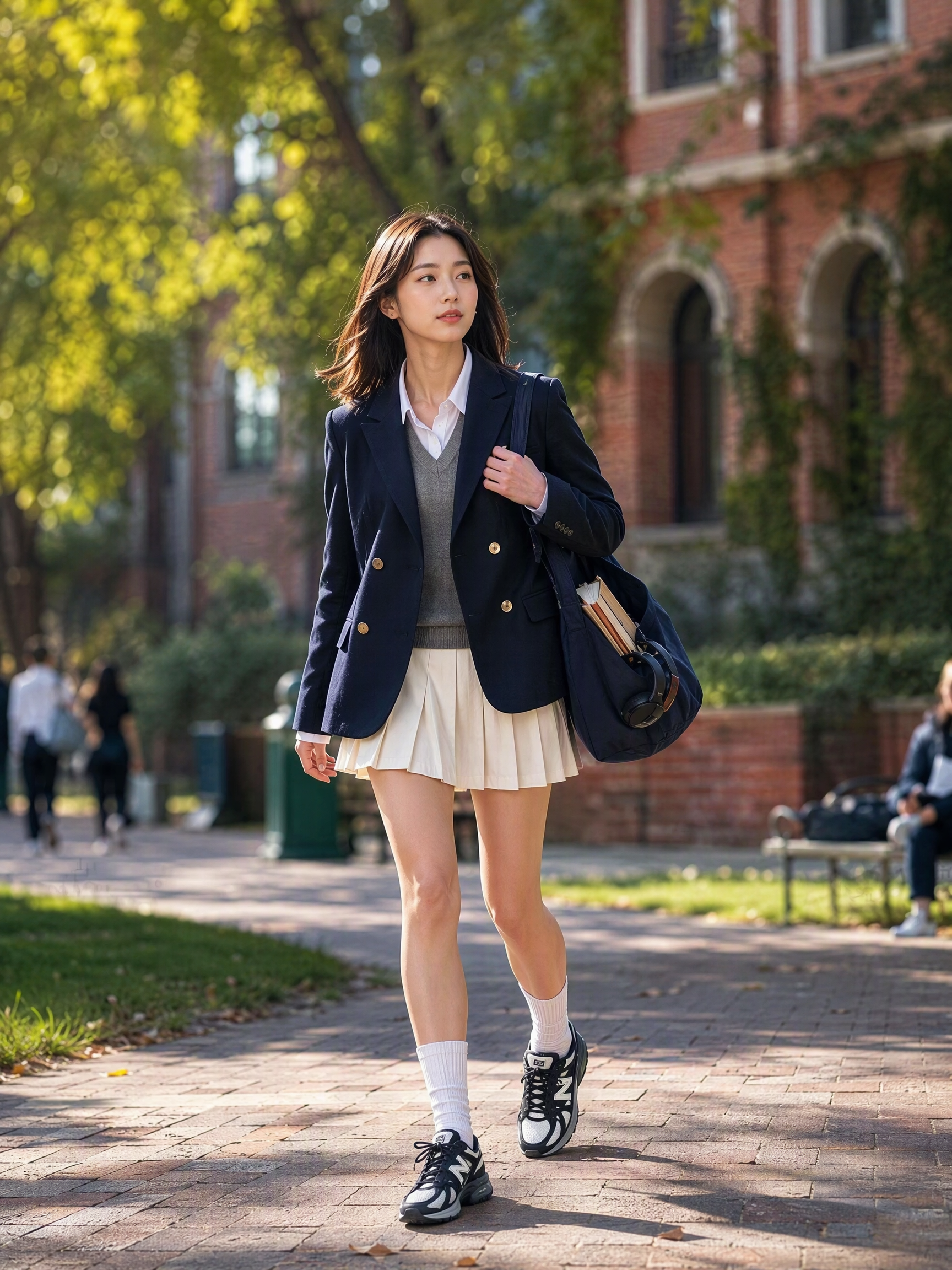
Street Style Outfit Generator
Turn one clothing item into 10 street styles
Street Style Outfit Generator
Turn one clothing item into 10 street styles
Showcase
Description
Upload a photo of your clothing item, shoes, bag, or accessory to receive a 5-dimension item breakdown and 10 street style proposals. Each proposal includes a finished outfit image, bilingual prompts, a 6-part structure, and styling logic. Select a style to generate 5 complete outfits complete with English prompts, images, brand lists, styling logic, and wardrobe alternatives, plus purchasing priorities and reusable parameters. Adjust formality, color, footwear, scenes, body types, or regenerate images using simple commands. Defaults to a 3:4 portrait format with optimal generation models. Become a styling expert every day Switch freely between multiple styles Turn your wardrobe into a fashion show Includes brand and style lists for easy wear
Recommended by
Dancang
Why we love this skill
Starting from a single item, it decodes color, material, and silhouette to generate 10 street styles with paired images. Once selected, it expands into 5 complete, purchasable, and adjustable outfits sharing consistent model, street, and photography logic.
Related Skills
View all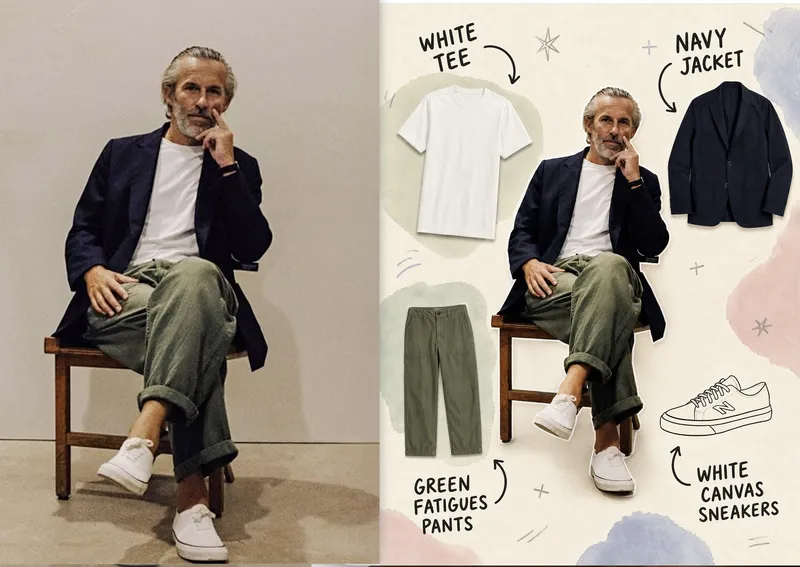 Image
ImageAnnotated Outfit Breakdown
Turn a single outfit photo into a clear, easy-to-read outfit breakdown image—ideal for outfit sharing, fashion editing, styling records, and social media posts. The image preserves the person’s facial features, pose, and original outfit, while separating the jacket, top, bottoms, shoes, and visible accessories into individual product-style item images arranged naturally around the centered subject, making the full look easy to understand at a glance. Each item is labeled with handwritten doodle-style text and curved arrows that accurately identify its color, category, and material. Brand information is included only when you provide it and is never guessed. The overall design combines a warm off-white paper background, soft watercolor blocks, and a few hand-drawn symbols with a realistic person and clean item images, creating a relaxed, editorial collage effect while avoiding obstruction of the subject or inventing clothing that does not appear in the original photo. You can also adjust the label language, item-image style, color palette, number of items, and aspect ratio to better match your personal taste and publishing context.
 Image
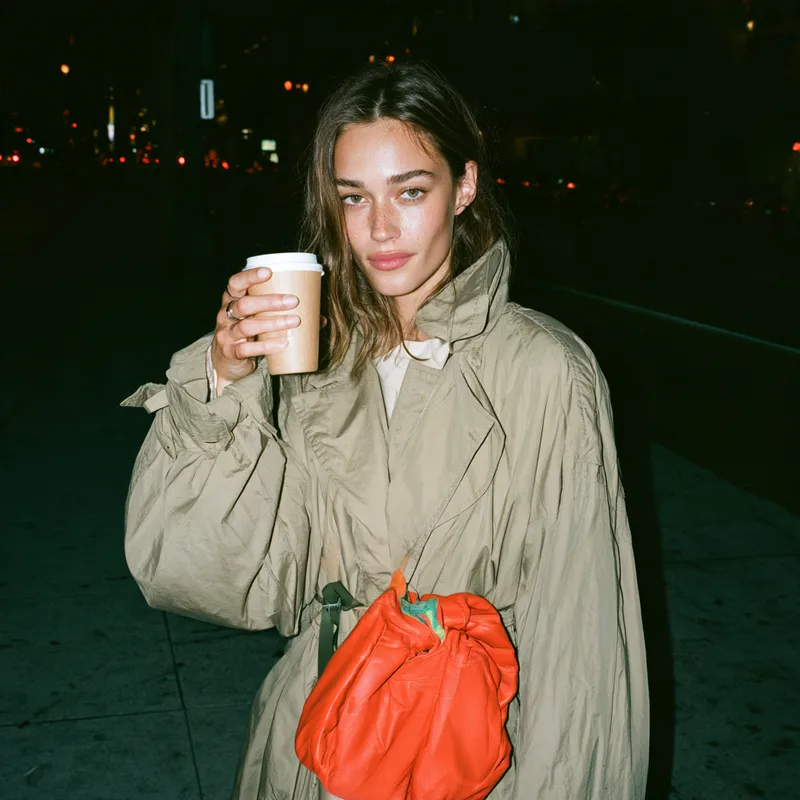
ImageStreet Style Flash Prompts
Generate image prompts for streetwear, bags, shoes, and other accessories with the candid feel of close-up direct flash. Keep products clear and eye-catching while preserving the relaxed poses and immediate snapshot atmosphere of a real street setting. Ideal for brand visuals, social media content, and early-stage fashion and accessory concept images, without turning the scene into stiff, formal studio photography or an overly polished advertising campaign. You can provide a single product, a person’s outfit, or a specific use case, along with colors, materials, quantity, carrying method, and aspect ratio. The skill builds each scene around close-range front-facing flash, short hard shadows, darker but still discernible ambient exposure, and street backgrounds in natural gray, white, deep blue, and other tones. It also adjusts the composition for different relationships, such as hand-carrying, crossbody wear, or placing an item on a table, making bag bodies, handles, soles, and garment structure easier to see. The default output includes standalone 16:9 visual concepts and prompts ready for use with Midjourney and Chinese ImageGen. If you need only one format, you can request it. For multi-image series, it can also maintain consistent product features and visual style while varying the settings and poses, making it suitable for building a cohesive street fashion image series.
 Image
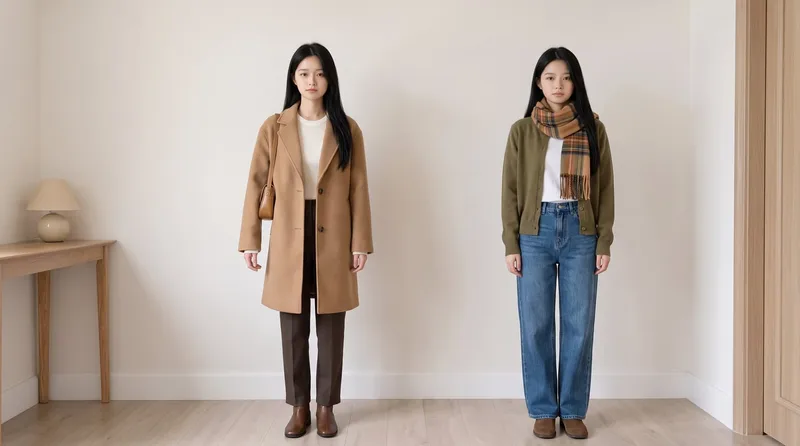
ImageSame Model, New Outfits
AI virtual fitting room: Upload a person photo (+ clothing photo) to generate e-commerce-ready outfit swaps with the same face kept consistent across images and clothing reproduced faithfully. Supports: outfit swaps (one person, one scene, multiple outfits), scene swaps (one person, one outfit, multiple scenes), and full-season batches (a complete set of product detail images in one go); it also supports pet outfit swaps and pure white e-commerce backgrounds. Trigger when users say “change the outfit,” “try on clothes,” “help me change the clothes and generate an image,” “clothing product detail images,” “model photos,” “lookbook,” “styling images,” “wholesale market product images,” “on-model images,” “dress the pet,” or “change the scene while keeping the clothes unchanged.” Core rules: three locks (identity/clothing/scene), change only one thing per image, lock clothing down to the buttons, and keep colors neutral without color casts. The default canvas matches the uploaded image, and the aspect ratio can also be customized.
Information
- Version
- v11
- Last updated
- Runtime credits
- Usage-based
- Models
- Auto
