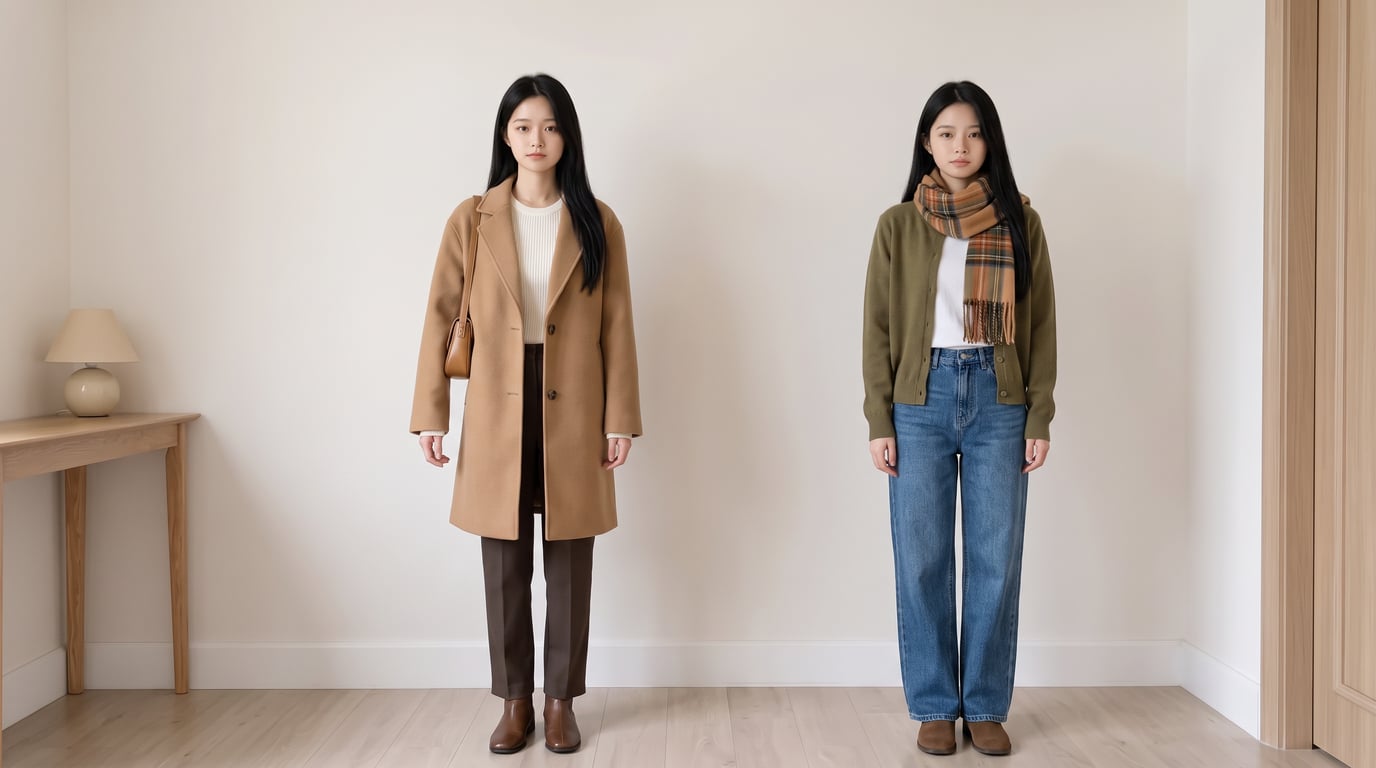
Same Model, New Outfits
Create 30 looks from one photo
Same Model, New Outfits
Create 30 looks from one photo
Showcase
Description
AI virtual fitting room: Upload a person photo (+ clothing photo) to generate e-commerce-ready outfit swaps with the same face kept consistent across images and clothing reproduced faithfully. Supports: outfit swaps (one person, one scene, multiple outfits), scene swaps (one person, one outfit, multiple scenes), and full-season batches (a complete set of product detail images in one go); it also supports pet outfit swaps and pure white e-commerce backgrounds. Trigger when users say “change the outfit,” “try on clothes,” “help me change the clothes and generate an image,” “clothing product detail images,” “model photos,” “lookbook,” “styling images,” “wholesale market product images,” “on-model images,” “dress the pet,” or “change the scene while keeping the clothes unchanged.” Core rules: three locks (identity/clothing/scene), change only one thing per image, lock clothing down to the buttons, and keep colors neutral without color casts. The default canvas matches the uploaded image, and the aspect ratio can also be customized.
Recommended by
Dancang
Why we love this skill
Featured for its identity, clothing, and scene locks, which create consistent series images with the same face and camera angle—plus scene changes, pet outfits, and full-season batch production.
Best for
Ideal for e-commerce sellers, fashion brands, and content creators making model outfit swaps, product detail images, and series showcase assets.
How to use this Skill
Provide your input
Upload a person or pet photo, with a clothing photo if needed. You can also specify a scene change, batch styles, or an aspect ratio.
Run the Skill
Choose outfit swap, scene swap, or batch generation. The system creates images that preserve the subject and clothing features from the reference photos.
Review your result
Get outfit images for e-commerce product pages, lookbooks, or styling showcases, plus series images with multiple outfits or scenes.
Related Skills
View all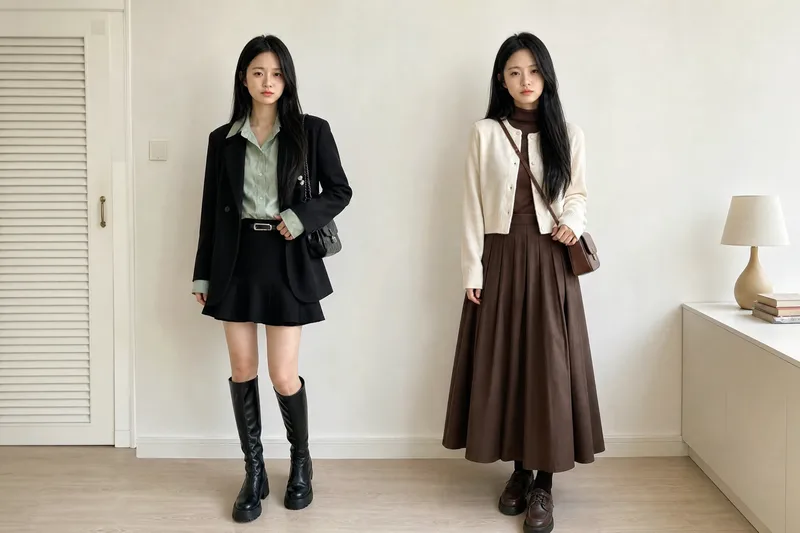 Image
ImageVirtual Outfit Try-On
Uses the user-uploaded person photo as the sole source for the person, generating photorealistic images of that person wearing multiple different outfits. It strictly preserves real identity features—no face swapping or facial feature changes. The GPT image model is used by default, and the number of outfits is confirmed with the user before generation. Best for: fashion e-commerce owners, brick-and-mortar clothing store owners, and fashion influencers who sell through livestreams
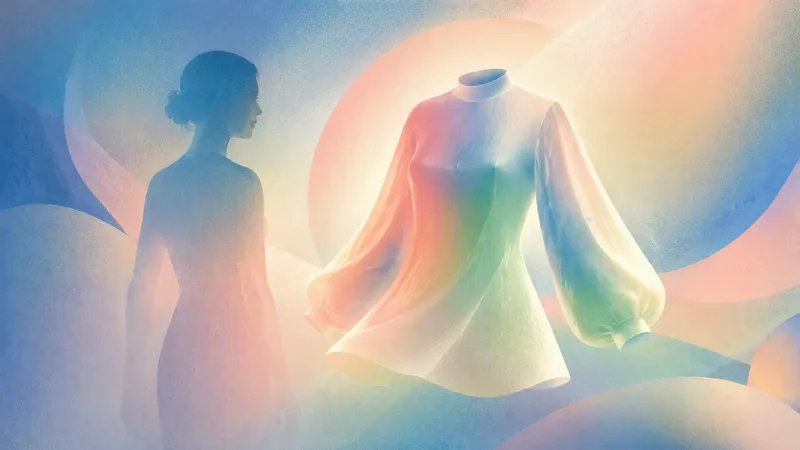
AI Virtual Try-On
Upload a clear full-body photo and an image of the clothing to realistically preview how the specified garment looks on you, helping you decide whether it is suitable to buy or pair with other items. AI will make every effort to preserve your real body shape, proportions, facial features, hairstyle, skin tone, original background, and lighting. It only replaces the areas covered by the clothing, without slimming, lengthening your legs, smoothing your skin, or applying beautifying filters, so the garment’s tightness, length, drape, and cut look closer to how it would appear when actually worn. Whether you’re trying on a top, bottom, dress, coat, or complete outfit, you can generate a photorealistic virtual try-on image. Based on the garment’s cut and your posture in the photo, AI will objectively explain whether the overall fit is true to size, tight, or loose, whether the length is appropriate, and whether it is better suited to casual or formal occasions. It also checks the pattern, material, shoulder line, hem, and lighting. If it detects obvious compositing distortions, it will point them out honestly and suggest improvements, such as changing the shooting angle or adding more clothing details. You can also keep changing the clothing, adjust the color, switch the background, or try different variations.
 Image
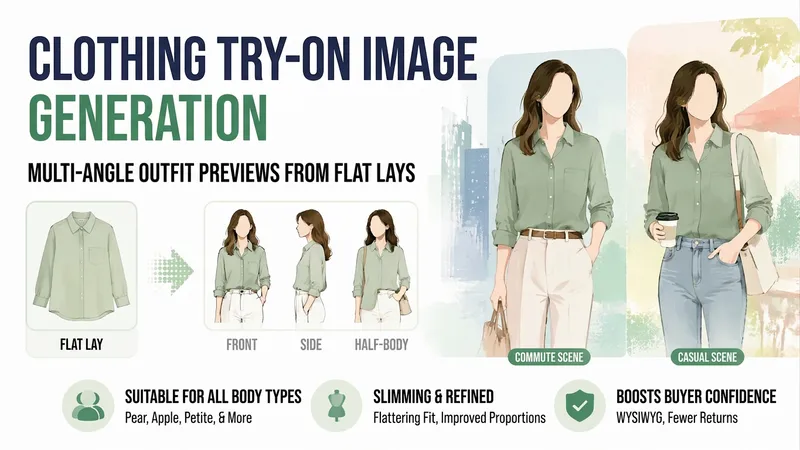
ImageApparel Try-On Images
Small shop owners know the challenge: you can only photograph clothes laid flat, so buyers swipe away after a couple of pages because they cannot tell what the clothes look like when worn. A model shoot can cost hundreds and requires a wait.【Apparel Try-On Images】uses your existing flat-lay photos and the style, fabric, and sizes you provide to create finished worn outfit images—one each from the front, side, and waist-up views, in both commuting and casual settings. It also includes notes on what body types the garment suits and where it may look more prominent, helping buyers see less difference between the images and the actual product and reducing returns.
Information
- Version
- v2
- Last updated
- Runtime credits
- Usage-based
- Models
- Auto
- Use cases
- Images & designMarketing & growthE-commerce & sales
- What you get
- Image
