
Seedance 2.5 Storyboard Prompt Director
Turn rough ideas into Seedance 2.5 storyboard prompts
Seedance 2.5 Storyboard Prompt Director
Turn rough ideas into Seedance 2.5 storyboard prompts
Showcase
Description
A guided engine that turns a creator's natural-language idea into production-ready Seedance 2.5 storyboard prompts — strict time-coded timeline blocks, declarative camera language, de-vagued action beats, @Material references, and built-in media compliance checks.
Recommended by
淡苍
Why we love this skill
An editor’s pick for turning loose video concepts into production-ready Seedance 2.5 storyboards. Its checkpointed workflow, concrete action de-vaguing, contiguous timecodes, standardized camera language, material validation, and iterative segment-level revisions make prompts reliably executable.
Best for
Creators who want to turn rough video concepts and reference materials into clear, production-ready storyboard prompts.
How to use this Skill
Provide your input
Provide a video idea, target duration, creative preferences, and any reference images, videos, or audio.
Run the Skill
The Skill guides you through creative decisions and turns your input into a structured, copy-ready storyboard prompt.
Review your result
Receive a time-coded video storyboard prompt with concrete actions, camera direction, and mapped reference materials, ready for review and refinement.
Related Skills
View all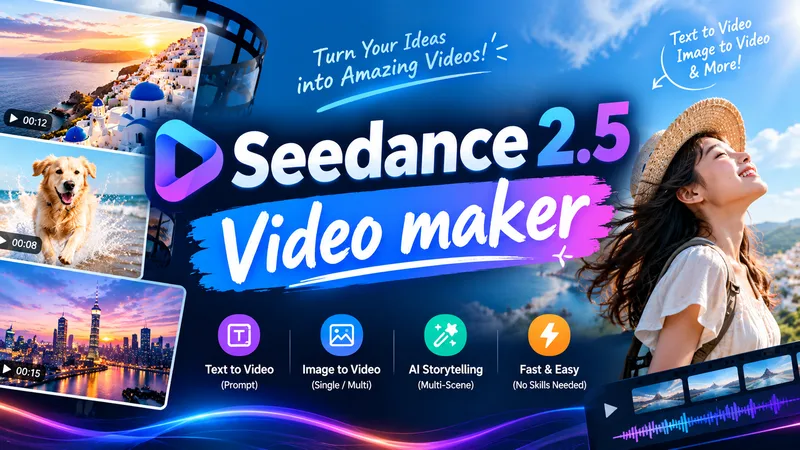
Seedance 2.5 Video Maker
Enter a one-line idea and it automatically designs the video prompt and shot plan, then generates the video with Seedance 2.5. It keeps characters and scenes consistent and reproduces a specific style using text descriptions and reference images. Style, length, aspect ratio, and reference images are optional, and you review the design and estimated credits before generation. Videos longer than 30 seconds are split into multiple shots and merged into one long video.

Cinematic Scene Prompts
This skill turns any request with a film-like or cinematic intent into a precise, production-grade video-generation prompt. It applies professional cinematography: a 2-second opening hook to stop the scroll, exact camera movement and lighting setups, depth and composition guidance, color grading, timeline structures for 4/8/10/15-second clips, synchronized sound design, and platform-specific optimization (TikTok, YouTube Shorts, Instagram Reels, LinkedIn). Each prompt uses specific numbers, timings, and technical language (focal lengths, f-stops, Kelvin temperatures, movement speeds) and supports @material[name] references for uploaded images, videos, and audio. The result is a ready-to-use prompt that produces broadcast-quality cinematic video.
 Video
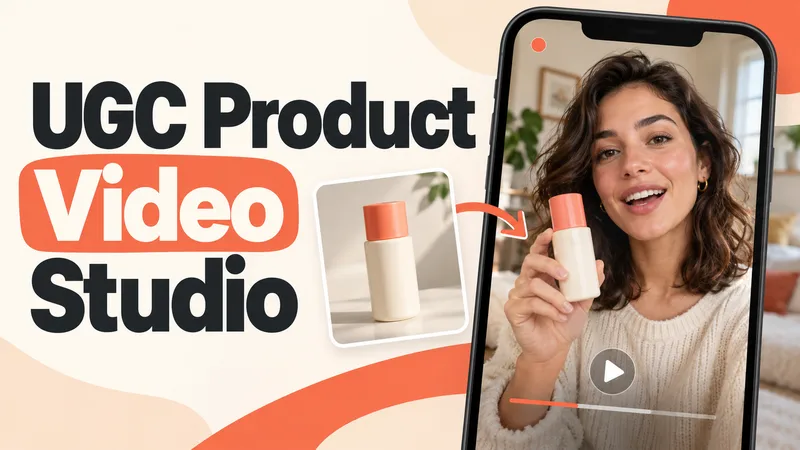
VideoUGC Product Video Studio
Turn a product photo into a complete UGC video workflow: a lifelike AI creator, a connected sequence of scenes, natural dialogue, and prompts tailored to your chosen video model. Built for product owners, marketers, and creators who want to show their product through a believable everyday story. You guide the creative decisions: • Design your character step by step. Approve the look, refine specific features, or request a different person. • Build a sequence of portrait shots, product details, demonstrations, location changes, and a product-only closing shot. • Explore image variations and approve the final scene set before the script is finalized. • Review the scenario and spoken text, then adjust the hook, tone, pacing, or closing line. Realism goes beyond skin texture. Prompts account for natural facial detail, smartphone framing, lighting, and character consistency. Images are checked for awkward grips, floating caps, nozzle direction, and other physical contradictions. Complex actions can be simplified or split into separate shots before animation. Choose your platform, video model, spoken language, and audio method: • Speech generated directly inside the video. • Separate speech text or audio for lip sync. • Off-screen narration. Prompts adapt to the selected model, with language and audio support checked for that route. After approval, generate the video in YouMind, prepare a prompt package for another platform, or stop with the production report. Receive complete image and video prompts, the approved script, reference mappings, timing, and quality-check notes. Your character. Your scenes. Your approval at every key stage.
Information
- Version
- v4
- Last updated
- Runtime credits
- Usage-based
- Models
- Auto
- Use cases
- Writing & contentImages & designVideo & audio
- What you get
- Prompt
