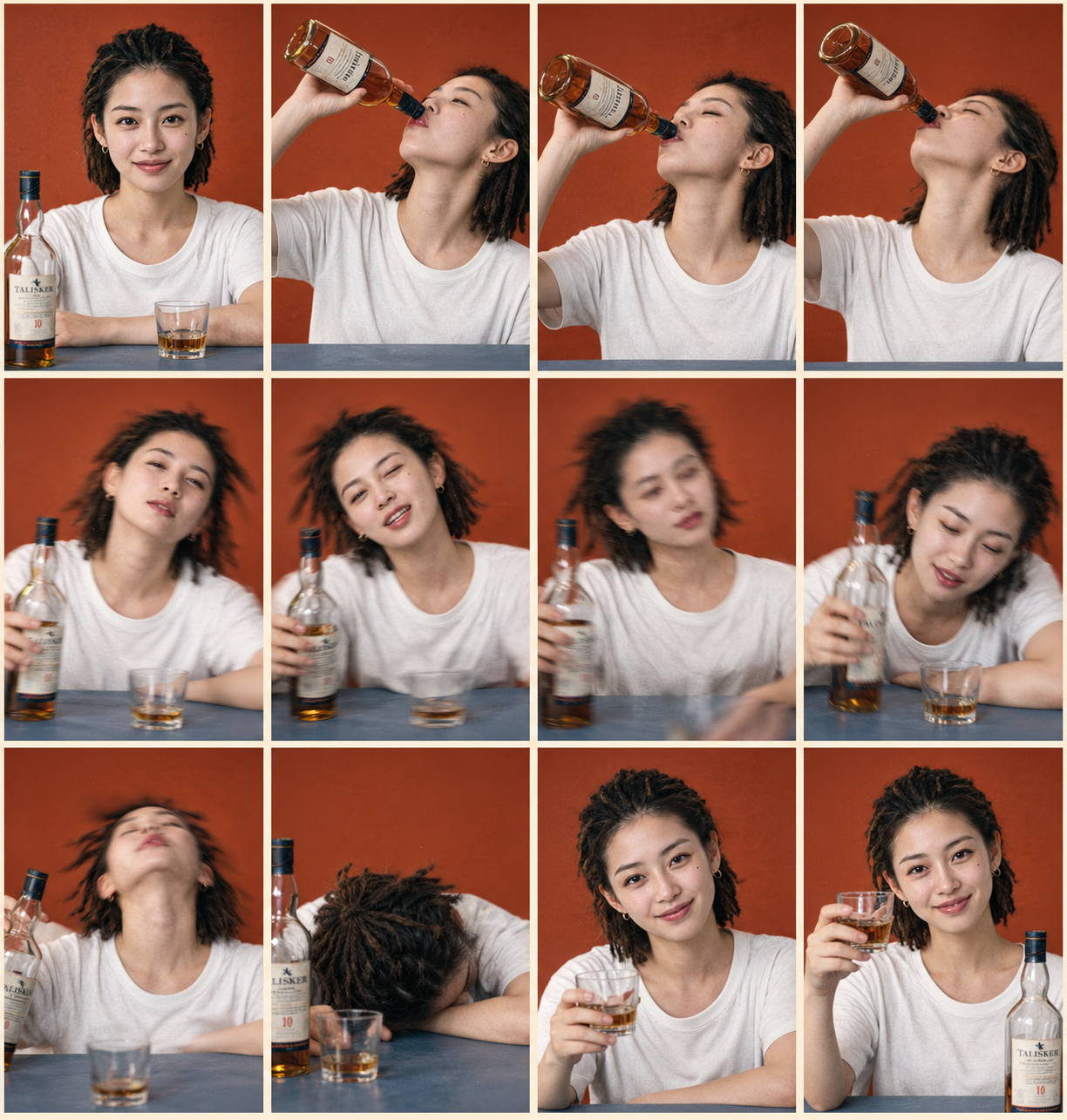
Photorealistic Comic Grid
Turn a portrait into a 12-panel storyboard
Photorealistic Comic Grid
Turn a portrait into a 12-panel storyboard
Showcase
Description
Based on a photo uploaded by the user, generate a 4-column × 3-row grid image with 12 panels in a photorealistic style, keeping the subject’s appearance highly consistent. Ideal for extending a single portrait into a storyboard narrative with an emotional or action arc, such as drinking, working out, working overtime, enjoying food, or dancing. The skill automatically matches the most suitable storyboard plan and background color palette. Users can also explicitly specify the plan and color mode.
Recommended by
淡苍
Why we love this skill
Turns one portrait into a complete 12-panel realistic photo comic with matched storyboards, colors, and dynamic camera language—while preserving character consistency through motion blur, depth of field, and film texture.
Best for
Best for turning a single portrait into a photorealistic comic storyboard centered on actions, emotions, or everyday themes.
How to use this Skill
Provide your input
Upload a clear photo of a person. You may also include a story theme, clothing, props, or visual preferences.
Run the Skill
The system designs a cohesive 12-panel sequence of actions and emotions based on the photo and your request, then creates a consistent photorealistic grid image.
Review your result
Get a 12-panel photorealistic comic grid in 4 columns × 3 rows, with the subject’s appearance and visual style kept consistent.
Related Skills
View all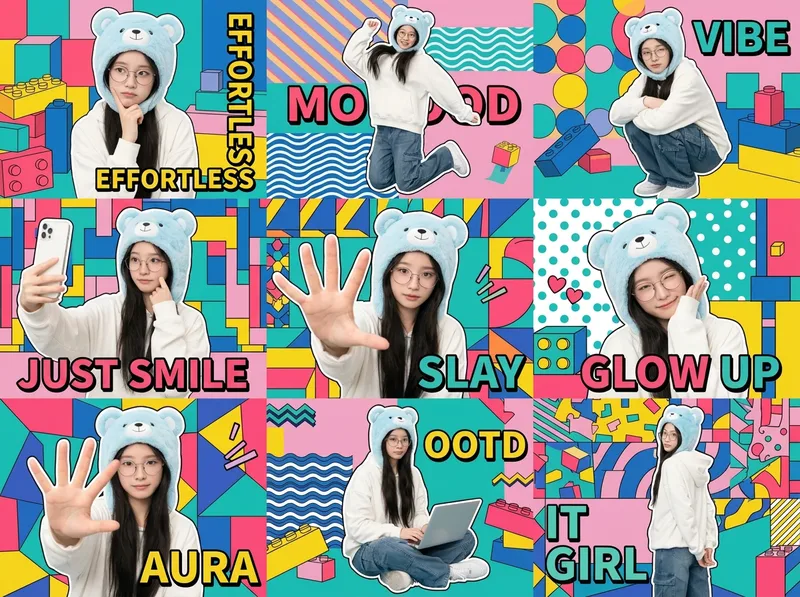 Image
ImageOne-Click Chibi Sticker Diary
Using the person in your uploaded photo as an identity reference, this Skill automatically plans coordinated accessories, outfits, and a unified visual theme to create a 3×3 IP character collage poster. It selects a cohesive combination from built-in libraries of accessories, outfits, visual themes, poses, and keywords, while allowing you to override any parameter. The final result keeps the character’s identity consistent across all nine panels, with unified colors and a professional layout. Ideal for building a personal IP, creating images for social profiles, and making AI photo posters.
 Image
ImageReal-Person Doodle Portrait
Blend your real-person photo into a room or scene drawn with bold hand-drawn lines, creating a creative portrait that places a real person alongside a doodle environment. The person retains realistic photographic texture, facial features, clothing, and lighting, while the environment uses monochrome marker sketches to outline furniture, walls, and spatial contours. The result creates a striking visual effect of a “real person floating in a line-art world,” making it suitable for profile pictures, social cards, and stylized portrait artwork. You can upload a headshot, half-body photo, or full-body photo, then describe the living room, bedroom, study, café, studio, balcony, or other scene you want, along with the person’s clothing, pose, and expression. If you only have a headshot, the image can complete the body and place it in the specified space. If the original photo already includes a real environment, you can also keep the person unchanged while converting the background furniture, floor, walls, or street scene into a simple doodle line drawing, while maintaining the original composition. Deep ocean blue, burgundy, charcoal black, and other line-art colors are supported, with suitable aspect ratios matched to indoor portraits, open outdoor scenes, sports, or spacious environments. The setting will not be filled with excessive detail. Instead, it selects a few key objects and preserves negative space, making the contrast between the real person and the hand-drawn room clearer and more thoughtfully designed.
 Image
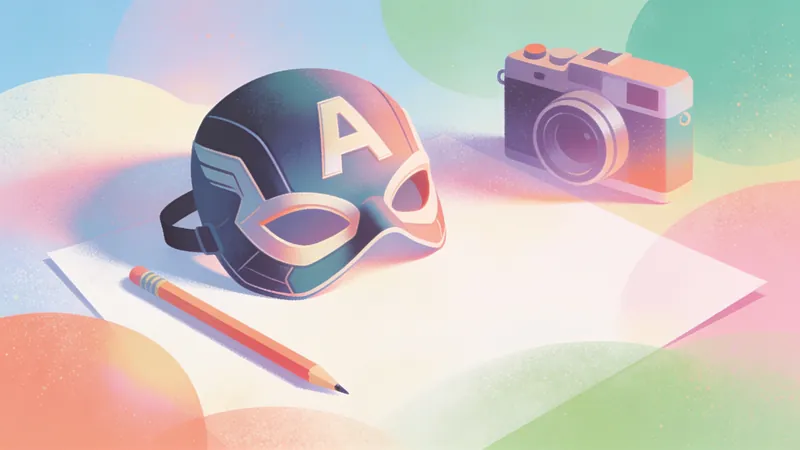
ImageAmerican Comic Art Generator
Transform written ideas, portrait photos, or ordinary images into illustrations with a distinctive American comic-book style. Create profile images, character posters, scene concept art, and comic-inspired visuals. From superhero action and character portraits to atmospheric city scenes, the skill preserves the subject’s defining features and visual focus while adding the energy of American comics. Choose a classic, modern, or cartoon American comic style, or provide a favorite comic artist or work as a visual reference. If you have no specific preference, the system selects a suitable comic sub-style based on the subject, action, and mood. The composition can be adapted for profile images, character illustrations, banners, or posters, with visual elements such as bold black linework, halftone textures, dramatic lighting, motion lines, and a comic-panel feel. For portrait photos, the skill aims to preserve facial features, recognizability, and the subject’s overall appearance. For ordinary images or illustrations, it redraws the core content in an American comic style while keeping the main subject intact. After generation, it also considers subject consistency, stylistic expression, and compositional balance, and provides the finished comic-style image along with a brief explanation of the style and composition.
Information
- Version
- v5
- Last updated
- Runtime credits
- Usage-based
- Models
- Auto
- Use cases
- Images & design
- What you get
- Image
- Visual styles
- CinematicPhotorealistic
